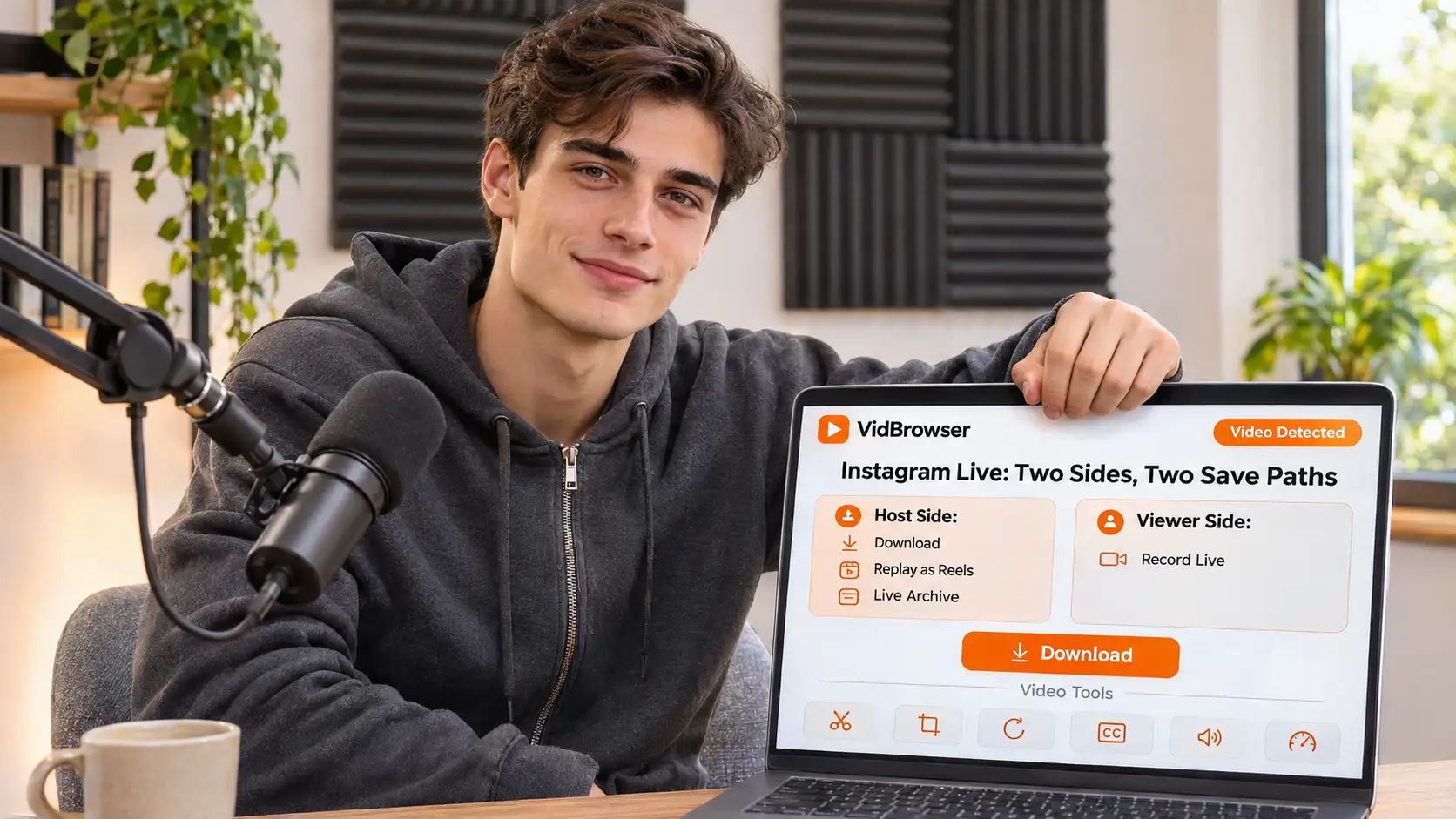
Patreon does have an official app with real offline: the real snag is where the files go
People who subscribe to creators on their phone have mostly installed the Patreon official app, and had the same thought: save the videos they like to the phone and watch them offline on the commute. Tapping in does play offline, yet nothing shows up in the gallery or file manager. This piece covers three things: how the official app's offline feature works, where the downloaded content lives, and how to get the video files onto a computer.
Patreon has an official app: both iOS and Android install it directly, offline is built in
Patreon has an official app, and both iOS and Android can install it straight from the app stores, with offline built right in.That is the exact opposite of OnlyFans and Fansly, where no official version shows up in store search; we covered those separately before, so we will not repeat them here.
The help center's member app guide opens with the two download entries: the iOS version and the Android version. The store listing is equally direct: download podcasts, music and other audio for offline listening. Note the wording, the stores lead with audio; video offline lives in the Library page, covered in the next section.
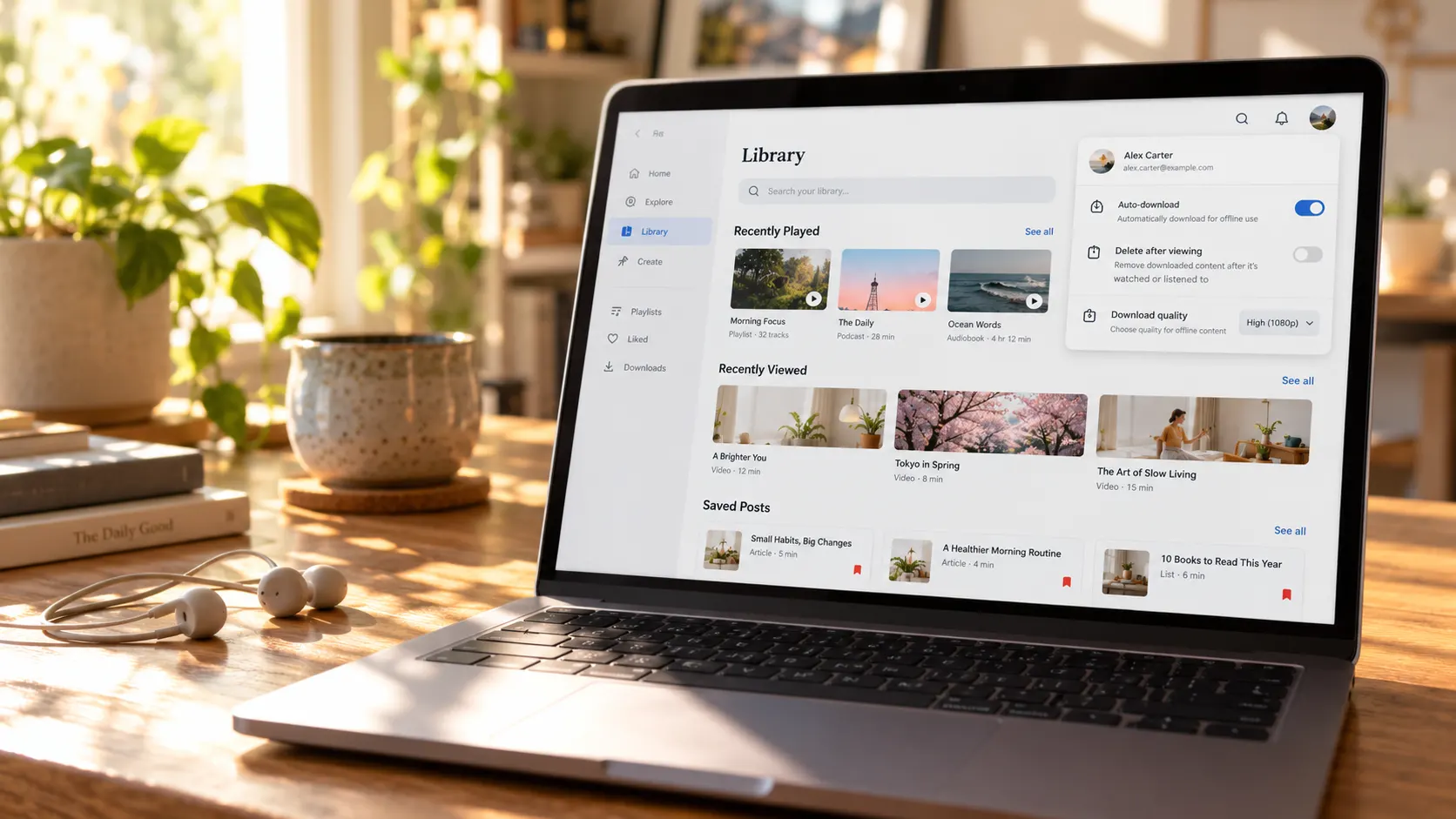
The Library page manages offline content in one place: three columns, three download settings
The Library page is home to all offline content in the app, split into recently played, recently viewed and saved posts; the account entry at the top right holds the three settings that shape the offline experience.Per the official guide: recently played lists what you have been listening to and watching by time, recently viewed is the posts you opened lately, and saved posts are the ones you stored for later.
The three settings, unpacked per the official wording:
- Automatic downloads: once on, audio and video posts from creators you follow download to your device automatically for offline listening and viewing. If you chase podcast-type creators, this one switch is enough.
- Delete finished downloads: once on, content you finish is removed from the device automatically; the official framing is storage management.
- Video download quality: low quality takes less space, high quality looks better; the official stance leaves the choice to you.
Each switch covers one stretch: automatic downloads decides whether to save, delete finished decides how long to keep, quality decides how much space it takes. Chasing daily podcasts and chasing weekly long videos call for completely different switch combos.
Not finding it in the phone's file manager is normal
Offline content downloaded by the app is hosted offline access, not an ordinary video file you can copy freely.That is why the gallery and file manager never show it: the content sits in the app's own data directory, managed and played by the app itself; system players and other apps cannot open it.
Third-party reviews put it bluntly: do not assume the episode that auto-downloaded is a plain MP3 or MP4 you can copy to a computer or another player. For phone-only offline viewing, hosting is convenient; the weak spot is taking content with you: it is bound to your account and device, and whether it survives a phone switch or a canceled subscription is not in your hands. As for why ordinary download tools cannot grab videos from these subscription platforms, the Patreon video download guide broke down the underlying reasons; we will not repeat them here.
To take audio out of the app, the official path is a private RSS feed
For podcast-type content, the official option is a private RSS feed: add the creator's private feed to your usual podcast app, and eligible audio and video posts can be downloaded and played there.This is a documented feature, and one of the few legitimate exits outside the app's hosted system.
Two boundaries to know first. One is coverage: the official notes say the feed includes eligible audio and video posts from RSS-enabled podcasts; ordinary file attachments and links to third-party hosting like Vimeo are not in the channel. Two is that the link represents access to your membership content; the official reminder is not to share it, since unusual access can get it reset, and then you have to add it again.
How to save Patreon videos as MP4 on a computer
In-app offline covers on-the-go viewing; for keeping a copy long term and watching on other devices, you land on the computer. Which post types can be saved and which cannot, the Patreon post types guide listed out; saving video posts takes a few steps:
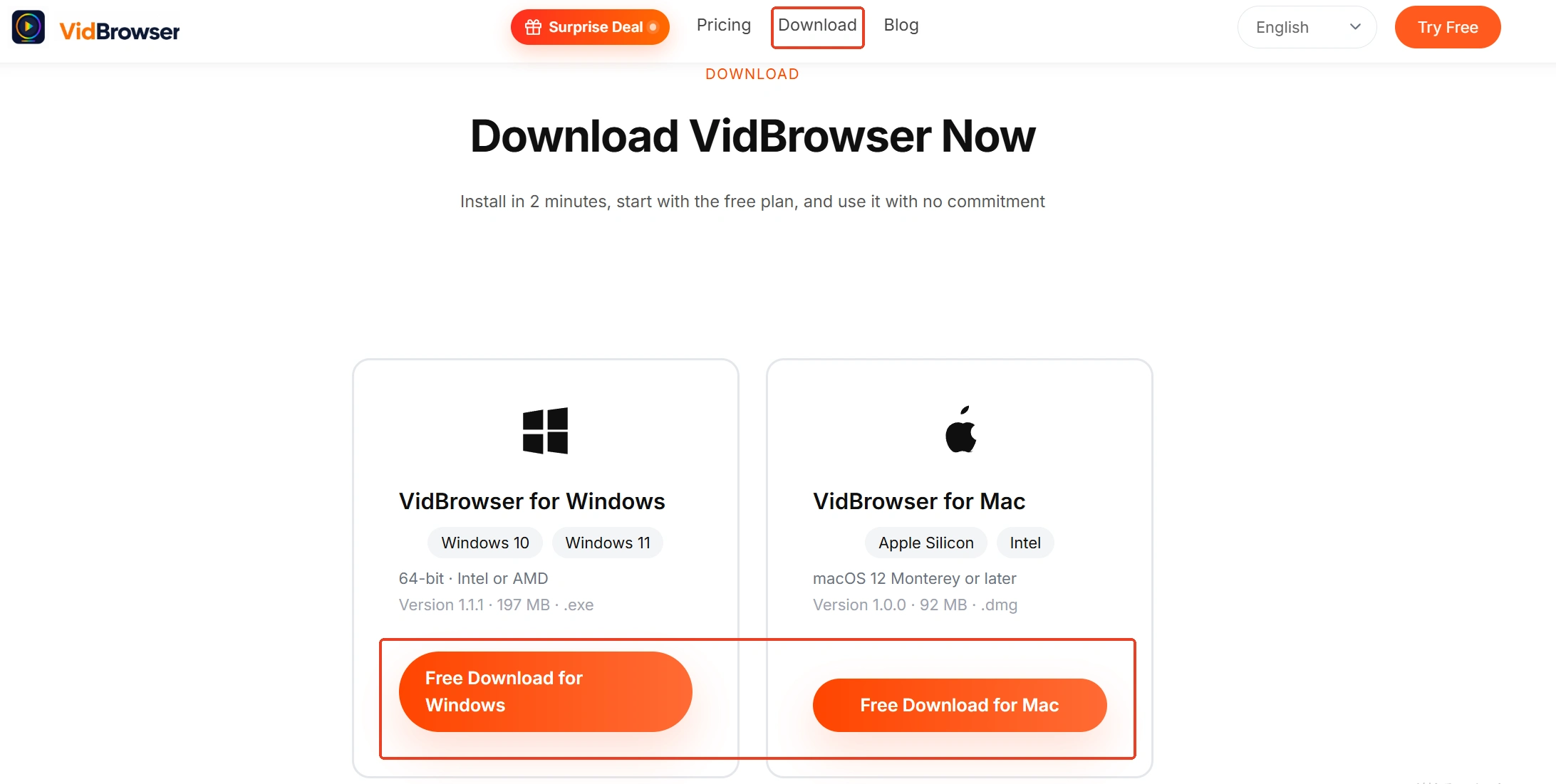
Step 1: Download and install VidBrowser
VidBrowser is a desktop video browser for watching videos, trimming clips and saving them locally on Windows and Mac, with both download and recording built in; installation takes a few minutes.
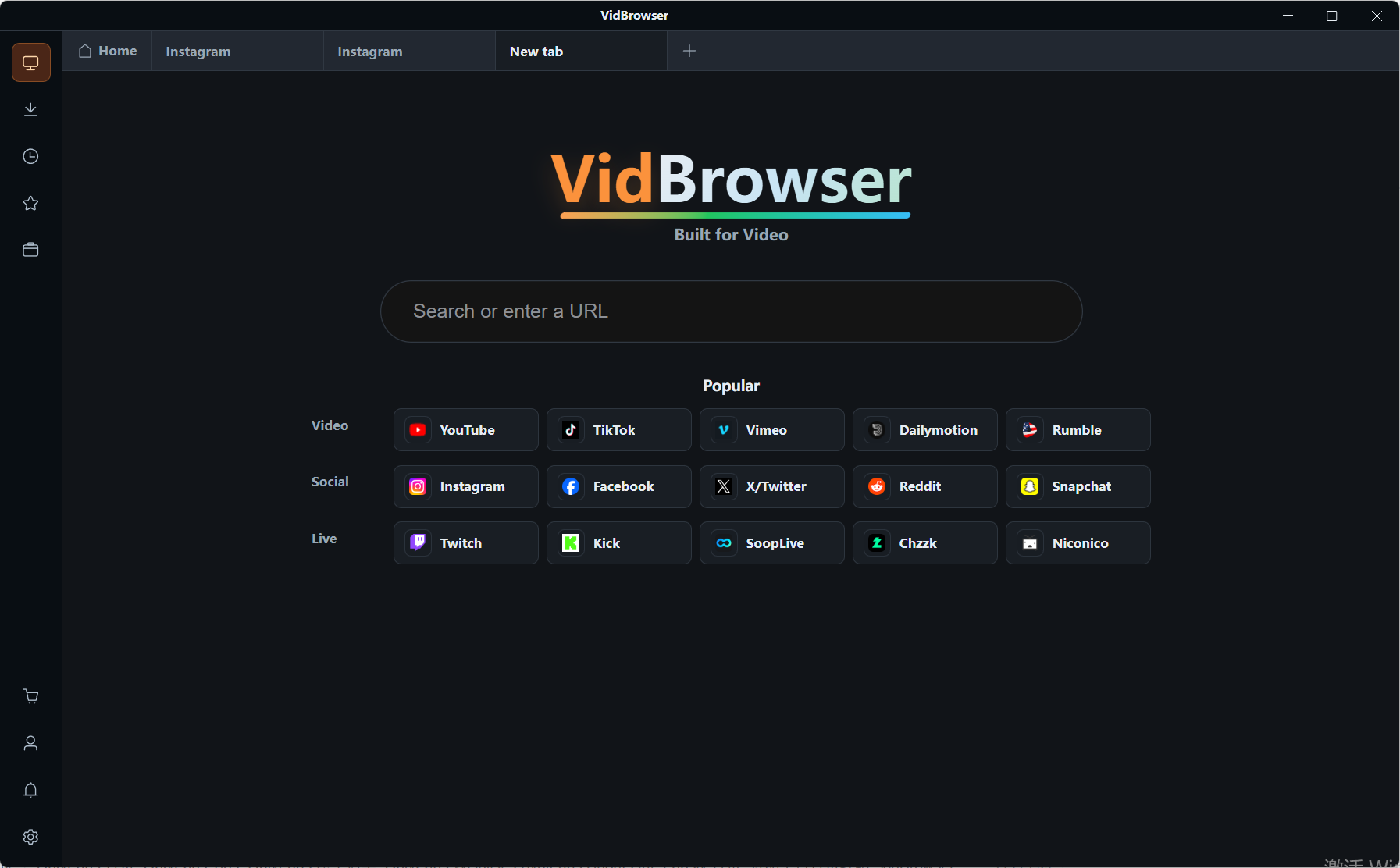
Step 2: Open patreon.com in VidBrowser and log in
It is a browser at heart, so after logging in the pages look exactly as usual; find the video post you want to save.
Step 3: Open the target post and let the player load fully
Wait until the picture is fully there before you act.
Step 4: Save with the recording feature (first choice for protected content)
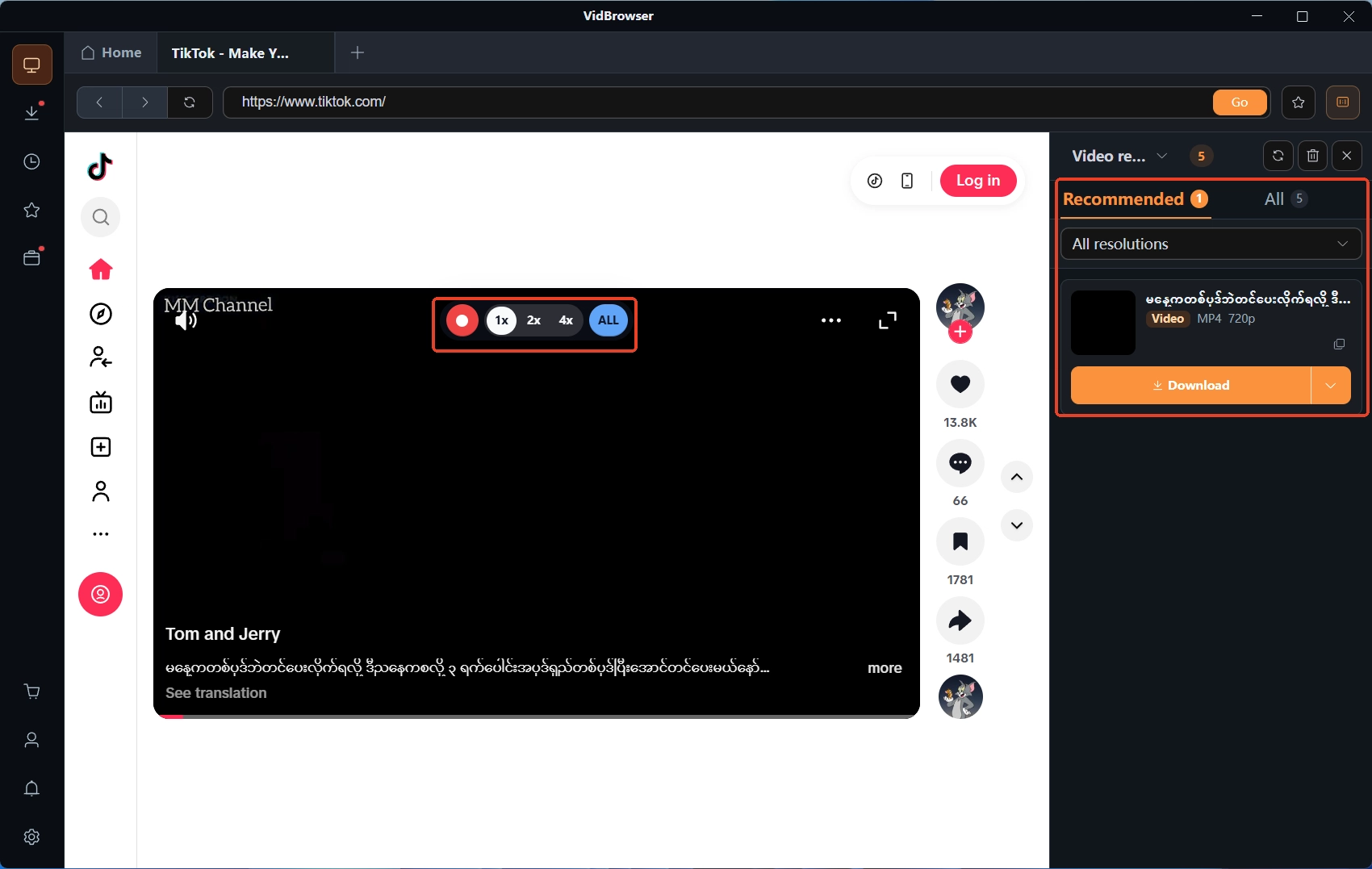
Most videos on subscription platforms like Patreon are copyright protected and out of reach for ordinary download tools, so recording is the reliable way: move the mouse over the video and the recording controls overlay on screen; pick a recording speed (1x real time, 2x or 4x to finish faster), hit "record all" to capture the whole video, and the record button on the left can start or pause anytime — anything that plays can be recorded. If a video can be downloaded directly, the "video media library" panel on the right also lists entries with an orange download button; one click saves it as MP4, and you can pick the resolution first. Saved files are all in the download history, and the file destinations and archiving guide covers it in more detail.
Wrap-up
The official app's offline is handy, but what it gives is hosted access, not files. Two takeaways: for chasing audio and daily updates on the phone, automatic downloads plus delete finished is enough; to keep a copy long term and watch across devices, land on the computer and let recording and download each take a lane.
FAQ
Can offline content in the app be exported as MP4
No. Offline copies inside the app are managed by the app itself; at the system level there is no copyable file. For a real MP4, go desktop, and both routes are in Step 4 above.
Why is there no automatic downloads switch in my Library
First confirm the app is updated to a recent version; the settings entry sits in the account area at the top right of the Library page. On older versions or low storage, some options may not appear, and saving posts manually one by one is the safe fallback.
What if videos keep spinning in the app
Mostly network and session issues; switch networks first and log in again. The Patreon video not playing fix lists a full checklist you can walk through.