ManyVids live shows are one-time events: MV Live has no replay fallback
The Friday night room on ManyVids is buzzing, the streamer says "that is it for today" and signs off — you want to rewatch, and there is no entry in her profile. You did not miss a feature: live and store on MV Live have always run on two sets of rules. Store purchases sit in Purchase History ready to rewatch anytime, while the energy of a live room simply dissolves. Get these two rulebooks straight, and watching, tipping and keeping a copy all become clear-cut.
This piece walks the viewer side of three things: how the room works, where tokens can go, and who owns the replay, then gives the path to keep a copy on the spot. The store half of the payment structure — single buys, Vid Bundles and the site membership — was covered in ManyVids pricing and saving mechanics; the live half gets its own walkthrough here.
MV Live rooms run on Tip Menu and Room Goals
MV Live is the realtime streaming section of ManyVids: the streamer opens a room, viewers chat, tip and watch live, with interaction driven by Tip Menu and Room Goals. The official definition reads "start a room, watch members come in to chat, send tips, and see you perform live" — notice there is no "watch the replay" slot in that description, and that gap matters later.
Tip Menu sits in the room navigation next to "Buy Tokens": the streamer lists what each token amount gets, viewers order from the menu; Room Goal is the progress bar on the left of the screen, and every tip pushes it forward. These two tools speak a different language from store pricing: the store is a shelf with fixed tags to browse at leisure, the room is a live show where you pay as it plays. Carry store habits into the room and the unit mismatch hits you at the door.
Tokens never reach the store: the boundary ManyVids drew for live tipping
The official help center states it plainly: "Tokens can only be used for tipping Creators during their live shows" — token use is boxed into live tipping, and buying videos, opening memberships or voting in contests cannot touch it. The terms also rule out transferring tokens to other streamers or members — stockpiled tokens come with no "hand-off" option.
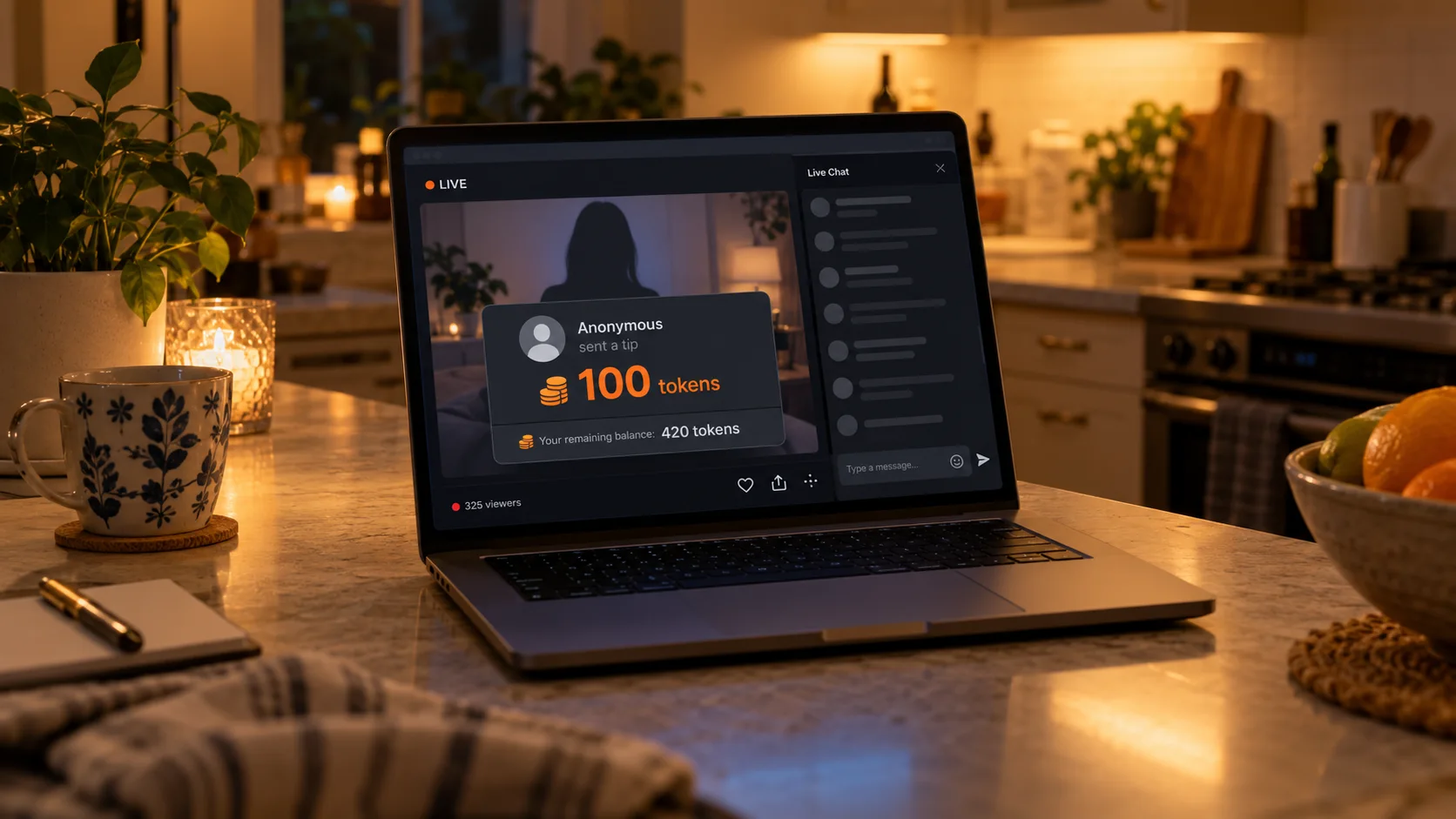
The purchase entry is "Buy Tokens" in the room navigation, and the official advice is direct: stock up before the show so your balance does not run dry mid-stream. Official help pages spell out three details about tipping:
- The streamer can see your token balance — the official wording is "Creators can view your token balance", so think that through before deciding how to tip;
- Each tip can carry one message, capped at 200 characters, and the amount can be customized in the menu;
- To stay low-key, tap "Anonymous" — one tap before sending and the tip goes out without your username.
There is also an easily missed bridge between tokens and the store: Free Token Rewards. When a streamer schedules at least two shows of one hour or more in a month, every dollar her fans spend on videos that month earns 1 token, appearing in Purchase History. For viewers who buy singles and watch lives, this is one of the few meeting points between the two systems.
Live Recordings went to creators: uploading a replay is the streamer call
The replay switch sits in the creator hand: in March 2024 ManyVids gave streamers Live Recordings, letting them record a show and upload it to their profile or share it with members — there is no viewer-side automatic archive. The wording comes from the official mobile streaming help page: "Record Live Shows and upload to your profile or share with members".
Translated to the viewer side: miss an MV Live and three outcomes remain — the streamer recorded and uploaded it, possibly priced into her store; she recorded it as members-only, which needs the matching membership; or she did not record, and the show is truly over. By contrast, OnlyFans lives still leave room to discuss go-live notices and post-show remedies, while on MV Live the remedy window was decided the moment recording started — by the streamer. For a wider comparison of subscription platforms, the live-features comparison piece lays the rows side by side.
"Rewatch" gets awkward in a live room: schedules live in the profile Live tab, visible before the show, pure luck after. Making "keep a copy on the spot" the default habit beats hunting after the fact.
Saving MV Live: live streams record on the spot, store videos download
A live stream is a realtime feed, so keeping it means recording while it plays; a video the creator later lists in her store returns to the store side and follows the store video path. Two routes for two scenarios:
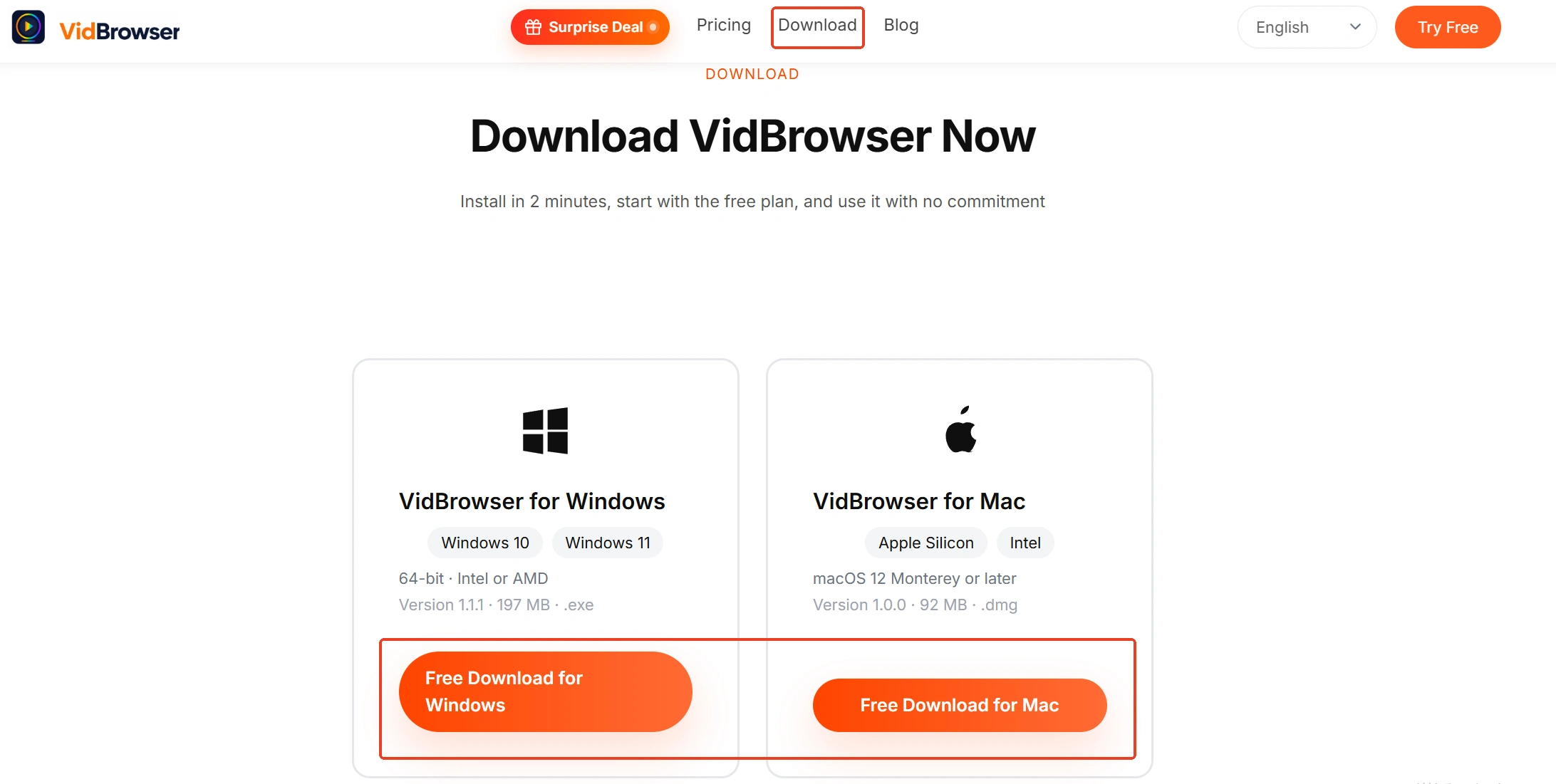
Step 1: download and install VidBrowser
The installer lives on the VidBrowser site, with Windows and Mac both supported. It is a desktop video browser with downloading and recording built in as its two core features.
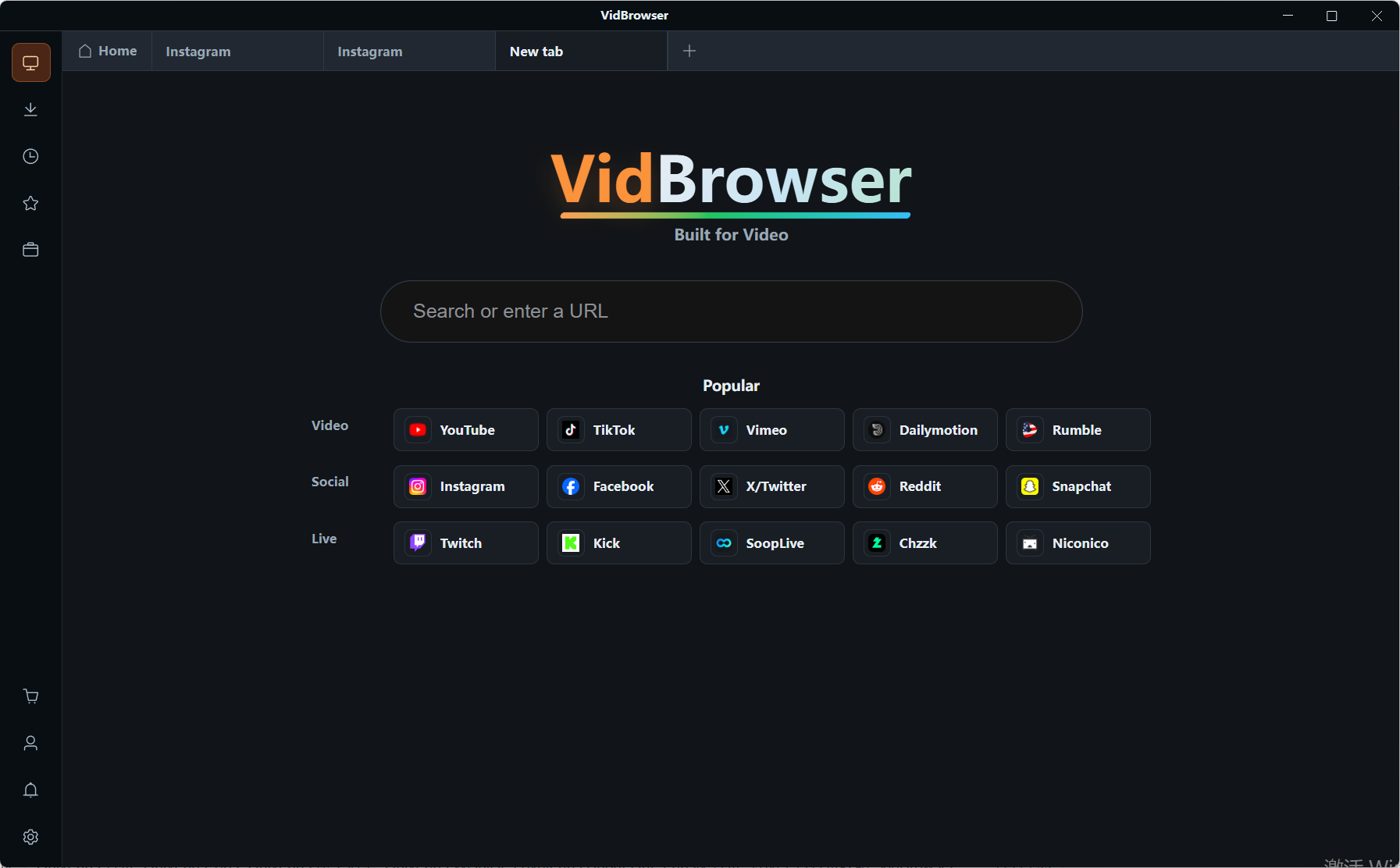
Step 2: log into ManyVids and enter the room you want
Enter from the on-site Live section or the live entry on a creator profile, and confirm the video and chat load normally. Do not be surprised by a protected live feed — if it plays, it can be recorded.
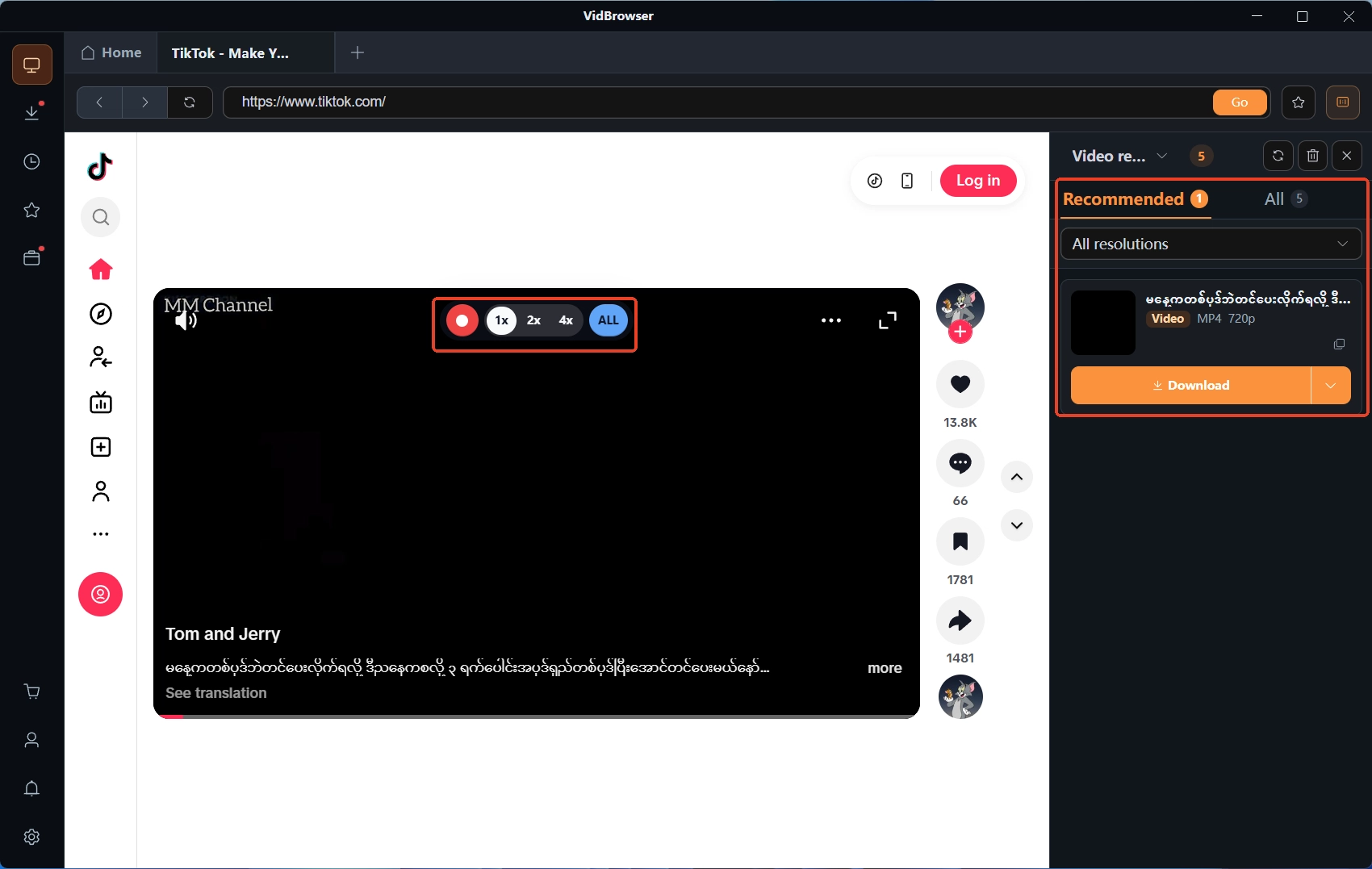
Step 3: record during the show to keep it
Hovering the mouse over the video brings up overlay recording controls: pick 1x realtime, or 2x or 4x to finish faster, hit "Record All" for the whole show, and the recording button on the left pauses anytime. If the show turns into a private show mid-way or the public feed gets cut, recording stops with playback, and what was already saved locally stays saved.
Step 4: check download history, then glance at store videos
Open the clock icon in the left navigation and confirm each recording task status and save path one by one. Then browse the creator profile for past lives uploaded as store videos — where a download badge exists, prefer the platform own download; purchased items download or stream from the three-dot menu in Purchase History. Keep the recording for personal offline viewing; re-uploading or redistribution falls outside fair use.
FAQ
Can MV Live tokens buy videos?
No. The official wording draws a hard line: token use stops at live tipping — videos, memberships, custom content and contest votes all refuse it. Buy videos through normal checkout, or top up MV Wallet first and spend from there.
Missed an MV Live — any chance to see it?
Depends on the streamer: since Live Recordings launched, a streamer can record and upload to her profile, share with members, or list it in the store — all three roads are hers alone to decide, with no viewer-side automatic replay. If you care about a streamer, put her schedule in your calendar.
Will I be recognized when I tip?
By default your username rides along, and the streamer can also see your token balance; tap "Anonymous" before sending to tip anonymously, with messages capped at 200 characters. For staying quiet, anonymous plus no message is the cleanest combination.