How to save RedGIFs videos when the page has no download button
You spot a looping clip on Reddit, open RedGIFs to save it, and the page offers no obvious download button. That does not necessarily mean you missed the entry — some video hosting pages are built mainly for online playback and simply do not expose a download option.
Another detail is easy to miss: a looping animation that looks like a GIF may actually be an MP4 video. Working out who hosts the content and what media the page provides, then picking a fitting way to save it, beats blindly trying every online downloader site. This article covers the content formats on RedGIFs, why links stop working, and how to check a suitable saving method with VidBrowser.
RedGIFs embedded on Reddit are not the same thing as Reddit-hosted content
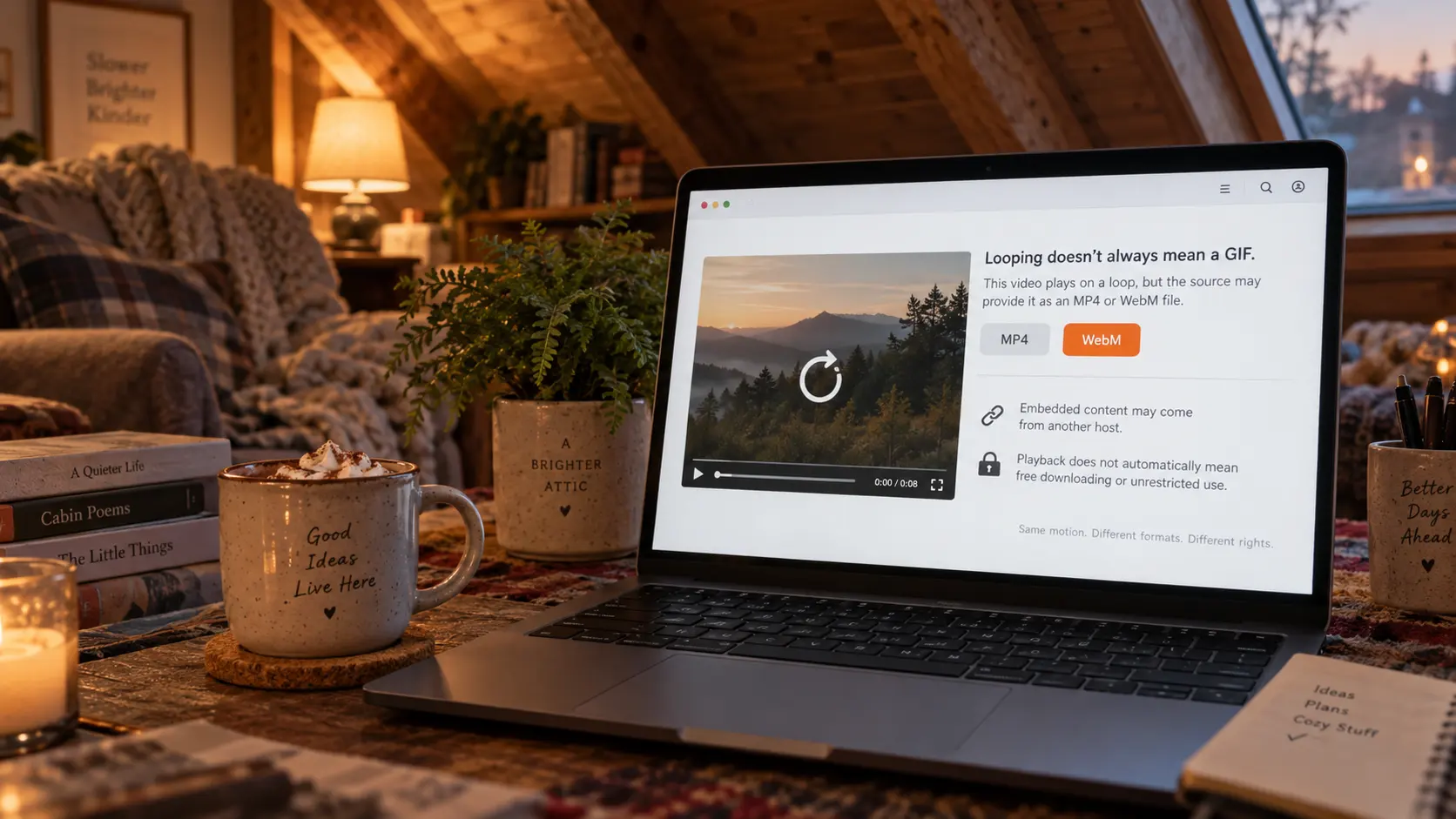
Looping playback does not mean the file is a GIF.Many sites use short videos to reproduce the auto-loop effect of a GIF, and video formats usually carry higher-quality motion than a traditional GIF can. The exact format still depends on the media the page actually provides — never assume every RedGIFs item uses the same one.
Before choosing how to save, sort out where the content comes from. If the video is hosted by Reddit itself, the saving method targets the media Reddit provides — that path is covered in how to download Reddit videos with sound. If the post embeds a RedGIFs player, the video comes from RedGIFs and the Reddit page only displays the embed, so finding no video file or download entry inside the Reddit page is nothing strange.
Note as well that being able to play in a browser does not mean the content is free to download, nor that a saved copy can be used freely.A page may use different media delivery methods or content protection mechanisms; whether you may keep and use the content is a separate question.
Video links on RedGIFs can stop working too
Videos on the web do not live permanently on your device; the content keeps depending on the online platform, and changes to the page, the account, the media address or the service itself can all affect later access.
Gfycat is a real case: the platform shut down on September 1, 2023, and many links that relied on it lost their destination. According to reporting at the time, the earlier TLS certificate incident was an access problem, with no provable causal chain to the shutdown. Third-party hosting services can close and historical links can break — that conclusion holds for any host site.
RedGIFs itself may also adjust page structure, interfaces or the way media is provided, and third-party tools that depend on a specific interface will stop working because of it. Before using such a tool, check whether it is still maintained, whether it asks for account information, and how it handles the links you paste — the criteria are laid out in the downloader pitfall checklist; the logic behind dead links is the same one described in why Reddit content should be saved before it disappears.
Platform terms deserve attention too. Under the RedGIFs official terms of service, the license the platform grants has a clear scope, and downloading, copying or distributing content without written permission from the rights holder is not allowed. Any saving should follow the applicable terms and laws; if you need to keep content you own the rights to, prefer the features the platform itself provides or obtain authorization.
Saving RedGIFs videos with VidBrowser: identify first, then download or record
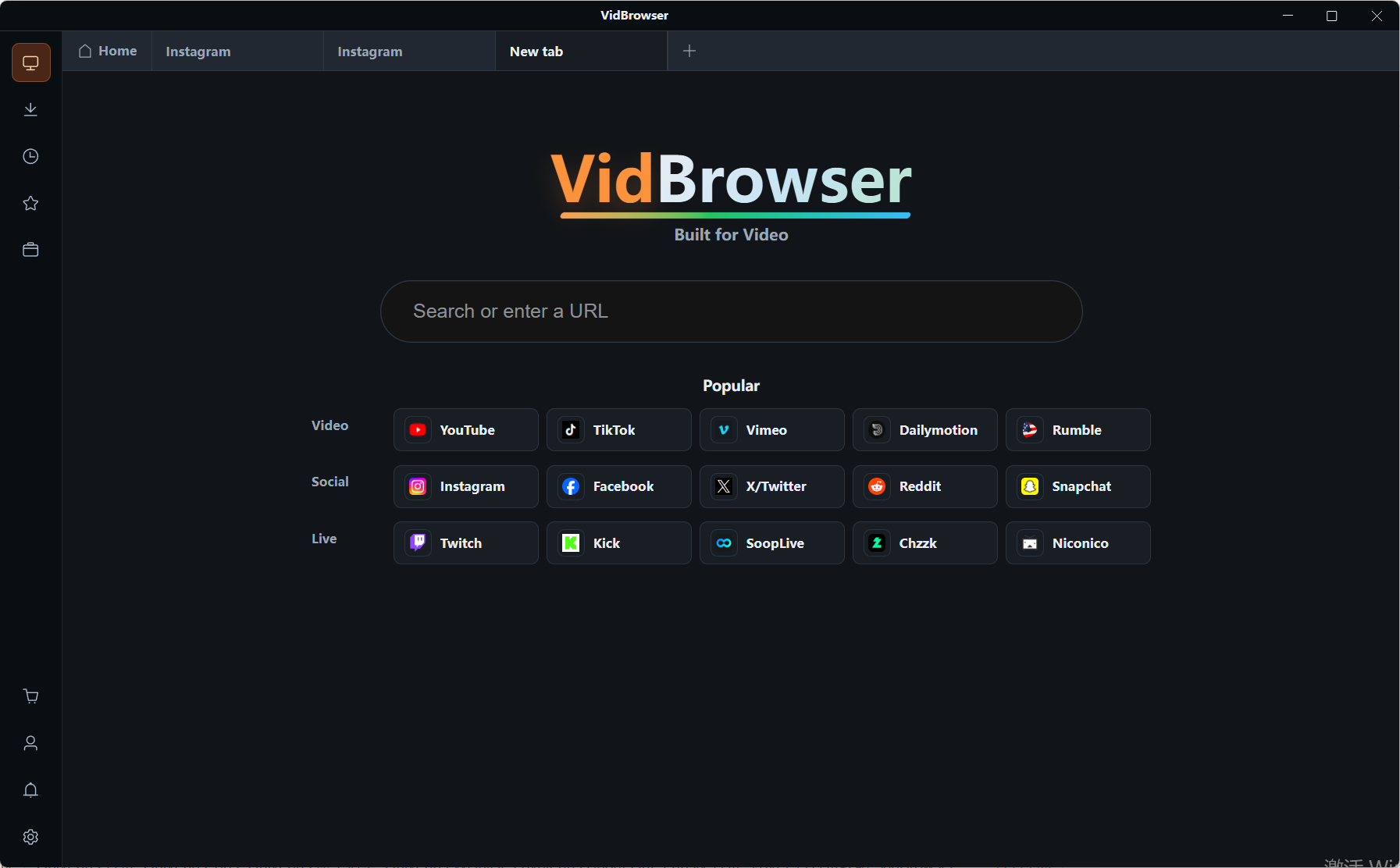
The following uses VidBrowser, a desktop video browser that combines web browsing, video detection, downloading and recording for Windows and Mac. If you are allowed to save the target video, follow the steps below to check whether the page resources and the local file meet expectations; actual results vary across pages, videos and versions.
Step 1: Download and install VidBrowser
Visit the official site, check the Windows or Mac version, download it and finish the installation. Before installing, you can confirm the system requirements and feature notes of the current version.
Step 2: Open the target page in VidBrowser
Use the built-in browser to visit RedGIFs and open the video page, then confirm the page loads normally and the video plays. If the content will not play, first check whether the page is dead, whether a login is required, or whether regional or access restrictions apply — do not treat every unrecognized case as a downloader problem.
Step 3: Check whether the video library has detected media resources
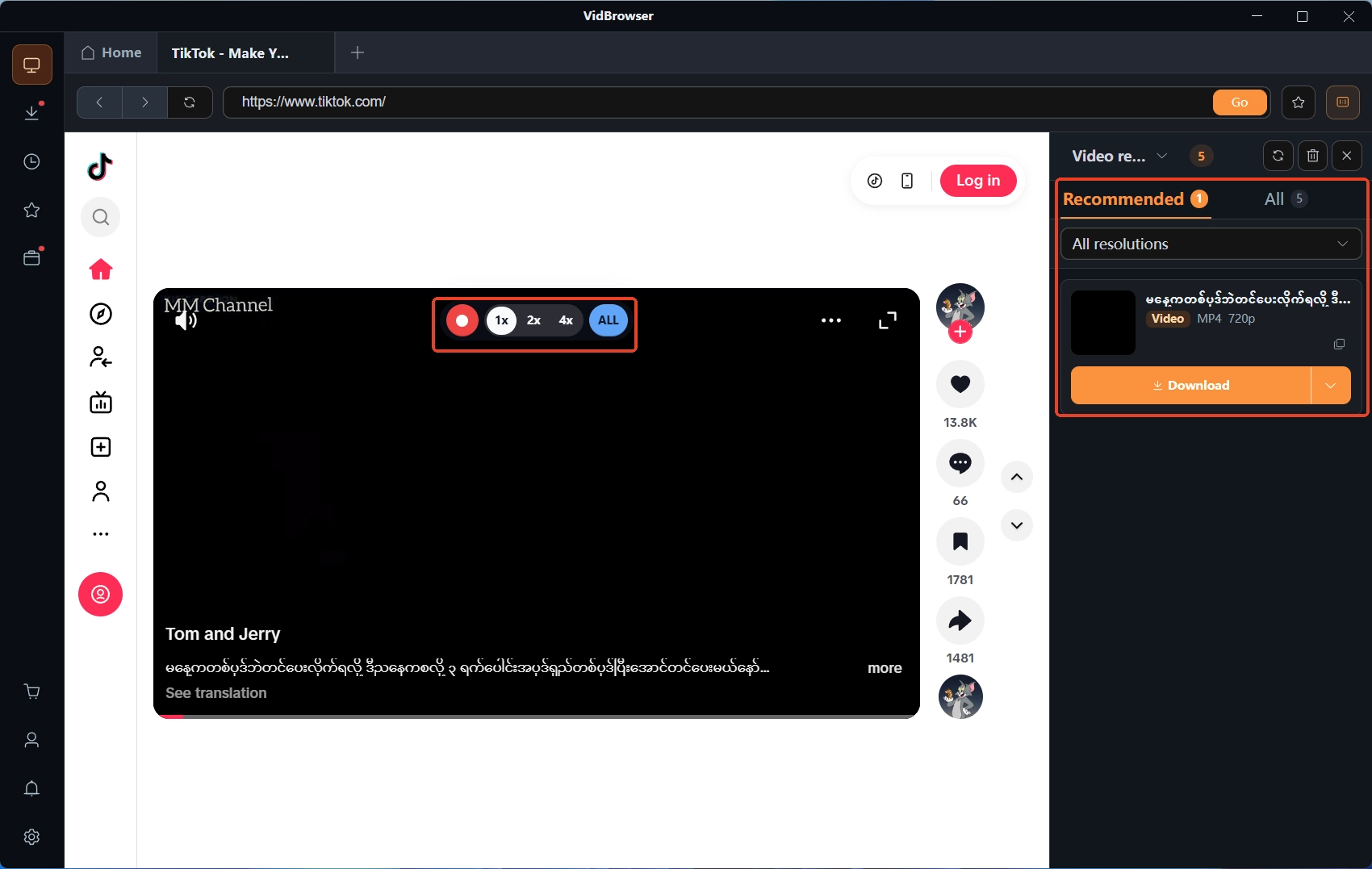
If the page provides downloadable media, the Video Library panel on the right of VidBrowser lists the entries; when the interface offers download options, pick the format and quality you need and start after confirming you may save the content. Not every playback page shows downloadable resources, and multiple resolutions are not always available. When the page has no download option, recording is the fallback: move the mouse over the player and the recording controls appear, letting you pick a recording speed (1x real-time, 2x or 4x) and use Record All to capture the whole loop — actual features depend on the current version, and confirm the content allows recording before you start.
Step 4: Check the download history and the file
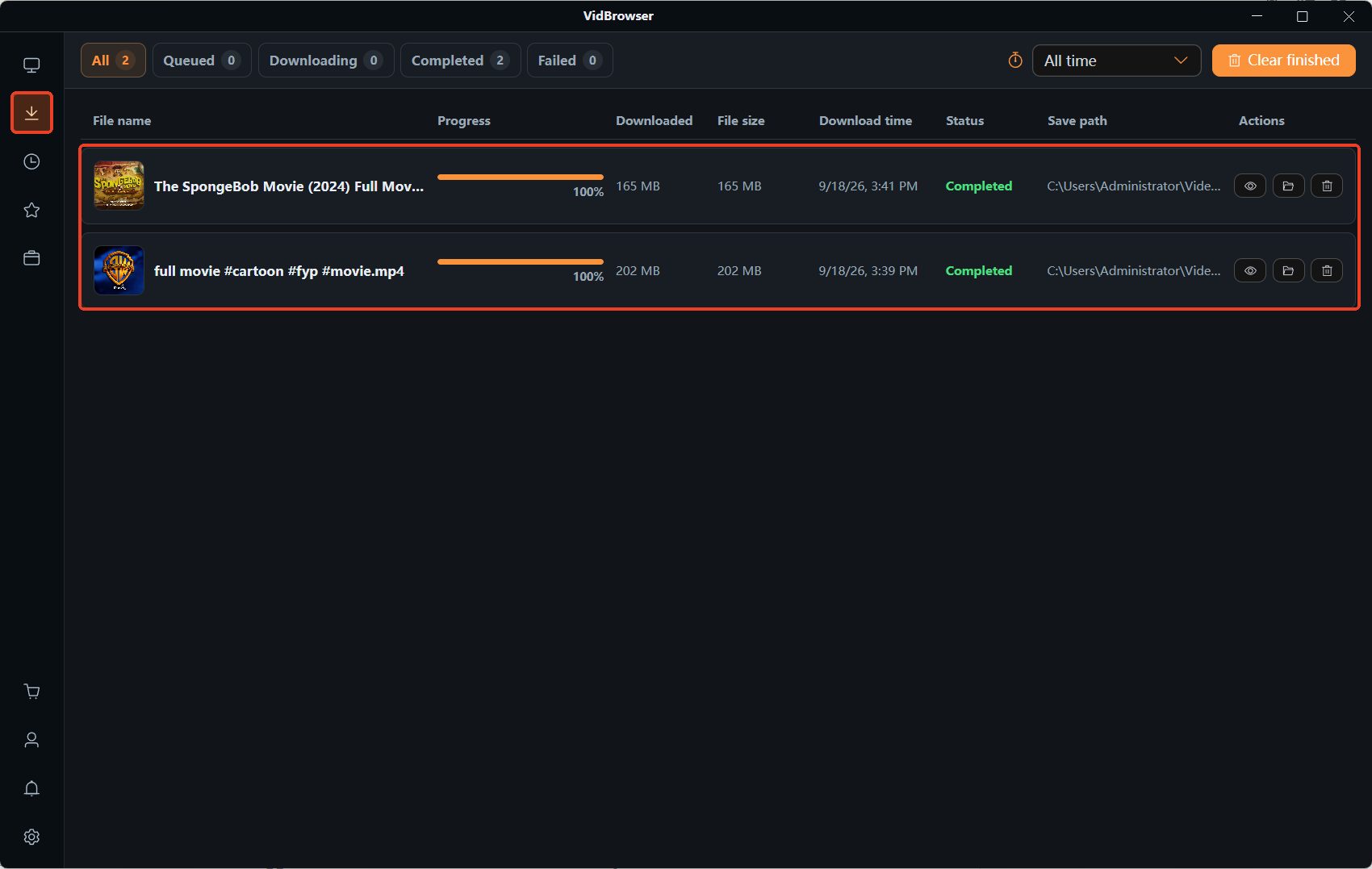
When the task finishes, open the download history via the clock icon in the left navigation to check the task status, file size and save location. Open the file to confirm the picture, sound and duration match expectations; if the file will not play or clearly differs from the original, check the task status, media resources and compatibility — do not assume success just because the progress bar completed.
FAQ
Why does RedGIFs have no obvious download button?
Page features are decided by the platform; some pages offer online playback or sharing but no direct download. Whether a third-party tool can detect the media also depends on the page and its implementation. A missing download button does not mean platform terms or permission from the rights holder can be ignored.
What format is a saved RedGIFs clip?
It depends on the media the page provides. Some looping animations use MP4 or other video formats rather than traditional GIF images. After saving, check the file extension and media information, then confirm your device or player supports it.
Are third-party RedGIFs download sites safe?
Do not judge safety by claims of being free or login-free. Before using one, check its privacy policy, whether it pushes unknown programs, whether it triggers unnecessary redirects, and how it handles the link you paste; avoid handing over account passwords or other sensitive information.
Why did a video that worked before stop downloading?
The site may have changed its page structure, media addresses or access methods, or the content may have been deleted, expired or restricted. Confirm the page still plays first, then check whether the tool has updates; a tool that once handled a video well does not always support every page.