How to Download Twitch VODs Before They Expire (2026)
Twitch deletes VODs. This is not a rumor — it's policy. Regular streamers lose their past broadcasts after 14 days. Twitch Partners and Affiliates get 60 days. After that, the stream is gone from the platform permanently, unless the streamer manually exported it to YouTube or saved it themselves.
If you're trying to save a stream you enjoyed — a marathon playthrough, a live event, a streamer's final broadcast before they quit — the clock is running. Here's everything that works, and how to do it before the window closes.
How Long Do Twitch VODs Actually Last?
The expiration timeline depends on the streamer's account type:
| Account Type | VOD Retention |
|---|---|
| Regular streamers | 14 days |
| Twitch Partners | 60 days |
| Twitch Affiliates | 60 days |
| Prime Gaming subscribers | 60 days |
Clips are different — those don't expire automatically. But clips are limited to 60-second highlights, not full streams.
One more wrinkle: streamers can disable VODs entirely, meaning streams never get saved to their channel in the first place. If you go to a streamer's Videos tab and it's empty despite them streaming regularly, that's why.
Why You Can't Just Right-Click and Save
Twitch streams video using HLS (HTTP Live Streaming) — a protocol that breaks video into small encrypted segments delivered in sequence. What you see playing in your browser isn't a single video file sitting on a server. It's dozens of small chunks being assembled in real time by your browser.
Right-clicking the video element gives you nothing useful. Trying to "Save as" gives you an HTML page, not a video. The video itself doesn't exist as a single accessible file from a regular browser perspective.
This is different from DRM-protected platforms like Netflix — Twitch doesn't use Widevine encryption on most content. The challenge is the HLS delivery format, not cryptographic protection. That distinction matters because it means more tools can handle Twitch than can handle Netflix, but you still can't just right-click and grab it.
Methods That Work for Downloading Twitch VODs
yt-dlp (free, command line)
yt-dlp supports Twitch VODs well. The basic command looks like this:yt-dlp https://www.twitch.tv/videos/1234567890
Replace the URL with the actual VOD link (found in the streamer's Videos tab). yt-dlp will download the full VOD in the best available quality by default.
For a specific quality: yt-dlp -f "best[height<=1080]" https://www.twitch.tv/videos/1234567890
yt-dlp works reliably on Twitch. The limitation is setup complexity — you need to install it via command line, keep it updated, and be comfortable with a terminal window. For technical users, it's excellent. For everyone else, the learning curve is real.
VidBrowser (free, one click)
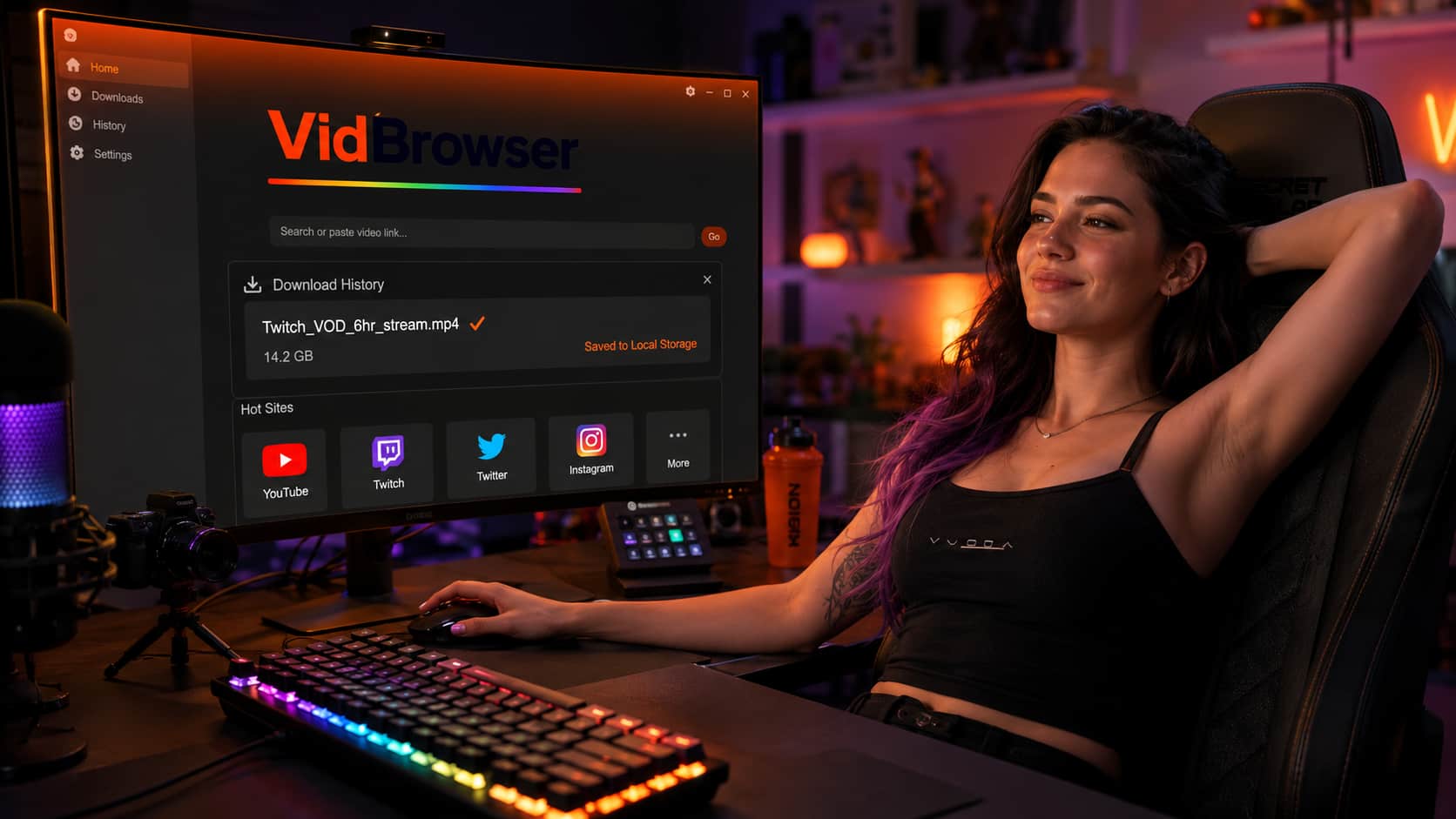
VidBrowser handles Twitch VODs without any command line. Open the VOD in VidBrowser, let it start playing, and the orange "Video Detected · 1-Click Save" badge appears. Click it, choose your save folder, done.
VidBrowser also blocks Twitch's ads by default — no pre-roll, no mid-stream ad breaks, nothing. If you watch Twitch regularly, this alone changes the experience significantly. Twitch has some of the most aggressive ad insertion in streaming, including unskippable mid-roll ads that interrupt at arbitrary moments. VidBrowser eliminates all of it.
Twitch's built-in export (for your own streams only)
If you're a streamer trying to save your own content, Twitch has a built-in "Export" function in the Creator Dashboard under Video Producer. You can export directly to YouTube or download the file. This only works for your own broadcasts — not other streamers' content.
Step-by-Step: Download a Twitch VOD with VidBrowser
Step 1: Find the VOD
Go to the streamer's Twitch channel. Click on "Videos" in their channel navigation. Find the broadcast you want — note the date and make sure it's still within the retention window.
Step 2: Open the VOD in VidBrowser
If you don't have VidBrowser installed, download it free from vidbrowser.net. Open VidBrowser, navigate to the VOD URL, and let it start playing.
Step 3: Click the download badge
Once the video starts, VidBrowser detects it and shows the orange download badge. Click it. A file picker opens — choose where to save.
Step 4: Wait for the download to complete
Twitch VODs can be several hours long. Download time depends on your connection speed and the VOD length. VidBrowser shows progress in the download panel.
Step 5: Watch locally
The saved file plays in VLC, Windows Media Player, or any standard media app. No Twitch account needed, no expiration, no ads.
What About Twitch Clips?
Clips — short highlights up to 60 seconds — don't expire like VODs do. But if you want to save a clip locally, the same process applies: open it in VidBrowser, click the download badge.
The difference from VODs: clips are short enough that yt-dlp and some online tools also handle them reliably. But VidBrowser's one-click approach is faster than any of them.
FAQ
Can I download a Twitch VOD that's already expired?
No. Once Twitch deletes a VOD from their servers, it's gone. There's no archive, no cache, no recovery option. The only exception is if the streamer exported it to YouTube before it expired — check their YouTube channel.
Can I download someone else's Twitch VOD legally?
Twitch's Terms of Service prohibit downloading content without permission. For personal archival of streams you watched and enjoyed, practical enforcement risk is minimal. Redistributing or monetizing downloaded Twitch content is a different matter. This isn't legal advice.
Does VidBrowser work on Twitch clips as well as VODs?
Yes — both work the same way in VidBrowser. Open the clip or VOD, let it play, click the badge.
Can I download a Twitch stream live while it's happening?
Live streams are harder to download than VODs because the stream is still being assembled in real time. Some tools handle this; VidBrowser is optimized for on-demand content. For live streams, the safest approach is to wait until the stream ends and the VOD is available in the Videos tab, then download it.
How much storage does a Twitch VOD take up?
It varies by stream length and quality. A 1080p stream runs roughly 2-4 GB per hour. A 6-hour stream at high quality could be 15-20 GB. Plan your storage accordingly before starting a long download.
Will the streamer know I downloaded their VOD?
No. Downloading a VOD generates the same type of server request as watching it. There's no notification, no flag on your account.