Your OnlyFans or Fansly account got deactivated: what the appeal can recover
You could still log in this morning; by the afternoon your OnlyFans or Fansly account shows as deactivated. Can the subscription content still be reached? What happens to the money already paid? And where does an appeal actually start?
Before anything else, do not rush into repeated logins or a fresh signup. The two platforms handle this differently: first confirm the type of decision stated in the notice, then check the official appeal channel, the deadline and the state of your content access.
A subscription account ban is not one status; the terms split it into several decisions
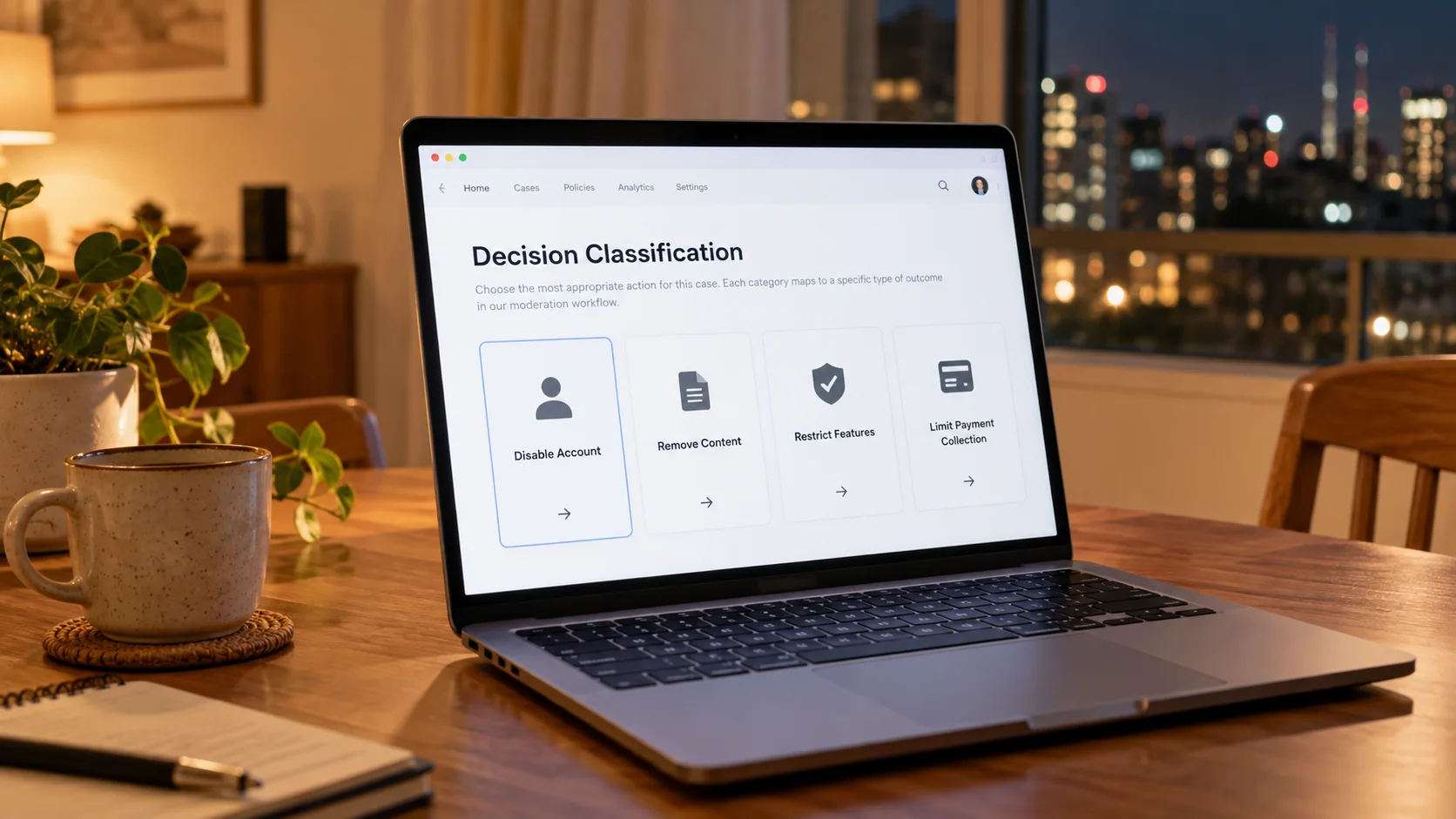
In the official terms a ban is not one action but a family of decisions under one name: deactivating the account, removing content, restricting features, restricting payouts - each with its own consequences.The OnlyFans appeals policy groups these actions under the word Decision and lists the scope verbatim: suspending or deactivating the account, removing content inside or outside the account, restricting account features (live streaming is the example given) and restricting monetization of content. That is a different thing from a creator deleting their own page; the article on creator account deletion already covered it.
The triggers come in two tiers as well. Clause 14 of the OnlyFans terms states that the platform may suspend or delete an account for any reason with 30 days notice, while serious or repeated breach or suspected fraud can mean immediate action without warning. The Fansly terms likewise reserve the right to restrict, suspend or end access at any time. When a notice arrives, sort out which tier it belongs to: a stated reason follows the process, an unstated one calls for the checklist.
Refund chargebacks are named by both sets of terms as ban-triggering behavior
Both platforms write refund chargebacks into their terms as behavior that can trigger a ban - subscribers should take note, though the wording is may act, not an automatic ban every time.Clause 9 of the OnlyFans terms requires users not to request refunds or chargebacks without good reason, and states that requests found to be made in bad faith can lead to suspension or deletion of that user account. The Fansly terms put it more directly: after a chargeback, the platform may immediately suspend or terminate the account. Cutting your losses after paying goes through the cancellation line, a separate set of materials and a separate entry point from a ban dispute - do not file them together.
Beyond the triggers named in the terms, account security anomalies are worth checking: logins you do not recognize, the account ever handed to a third party for chatting or management, unusual payments recently. None of these means a ban follows by itself, and a proxy IP or a changed login location alone cannot tell you the specific reason for deactivation. One more item the terms do confirm is repeat registration - the Fansly signup statement asks you to confirm that a previous account was never banned or terminated for violations. Keep risk control and bans apart too: retrying repeatedly after a payment failure (the payment failed fix line) triggers a temporary transaction restriction that clears after a pause, not a ban.
The appeal runs through one formal channel, and OnlyFans gives it six months
The OnlyFans appeals policy states that appeals go through the Deactivation Appeal Form, the single formal channel, and should be submitted within six months of the decision.The form asks for three blocks of information:
- The URL or username of the account;
- The URL of the content involved (if the appeal targets a specific piece);
- A detailed explanation of why the account or content complies with the Terms of Service and Acceptable Use Policy.
The appeal ends in one of three outcomes: upheld, partially upheld or rejected; irreversible decisions (such as a stream ended midway) are out of scope. The terms put the deadline more heavily - if no dispute is raised within six months of the notice, the right to dispute is treated as waived. Users in the EU and EEA can also complain to a certified out-of-court dispute resolution body under the Digital Services Act (DSA). Fansly has no equivalent public form; its terms say the remedy you are left with is to stop using the service or to file a complaint through the proper procedure, which in practice means a help-center ticket; confirm the deadline against the specific decision and applicable terms, and do not borrow the OnlyFans six months.
Get the materials together before you start:
- Save the ban notice and the date you received it;
- Record the account username, the profile link and the URLs of content involved;
- Confirm the type of decision stated in the notice;
- Pick the right appeal channel under the official rules;
- Prepare evidence around the category named in the notice: payment disputes go with communication records, unstated reasons lean on an account-usage explanation;
- Keep records of the submission and all follow-up correspondence.
While the account still logs in, save the subscription content to your own machine first
An appeal settles whether the account comes back; it does not settle whether the content is still there - the terms state plainly that once an account is terminated, its content can no longer be accessed.Subscription content worth keeping should land on your local disk while the account is still normal:
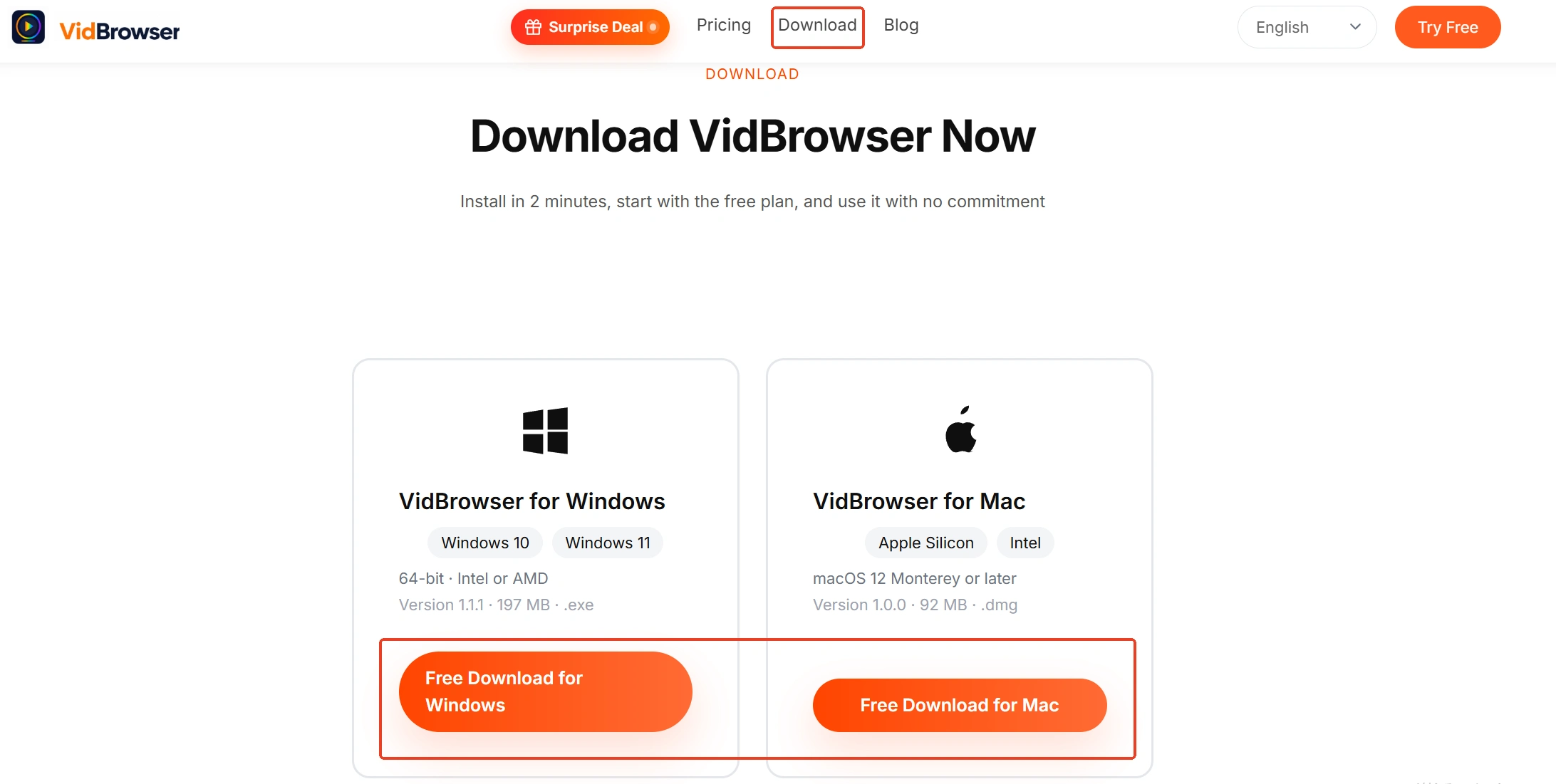
Step 1: Download and install VidBrowser
VidBrowser is a desktop video browser for watching and saving videos on Windows and Mac, with downloading and recording built in as its two core functions.
Step 2: Open the subscription platform in VidBrowser and log in
Log in to the subscription platform with your own account as usual and open the profile page you want to archive.
Step 3: Where the platform allows recording, use the recorder to keep it
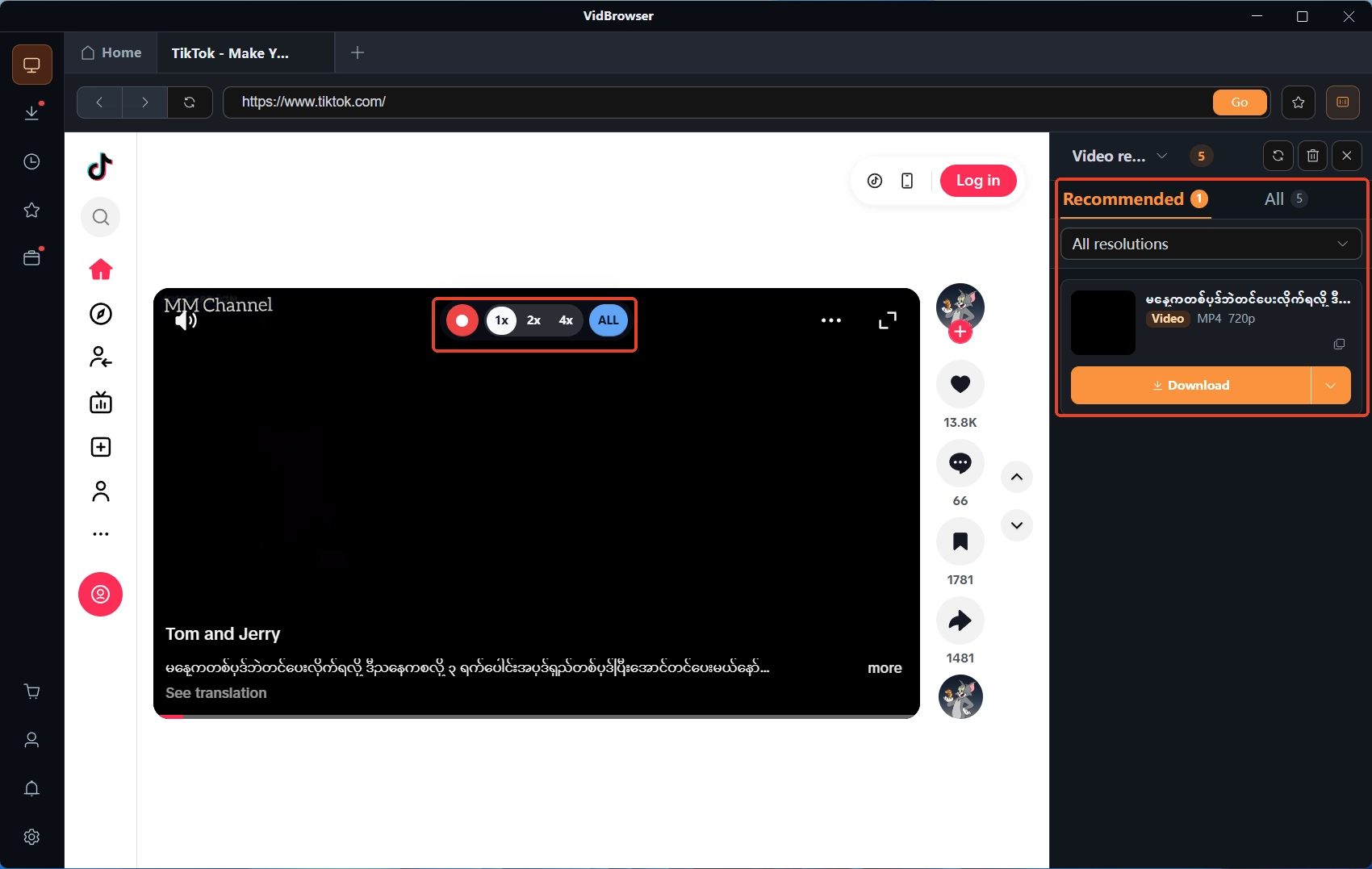
Where the platform offers no direct download option, you can, within what the platform allows and the permissions you hold, use the recording function to keep content that plays normally: moving the mouse over the video overlays the recording controls - choose the recording speed (1x real time, 2x or 4x finishes faster), click Record All to capture the whole video, and the record button on the left starts or pauses at any moment. Content on subscription platforms is generally protected by copyright; whether it can be saved depends on platform rules and usage permissions, and actual results vary with the playback environment.
Step 4: Where direct download works, add the download button
If a video can be downloaded directly, the Video Library panel on the right lists entries with an orange Download button; one click saves it as MP4. Afterwards check the download history under the clock icon in the left navigation to confirm the file is on disk.
Summary
After a ban, first confirm whether the platform deactivated the account, removed content or restricted features, then prepare appeal materials per the notice and the official rules: OnlyFans has a formal form and a six-month window, Fansly runs on help-center tickets. If the account still logs in, move the content you are entitled to keep onto your own disk early - do not bet everything on the appeal.
Frequently asked questions
If the account was banned for violations, is the subscription money already paid refunded?
The terms leave no room. The OnlyFans terms state that where a fan account is terminated for breach of the terms, payments are non-refundable, including prepaid subscription fees; the Fansly terms say the same - where an account is deleted for violations, no balance or funds in the account are refunded or paid out.
Can I still log in and retrieve content while the appeal is open?
It depends on whether the platform suspended or terminated the account, and on the measures named in the notice. Under suspension access is already limited; once terminated, the terms state the content can no longer be accessed - an open appeal does not change that. What lands safely is the local copy.
Can I register a new account after a ban?
Check the terms and the notice first; do not rush to a new email. The Fansly signup statement asks you to confirm that a previous account was never banned or terminated for violations, so re-registering with a ban on record does not meet the signup conditions. The safer order is to finish the official appeal, get the result, then judge what comes next under the terms.
Are people on social media who claim they can restore your account trustworthy?
Industry guides warn about this scam repeatedly: outsiders cannot touch platform servers or databases, and restoration services that claim inside channels and charge up front are after the prepayment. The legitimate path is always the on-site appeal form and the official email; never hand account credentials to a third party.