
Can't Download Streaming Video? Here's Why (and the Fix)
You found the video. You clicked your usual download tool. Nothing happened — or worse, it downloaded a file that won't open, plays as a black screen, or has audio but no picture. If you've been fighting with this, you're not doing anything wrong. Streaming video is deliberately built to resist the tools most people reach for.
Here's exactly why standard downloads fail on streaming content, and the approach that actually gets you the file.
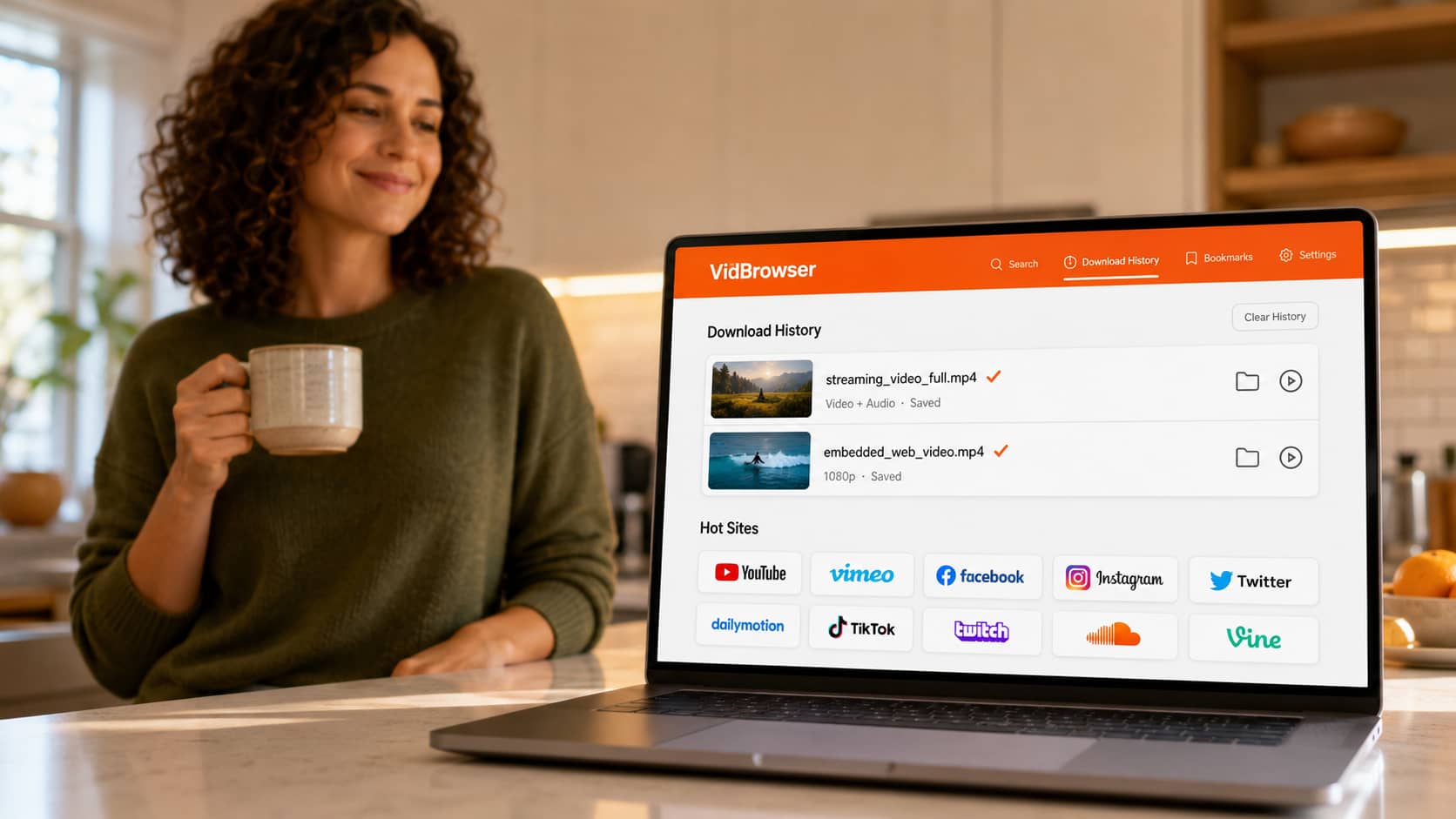
Why Streaming Video Won't Download
Regular video files sit on a server as a single file. When a download tool grabs one, it copies that file. Simple.
Streaming video works nothing like that. Instead of one file, the video is broken into hundreds of tiny segments delivered on the fly as you watch, often through a protected player that's designed to keep the content inside the platform. There's no single file for a download tool to grab — and even if the tool finds the segments, the platform locks them so they can't be reassembled outside the player.
That's why the usual suspects fail:
- Browser download buttons never appear, because there's no file to point at.
- Download manager apps either error out or grab a broken fragment.
- "Right-click and save" does nothing on a streaming player.
This isn't a bug on your end. It's how modern streaming is engineered.
Why Screen Recording Doesn't Rescue You
The obvious backup plan — just record the screen while it plays — runs into its own wall.
Most streaming platforms protect their video output at the system level. When a screen recorder tries to capture the playing video, the platform detects the capture and replaces the video with a black rectangle. Your recording ends up with everything on your screen except the video: a black box where the content should be, sometimes with audio still playing over it.
This is why people search "downloaded video black screen" and "screen recording black screen" by the thousands. It's the same protection, hitting a different tool.
The Broken Files You've Probably Already Gotten
If you've tried enough tools, you've likely collected a folder of failures. Each one points to a specific cause:
- Black screen, audio plays → the tool captured the audio track but the platform blocked the video output.
- Video plays, no sound → the tool grabbed the video segments but missed the separate audio stream (streaming often splits them).
- File won't open at all → the download grabbed an incomplete set of segments that can't be assembled into a playable file.
- Only a few seconds downloaded → the tool captured a single segment instead of the full stream.
Every one of these is a symptom of the same root problem: the tool is fighting the streaming architecture from the outside.
The Fix: Save From Inside the Browser, Not Outside It
The reason standard tools fail is that they're external — they try to grab the video from outside the playback process, and that's exactly what streaming protection is built to block.
VidBrowser solves it by being the browser itself. It's a desktop browser built for video, and because the video plays inside it, VidBrowser has legitimate access to the full stream during playback — the same access the platform's own player has. No external capture, no screen recording, no fighting the architecture.
When you play a streaming video in VidBrowser, an orange "Video Detected · 1-Click Save" badge appears in the corner. Click it, and the complete video — picture and audio, correctly assembled — saves to your computer as a standard MP4.
Step 1: Download VidBrowser free and install on Windows or Mac.
Step 2: Open the site with your video inside VidBrowser and log in if the content requires it.
Step 3: Play the video.
Step 4: Click the orange "Video Detected · 1-Click Save" badge.
Step 5: Done — the video saves locally as a clean MP4 that plays in any app, with both video and audio intact.
No black screen. No silent file. No half-downloaded fragment.
Why This Works Where Everything Else Failed
The difference is architectural, not just "a better tool":
- It's not a screen recorder, so the black-screen protection never triggers — VidBrowser isn't capturing your display, it's saving the actual video stream.
- It's not an external grabber, so it doesn't get blocked reaching for segments — the video is already playing inside it.
- It assembles the full stream, so you never get the video-only or audio-only broken files that segment-grabbing tools produce.
The saved file is permanent. It doesn't expire, doesn't need an account to replay, and works offline — on a flight, a road trip, or anywhere the internet is spotty.
Does It Work on Every Site?
VidBrowser supports 1,000+ platforms — social video, streaming sites, creator platforms, and video embedded on ordinary web pages. The workflow is identical everywhere: open the site, play the video, click the orange badge.
If you can watch it in the browser, VidBrowser can save it.
FAQ
Why does my download tool say "no video found" when the video is clearly playing?
Because streaming video isn't a single file — it's delivered in segments through a player, so there's no file for the tool to detect. VidBrowser doesn't look for a file; it saves the stream from inside the browser.
I got a downloaded file with no sound. How do I fix that?
That happens when a tool grabs the video segments but misses the separate audio stream. VidBrowser saves both together, so the MP4 always has picture and audio.
Does VidBrowser work on Mac and Windows?
Yes, both. It's a desktop application — there's no mobile version.
Do I need to keep VidBrowser open to watch my saved videos?
No. Saved videos are standard MP4 files on your computer. Play them in VLC, QuickTime, Windows Media Player, or any app, any time.
Is VidBrowser a screen recorder?
No — and that's the point. Screen recorders get blocked by black-screen protection. VidBrowser saves the actual video stream from inside the browser, so that protection never comes into play.
Will the saved video be the same quality I was watching?
Yes. VidBrowser saves at the quality the platform streams to your browser, up to 1080p and 4K where available.


