Kick vs Twitch: A Viewer's Guide to Picking Your Platform
Your favorite streamer goes live one day with a green Kick logo behind them and chat flooding with "they moved" — a scene that has repeated itself for years. As a viewer, do you follow the streamer to the new platform, keep tabs on both, or stay put and wait for them to come back? The Kick vs Twitch debate mostly counts money from the streamer's side; this guide takes the other angle: a pure viewer's view, breaking the choice into three dimensions — content, rules and watching experience — so you can decide where your viewing hours should go.
Kick or Twitch? The short answer first
If you care about content ecosystem, community feel and streamer coverage, Twitch is still the first choice; if you want no forced ads, looser content boundaries and the newcomer bonus, Kick deserves a slot; for most people the best answer is accounts on both, switching as your followed streamers move. The two platforms are not either/or — Twitch lifted its simulcasting restriction in 2023, many streamers now broadcast on both at once, and the one you follow may literally be running two streams right now.
To place yourself, answer three questions: which platform your followed streamers are on, which side has more of the content you want, and how much you tolerate ads and quality compromises. Now let's break them down one by one.
95/5 vs 50/50: why a streamer's revenue split matters to you
Subscription prices are almost identical on both sides, but the streamer's take differs by nearly double — and that decides where streamers move and who signs exclusivity. Kick officially gives creators a 95/5 subscription split: on a $5 sub the streamer keeps $4.75; Twitch defaults to an even split, leaving the streamer about $2.50, and top partners reach at most 70/30 through the Partner Plus program — still short of Kick. The 95/5 ratio was set publicly by Kick co-founder Ed Craven and remains the platform's core selling point.
Three chain reactions for viewers: first, streamers migrate for income, so your following list can get "demolished"; second, top streamers sign exclusives and stream on one side only, so watching them means being on that platform; third, Kick runs a unique KPP mechanism that pays streamers by engaged viewers — your chat messages and watch hours directly convert into their income, and "watching a stream" on Kick has a visible price tag on participation.
Content boundaries and moderation: the two platforms feel completely different
Twitch is tight and strictly enforced; Kick has historically been looser and its boundaries keep shifting — what you want to watch often decides where you end up. Twitch's content policies are mature and stable but strict on copyrighted music — replays muted or deleted over background music are routine. Kick's early looseness attracted streamers pushed away by Twitch's rules, and also landed it in gambling-content controversy; according to industry coverage, the platform tightened gambling streams in February 2025, requiring related sites to verify user identity. Rules keep changing, so check the current state before chasing a specific content type.
For regular viewers the more practical difference is content distribution: Twitch's gaming categories and Just Chatting ecosystem are the fullest, and niche games almost always have a live room; Kick's growth concentrates on big streamers and new categories, and late-night room density still trails Twitch — if you like scrolling for a random game at midnight, Twitch clearly offers a wider menu.
Hard numbers of the watching experience: quality, ads and replays
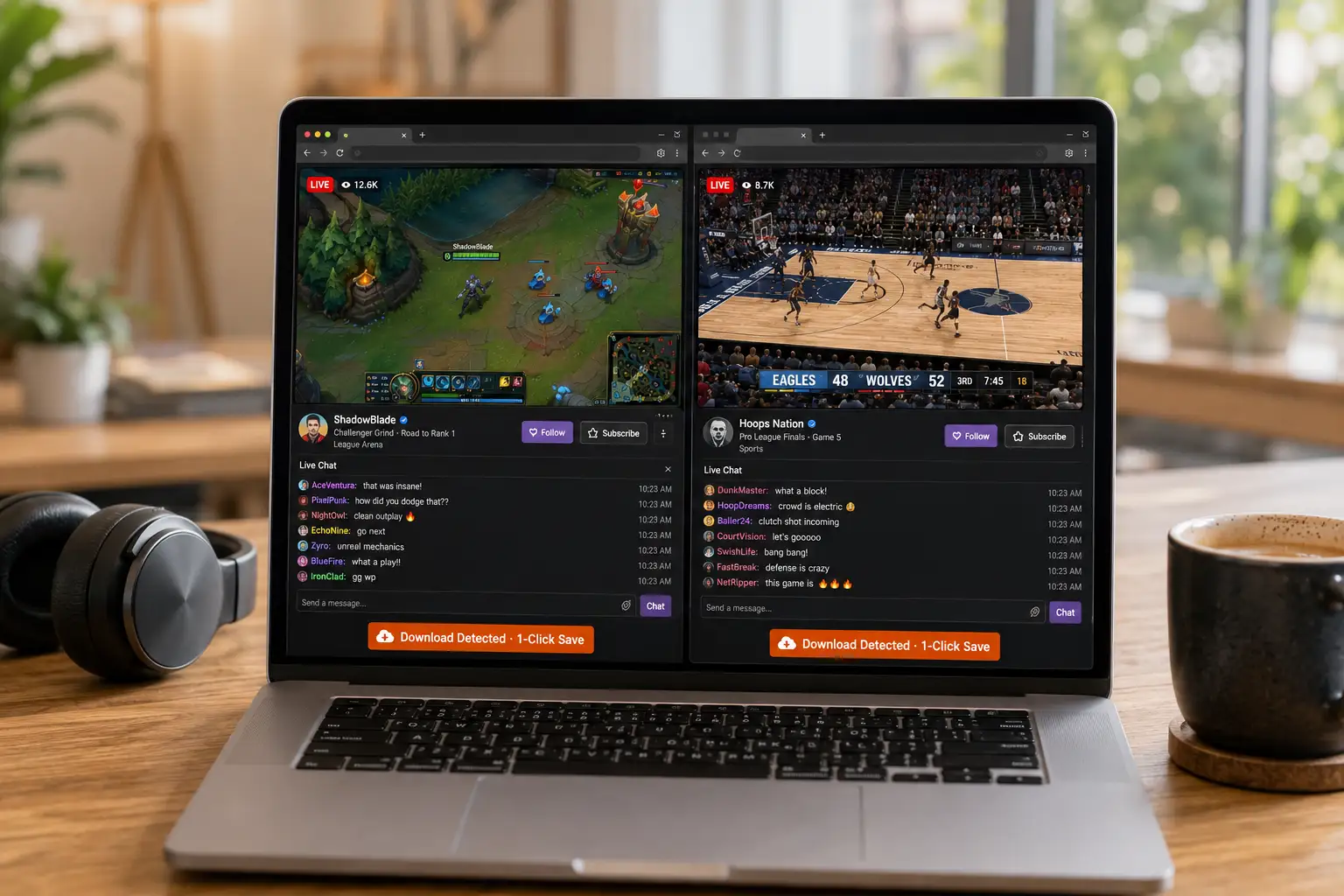
Kick's viewing experience wins on "fewer interruptions", Twitch's on "a mature ecosystem" — each is comfortable in its own way. Item by item:
- Ads: Kick has no forced pre-rolls by default — you're watching the moment you arrive; unsubscribed Twitch viewers face ad breaks, removed only by a subscription or Turbo.
- Quality: both support high-bitrate streams, but Kick is more generous at the top quality tiers — the gap is visible in esports and HD game streams.
- Replays and clips: Twitch's clipping culture is mature and highlights spread fast; full replays on both platforms expire or get taken down over time, especially content involving copyrighted music.
- Community features: Twitch's emotes, badges and Hype Train system are complete, and following a channel long-term feels more rewarding; Kick's chat is plainer, but also carries fewer rules.
Point 3 deserves a note: unstable replays are not one platform's bug but a universal trait of live streaming — takedowns, expiry and muting can happen anytime, which is exactly why more viewers have picked up the habit of "save it while you can still watch it".
Keep the streams and replays you love: both platforms can be saved
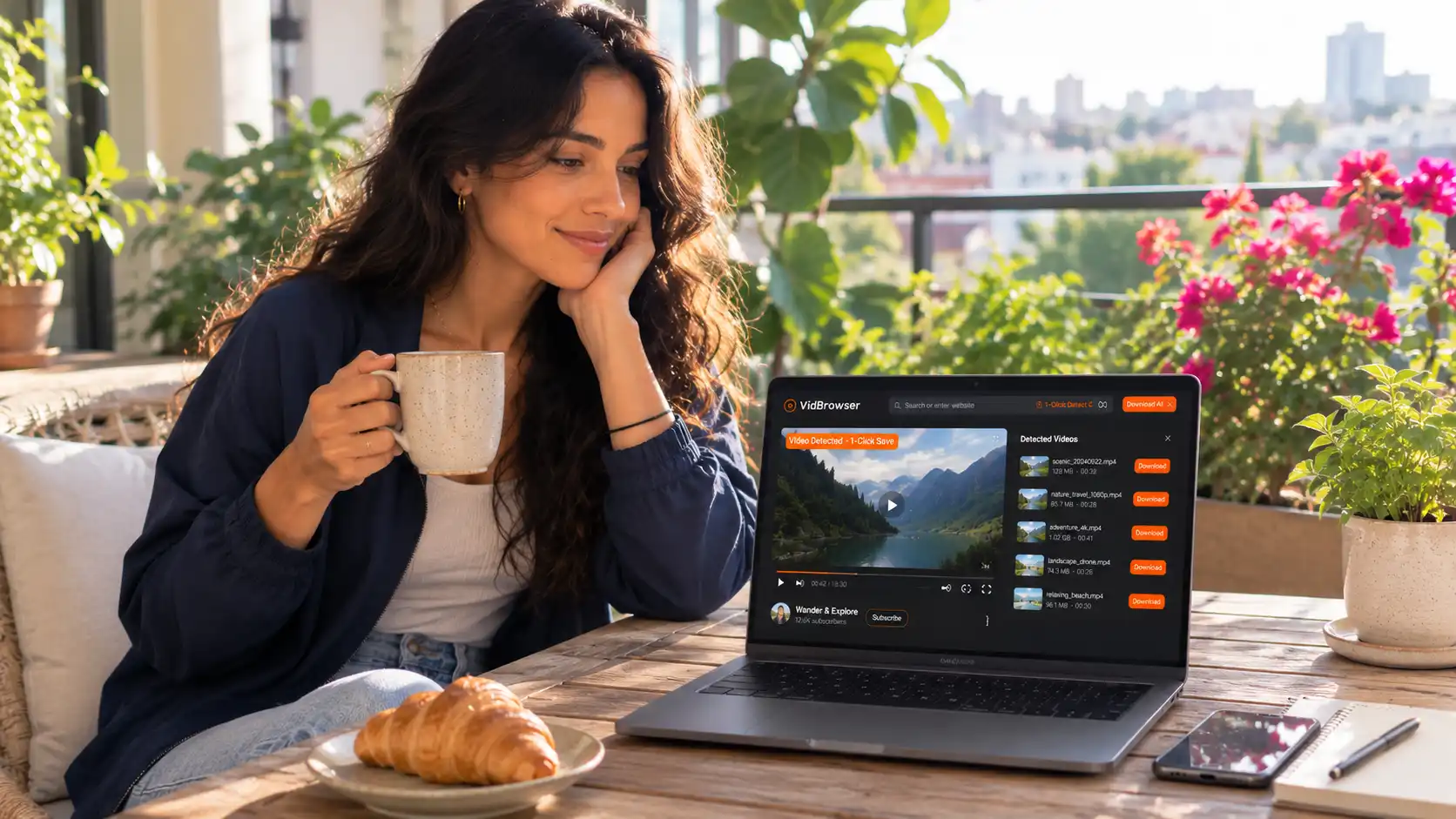
Replays expire and streamers move; saving a local copy while you can still watch is the most reliable answer on the viewer's side. A live stream is a real-time feed that ordinary downloaders can't touch — a video browser like VidBrowser that handles saving is the easy way:
Step 1: Download and install VidBrowser
A desktop video browser with built-in download and recording, for both Windows and Mac.
Step 2: Open the Twitch or Kick live room (or replay page) inside VidBrowser
Log in if required, then play as usual.
Step 3: Pick the saving method by content type
For a live stream, use recording — move your mouse over the video and the recording controls appear; choose 1x real-time, or 2x/4x speed to finish faster, hit "Record All" to capture the whole session, and the record button on the left can pause anytime; for a published replay (VOD) that is detected as downloadable, click the orange "Download" button in the media library panel on the right and pick a resolution first. Full step-by-step details for each platform are in the Twitch saving guide and the Kick saving guide.
Saved files land in download history with names, timestamps and locations all listed — streamers moving or replays going offline won't touch the copy you already kept.
FAQ
Are subscription prices the same on Kick and Twitch?
Basically yes: Twitch Tier 1 is $4.99/month with $9.99 and $24.99 tiers above; Kick runs a single tier at about $5/month. The difference is the creator's cut — on the same sub, a Kick streamer keeps 95% while Twitch's default is half, which is the root cause of the migration wave.
Why are streamers moving from Twitch to Kick?
Three reasons: the 95/5 split, looser content rules, and the freedom of no exclusivity with multi-platform streaming allowed. Still, Twitch's audience pool is far larger, and for established streamers living on subscriptions and ads, moving does not always pay off.
Can Kick streams and replays be saved?
Yes. Replay pages can be downloaded directly, and live streams can be saved with recording — see the Kick saving guide for details. The logic is the same on every platform: if it plays, it can be recorded and kept.