
Downloaded Video Is a Black Screen? Here's the Fix (2026)
You did everything right. The download finished, the file is sitting on your desktop, you double-click it — and it's just a black screen. Maybe the audio plays fine over the darkness, maybe there's nothing at all. Either way, the video you wanted is gone, replaced by a black rectangle.
This is one of the most common and most confusing download failures out there. Here's exactly what causes it and how to get a file that actually plays.
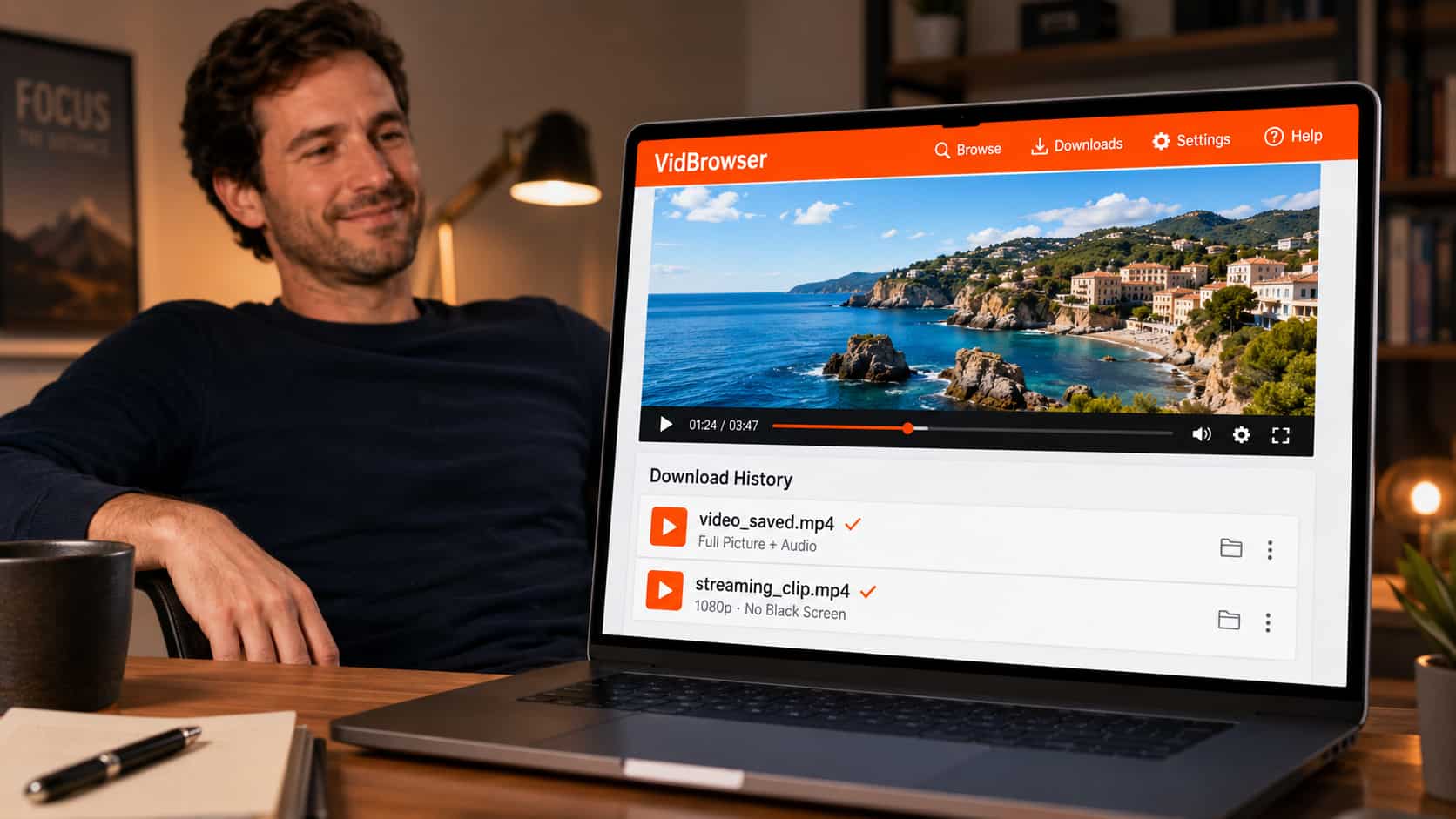
Why Your Downloaded Video Plays as a Black Screen
A black screen almost always means the same thing: the tool captured everything except the actual video picture.
This happens for two main reasons, depending on how you tried to save the video:
If you used a screen recorder (OBS, Bandicam, QuickTime, Xbox Game Bar), the platform blocked the video output. Most streaming and video platforms protect their picture at the system level — when a recorder tries to capture the playing video, the platform swaps it for a black frame. The recorder faithfully records that black frame, plus your audio, plus everything else on screen. You get a black video with sound.
If you used a download tool or extension, it grabbed the wrong stream. Streaming video is often split into separate video and audio streams. A tool that misses the video stream — or grabs an encrypted segment it can't decode — assembles a file where the picture data is missing or unreadable. The player shows black.
Either way, the root issue is the same: the tool was working from outside the video, and the video's protection kept the picture out of reach.
Which Platforms Cause Black Screen Downloads?
This isn't limited to one site. The same protection appears across most major video platforms — streaming services, creator platforms, and premium subscription content all commonly trigger it. If a platform charges for content or wants to keep it inside its own player, it usually protects the video output, and that protection is what turns your download into a black screen.
The pattern is consistent: the more a platform wants to lock content to its player, the more likely your screen recording or download comes out black.
Why the "Fixes" You've Tried Didn't Work
Search this problem and you'll get the same recycled advice. Here's why most of it fails:
- "Turn off hardware acceleration" — Sometimes helps with ordinary web videos, but does nothing against platform-level output protection. The black screen comes back.
- "Use a different screen recorder" — OBS, Bandicam, ShareX, QuickTime all use similar capture methods, and they all hit the same block. Switching tools switches nothing.
- "Record in a different browser" — The protection lives with the platform, not the browser. Chrome, Firefox, Edge, Brave all get the same black frame.
- "Update your graphics drivers" — Unrelated. This isn't a driver problem.
- "Try a VM" — Complicated, unreliable, and it tanks your video quality through the virtualization layer.
They fail for the same reason: they all keep trying to capture the video from outside, which is exactly what the protection is built to stop.
The Fix That Actually Works
Stop trying to capture the screen. Save the video from inside the browser instead.
VidBrowser is a desktop browser built for video. Because the video plays inside it, VidBrowser has legitimate access to the real video stream during playback — the same access the platform's own player has. It isn't recording your screen and it isn't grabbing fragments from outside, so the black-screen protection never comes into play.
Step 1: Download VidBrowser free and install on Windows or Mac.
Step 2: Open the site with your video inside VidBrowser and log in if needed.
Step 3: Play the video.
Step 4: Click the orange "Video Detected · 1-Click Save" badge that appears in the corner.
Step 5: The video saves as a standard MP4 — full picture, full audio, no black screen.
The file plays in any media app, doesn't expire, and works offline. What you saw on screen is what you get in the file.
How to Tell This Will Work Before You Download
Simple test: if you can watch the video play normally inside VidBrowser, you can save it without a black screen. VidBrowser saves the same stream you're watching, so there's no gap between "what plays" and "what saves."
That's the core difference from screen recording, where what plays and what records are two different things — and the platform makes sure they don't match.
What About Black Screen With Audio?
"Black screen but audio plays" is the signature of screen-recording protection. The recorder captured the audio track (which usually isn't protected) but got a black frame where the video should be.
VidBrowser fixes this because it doesn't separate the two — it saves the complete stream with picture and sound together, correctly synced, in one MP4. No more silent-video or black-video-with-sound files.
Does VidBrowser Work Everywhere?
VidBrowser supports 1,000+ platforms — streaming sites, social video, creator platforms, and video embedded in regular web pages. The process is identical on all of them: open the site, play the video, click the orange badge.
If it plays in the browser, it saves without a black screen.
FAQ
Why is my OBS recording a black screen but I can see the video fine?
Because the platform protects its video output specifically against screen capture. You see it because you're watching through an authorized player; OBS sees black because it's capturing from outside that player. VidBrowser saves from inside, so it gets the real picture.
My downloaded video is black but has sound — can I recover the picture?
Not from that file — the picture data was never captured. You'll need to save it again with a method that isn't blocked. Re-download it through VidBrowser and the new file will have the full picture.
Does turning off hardware acceleration fix black screen downloads?
Only for some ordinary web videos. For platform-protected content, hardware acceleration isn't the cause, so turning it off doesn't help. VidBrowser works regardless.
Does VidBrowser work on Mac and Windows?
Yes, both. It's desktop only — there's no mobile version.
Is VidBrowser a screen recorder?
No, and that's why it works. Screen recorders get the black frame. VidBrowser saves the actual video stream from inside the browser, so the protection never triggers.
Will the saved video match the quality I was watching?
Yes. VidBrowser saves at the quality streamed to your browser, up to 1080p and 4K where available.


