
Fansly vs OnlyFans: Which Platform Is Actually Worth It in 2026?
If you're trying to decide between Fansly and OnlyFans — whether you're a subscriber looking for the best experience or a creator figuring out where to build — the honest answer is that they're more similar than most comparisons will tell you, but the differences that do exist matter in specific ways.
This is a straightforward breakdown. No hype for either platform. Just what's different, who each one is better for, and what both get wrong.
The Quick Version
OnlyFans is the larger, more established platform. More creators, more content, more brand recognition. Higher chance the specific creator you're looking for is there.
Fansly launched in 2020 as an alternative, and has carved out a real user base — particularly among creators who wanted more flexibility in how they structure subscriptions and present content. It's smaller, but not obscure.
Both platforms take a 20% commission from creator earnings. Both use similar payment structures. Both host adult content as a significant portion of their catalog. If you're looking for one to be clearly superior across the board, you won't find it — but the nuances are real.
Platform Size and Creator Availability
OnlyFans wins on scale — by a lot.
OnlyFans has over 4 million creators and more than 220 million registered users as of 2025. It's become a cultural touchpoint in a way Fansly hasn't. If you're looking for a specific creator, there's a much higher chance they're on OnlyFans. Many well-known creators treat OnlyFans as their primary platform and Fansly as secondary.
Fansly has grown substantially since 2020, but its creator and subscriber base remains a fraction of OnlyFans. If you're a subscriber and the creator you follow is on both platforms, their OnlyFans page usually gets more attention and more frequent updates — because that's where most of their audience is.
Verdict: OnlyFans, if creator availability matters to you.
Subscription Structure
This is where Fansly does something genuinely different.
OnlyFans has a single-tier subscription model. Creators set one monthly price. Subscribers either pay it or they don't. Everything beyond the subscription fee is sold as pay-per-view locked content.
Fansly supports multiple subscription tiers. A creator can offer a $5/month tier with basic access, a $15/month tier with more content, and a $30/month tier with full access. This is familiar from Patreon and lets creators structure their offering more flexibly.
For subscribers, tiered subscriptions mean you can start at a lower price point and upgrade if you decide a creator is worth more. For creators, it allows more nuanced monetization without forcing everyone to the same price.
Fansly also has a built-in free trial feature that creators can offer — giving potential subscribers a taste before committing. OnlyFans has had a similar feature but it's been more inconsistently available.
Verdict: Fansly, if subscription flexibility matters to you.
Privacy and Discretion
Both platforms have improved their privacy handling over the years, but there are differences worth knowing.
OnlyFans has faced some scrutiny over billing descriptor names on credit card statements, though this has gotten better. Their verification and payout processes are well-established.
Fansly has generally been more deliberate about billing discretion from the start — credit card statements show less obviously identifiable descriptors, which matters to subscribers who share financial accounts or are simply private about what they spend money on.
Both platforms require age verification for creators. Neither platform publicly exposes subscriber lists.
Verdict: Fansly has a slight edge on billing privacy. For most users it won't matter; for some it will.
Content Discovery
OnlyFans has limited built-in discovery. The platform deliberately doesn't have a robust search and browse feature — no public content feed, no algorithmic recommendations. You find creators through external sources: Twitter, Reddit, TikTok, word of mouth. If you already know who you're looking for, fine. If you're browsing, you're mostly doing it off-platform.
Fansly has better on-platform discovery. There's a search function, categories, and some browse capability that OnlyFans doesn't offer. For subscribers who want to find new creators without going off-platform, Fansly's UI is more useful.
Verdict: Fansly, for discoverability.
Video Playback and Content Quality
Both platforms stream video using encrypted delivery — HLS with Widevine DRM protection, the same standard Netflix and YouTube Premium use. Playback quality depends on the creator's upload quality and your connection, not the platform.
In practice: video on both platforms can buffer, especially during peak hours. Both platforms have had periods of server instability as they've scaled. Neither has the CDN infrastructure of a major streaming service like Netflix.
One thing that's identical on both platforms: you can't right-click and save a video. You can't screen-record reliably (Widevine's hardware protection produces a black screen on most modern devices). Standard download tools fail because they grab the encrypted stream without the decryption key.
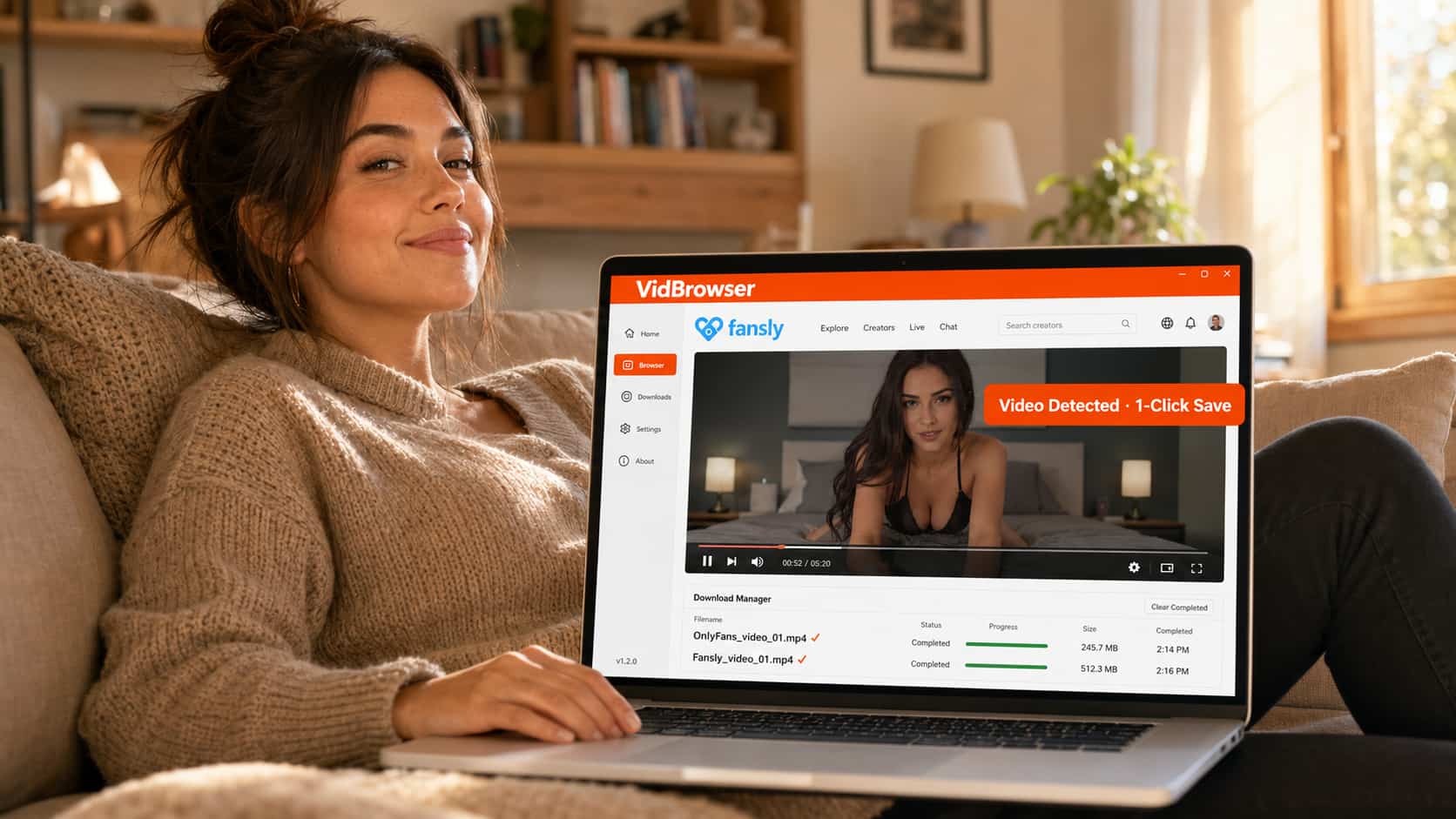
VidBrowser is the tool that handles both. It's a desktop browser with built-in video detection and one-click saving. It works on OnlyFans and Fansly equally — because it operates as a full authorized browser that participates in the DRM flow legitimately, rather than trying to intercept an encrypted stream from outside. When you watch a video on either platform in VidBrowser, an orange badge appears: "Video Detected · 1-Click Save." The file saves locally, plays in any media app, never buffers.
Verdict: Identical streaming experience. VidBrowser solves the content-saving problem on both platforms.
Creator Tools and Features
For subscribers, this matters less directly — but it affects your experience because better creator tools usually mean better-organized content and more engaged creators.
Fansly offers more flexibility: multiple subscription tiers, bundled content options, better media management tools, and a cleaner interface for organizing posts. Creators who've used both platforms often cite Fansly's tools as more thoughtfully designed.
OnlyFans has the advantage of sheer scale — more payment infrastructure, more established payout systems, and the network effects of a larger platform. For a creator who wants maximum reach, OnlyFans' audience size outweighs Fansly's better UX.
Which One Should You Actually Use?
As a subscriber:
- If you're following specific creators you already know: check where they're most active. Most creators who are on both platforms update OnlyFans more frequently.
- If you value subscription flexibility and better in-app discovery: Fansly.
- If billing privacy on your statements is a concern: Fansly has a slight edge.
- If you want to save content locally and stop worrying about it disappearing: download VidBrowser and use it on whichever platform you prefer.
As a creator:
- If reach and monetization volume is the priority: OnlyFans, because the audience is larger.
- If you want more control over how you structure your offering: Fansly, for the tiered subscriptions and better tools.
- Many creators run both and cross-promote.
The honest answer for most subscribers: the platform matters less than the creator. Follow the creator to wherever they're most active. Use VidBrowser to save what you want to keep. The platform debate is largely academic once you've found who you're there for.
FAQ
Can the same creator be on both Fansly and OnlyFans?
Yes, and many are. Creators often maintain both accounts and cross-promote. The content isn't always identical — some creators post different material on each platform, or update one more frequently than the other. Worth checking both if you follow someone closely.
Is Fansly safer than OnlyFans?
"Safer" depends on what you mean. Both platforms have improved their security and payment handling significantly. Fansly has been slightly more deliberate about billing discretion. Neither platform has had major subscriber data breaches. For general use, both are comparable.
Does VidBrowser work on Fansly too?
Yes. VidBrowser works on OnlyFans, Fansly, and 1,000+ other platforms. The video detection and one-click save works wherever video content is playing in the browser.
Why can't I screen record OnlyFans or Fansly videos?
Both platforms use Widevine DRM with hardware-level protection (L1) on most modern PCs. Screen recording software can't access the protected video layer — it only captures a black frame. This is a platform-level protection, not a problem with your recording software. Local download via VidBrowser is the practical solution.
Which platform has better customer support?
Neither has a strong reputation for subscriber support — both handle most issues through automated systems. Creator support is generally more responsive on both platforms than subscriber support. Billing disputes have a somewhat better track record on OnlyFans given their longer operational history.
Is Fansly growing or declining?
Fansly has grown year-over-year since its launch and picked up significant creator migration during periods when OnlyFans considered policy changes (notably in 2021). It's an active, growing platform — not a flash-in-the-pan alternative. Whether it ever reaches OnlyFans' scale is a different question.


