An account on Fanvue looks tempting? Hold off on subscribing: AI labels and the three account types are all out in the open
"Scrolled Fanvue for a while and the account on the other side keeps feeling less and less human." That mutter comes up more and more often when you are hesitating over money on a subscription platform.
On other platforms it is mostly guesswork; on Fanvue it is not. The platform runs "AI creator" as an official account category, the labeling is a legal transparency duty, and the labels sit in plain sight. The basics such as account registration and operator identity checks are covered in the Fanvue guide, so this piece skips them. Following the official help center, spotting breaks into four parts: where the labels live, how the money works before and after subscribing, who to contact when unsure, and how to keep the content.
Fanvue AI labels sit in four kinds of spots, and accounts come in three types
The AI creator label follows the account and the content, and the official list has four spots: next to the display name, on AI-generated posts and paid media unlocked in chats, on intro videos, and on discovery and recommendation cards.The official help page states it plainly: the law requires the platform to mark AI accounts clearly, and every AI creator's profile bio carries an AI badge. Labels are not left to creators alone; when the system detects a single item that looks AI-generated, that media gets tagged automatically, which keeps missed labels rare.
Some background: this disclosure rule is not the platform's own choice. The EU AI Act writes disclosure of AI-generated content into law as a transparency duty (Article 50), and the AI Act transparency rules guide unpacks it clause by clause; Fanvue's label system follows that direction.
Accounts involving AI fall into three types in the official wording, all three must carry the AI label, and the difference lies in where the content comes from and what authorization is needed.
- Fully AI: a virtual persona whose photos, videos and voice are all AI-generated, matching no real person; the human running the account passes the platform's identity check.
- AI persona based on a real person: the content uses a real person's face or image, so beyond the operator's own verification it needs that person's verification and written consent; celebrities and other creators are covered too.
- AI-enhanced creator: a real person appears on camera and uses AI tools on some content (such as filter retouching); the account still carries the label.
The second type deserves the most attention: it hinges on "the person said yes", and a face swap without that authorization goes nowhere on any platform. Both sit on the AI-versus-human boundary; Fansly's terms list AI impersonation of real people straight out as a ban, while Fanvue takes the mark-it-then-operate route. The Fansly fake accounts guide breaks down the checks on that side; one route is dark, the other is open.

The label is visible at subscription time, and refunds make no exception for it
Check the bio before subscribing, an action written for subscribers: the AI label is visible at the moment you subscribe, and a refund request filed afterwards on the grounds that "the creator is AI" will not be accepted.The terms allow AI content, and refunds follow the same no-refund rule for everyone; stack the two and the result is label shown, money kept.
Bio wording has its own red line. Vague phrases like "100% real" or "Some content AI-generated" are named by the platform as misleading, and labeled accounts may not write them.
The boundary after subscribing is just as clear. The profile label counts as disclosure, so the creator may keep up the persona; but ask directly "are you AI" and the answer must be an explicit yes, and dodging, deflecting or joking it away counts as a violation, as does claiming the label is wrong. For subscribers that means: verbal promises in chat carry no weight, and identity is settled by that label.
Label missing or wrong? Two feedback paths, one for each side
Two opposite situations map to two paths; tell which one you have hit before acting.
- Suspected AI with no label: per the official help page, send the username to support@fanvue.com with your reasons, and the platform will review it.
- Real-person content wrongly labeled: automatic detection misfires sometimes, and creators whose content is entirely real can request a review; while AI content remains in the account, the account-level label stays, and removing that content is the way to lose the label.
The first path is for subscribers; the second leans toward creators, but it shows the label system keeps a correction channel instead of sealing itself shut.
Whether the other side is human or AI, save what you want to keep early
Telling the persona apart is step one; the subscribed content itself leaves no archive, and once posts are deleted or a term runs out, it is gone.Old rule: check whether the platform offers a download option first (the habit of treating the official marker as the first signal is covered in the downloads-allowed roundup). Fanvue has no native download entry, so saving is recording-first with downloads as a supplement, done in four steps with VidBrowser:
Step 1: Download and install VidBrowser
VidBrowser is a desktop video browser for watching videos, trimming clips and saving them locally on Windows and Mac, with downloading and recording built in.
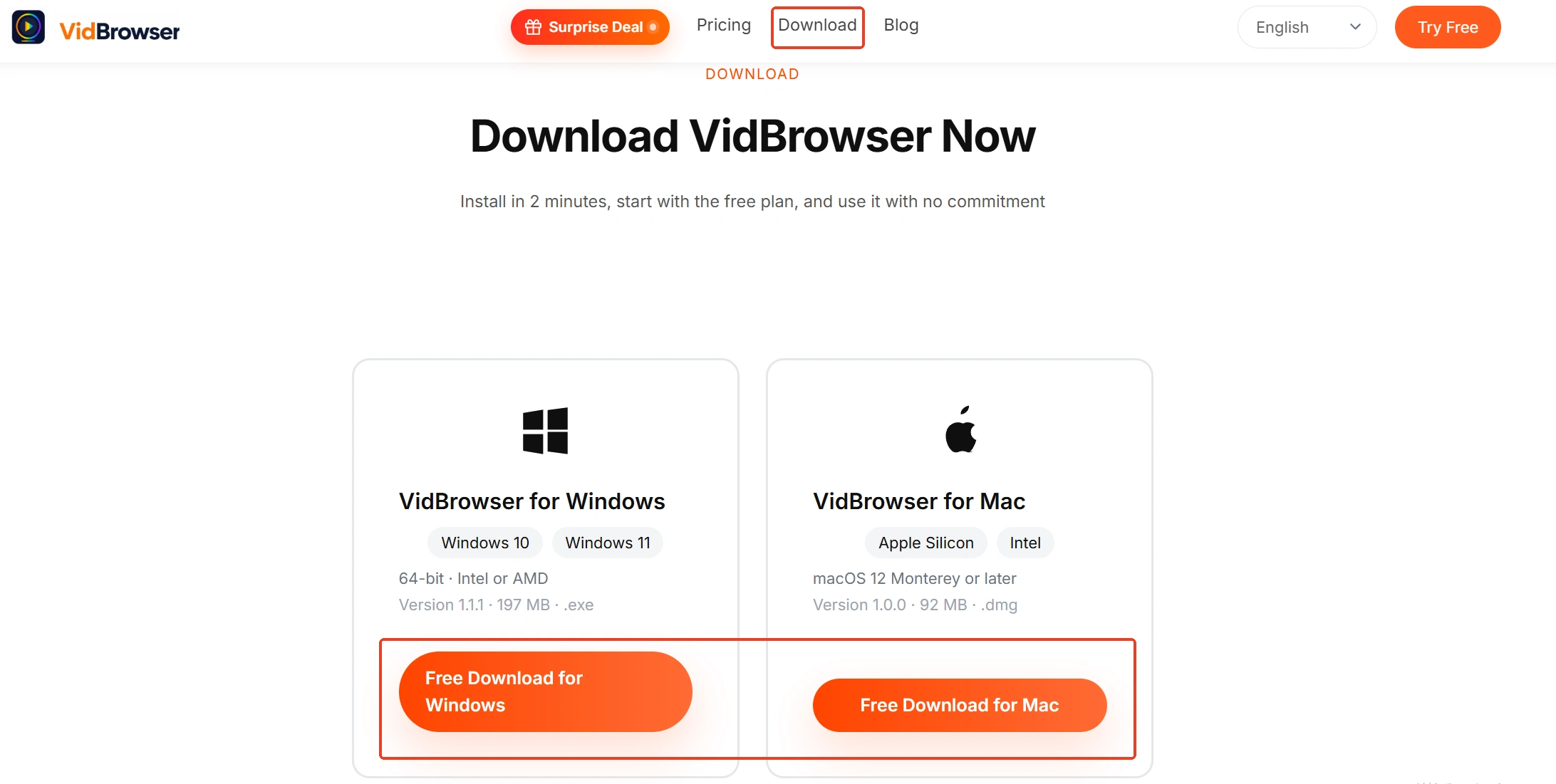
Step 2: Open Fanvue in VidBrowser and log in
Log in with your own account, open the creator page you subscribe to; what you save stays within what you are allowed to watch.
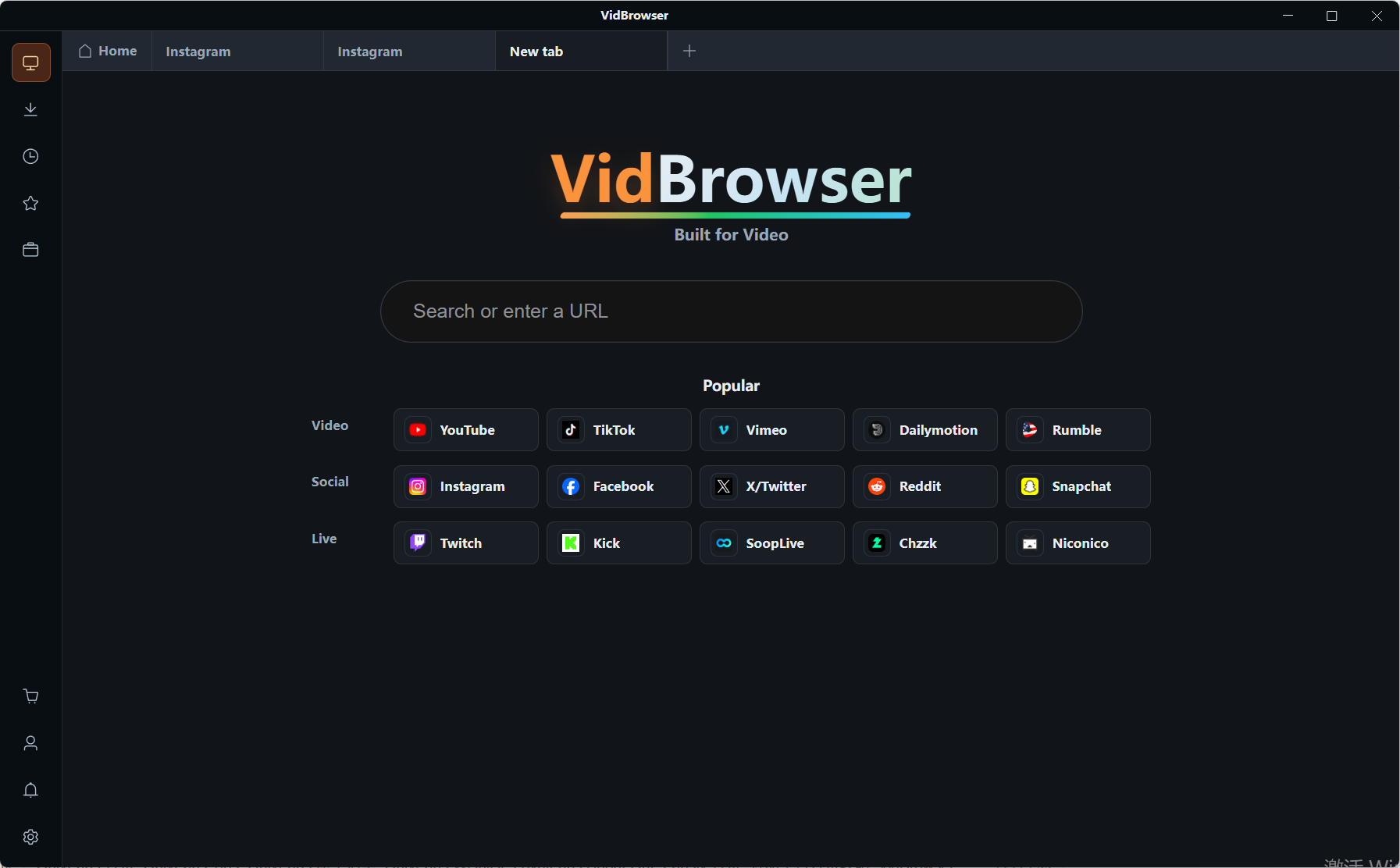
Step 3: Play the video you want to keep
Open the video or replay you want to keep and let it play normally.
Step 4: Use the recording function to save (first choice for protected content)
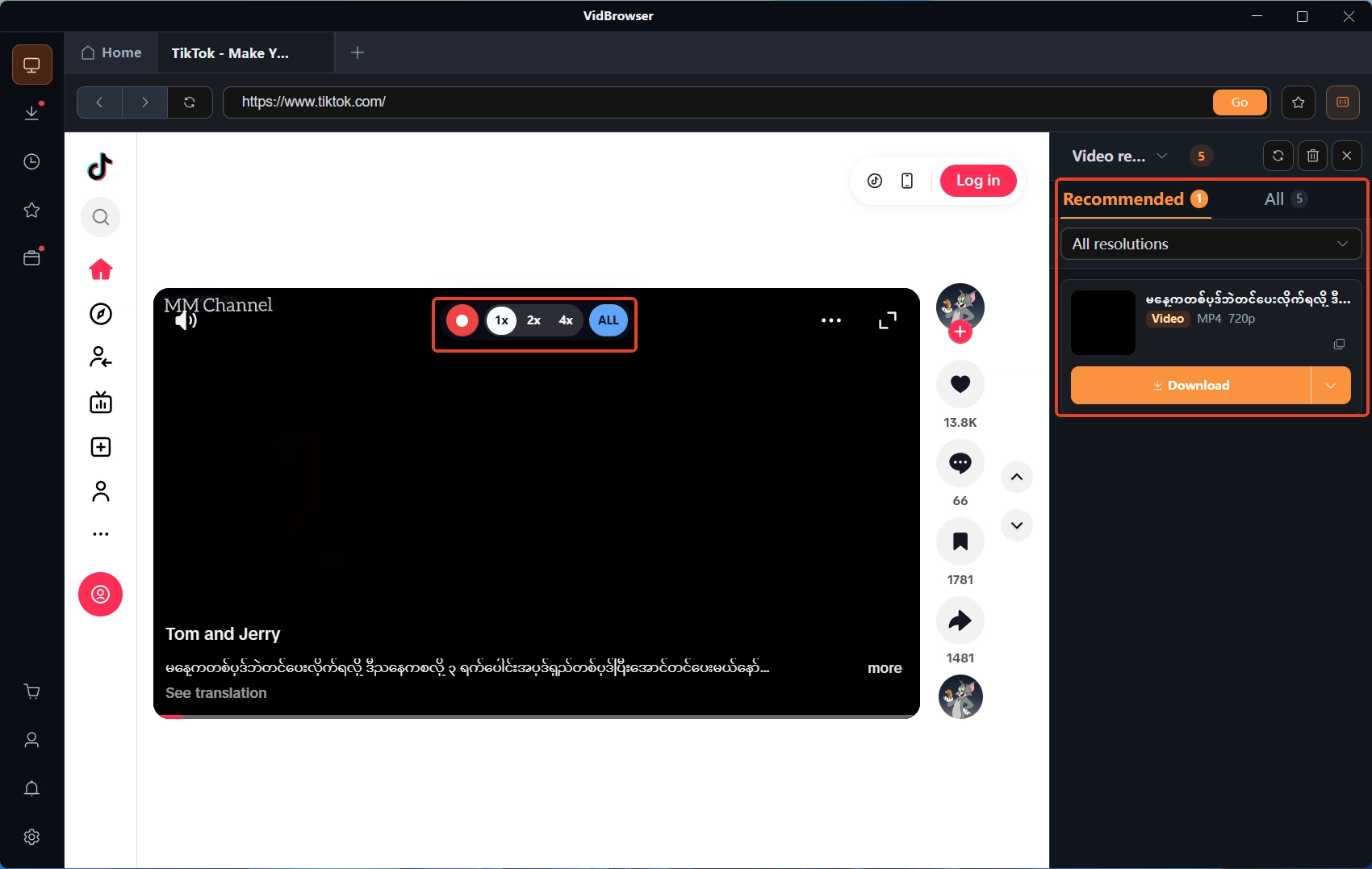
Videos on subscription platforms like Fanvue are mostly copyright-protected and out of reach for ordinary downloaders, so recording leads: move the mouse over the picture and the recording controls appear; pick a recording speed (1x real time, 2x or 4x to finish faster), hit "Record All" to record the whole video from the current position, and the button on the left pauses any time. Items that can be downloaded directly show up in the "Video Library" panel on the right with an orange "Download" button, saved as MP4 in one click, resolution selectable first.
When it is done, the clock icon in the left navigation shows the download history, and the file is already on your disk.
In short
Telling them apart takes no eye power: the label spots are listed by the platform, and all three account types must carry the label; checking the bio before subscribing is the official move, refunds make no exception for "I did not know it was AI", and a direct question in chat must be answered honestly; when unsure, report or appeal, one path for each case. On the content side, download options first, recording as the fallback, and only what sits on your own disk stays in your hands.
FAQ
I subscribed to an AI creator. Can I get a refund afterwards?
The official answer is no: the label was on the profile bio at subscription time, disclosure was already in place, and refund requests filed because "the creator is AI" are no longer processed, which is why the platform keeps stressing check the bio first.
Can the AI label be wrong?
Yes. Automatic detection sometimes tags real-person content as AI; creators whose content is entirely real can request a review. While the account still contains AI content, the account-level label stays, and only removing it opens the chance to drop the label.
How do I report a suspected AI account with no label?
Send the username to the officially stated address support@fanvue.com and the platform will review it. Before sending, check once more yourself: the spot next to the display name, the bio, and the individual items for an AI badge.