
A fake Fansly account costs more than the subscription — remember that three-dot button first
Fansly lets you find creators straight from on-site search and the recommendation feed, which feels friendlier than OnlyFans — and that same discovery also cut a new lane for fake accounts: wherever the real creator shows up, a fake one camps out. The good news is that its official terms nail impersonation down hard, the report button sits behind the three dots at the top right of an account page, and even refunds have a clause behind them. Identification, reporting and follow-up all have official backing, so let's walk through them in order.
Fake Fansly accounts get two extra attack surfaces: discovery and the free-follow layer
The underlying tricks behind fake Fansly accounts are the same as on OnlyFans — stolen photos, impersonation, AI synthesis and agency-run fronts; all four types and the five verification steps are already taken apart in the OnlyFans fake-account guide, so we won't repeat them here. The real difference is platform structure: Fansly's on-site discovery saves scammers the step of pulling traffic in from social media.
OnlyFans has almost no on-site discovery, so a fake account has to draw people in from social platforms, which is loud and leaves traces. Fansly has search, categories and a recommendation feed, so a fake that copies the real creator's bio and tags can show up side by side in the same set of search results. the piece on creators moving platforms covered the background of feeds being flooded by same-name accounts when creators migrate en masse, and the same holds day to day.
The second lever is the free-follow layer. A scammer first piles stolen preview images into the free layer to give the account content volume, then harvests with multiple paid tiers — a single-tier platform leaves no room for that "grow first, charge later" play, and that is why Fansly users have an extra check to run before subscribing.
The official terms make impersonation, AI posing as a real person and canned streams bannable
Fansly's Terms of Service carry a matching prohibition for each main fake-account playbook, and citing the clause in a report is far stronger than writing that this is a scammer. The three groups most relevant to subscribers:
- Impersonation and fraud: impersonating any person or entity without consent (real or fictional), falsely claiming a connection to someone, or faking the source of information are all prohibited uses;
- AI posing as a real person: deepfakes, face swaps and synthetic media may not be passed off as a real person's creation, and AI-driven interaction needs human oversight — the fastest-growing scam type of 2026, and the terms land right on it;
- Extra creator bans: you may not deceive users about the nature of paid content, may not pass off a recording as a live stream (Fansly has live streaming, and this clause plugs exactly that hole), and may not conspire to take payment with stolen cards.
The above is drawn from Section 04 of Fansly's Terms of Service. The point is not to memorise it, but to have official grounds to cite when you report.
Three checks you can finish on-site before you subscribe
Verifying an account on Fansly comes down to three moves: search the name, compare the free layer, and check the cross-platform links — pass all three before you consider paying.
- Search the full name: type the creator's name into Fansly search. When same-name accounts sit side by side, open each one and look at its join date and posting density — a new account wearing a polished persona but with almost no history is a red flag.
- Compare the free layer: open the free follow layer. Stolen-image accounts tend to show inconsistent preview quality, and names in image watermarks do not match the profile name; a dense free layer paired with vague paid tiers is another pattern to watch.
- Check cross-platform links: a real creator's social accounts link to Fansly and the Fansly profile links back to social. Both directions have to line up for it to count as closed. If one direction is missing, go back and rerun the five-step checklist from the article above.
All three are free and take a few minutes combined. Once the pay-or-not call is made, what is left is the homework that comes after paying.
Found out after paying? The report entry and refund rules are both in the official docs
Fansly gives every post and every profile its own report entry — tap the three dots at the top right and choose Report; for faster handling, add an email that follows the official help centre's checklist. the identity-theft help article states that the team reviews every Report, and that an email to support@fansly.com should carry the link to the content or profile, the other account's username, the date and time you found it, the reason, and a statement that your claim is true.
Refunds have a basis in the terms too: a violating account's earnings can be confiscated by the platform and returned to affected users. In other words, when a report is upheld there is an official path to recover the subscription fee. But there is an easy trap on the other side — the same terms state that filing a chargeback can get your own account suspended or terminated immediately. Report first; do not rush into your banking app.
As for fake websites mimicking Fansly's domain, those fall outside the platform's jurisdiction; the official approach is to monitor suspicious domains and push for takedown, while on the user side you can report to the domain host (Wixsite, GoDaddy and others all have dedicated channels). If you typed your password on a fake site, change it right away and turn on two-factor authentication. Fake apps and APK installers are the other end of the same thread — how to spot them is in the Fansly official app piece.
Once the account checks out, save what's worth keeping while you can
Confirming the real account is only the start — save the videos you want to keep during your subscription, so that whatever happens to the account later, the copy is in your hands. With VidBrowser it takes four steps:
Step 1: Download and install VidBrowser
VidBrowser is a desktop video browser for Windows and Mac with built-in download and record functions. Installation takes a few minutes.
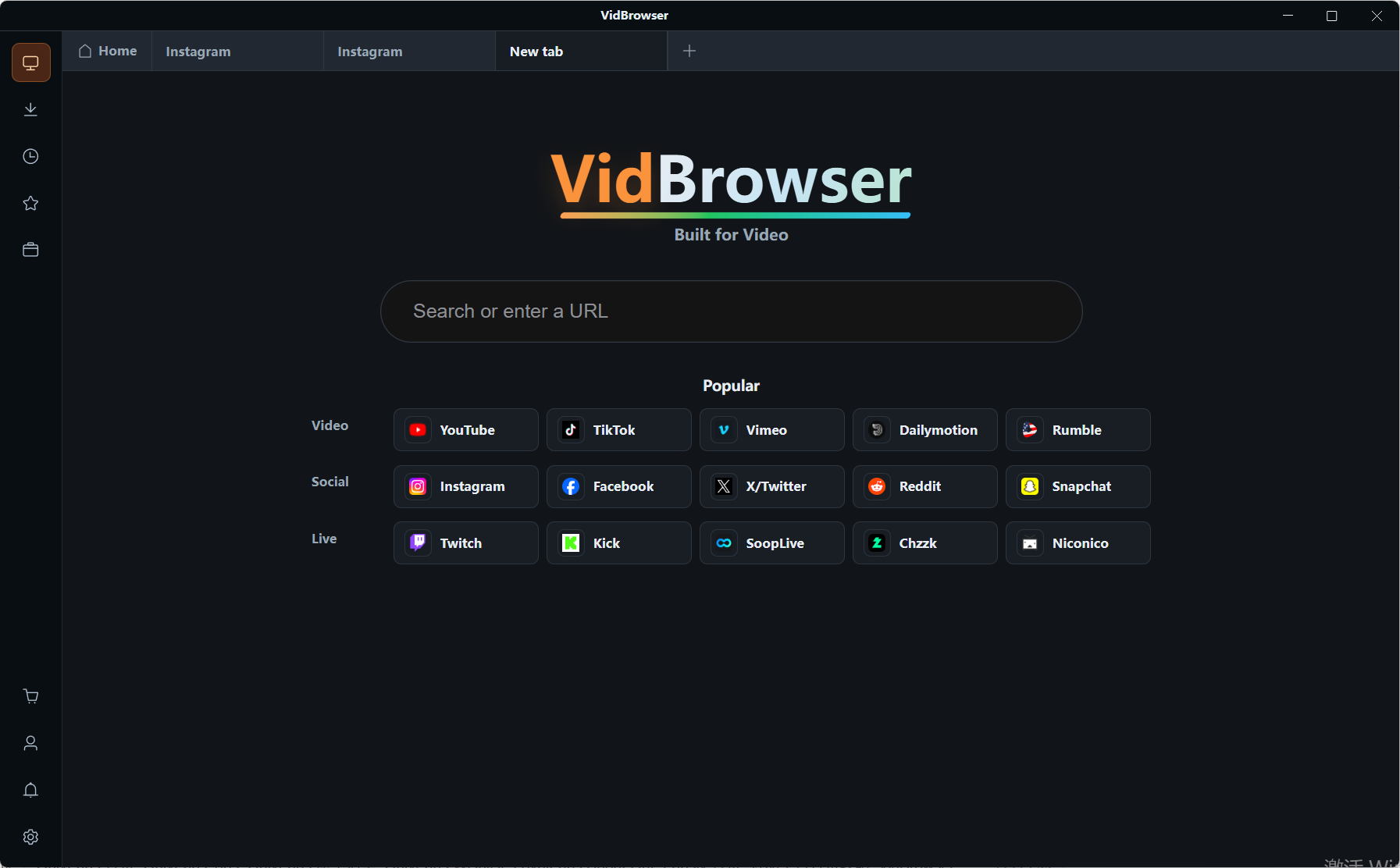
Step 2: Open Fansly inside VidBrowser and sign in
Launch it, visit fansly.com and sign in with your account; subscriptions and purchase history match your normal browser.
Step 3: Use Record for protected content (the first choice)
Most videos on subscription platforms like Fansly are copyright-protected and ordinary download tools cannot grab them: moving the mouse over the video overlays the record controls, pick a recording speed (1x real time, 2x or 4x finishes faster), hit Record All to capture the whole video, and the record button on the left starts or pauses anytime.
Step 4: For directly downloadable videos, use the orange button and find files in Download History
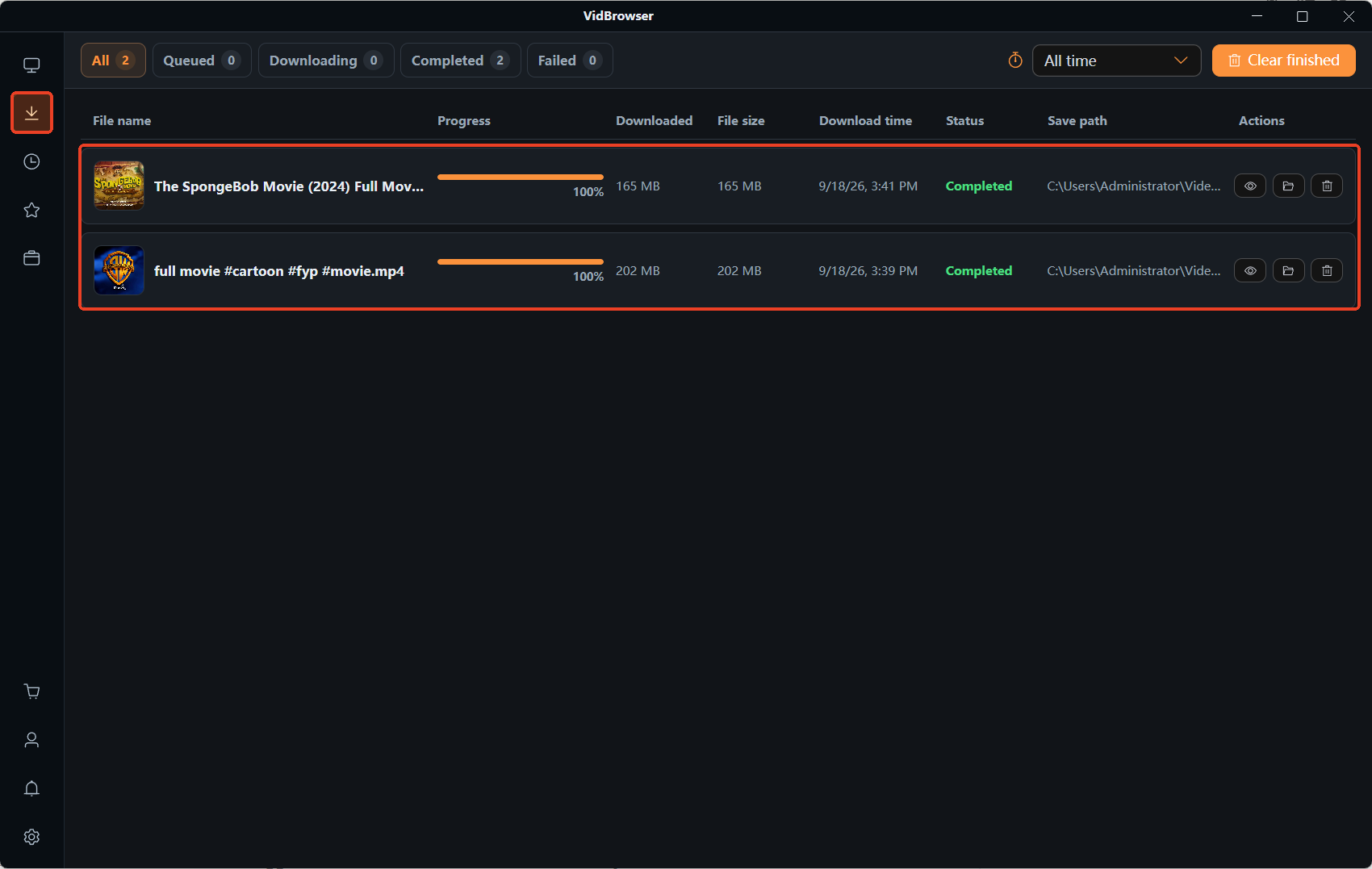
The Video Library panel on the right lists detected items; tap the orange Download button to save as MP4, or pick a resolution first. Both recorded and downloaded files land in Download History on the left, so offline viewing later needs no login.
FAQ
Can you get your money back from a fake account?
There is a chance. When a report is upheld, the platform can confiscate the violator's earnings and return them to affected users; payment goes through the on-site channel, so the platform can trace it. But be clear about the split: money sent privately off-platform is not covered by any clause and needs another route to recover. And do not use a chargeback instead of a report — the terms say a chargeback can get your own account banned.
What should I do about an AI fake on Fansly?
The terms already ban deepfakes and face swaps posing as a real person, so report through either entry above. For spotting them, the clues from the OnlyFans fake-account guide still work: photos that look unnaturally polished, and no video anywhere. On Fansly there is one more layer — AI accounts post on a machine-like schedule, and the comments lack the scattered, human back-and-forth.
Two accounts share a name and avatar — which do I subscribe to?
The cross-platform link loop is the hard standard: whoever the social profile's link points to is the real one. Then compare the free layer's content density and update rhythm. If you are unsure, follow without paying and watch for a few days — the real creator is not going anywhere, and the one rushing you to pay is the one to doubt.


