
Your Favorite Creators Are Moving: The Complete Guide to Following Them from OnlyFans to Fansly/LoyalFans (2026)
A creator you've followed for six months suddenly posts a "new platform link" in their feed, or changes their OnlyFans bio to "final updates this week" — many subscribers' first reaction is panic: which new platform? What happens to my existing subscription? Do I have to pay again? Don't click that link just yet: creator migrations come in three forms, announcements appear in four fixed places, and old subscriptions never transfer automatically. Get these three things straight before you act.
When Creators Move from OnlyFans to Fansly or LoyalFans: First, Tell the Three Forms Apart
First figure out which kind of move your creator is making: a true migration, running both platforms in parallel, or just registering a "backup account" — each form calls for a different response.The shift to platforms like LoyalFans and Fansly isn't new: in August 2021, OnlyFans announced it would ban adult content, then reversed the decision six days later — but in those two days, Fansly gained 2.1 million new registrations and received nearly 4,000 creator applications in a single hour. After the reversal, many creators never deleted their new accounts, keeping dual platforms as "policy insurance." Industry observers widely consider this one reason Fansly's registered users far exceed its monthly active users.
In your subscription list, the three forms look like this:
- True migration: the old platform stops updating or is cleared out, and the new platform becomes the only home base. All existing fans need to migrate, and creators usually allow a 1-2 week buffer.
- Both platforms in parallel: both are updated with different content on each side. Which one to subscribe to depends on what you want to watch (more below).
- Backup account: the new platform is just a placeholder, occasionally reposting announcements, rarely posting content. Don't rush to subscribe — watch the posting frequency first.
We covered why creators choose Fansly (revenue share, experience, policy hedging) in our why creators only use Fansly article, so we won't repeat it here. The question that really matters to fans is the next layer: how to confirm the new profile is really them.
Migration Announcements Hide in Four Fixed Places — Check Official Channels First
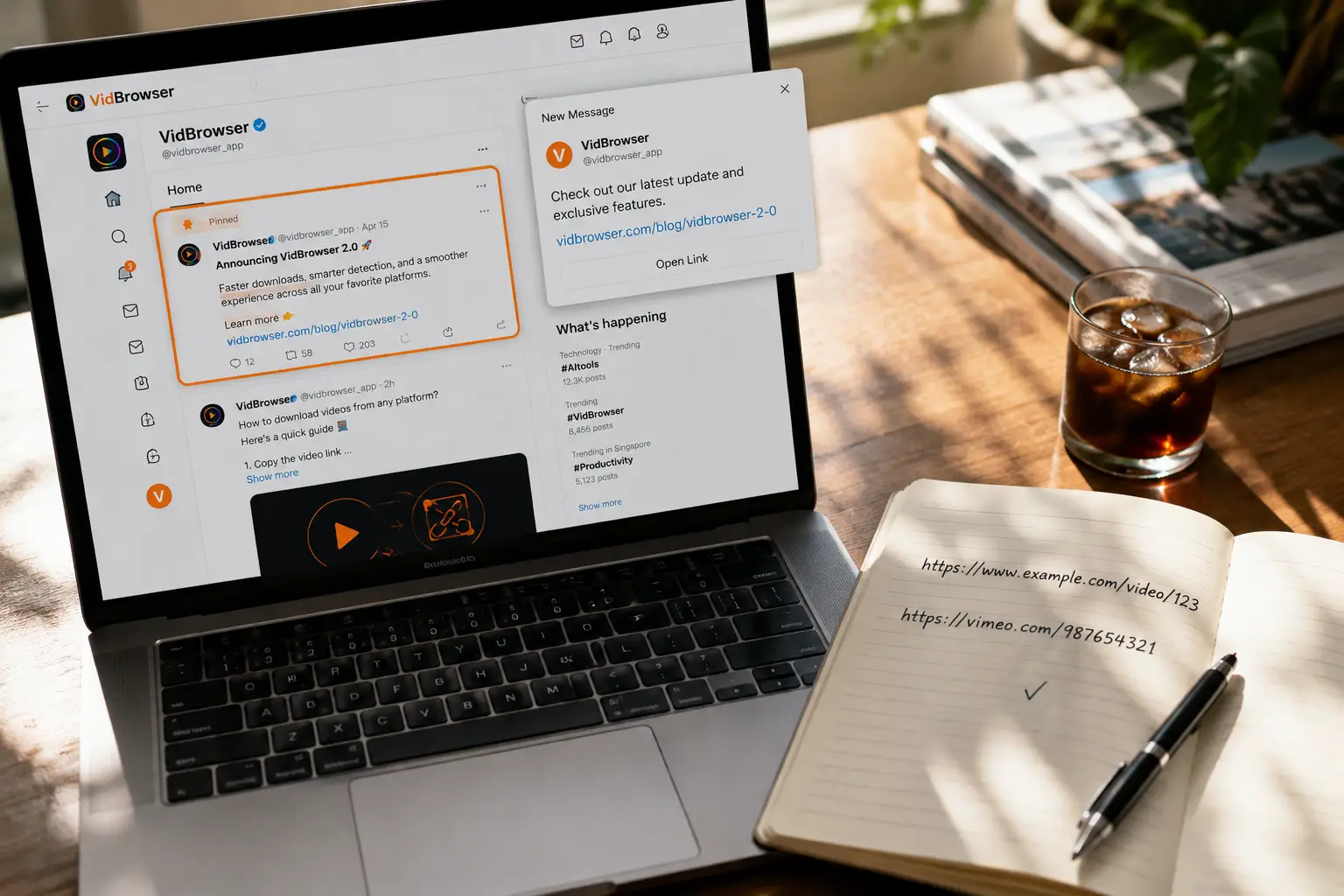
Creators don't mass-send migration announcements to everyone, but they almost always appear in four fixed places.Ranked by reliability:
- Pinned post or bio on the old profile: the most formal announcement spot, usually with the exact link to the new platform. Check here first, then elsewhere.
- Mass Message: paying subscribers often receive a one-on-one migration notification — an "exclusive perk" for long-time fans, so don't swipe it away as ordinary promotion.
- Social media accounts: X, Instagram and other external accounts are where creators most often post migration details, especially when the old platform restricts outbound links.
- Official accounts of collab groups or management teams: creators with a team announce through the team's account, and such statements carry high credibility.
A practical rule: a genuine migration announcement comes with the complete new-platform profile link and identity confirmation, not just a vague platform name.If you only see "she moved to Fansly" reposted in comments, don't act on it — verify on the old profile first.
Migration Periods Are Prime Time for Fake Accounts: Verify the Real Profile in Three Steps
Whenever a wave of creators migrates, fake accounts posing as the "new home" pop up right behind them — always verify before subscribing.During a platform's buzz period, recommendation feeds and search results get flooded with copycat names. The classic fake-account play: same avatar and bio, claiming "OnlyFans banned me, this is my new account," pushing you to subscribe early. Verify in three steps:
- Verify in reverse: start from the creator's official social media account to find the link, not from the new platform's search box. All links should point to the same profile.
- Check content depth: a genuinely migrated profile has structured content and a pinned statement within days of launch; fake accounts usually have just a few photos and one message urging you to subscribe.
- Ask the creator if unsure: send one message on the old platform — "is your new profile XX?" Thirty seconds to avoid a loss.
We wrote about general creator-verification methods in our finding OnlyFans creators on Pornhub article. The difference in a migration scenario: fake accounts no longer impersonate the old profile — they impersonate a "fresh start," which makes people let their guard down more easily.
Old Subscriptions Don't Transfer: Keep Two Timelines Straight
Subscriptions are bound within each platform — moving from OnlyFans to Fansly or LoyalFans doesn't carry your subscription over, so track the two timelines separately.Specifically:
- On the old platform: content stays watchable until your subscription expires; don't renew and access ends automatically. After a creator truly leaves, the old account usually stops updating but the content stays — paid-for existing content is still worth watching until expiry.
- On the new platform: billing starts fresh under a price the creator sets again. Migration periods are discount season: to win old fans over, creators often run first-month discounts, limited-time price cuts, or free trial links — waiting a bit before subscribing can save you real money.
- Content split during parallel runs: most dual-platform creators "clear inventory" on the old platform (archived content and teasers) while posting premieres and new content on the new one. Subscribe to the new platform to follow updates, and ride the old subscription to expiry to catch up on older content — best of both.
One thing that's easy to overlook: Fansly uses a multi-tier subscription model, so there's no need to jump straight to the top tier. Read the tier descriptions first. For how to choose, our Fansly tier guide has the full method.
Before You Resubscribe, Save What You Paid for on the Old Platform
The most overlooked loss in a migration isn't the subscription fee — it's content you already paid for on the old platform but never got around to watching. Once the account expires, access is gone.Save the content worth keeping to your local drive while your subscription is active, so the migration leaves no regrets.
Here's how, using VidBrowser (a desktop video browser):
Step 1: Download and install VidBrowser
VidBrowser is a desktop video browser with built-in download and recording, supports Windows and Mac, and installs in minutes.
Step 2: Open the old platform in VidBrowser and log in
Open the OnlyFans web version and log in just like in a regular browser — feed, messages, and purchased content are all there.
Step 3: Scroll your feed and purchased messages, list what you want to keep
Go through from oldest to newest, opening and playing the videos you want to keep — this is also the process of filtering "what's worth saving."
Step 4: Use the recording feature (the first choice for protected content)
Videos on subscription platforms like OnlyFans are mostly copyright-protected, so ordinary download tools can't grab them — recording is the most reliable way to save: move your mouse over the video and the recording controls appear — pick a recording speed (1x real-time, or 2x/4x to finish faster), click "Record All" to capture the whole video, and the record button on the left lets you start or pause anytime. Anything that can play can be recorded.
Step 5: For videos that download directly, use the download button (as a supplement)
For some videos, the "Video Library" panel on the right lists entries with an orange "Download" button — one click saves them as MP4 (you can also pick the resolution from the dropdown first).
A migration is essentially a re-shuffle of your content assets: archive what you paid for on the old platform, start fresh on the new one, and check your download history anytime to fill the gaps.
FAQ
What happens to my old OnlyFans subscription after a creator moves?
The old subscription expires automatically at the end of its cycle, and old-platform content stays accessible until then. No need to cancel manually — watch and save the paid content before expiry, then simply don't renew.
How do I confirm the new-platform profile is really the creator?
Start from the creator's official social media account and verify the new profile in reverse; a genuine profile has structured content and a pinned statement within days, while fake accounts are usually empty shells pushing subscriptions. If unsure, message the creator on the old platform to confirm.
Any money-saving tips for subscribing during a migration?
First-month discounts, limited-time price cuts, and free trial links are common during migrations, usually posted in the old profile's pinned post or mass messages — wait for them before subscribing. On multi-tier platforms like Fansly, start with a lower tier and upgrade once the posting frequency meets your expectations.


