
Found a Creator on Pornhub? How to Find Their OnlyFans (2026 Guide)
Scrolling Pornhub, you find a video you really like and the creator catches your eye—you want to support her and see more, so you search for her OnlyFans. But a bunch of same-name accounts pop up and you can't tell which one is real. Seeing content on a free site but failing to find the real creator on a subscription site is where many people get stuck.
This article explains the three real paths from free sites like Pornhub to a creator's OnlyFans, and how to avoid fake accounts. Follow along in 2026.
From Pornhub to a Creator's OnlyFans: Three Real Paths
Bottom line first: free sites won't hand you a creator's subscription link, but the information is all in publicly visible places. Finding the real creator comes down to three paths:
- Links on the video page: the creator's official profile or video description often carries an OnlyFans link—the most direct entry.
- Name search: once you know the creator's name, search "name + OnlyFans" on search engines and social platforms, and verify with photos.
- Verified creator profiles: Pornhub has a Verified Model program; verified profiles list official social and subscription links and are far more reliable than regular uploaders.
Try the three paths in order; most of the time the first one solves it. Use the other two when it doesn't.
Video Description and Official Profile: the Most Direct OnlyFans Link Entry
Most creators put their subscription links in two places—check these first:
- Video description: long before OnlyFans existed, creators put their site or social links in video descriptions; many now paste their OF link there directly.
- Creator profile: click the creator's name on the video page to reach their public profile. Verified creators usually have a dedicated link section listing official social accounts and subscription platform entries.
Before clicking any link, check the domain: OnlyFans' official domain is onlyfans.com—if you see anything like "onlyfans free" or "onlyfans cracked", close it immediately; those are phishing or scams, not the creator's page.
Name Search: How to Verify a Free OnlyFans Page
If the video page has no link, you have to search by name. This step is easy to trip on—three verification points:
- How to search: type "creator name + onlyfans" into a search engine, or search the same name on X (Twitter) and Reddit—creators usually drive traffic from social accounts to their subscription page, and their social pages carry the OF link.
- Check photos: compare the subscription page's avatar and cover image with the footage in the Pornhub video. If the photos don't match, it's almost certainly an impersonator.
- Check follower count and update time: a legit creator's OF page updates steadily with a reasonable follower scale; brand-new accounts with zero content and suspicious follower numbers are probably fake.
Remember one principle: "same name" does not mean "same person"—plenty of creators use the same username on Pornhub and OF, but impersonators exploit exactly that, creating same-name accounts to steal subscription money.
Verify the Real Account—Don't Feed Subscription Money to Fakes
Fake accounts are the biggest trap in the "find creators on free sites" scenario, and the scam almost always runs the same: see content on a free site → search the "same-name" OF account → it looks like the person → subscribe and pay → find out it's fake. Three ways to minimize the risk:
- Only follow official cross-links: links clicked from the creator's own social page are most trustworthy—social accounts and OF pages link to each other, forming a closed loop that impersonators can hardly forge completely.
- Check free posts before paying: legit creator pages usually have free posts showing their content style; if it matches the free-site content you saw, it's the real person.
- Don't click links in DMs: treat any "OF link" that comes to your email or DMs unsolicited as phishing, and find it yourself through public channels.
If you discover you subscribed to a fake account, cancel the subscription immediately and report the account to the platform—most subscription platforms have processes for impersonator accounts, and the earlier you report, the better.
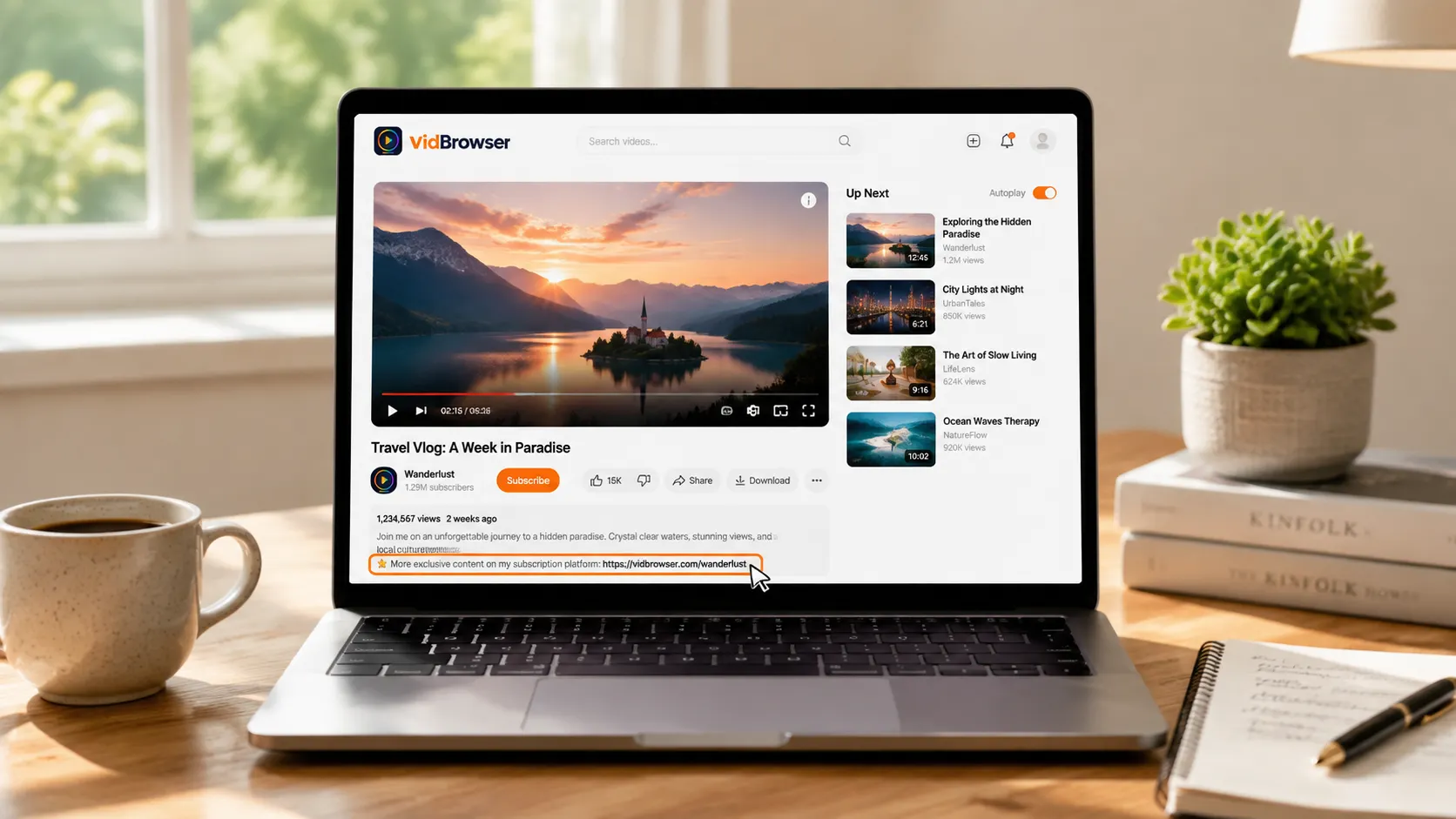
Found the Real Creator and Subscribed? Save the Content
Finding and subscribing to the real creator isn't the end of it: a subscription buys access, creators can delete posts and take content down, and after the subscription expires all history becomes unwatchable—for content you love, saving it locally while it still plays is the most reliable move.
Saving with VidBrowser is simple:
Step 1: Download and install VidBrowser
VidBrowser is a desktop video browser for Windows and Mac: watch videos, capture clips, and save them locally, with built-in download and recording. Installation takes just a few minutes.
Step 2: Open OnlyFans in VidBrowser and sign in
Launch VidBrowser, visit onlyfans.com, and sign in with your own account. Your existing subscriptions and access work exactly as in a normal browser.
Step 3: Play the video you want to save
Open a subscribed post or an unlocked video and let it play for a few seconds. VidBrowser automatically detects video resources on the page and lists detected streams in the "Video Library" panel on the right.
Step 4: Save with the recording feature (first choice for protected content)
Most videos on subscription platforms like OnlyFans are copyright-protected and ordinary downloaders fail on them; VidBrowser's recording is the most reliable way to save: hover your mouse over the video and recording controls appear—pick a speed (1x real-time, or 2x/4x to finish faster), click "Record All" to capture the whole video, and the button on the left lets you start or pause anytime. Anything that plays can be recorded.
If a video can be downloaded directly, the "Video Library" panel lists it with an orange "Download" button—one click saves it as MP4 (you can also pick the resolution first).
Step 5: Find the file in your library
After saving or recording, open the file from your chosen folder or find it in VidBrowser's download history. Play it offline anytime with VLC, QuickTime, or any player—no account or subscription required. (For the full OnlyFans workflow, see our OnlyFans subscriber beginner's guide.)
FAQ
Can I see an OnlyFans link directly in a Pornhub video?
Many times, yes. Creators often put links in the video description or the link section of their verified profile. If there's no link, search by name and verify with photos.
How do I tell if an OnlyFans account is really the creator?
Check three things: whether the avatar/cover matches the free-site video footage, whether the social page and OF page link to each other (a closed loop), and whether the page updates steadily. Subscribe only when all three hold; if any is missing, stay cautious.
What if I subscribed to a fake OnlyFans account?
Cancel the subscription and stop renewal immediately, and report the account to the platform (most platforms have processes for impersonator accounts). Then find the real creator again through the cross-links on their social page.
Does saving OnlyFans videos notify creators?
No. VidBrowser saves videos to your local device and sends no save records to any platform or creator, and it doesn't affect your account or subscription.


