
How to Use OnlyFans Without Wasting Money: A Subscriber Guide to Finding Content, Getting Value, and Saving It (2026)
Three months into subscribing to OnlyFans, a few things became clear: the creators I liked were posting less; I had no idea how to find new ones; and worst of all, videos I used to love and rewatch disappeared one day — while the money kept coming out every month. Most people go through this the first time they use OnlyFans: signing up is simple, but using it is full of pitfalls.
This article starts from the three real problems subscribers run into most: can't find what you want to watch, feel the subscription isn't worth it, and content disappearing out of nowhere. Solve these and you can truly say you know how to use OnlyFans.
First, Understand OnlyFans' Rules of the Game
OnlyFans is a subscription-based content platform where creators post photos, videos, and updates, and fans pay a monthly fee. For subscribers, the most important line is: what you pay for is "access", not "ownership".
- During your subscription, you can see everything the creator posts, including historical content;
- Content can be deleted at any time and creators may delete their accounts — what you paid for doesn't belong to you;
- On top of the subscription fee, there are extra costs like pay-per-view (PPV) content and paid messages.
With the rules clear, the three questions below have their answers. (For whether a subscription is worth it, see our OnlyFans value assessment.)
Problem 1: How Do You Find Creators You Want to Follow
This is where beginners get stuck most: OnlyFans' in-site search is weak, and you can't browse all creators like a shop. In reality, finding creators you like comes down to these routes:
- Off-site promotion: most creators post teasers and links on X (Twitter), Reddit, and Instagram — this is the main discovery channel. See a creator you like and click the OnlyFans link on their profile.
- Creator cross-promotion: creators recommend similar creators in their posts — follow the trail and you'll find a batch with similar styles.
- Typing the username directly: if you know their OnlyFans username, type onlyfans.com/username in the address bar to go straight to their page.
Once you find someone, don't rush to subscribe. Check the free posts on their page first to judge whether the update frequency and content style suit you — update frequency is the most important indicator of subscription value; twice a month and five times a week are two completely different subscriptions.
Problem 2: You Subscribed but It Always Feels Not Worth It
Subscription fees aren't high individually, but they add up painfully: ten subscriptions at $10-15 each is $100-150 a month. When it feels not worth it, you usually fell into one of three traps:
- The auto-renewal trap: subscriptions renew automatically by default, charging you when they expire. If you don't want it anymore, you must turn it off manually — many people only notice after months of charges.
- Only following the newest posts: your fee buys access to the creator's entire content — posts, videos, and history from the past year are all included. Only watching the newest posts is like paying full price for a "this week only" experience. Scroll back through the history and the subscription's value doubles immediately.
- Ignoring PPV and extra charges: some creators keep the subscription price low but sell their best videos separately. Before subscribing, check whether there are paid posts in the feed and their prices, so you know the real total cost.
Think these three points through, then decide who to subscribe to, how many, and when to cancel — that's when your subscription money is spent where it counts.
Problem 3: Content You Love Disappears Out of Nowhere
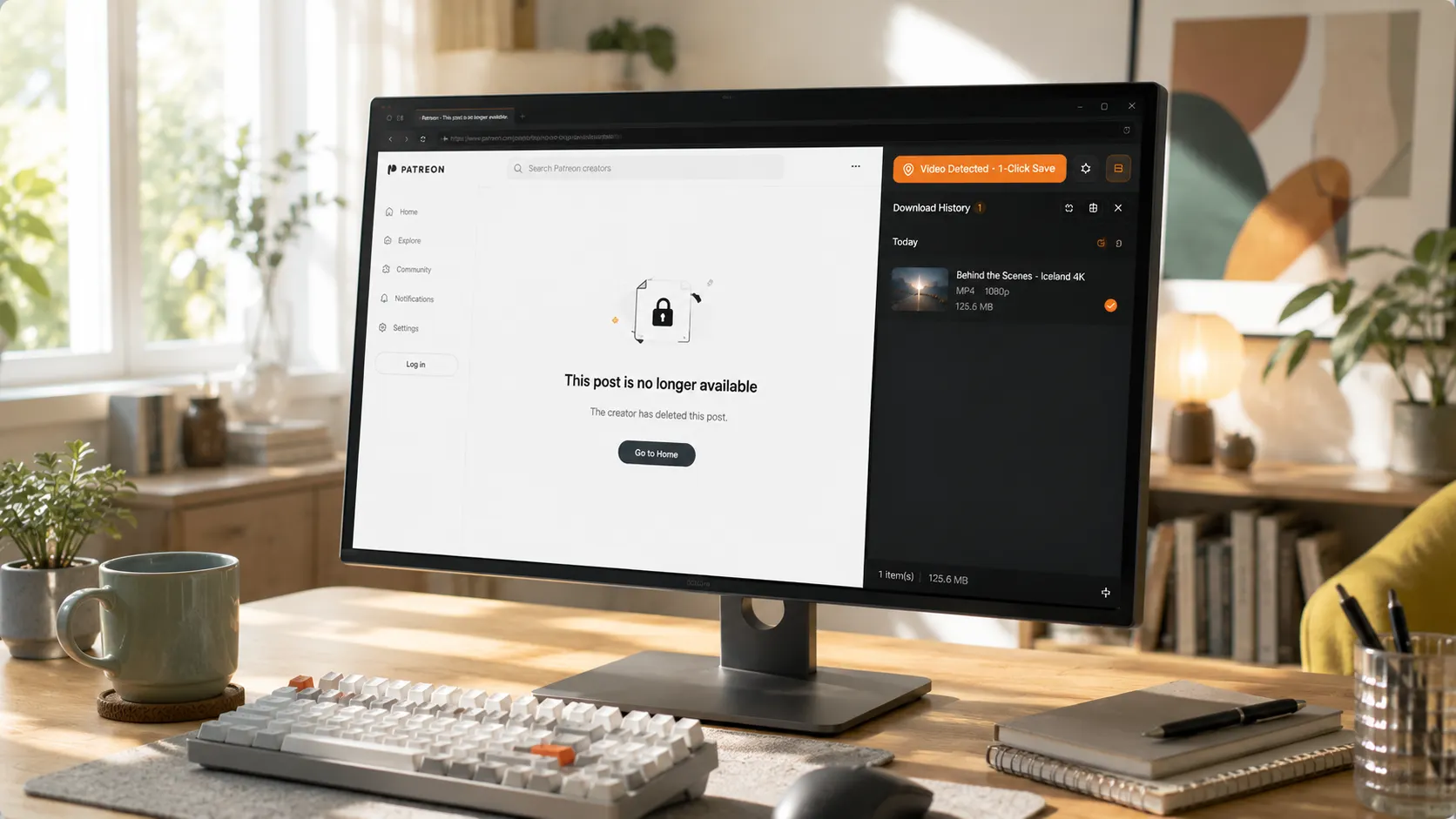
This is the reality every subscriber eventually runs into: the creator deletes posts, clears their page, deletes their account, or you cancel your subscription — content you already paid for is all gone. PPV videos unlocked with money and historical posts you've rewatched many times are the most likely to vanish with deleted posts.
You paid for the content, but the content may be gone at any time. The only reliable way is saving content you like to your local device as soon as you see it.
With VidBrowser, saving OnlyFans videos is straightforward. VidBrowser offers two saving methods — download and record; use download for regular content and recording as a fallback when download fails:
Step 1: Download and install VidBrowser
VidBrowser is a desktop video browser for watching videos, clipping segments, and saving them locally on Windows and Mac, with built-in download and recording. Installation takes just a few minutes.
Step 2: Open OnlyFans in VidBrowser and log in
Launch VidBrowser, visit onlyfans.com, and sign in with your own account as usual. Your existing subscriptions and permissions are exactly the same as in a regular browser.
Step 3: Open the video you want to save and let it play
Go to the creator's page, find the video you want to save, and play it for a few seconds. VidBrowser automatically detects video resources on the page in the background, and once it identifies a saveable video stream, it lists it in the Video Media Library panel on the right.
Step 4: Download or record — two ways to save
Once playback starts, the Video Media Library panel on the right side of VidBrowser automatically lists all videos detected on the current page, each with an orange Download button. Click Download on the video you want and it's saved as an MP4 file containing the original stream — no re-encoding. You can also pick a resolution first — high for quality, low to save space.
If you run into content that can't be downloaded (some protected videos, special content that fails to parse), use the recording feature as a fallback: hover your mouse over the video and recording controls appear — pick a recording speed (1x real-time, 4x to finish faster), click "Record All" to record the entire video, and the record button on the left lets you start or pause anytime. Anything that can play can be recorded.
Step 5: Find the files in your media library
After saving or recording, you can open the file from the folder you selected, or find it in VidBrowser's download history. Then watch it offline anytime with players like VLC or QuickTime — no login, no subscription, and whether the creator deletes posts or not, the files are in your hands.
Prioritize saving two types of content: PPV paid content (you spent extra money, highest risk of vanishing) and historical posts (old posts are far more likely to be deleted than new ones). (For the full flow, see our guide to downloading OnlyFans videos.)
The Traps Beginners Fall Into Most, Summarized
- Impulse subscribing: buying because a clip in an ad or a tweet caught your eye, then barely opening it for a month. Before subscribing, check the free posts, watch the update frequency, and wait 24 hours before deciding.
- No reminders set: auto-renewal keeps charging. Set a reminder for each subscription and periodically review whether it's worth renewing.
- Assuming content is permanent: deletion, account removal, and takedowns are all normal. Save content you like on the spot — don't bet on it still being there tomorrow.
- Subscribing to too many at once: ten subscriptions are worse than two you follow deeply. The fewer subscriptions, the more value each one delivers.
FAQ
Does it cost money to sign up for OnlyFans?
No. Creating an account is completely free; the money is spent on subscribing to creators and unlocking content separately. Age verification at sign-up is also free.
How do I cancel an OnlyFans subscription?
Go to the creator's page, click the subscribe button, and choose to turn off auto-renewal. Your access lasts until the end of the current subscription period, and no further charges are made after that.
After my subscription expires, can I still see previous content?
No. Once the subscription expires, you lose access — you can't see the posts or videos the creator published. Save what you want to keep locally during the subscription period.
Does saving OnlyFans videos with VidBrowser notify the creator?
No. VidBrowser saves videos to your local device and never sends any save record to the platform or the creator, and it doesn't affect your account or subscription.


