OnlyFans subscription bundles: 3, 6 ya 12 months kaise chunein?
Monthly subscription ke alawa, OnlyFans creators apne page par 3, 6 ya 12 month ke discount bundles lagate hain: poora amount ek saath upfront pay karke har month ka average price kam karte hain. Deal ke doosri side alag rules hain — expire hone par renewal kaise hoga, refund milega ya nahi, creator posting band kar de to kya hoga — ye sab monthly se alag hai. Pehle billing aur renewal rules samjho, phir price examples ke saath calculation dekho.
OnlyFans multi month subscription bundle kya hai?
Subscription bundle ek discount tier hai jo creator standard monthly price ke upar set karta hai: platform 3, 6 aur 12 months ke tiers support karta hai, discount creator decide karta hai, aur maximum monthly fee ke aadhe tak jata hai.Monthly billing se sabse bada difference payment ka tarika hai — monthly har mahine ek baar katata hai, bundle checkout par poora discounted amount ek saath kaat deta hai, aur bundle period ke andar koi naya payment decision nahi aata.
Discount ka koi site-wide standard rate nahi hota: koi creator 3 months par 10% deta hai, koi 12 months par 30%, aur koi bundle hi nahi kholta. Discount page ke standard monthly price par calculate hota hai; first month ka promo price count nahi hota. Har tier ki pricing aur platforms ki comparison, OnlyFans cost wala article pehle hi tod chuka hai.
Purchase ka entry page par hi hota hai: subscribe button dabao, monthly tier ke side me optional 3, 6 aur 12 month tiers discounted totals ke saath dikhte hain; tier chuno, confirm karo, ek hi charge se kaam complete. Creator bundle kholta hai ya nahi, kaunse tiers — ye uske backend settings me decide hota hai.
3, 6 aur 12 months me kya difference hai?
Teeno bundle types ke difference four cheezon me hai: ek baar me kitna pay karna hai, kitne time ke liye locked hai, beech me nikalna chahe to kya hoga, aur kaun kiske liye fit hai. $9.99 standard monthly price wale page ka example lo (discounts common tiers par estimate; asli numbers subscription page par dikhte hain):
| Compare item | Monthly | 3 month bundle | 6 month bundle | 12 month bundle |
|---|---|---|---|---|
| Payment | Har month charge | Ek saath paid | Ek saath paid | Ek saath paid |
| Access period | 1 month | 3 months | 6 months | 12 months |
| Total ($9.99 monthly par) | $9.99/month | $26.97 | $47.95 | $83.92 |
| Nominal per month | $9.99 | $8.99 | $7.99 | $6.99 |
| Beech me rokna | Renewal off karo | Paid, refund nahi | Wahi left wala | Wahi left wala |
| Kiske liye | Pehle dekho | Kuch months se follow | Long term pakka | Sab checks pass |
Monthly ka hisaab sabse simple hai: har month $9.99, auto renewal off karte hi aage kuch nahi katata. Bundle savings ko jaldi nikalne ke risk se jod deta hai — agla section wo hisaab karta hai.
Kya multi month bundle sach me monthly se sasta hota hai?
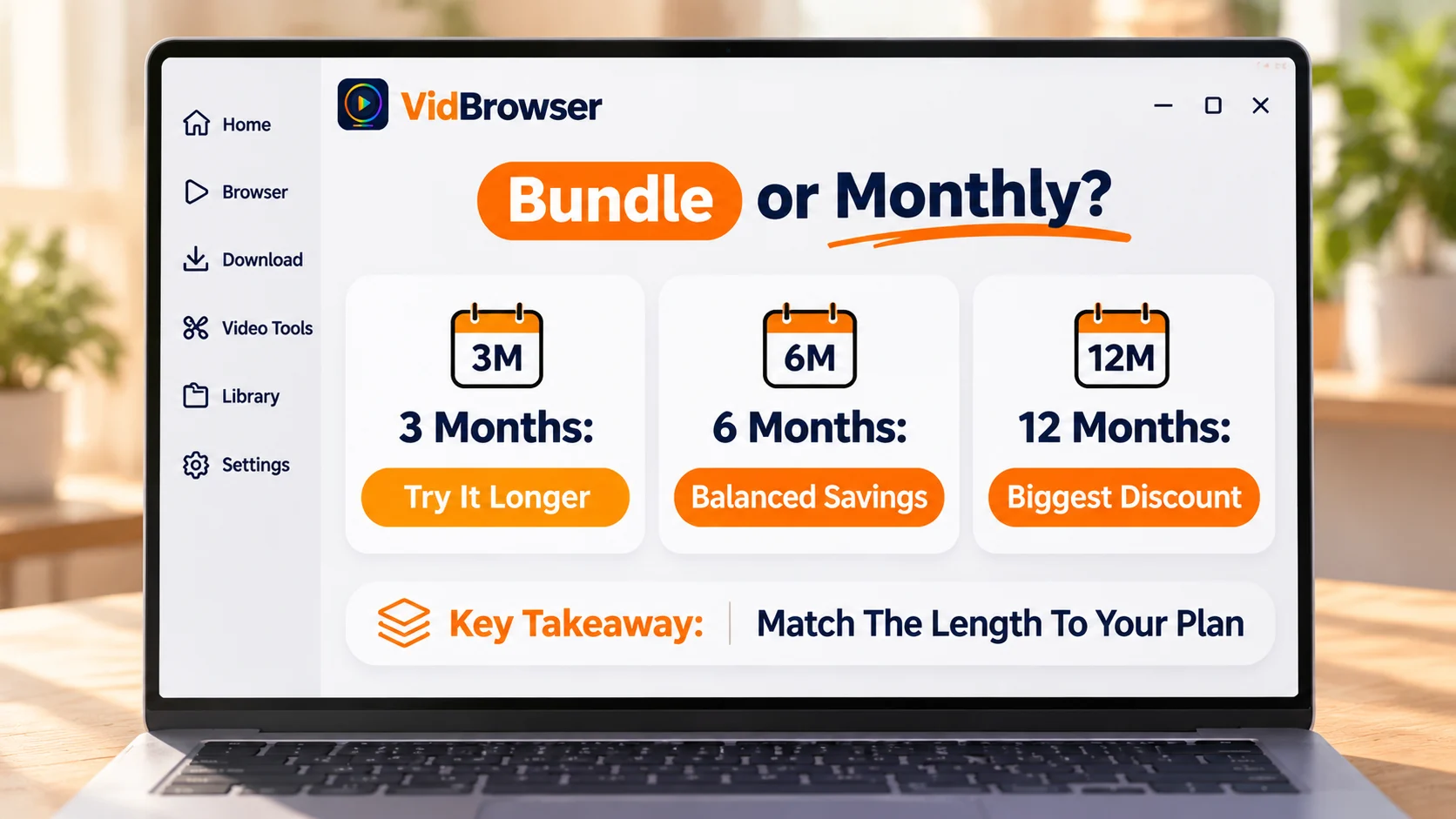
Bundle faydemand hai ya nahi, ye discount ki depth se nahi, is baat se decide hota hai ki tum asal me kitne months dekhoge.$9.99 monthly aur 12 months par 30% discount lein: bundle $83.92, nominal $6.99 per month, monthly se $3 saving. Lekin agar tum 6 months me hi ruk gaye — $83.92 ko 6 months par phaila do to about $13.99 per month banta hai, monthly se $4 mehnga.
Nuksan na hone ki line: updates steady, content direction bada change nahi, girne ka itihaas nahi — teeno pass aur tum already two-three months monthly follow kar rahe ho, tab hi 3 ya 6 month ka discount sach me pocket me girta hai. Pass nahi to monthly par raho; extra per-month price anytime nikalne ki flexibility kharidta hai. 3 month tier par shift karne se galat hone ka cost chhota ho jata hai: 10% discount par $26.97, do months me hi ruk jao to bhi average about $13.49 per month, phir bhi monthly se upar — short tier ka fayda kam khona hai, deep discount nahi.
Multi month bundle khareedne se pehle kya check karna chahiye?
Item 1: payment kaise hota hai — bundle poora discounted amount ek saath kaatata hai, month by month nahi; order se pehle card ki limit confirm karo.
Item 2: expire hone ke baad — renewal subscription page ke display ke hisaab se chalta hai, ye mat maano ki expire par charge nahi hoga; khareedne ke baad subscription list me renewal switch ek baar check karo. Monthly ka billing date aur cancel steps, OnlyFans renewal aur billing date wala article poora walkthrough deta hai.
Item 3: refund — platform charged amount basically refund nahi karta (platform terms ke hisaab se); creator tier delete kar de ya posting band kar de, remaining months ka paisa wapas nahi aata — isi liye checks purchase se pehle hote hain.
Item 4: extra charges — subscription profile ka content feed unlock karti hai, PPV posts aur paid DMs alag se charge hote hi rehte hain, budget me unhe bhi jodo. Promos aur discount codes ka shikar OnlyFans saving wale article me hai.
Monthly chunna ya multi month bundle, kya select karein?
Is page par kitna sure ho, us hisaab se choose karo.Abhi mila, decide nahi hua: monthly, anytime nikal sakte ho. Kuch months se follow, updates steady: 3 ya 6 month tier, discount aur risk dono moderate. Half year se monthly follow kar rahe ho aur continue karne ka plan hai: tab 12 month tier consider karo.
Bundle period ke andar rakhna chahte content, local me save kar sakte ho
Bundle period me koi video rakhne layak lage, license ki allowed limit me use local me save kar sakte ho.VidBrowser (downloader page par features ka overview hai) browsing aur saving ko ek desktop app me jodta hai, video dhoondhna aur save karna apps ke beech switch karne ka kaam nahi rehta.
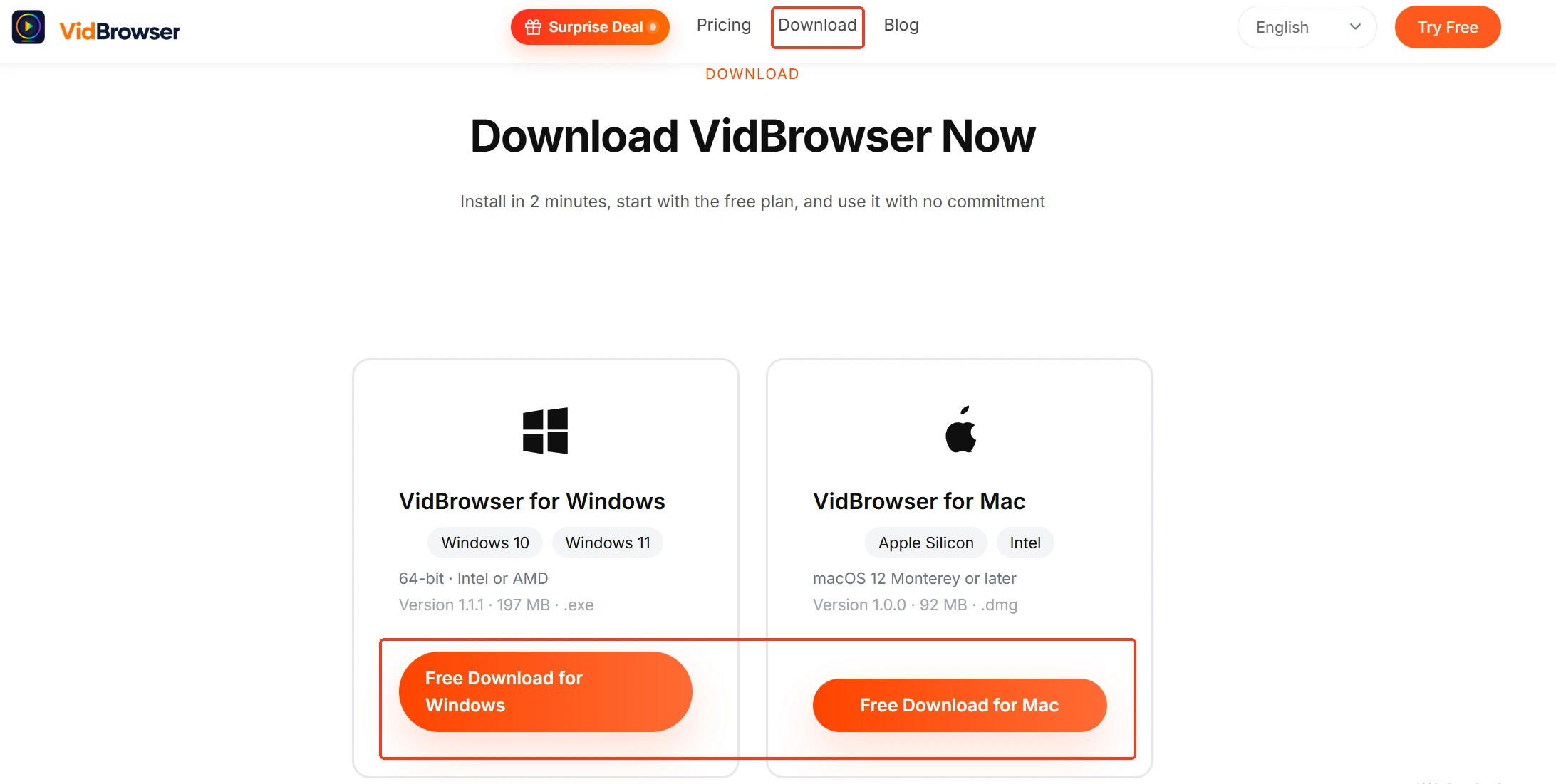
Step 1: Software install karo—official site se VidBrowser download karo; Windows aur Mac dono support karte hain.
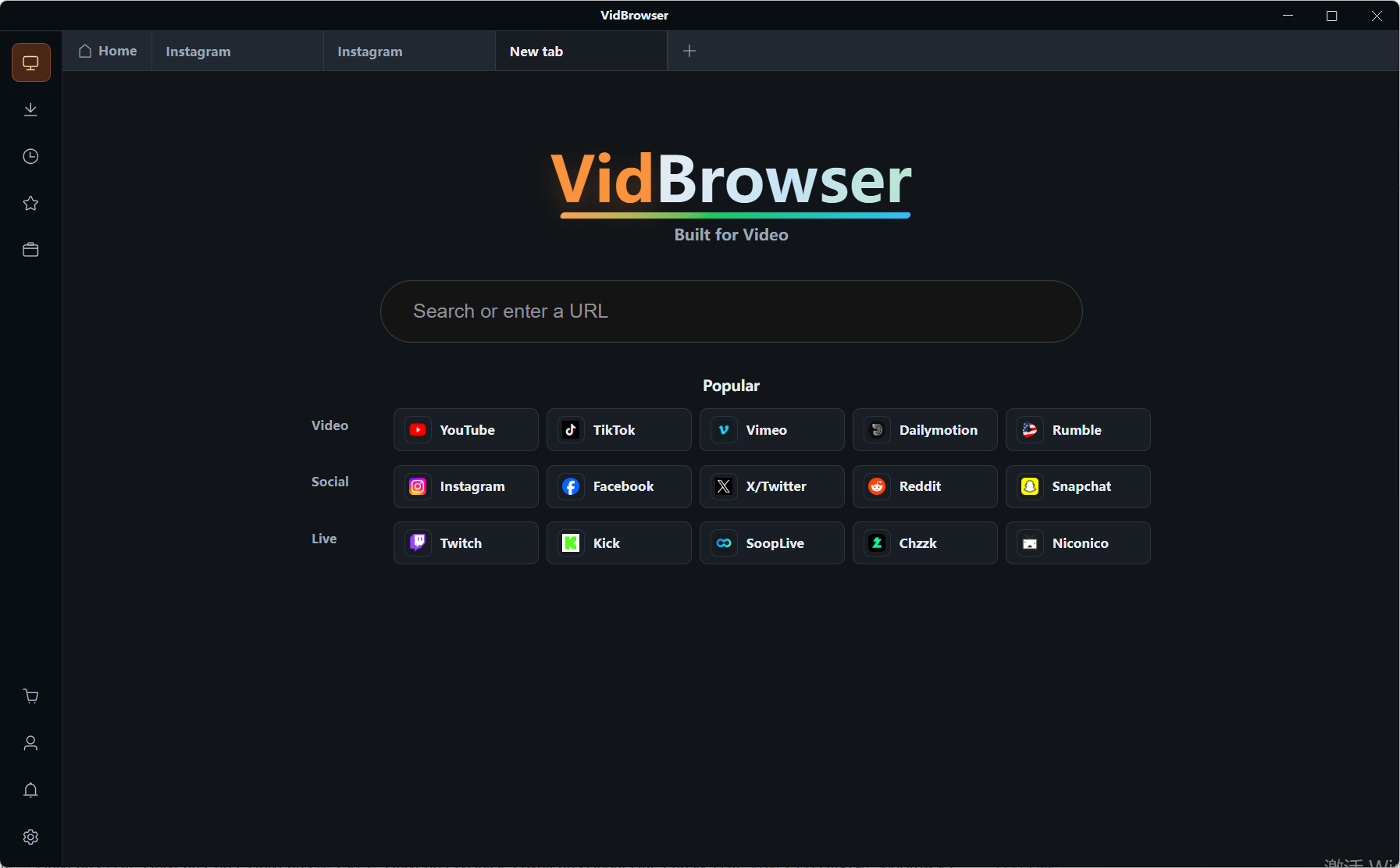
Step 2: Page kholo—built-in browser jis page par subscribed ho usme jata hai, video sources auto detect hote hain, video media library me detected list dikhti hai.
Step 3: Download ya record karo—jahan download entry hai wahan direct download; nahi hai to recording control use karo, platform rules aur content license ke andar save karo.
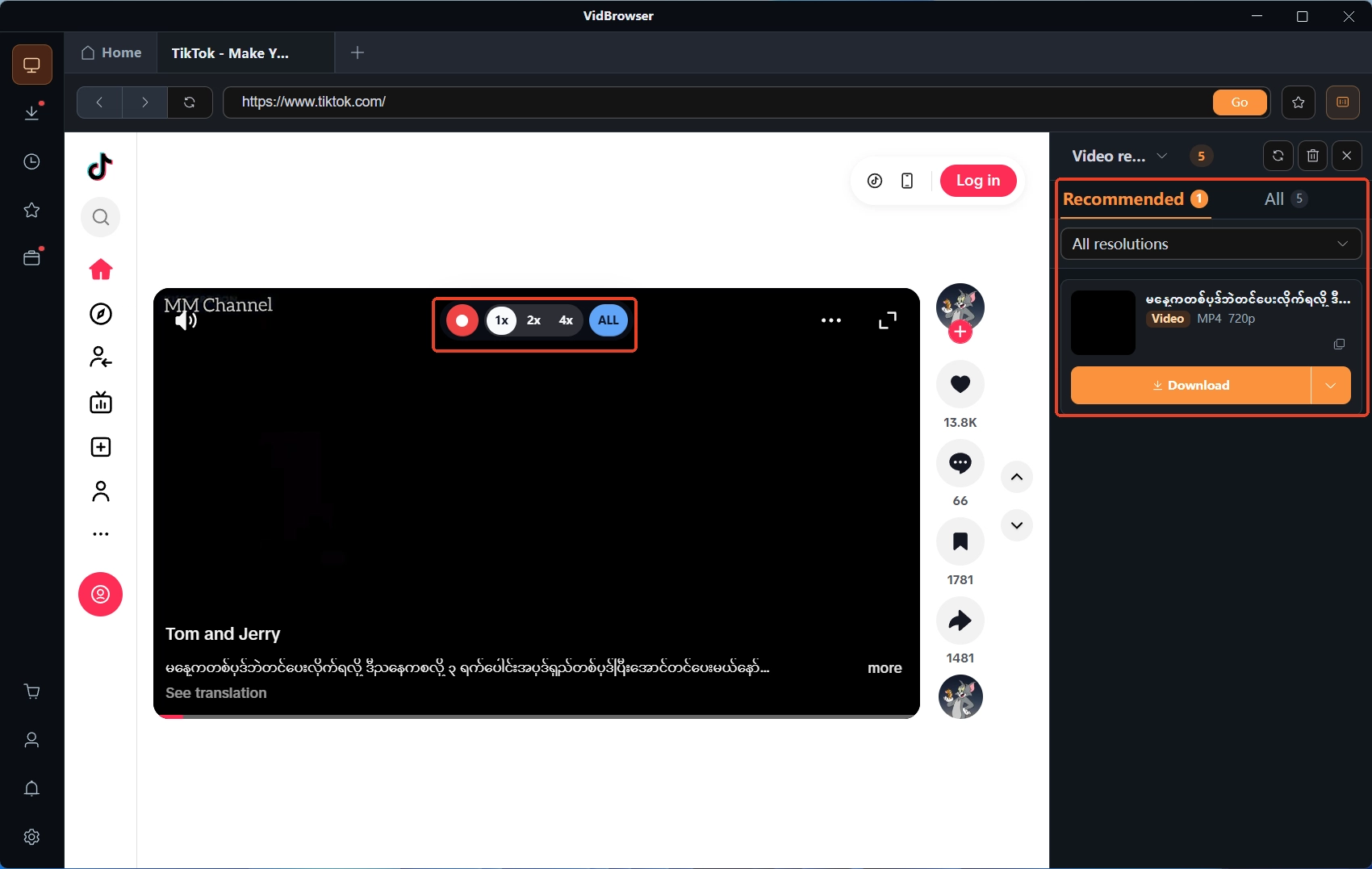
Step 4: Local me save karo—files platform aur date ke hisaab se archive hoti hain, download history me record milta hai; bundle expire aur page gayab hone par bhi local copy wahi rehti hai.
Saransh
Multi month bundle ka fayda aur nuksan ek hi variable par tika hai: tum asal me kitne months dekhoge. Khareedne se pehle four cheezein check karo — payment method, expire par renewal, refund terms, PPV alag charge; checks fail ho to monthly par raho, long term sure hone par full discount lo.
FAQ
Kya OnlyFans multi month bundle beech me cancel ho sakta hai?
Bundle ke andar monthly exit ka koi mechanism nahi hai: poora paid amount refund nahi hota, remaining months expire tak dikhte rehte hain (platform terms ke hisaab se). Anytime nikalne ka option rakhna ho to monthly choose karo.
Auto renewal off karne ke baad kya khareeda hua content dekh sakte hain?
Haan. Paid period ke andar access par koi asar nahi; renewal off karna sirf ye decide karta hai ki expire ke baad charge hoga ya nahi.
Kya multi month bundle expire hone par auto charge hota hai?
Subscription page ke display ke hisaab se: kuch cases me expire par khatam aur manually dobara khareedna padta hai, kuch account settings me monthly rate par charge continue hota hai. Khareedne ke baad subscription list me renewal switch ek baar check karna sabse aaram deh method hai.
Kya multi month bundle ka refund milta hai?
Basically nahi — creator posting band kar de ya tier delete kar de, remaining months ka bhi refund nahi hota (platform terms ke hisaab se). Isi liye 12 month tier sirf tab lo jab saare checks pass ho jayein.