
How to Download LoyalFans Videos (2026 Guide)
You found content on LoyalFans you want to keep. Maybe it's from a creator you've been following for a while, or a video you paid extra for. You try to save it — and nothing works. The right-click options are useless. Screen recording captures a black screen. Download tools produce a file that won't play.
This isn't a coincidence. LoyalFans locks its videos to its own player, and that lock is the reason every standard approach fails. Here's what's actually happening and the one method that reliably works.
Why LoyalFans Videos Are Hard to Save
LoyalFans streams video through an encrypted delivery system — the same approach used by OnlyFans, Fansly, and most major streaming platforms. When you play a LoyalFans video, the platform verifies your account and subscription, then delivers the video in encrypted segments that your browser assembles and plays in real time.
The video file itself never exists in an accessible, downloadable state during normal playback. It's encrypted data that only makes sense inside the authorized player environment. Anything trying to grab it from outside that environment gets either nothing useful or an encrypted file that no media player can open.
Screen recording runs into a different version of the same wall. LoyalFans' video output is protected at the hardware level on most modern computers — screen recording software captures a black rectangle where the video is playing. The rest of your screen records fine. Just not the video.
What Doesn't Work on LoyalFans
Right-clicking the video
LoyalFans' player doesn't expose a downloadable file link through right-click. You get player controls at best, nothing useful at worst.
Browser download extensions
Extensions that detect video streams on YouTube or Vimeo typically grab a stream URL and download it. On LoyalFans, they either detect nothing or download the encrypted stream — which produces an unplayable file.
Online video download sites
Paste-the-URL tools face the same problem. They can reach LoyalFans' servers, but what they get back is encrypted video data without the session key that makes it playable. The file downloads. It won't open.
Screen recording software
OBS, Bandicam, the Windows built-in recorder — all capture a black screen when LoyalFans video is playing on most modern hardware. This isn't a bug with your recording software. The platform's video output protection is working exactly as intended.
The Method That Works: VidBrowser
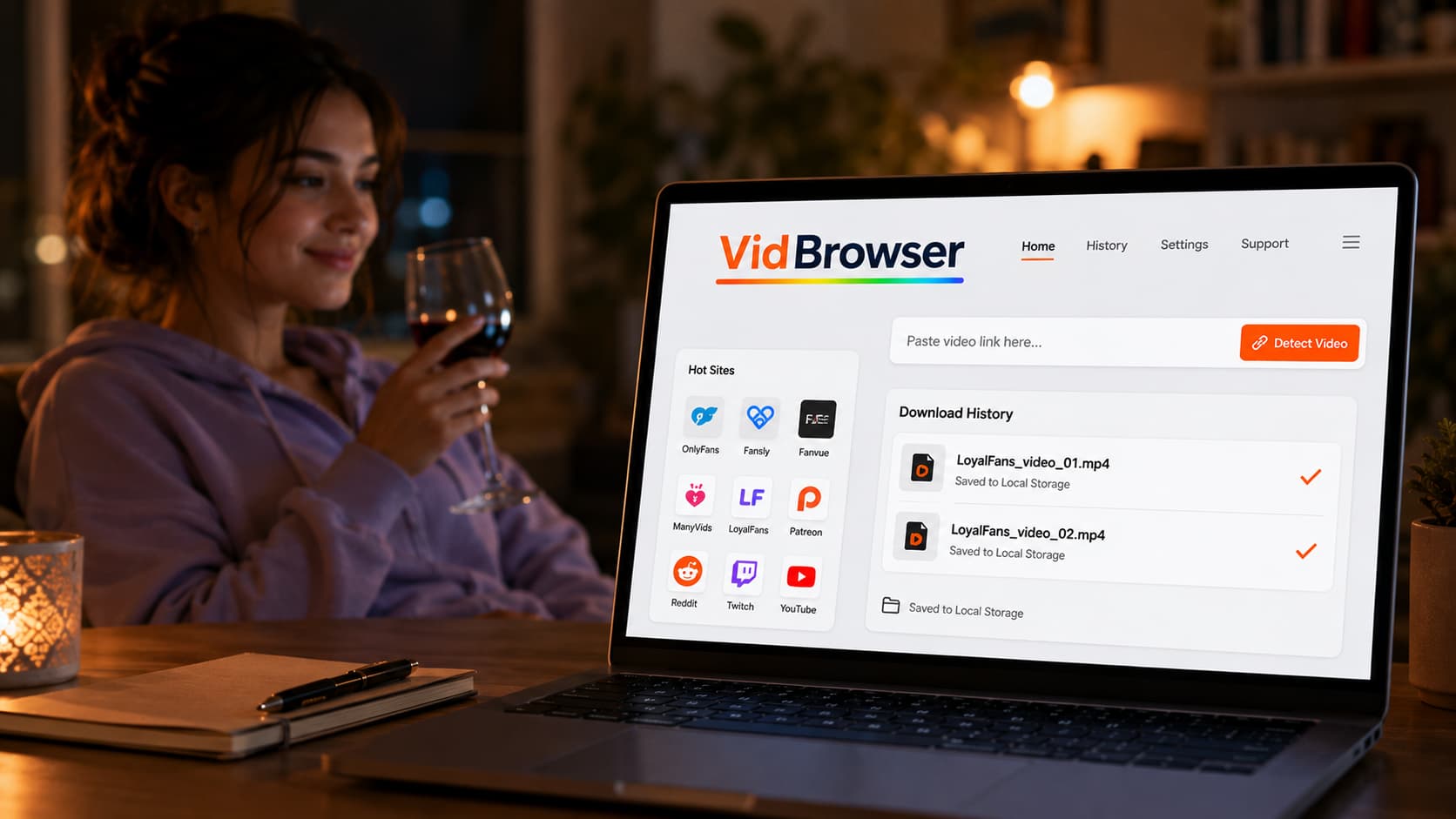
VidBrowser approaches this differently from every tool above. Rather than trying to reach LoyalFans content from outside the authorized playback environment, VidBrowser is the playback environment — a full desktop browser that completes the entire authentication and video delivery cycle legitimately.
When you play a LoyalFans video in VidBrowser, the platform verifies your account, delivers the video, and VidBrowser captures it at the point of authorized playback. The orange "Video Detected · 1-Click Save" badge appears on the page. Click it. The video saves to your local storage as a standard MP4 file.
The result is a real, playable video file — not an encrypted blob, not a partial download. Open it in VLC, Windows Media Player, or any media app. Watch it offline, without a LoyalFans account, without an active subscription, with no expiration date.
VidBrowser also blocks ads across the entire web by default — no interruptions while you're browsing LoyalFans or navigating anywhere else. And it works across 1,000+ platforms: VidBrowser handles OnlyFans, Fansly, Fanvue, ManyVids, Patreon, and more with the same one-click approach.
Step-by-Step: Save LoyalFans Videos with VidBrowser
Step 1: Install VidBrowser
Download from vidbrowser.net/download — free, available for Windows and Mac. Standard installation, takes two minutes.
Step 2: Open LoyalFans in VidBrowser
Launch VidBrowser, type loyalfans.com in the address bar, and log in with your LoyalFans account. Everything works exactly as it does in Chrome — your subscriptions, purchased content, and feed are all there.
Step 3: Navigate to the video you want to save
Go to a creator's page or your purchased content library. Find the video you want to keep and open the post.
Step 4: Play the video
Click play. Let the video start. VidBrowser monitors the page and detects the video as it loads.
Step 5: Click the save badge
The orange "Video Detected · 1-Click Save" badge appears on the page. Click it, select the folder where you want to save the file, and confirm. VidBrowser handles the rest.
Step 6: Verify your file
Open the downloaded file in any media player. Full video with audio, saved to your device. The file is yours — unaffected by subscription status, creator decisions, or platform changes.
Why Local Copies Matter on LoyalFans
LoyalFans gives creators strong control over their content and their audience. That same control means creators can remove content quickly and completely — and when they do, it's gone.
Creator departures happen without warning. When a creator leaves LoyalFans, their entire page disappears — including everything you paid to access. There's no grace period, no archive, no way to retrieve content after the fact.
Geo-blocking works both ways. LoyalFans is known for its geo-blocking features — creators can restrict access by country. If a creator updates their geo-settings after you've subscribed, you may lose access to their content even while your subscription is technically active. A local copy sidesteps this entirely.
Subscriptions are access, not ownership. The moment a paid subscription ends — whether by choice, card expiration, or creator action — the feed goes dark. Anything you haven't saved is gone until you resubscribe, assuming the content still exists.
The practical approach: anything you want to keep, save it when you first watch it. Treat LoyalFans as a live window into a creator's work, not a permanent library.
FAQ
Does VidBrowser work on LoyalFans subscriptions and individual purchases?
Yes. As long as you're logged in with an account that has access to the content, VidBrowser can detect and save it — whether it's subscription content or individually purchased videos.
Can I save LoyalFans content if a creator has geo-blocked my region?
If you can't access or play the content due to geo-restrictions, VidBrowser can't save it either. VidBrowser works with content you have legitimate access to — it doesn't bypass access restrictions.
What quality does VidBrowser save LoyalFans videos at?
VidBrowser saves at whatever quality LoyalFans streams to your account — typically the quality the creator uploaded, often 1080p for recent content.
Is VidBrowser available for mobile?
VidBrowser is currently a desktop application for Windows and Mac. For local video saving, use it on your computer.
Does saving a video use my download quota on LoyalFans?
LoyalFans doesn't have a subscriber download quota — the restriction is platform-level (no built-in download feature), not account-level. Saving via VidBrowser has no impact on your subscription or account standing.
Does VidBrowser work on other platforms besides LoyalFans?
Yes — OnlyFans, Fansly, Fanvue, ManyVids, Patreon, Twitch, YouTube, and 1,000+ others. One browser for all of them.


