
How to Download Patreon Videos (2026 Guide)
Patreon is built around the idea of ongoing support. You subscribe to a creator you believe in, they post exclusive content, you get access. But access and ownership are two completely different things — and Patreon makes that gap very clear when a creator leaves the platform, pauses their page, or simply deletes old posts to make room for new ones.
If you've ever gone back to watch a video that used to be there and found it gone, you already understand the problem. Here's how to save Patreon videos locally so that what you paid for stays with you.
Why Patreon Videos Are Tricky to Download
Patreon hosts video content in a few different ways, and each one presents its own challenge:
Native Patreon video player
Some creators upload directly to Patreon, which uses its own video delivery system. These videos stream through an embedded player on the post page. There's no download button by default — Patreon doesn't offer one to patrons, only to creators on certain plans. Right-clicking the video gives you nothing useful.
Vimeo-hosted videos (with privacy restrictions)
This is the most common setup for serious creators. Many Patreon creators host their video files on Vimeo and embed them into Patreon posts. Vimeo allows creators to set "domain-locked" privacy — the video plays on Patreon but can't be accessed directly on Vimeo.com. Tools that try to pull the Vimeo video directly fail because of these privacy settings.
YouTube embeds
Some creators embed unlisted YouTube videos in Patreon posts. These are more straightforward — yt-dlp handles them reliably if you have the URL. The catch: unlisted YouTube videos can be deleted or made private at any time.
Understanding which type you're dealing with affects which approach works.
Methods That Work
yt-dlp (free, command line)
yt-dlp handles Patreon natively, but you need to be logged in. It requires your Patreon cookies to authenticate and access patron-only content. The setup: yt-dlp --cookies-from-browser chrome https://www.patreon.com/posts/post-id
This pulls your Chrome login cookies to authenticate. It works — but it requires yt-dlp to be installed, your browser cookies to be configured correctly, and some comfort with terminal commands. If Patreon updates their site structure, yt-dlp may break temporarily until it's updated.
For Vimeo-embedded content, yt-dlp sometimes works and sometimes doesn't, depending on how tightly the privacy restrictions are configured. Hit or miss.
VidBrowser (free, one click)
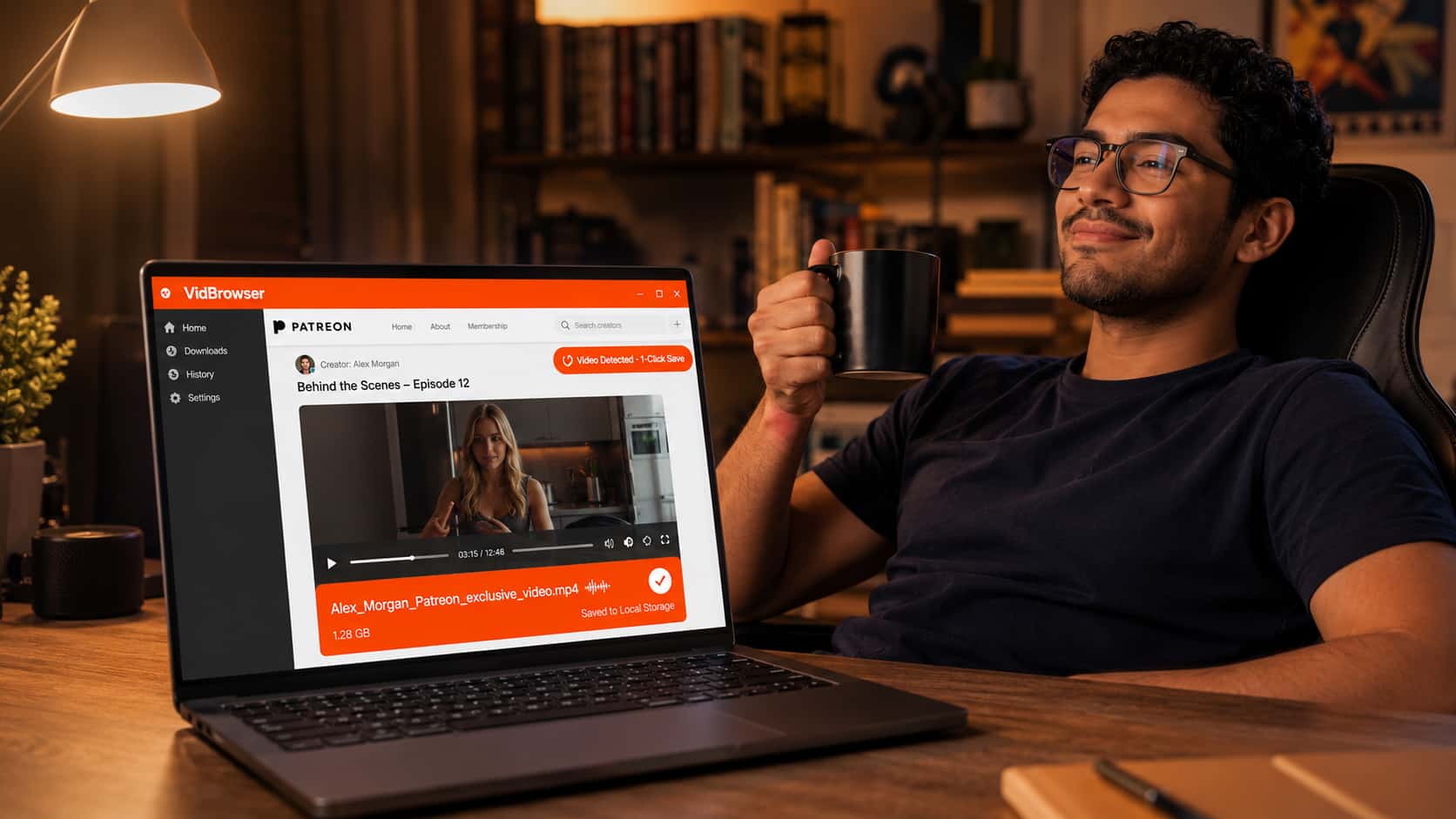
VidBrowser handles Patreon the way it handles every other video platform — log in through the browser, navigate to the post, play the video, click the orange "Video Detected · 1-Click Save" badge.
Because VidBrowser is a full browser that participates in the complete authentication and video delivery flow, it sees the same video your browser normally would — including Vimeo-embedded content that's locked to the Patreon domain. It doesn't try to pull the video from an external URL. It captures what's actually playing in the browser, authenticated and decrypted.
This is the meaningful difference: tools that try to resolve video URLs from outside the page fail on domain-locked Vimeo content. VidBrowser operates from inside the page, the same position your browser is in during normal playback.
Step-by-Step: Download a Patreon Video with VidBrowser
Step 1: Install VidBrowser
Download and install from vidbrowser.net/download. Free, available for Windows and Mac. Standard installation — nothing unusual.
Step 2: Log into Patreon inside VidBrowser
Open VidBrowser and go to patreon.com. Sign into your Patreon account. Your existing subscriptions and patron access carry over exactly as they do in Chrome — VidBrowser is a full browser, not a plugin.
Step 3: Navigate to the post with the video
Go to the creator's page and find the post containing the video you want to save. Patron-only posts will be accessible as long as your subscription is active.
Step 4: Play the video
Click play. Let the video start. VidBrowser detects the video stream as it loads.
Step 5: Click the download badge
The orange "Video Detected · 1-Click Save" badge appears on the page. Click it, pick your save folder, and let it download.
Step 6: Verify your file
Open the downloaded file in VLC or any media player. Full video and audio, saved locally. No Patreon account needed to watch it, no subscription required, no expiration.
Why Saving Patreon Content Matters
This isn't just about convenience. There are real reasons to save Patreon content locally:
Creators leave the platform. When a creator deletes their Patreon page, every post disappears — including content you paid months of subscriptions to access. No warning, no archive, no way to recover it.
Creators delete old posts. Some creators regularly clean their back catalog, removing older content to keep their page focused. Posts from two years ago may simply not be there anymore.
Subscriptions lapse. If your card expires and your Patreon subscription fails to renew, you lose access immediately. Any content you haven't saved is gone until you resubscribe — if the posts are even still there.
You paid for it. Monthly Patreon subscriptions add up. Treating the content as a permanent library — rather than a temporary rental — means getting actual value from what you spent.
FAQ
Does VidBrowser work on all Patreon video types — native and Vimeo-embedded?
Yes. VidBrowser detects and downloads native Patreon videos and Vimeo-embedded videos that are domain-locked to Patreon. It operates from inside the authenticated browser session, so domain restrictions that block external tools don't apply.
Can I download Patreon podcasts and audio content?
VidBrowser is optimized for video content. For audio-only Patreon posts, the detection may vary. Most Patreon podcast content is also available through podcast apps directly — check if the creator distributes their RSS feed to patrons.
What happens to my Patreon downloads if I cancel my subscription?
Nothing — files already saved to your local storage are yours and remain accessible regardless of your subscription status. The subscription controls access to the platform; local files are independent.
Can I download all posts from a creator at once?
VidBrowser saves one video at a time through its 1-click interface. For bulk downloads across many posts, yt-dlp with Patreon cookie authentication is more practical — though it requires command-line comfort.
Will VidBrowser work on Patreon content that requires a specific membership tier?
Yes, as long as your active subscription includes access to that tier. VidBrowser uses your logged-in Patreon account, so whatever content you can see and play, you can download.
Is downloading Patreon content I've paid for allowed?
Patreon's terms of service restrict downloading content. For personal use of content you've subscribed to, practical enforcement focus is on redistribution rather than private archival. This isn't legal advice — consult a lawyer if this matters for your situation.


