
How to Download YouTube Playlists in 2026
A YouTube playlist is easy to lose. A creator deletes their channel. A video gets claimed and pulled. YouTube decides your watch history doesn't sync right and the whole playlist reorders. Whatever the reason, if you've built a playlist you actually rely on — study material, a workout series, a video essay collection — saving it locally makes sense.
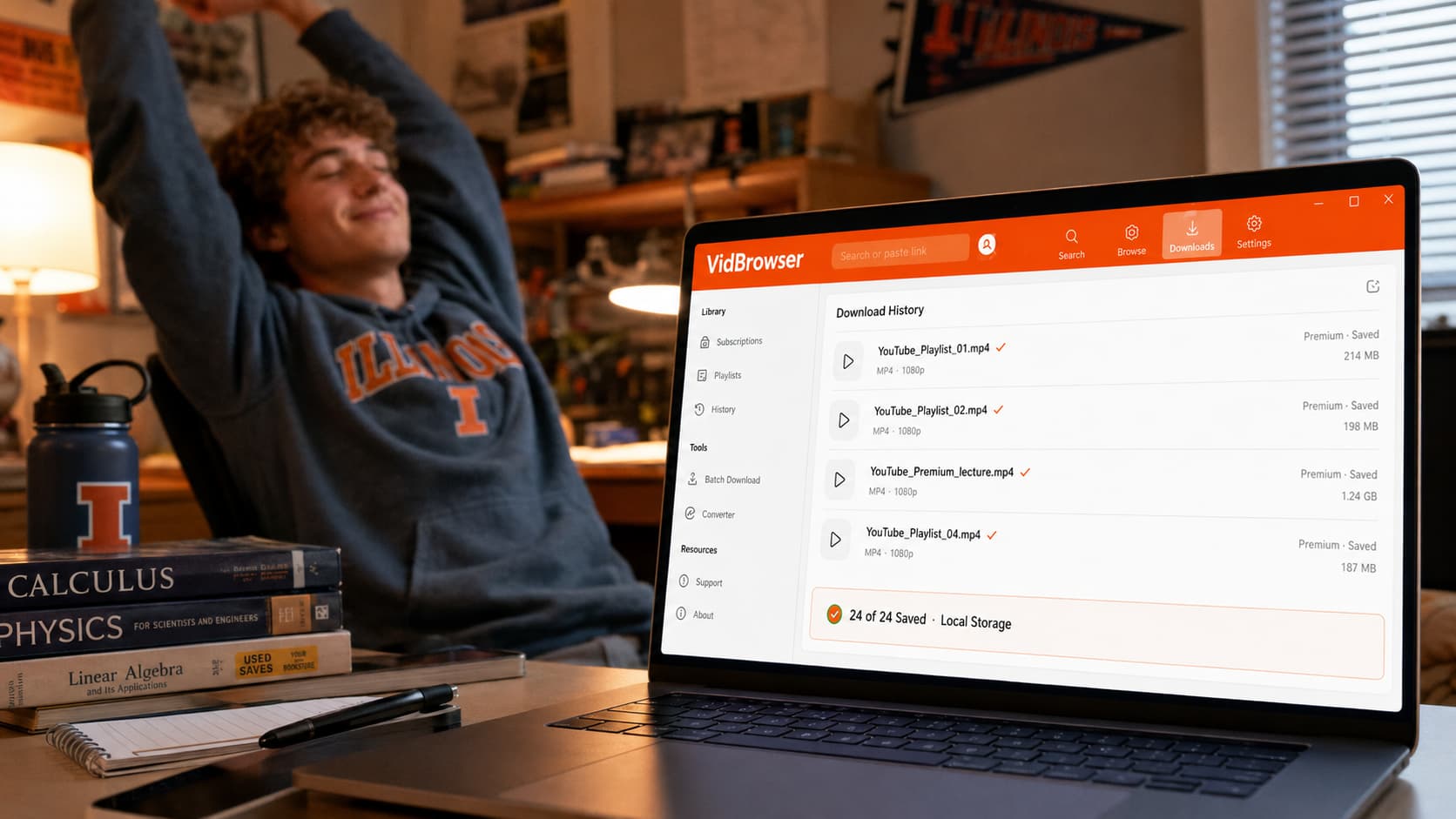
Here's every method that works in 2026, ranked by how much effort they require.
Can You Download YouTube Playlists Officially?
No, not to your computer. YouTube Premium's download feature only works inside the YouTube mobile app, and it only saves individual videos — not playlists as a batch. Even with Premium, you're tapping "Download" on each video individually in the app, and those downloads expire if your subscription lapses.
For saving a playlist to your PC or Mac as actual files you keep permanently, there's no official option. Every method below is a workaround.
Method 1: yt-dlp — Most Powerful, Requires Setup
yt-dlp is a free, open-source command-line tool and the gold standard for bulk YouTube downloads. One command downloads an entire public playlist.
Setup:
- Install Python from python.org if you don't have it
- Run
pip install yt-dlpin your terminal - Run
yt-dlp [playlist URL]to download
For a playlist specifically:
yt-dlp -f "bestvideo+bestaudio" --merge-output-format mp4 [playlist URL]
This grabs every video in the playlist at the highest available quality and saves them as numbered MP4 files in your current directory.
What yt-dlp does well for playlists:
- Downloads the entire playlist in one command
- Supports resuming interrupted downloads
- Skips already-downloaded videos if you run it again
- Handles playlists with hundreds of videos
- 4K and highest quality available
What it can't do:
- YouTube Premium playlist content — yt-dlp can't access Premium-locked videos
- No graphical interface — everything is command line
- Breaks periodically when YouTube updates; run
pip install -U yt-dlpto update
Best for: Developers, students, and anyone comfortable running a terminal command who needs bulk public playlist downloads.
Method 2: 4K Video Downloader — Easier GUI Option
4K Video Downloader wraps yt-dlp's playlist capability in a desktop interface. Paste the playlist URL, choose quality, click download.
How it works:
- Download and install 4K Video Downloader from their official site
- Copy your YouTube playlist URL
- Click "Paste Link" in the app
- Select quality and format
- Click Download
The free version limits playlist downloads to a small number of videos before asking you to upgrade. For large playlists, the paid version is required.
What it does well:
- No command line setup
- Clean interface, easy to use
- Handles quality selection visually
What it can't do:
- Same YouTube Premium limitation as yt-dlp — Premium playlists are not accessible
- Free version restrictions on playlist size
- Occasional breaks after YouTube updates
Best for: Non-technical users who want playlist download capability without command-line setup, and are working with public content only.
What About YouTube Premium Playlists?
This is where both tools above hit a wall. If your playlist contains YouTube Premium content — videos locked to subscribers — yt-dlp and 4K Video Downloader can't reach them. They see a permission error or simply skip those videos.
The reason: YouTube Premium content is locked to the YouTube app environment. External tools that request content from YouTube's delivery system don't have access to Premium-locked videos — the platform protects that content so it stays inside its authorized player.
VidBrowser handles Premium content because it operates differently. It's a full authorized browser — when you're logged into your YouTube Premium account inside VidBrowser and play a video, it has the same access the YouTube player does. The orange "Video Detected · 1-Click Save" badge appears, and one click saves that Premium video as a permanent local MP4.
For Premium playlists specifically, the workflow is video by video: open the playlist in VidBrowser, play each video, click save. It's more manual than a batch download tool — but it's the only method that actually reaches Premium content on a PC.
Method 3: VidBrowser — Best for Quality and Premium Content
For users who care about quality and aren't just doing bulk archiving, VidBrowser offers a different kind of playlist solution.
How it works:
- Download VidBrowser free and install on Windows or Mac
- Open YouTube in VidBrowser and log into your account
- Open your playlist and play the first video
- Click the orange "Video Detected · 1-Click Save" badge
- Move to the next video in the playlist and repeat
VidBrowser maintains a download history panel so every saved video is organized — you can see what you've already saved and what's left in the playlist.
What VidBrowser does well for playlists:
- Works on YouTube Premium content — the only desktop method that does
- Full quality including 4K
- No URL copying, no switching apps — save from directly inside the browser
- Same browser also covers every other platform you use: Netflix, TikTok, Instagram, OnlyFans, and 1,000+ more
Trade-off compared to yt-dlp:
- Video by video, not automated batch — for large public playlists, yt-dlp is faster
- If your goal is archiving 200 public videos with one command, yt-dlp is the right tool
Best for: YouTube Premium subscribers saving curated playlists; anyone who wants the actual video files at full quality without command-line setup; users who want one tool across all their platforms.
Which Method Is Right for You?
| Situation | Best Method |
|---|---|
| Large public playlist, want it all at once | yt-dlp |
| Public playlist, no command line comfort | 4K Video Downloader |
| YouTube Premium playlist content | VidBrowser |
| Mixed playlist (some Premium, some public) | VidBrowser for Premium videos, yt-dlp for the rest |
| Also use other platforms (Netflix, TikTok, etc.) | VidBrowser covers everything |
FAQ
Can I download a private YouTube playlist?
Only if you're the owner or have access. yt-dlp can download private playlists if you're logged in and pass your browser cookies to the tool (advanced setup). VidBrowser handles private playlists the same as public ones — if you can see it in your browser, you can save it.
Does yt-dlp download playlists in order?
Yes. yt-dlp numbers files in playlist order by default and includes the video index in the filename.
How long does it take to download a YouTube playlist?
Depends on video count, length, and your internet speed. A 50-video playlist of 10-minute videos at 1080p might take 20-40 minutes on a fast connection.
Can I download YouTube playlists on Mac?
Yes. yt-dlp, 4K Video Downloader, and VidBrowser all have Mac versions.
What happens if a video in the playlist gets deleted mid-download?
yt-dlp skips deleted or unavailable videos and continues with the rest, logging a warning. VidBrowser simply won't be able to play a deleted video, so you'd skip it manually.
Does VidBrowser work on other video platforms besides YouTube?
Yes — 1,000+ platforms including Netflix, Disney+, Hulu, TikTok, Instagram, OnlyFans, and more. The same one-click save works across all of them.
Is it legal to download YouTube playlists?
YouTube's terms of service don't permit downloading outside their official feature. For personal offline use of content you have access to, the practical risk is low, but terms of service and legal risk vary by jurisdiction and use case.


