How to Save OnlyFans Videos? A Complete 2026 Guide That Actually Works
You paid for an OnlyFans creator's subscription, found a video you really liked, tried to save it — and hit a wall: no save option on right-click, screenshots come out black, screen recorders capture nothing but a black screen, and every download tool you tried either threw an error or handed you a corrupted file that won't play.
What makes it even more maddening is that content on OnlyFans can disappear at any moment — creators delete posts, deactivate their accounts, or your subscription simply expires, and those videos you paid for are gone for good. No backup, nothing to show for it.
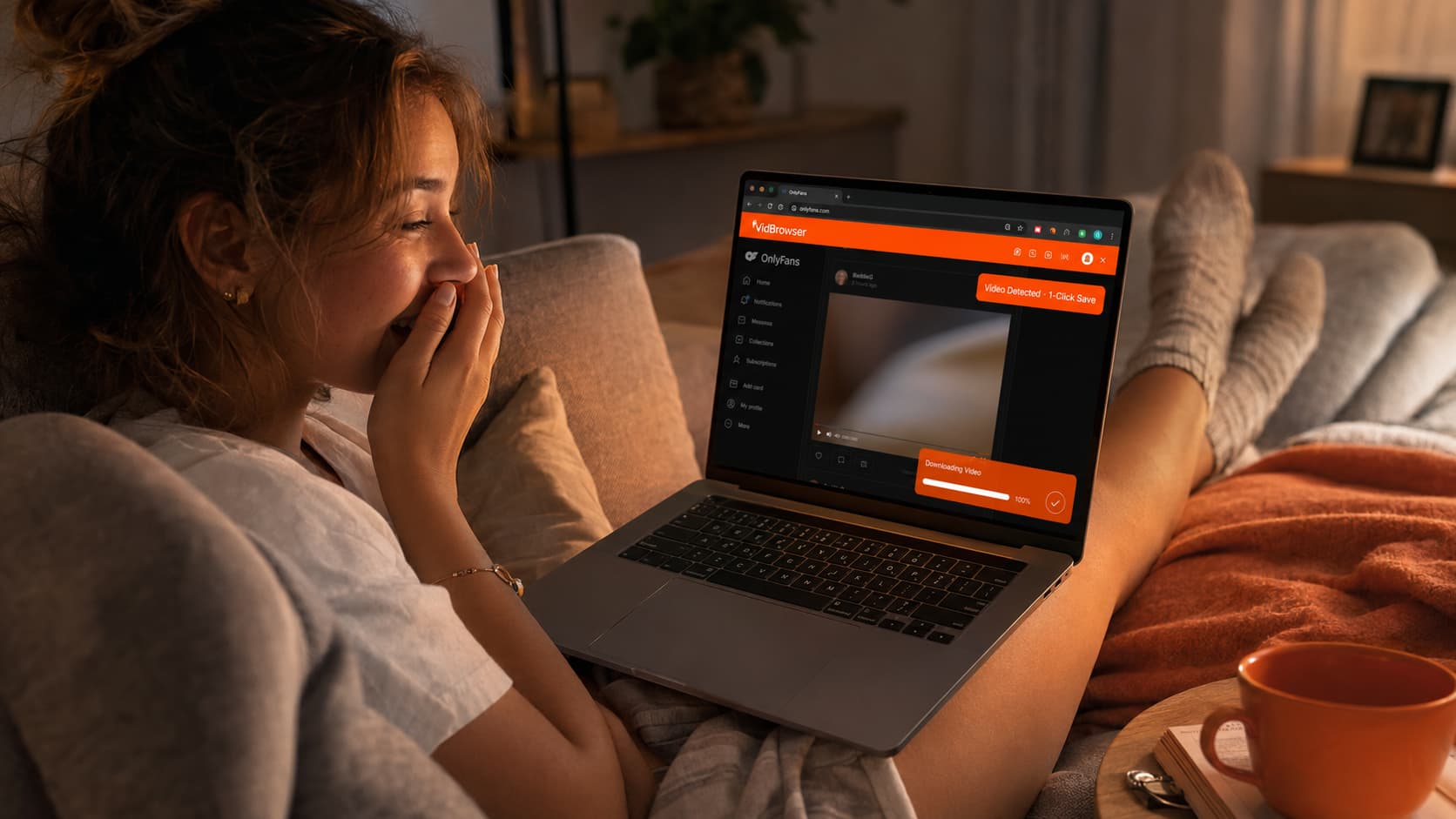
This article covers every method we actually tested — what works, what doesn't, and exactly why the failures happen.
First, Understand Why OnlyFans Videos Are So Hard to Save
OnlyFans videos are not standard MP4 files. They are DRM (Digital Rights Management) encrypted video streams. Specifically, each video is sliced into hundreds of small encrypted segments and delivered via the HLS protocol. Every time you play a video, the platform's backend issues a temporary decryption key to your device — and once playback ends, the key expires.
This system directly causes:
Screenshots and screen recordings only capture a black screen. The decryption process happens inside a protected memory region at the system level. Screenshot and screen-recording tools capture only the blank area outside that protective layer — not the actual video content. So even though the video is visibly playing on your screen, everything you record is black. This is not a problem with your device or recording software; it's how OnlyFans' DRM is designed to work.
Right-click saving and standard download tools all fail. OnlyFans blocks the browser's right-click save functionality. Even if a tool intercepts the video stream URL, what it gets are encrypted segments that can't be played without the decryption key. About 90% of video download tools on the market will fail against OnlyFans because their entire approach — grabbing files from the outside — is shut out by OnlyFans' encryption architecture.
There is no official download option. OnlyFans has never offered any form of download functionality. This is a deliberate platform design choice, not a missing feature.
Method 1: Save Videos with VidBrowser (The Most Reliable Solution Right Now)
VidBrowser is a desktop browser built specifically for video. The fundamental difference from ordinary download tools: it is a complete browser with a built-in video detection and download engine. Instead of grabbing streams from the outside, it steps in after the legitimate DRM authorization process completes — at the point of authorized playback — to save the video locally.
In our testing, this is the most consistently effective tool for OnlyFans DRM-encrypted video. The saved quality matches what you see during authorized playback.
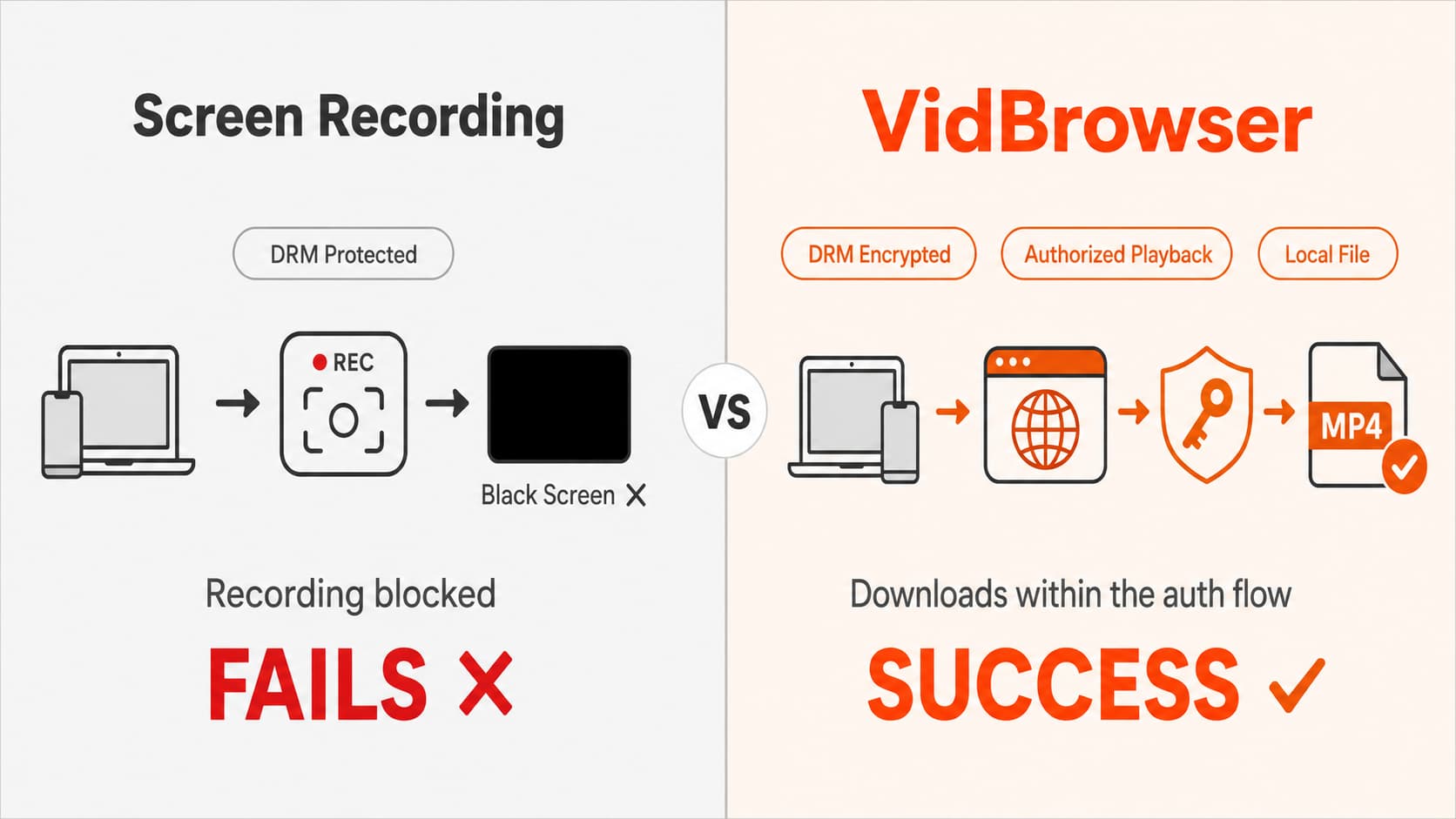
How to use it:
Step 1: Download and install VidBrowser
Go to the VidBrowser download page, choose the Windows or Mac version for your system, install, and open it.
Step 2: Log in to OnlyFans inside VidBrowser
VidBrowser is a complete browser. Visit the OnlyFans website directly inside it and log in to your account. This step is critical — you must log in within VidBrowser, not in your regular browser.
Step 3: Find the video you want to save
Navigate to the video you want within VidBrowser and let it start playing. VidBrowser automatically detects video resources on the page and will show a download prompt at the top or in the corner of the window.
Step 4: Save with one click
Click VidBrowser's download button, choose where to save the file, and wait for the download to finish. No copying links, no switching between tools — save right where you're browsing.
After saving: The file is stored locally in a standard video format. You can open it directly in VLC, IINA, or your system's built-in player. It no longer depends on the OnlyFans platform — if the creator deletes the post, your local file is completely unaffected.
VidBrowser's free plan lets you save 5 videos per day — enough to test the whole workflow. The Pro plan is $8.9/month; a lifetime license is $149.
Why Screenshots and Screen Recording Don't Work on OnlyFans
This is usually the first thing people try, and it almost always fails. Here's exactly why.
Screenshots fail because: OnlyFans invokes the browser's content protection interface (EME — Encrypted Media Extensions). On supported devices, the system intercepts screenshot operations and returns a black frame.
Screen recording fails because: video decryption happens inside a TEE (Trusted Execution Environment) — a CPU-level isolation zone that ordinary software cannot access. Screen recorders capture the system's output layer, but the decrypted video frames travel through a protected channel directly to the display. What the recorder captures is the void outside that channel.
Many people assume switching to a more powerful screen recorder will fix this. It won't. This is a hardware and OS-level constraint, not a recorder limitation — it applies equally to every recording app.
One exception: on devices or browsers with lower DRM enforcement (for example, some older Android phones playing via Chrome where Widevine is at Security Level L3), screen recording may not produce a black screen. But this is increasingly rare in 2026, as OnlyFans has specifically tightened its protection mechanisms.
Other Methods You May Have Tried — Why They Failed
Browser extension download tools (e.g., Video DownloadHelper)
These tools work by intercepting network requests from the browser to locate video URLs. They're very effective for unprotected video. But OnlyFans' encrypted HLS stream segments, even if intercepted, cannot be assembled into a playable video without the corresponding decryption key. You might end up with a pile of .ts fragment files that won't combine into anything playable — or just an error.
Command-line tools (e.g., yt-dlp)
yt-dlp supports a huge range of platforms, but it's equally ineffective against OnlyFans' DRM-encrypted content. It can capture the encrypted HLS stream URL but lacks the decryption key, so the downloaded file won't play. Many tutorials showing yt-dlp working on OnlyFans target early content without full DRM protection. Since 2025, OnlyFans fully upgraded its encryption, and most of those methods no longer work.
Developer tools packet capture
Technically inclined users sometimes try intercepting network requests via browser DevTools to find the key request URL. The instinct is correct — the key really is fetched over a network request — but OnlyFans binds key requests to the session and device. Having the key URL alone cannot reproduce the authorization flow outside the tool. Even if you obtain the encrypted key URL, its corresponding content will expire in a short time.
Before You Save OnlyFans Videos: A Few Things to Know
On the legal side: Downloading content you've paid to subscribe to for personal archiving falls in a legal gray area in most regions, with relatively low risk for personal use. Distributing content to others, re-uploading it to other platforms, or using it commercially is an entirely different matter — it involves copyright infringement and platform ToS violations with significantly higher risk. This article only discusses personal archiving and has nothing to do with redistribution.
On account safety: VidBrowser works by logging in and playing normally within a browser. It involves no account cracking or bypassing login verification, and it won't trigger OnlyFans' account ban systems.
On content ownership: OnlyFans' Terms of Service explicitly prohibit users from downloading content — this is a contractual restriction. If the platform detects anomalous activity it may restrict your account, but that's separate from legal liability. If your account matters to you, weigh this carefully.
FAQ
What devices can play videos downloaded with VidBrowser?
Once saved as a local file, the video plays on any device that supports MP4 — phones, tablets, computers, TVs. VLC, IINA, and Windows' built-in video player all work fine. No dependency on the OnlyFans platform; account status doesn't matter.
Is VidBrowser free?
There's a free version that lets you save 5 videos per day — plenty for testing. If you need more, the Pro plan is $8.9/month or a one-time lifetime purchase for $149. Download VidBrowser free and try it out first.
What if downloads are slow?
VidBrowser's download speed depends on your network bandwidth and OnlyFans' server response time. If it's slow, try downloading at off-peak hours or use a proxy to speed things up.
What format are the downloaded files in?
Typically MP4. In some cases the format may differ depending on the source file. If you need to convert, free tools like HandBrake work well.
After a creator deletes a post, can I still play the local file I saved with VidBrowser?
Yes. Local files are completely independent — detached from the OnlyFans platform entirely. Whether the creator deletes the post, deactivates their account, or your subscription expires, none of it affects your local file. That's the core reason many people choose to save content in advance.
What other platforms does VidBrowser support besides OnlyFans?
VidBrowser supports 1,000+ platforms including YouTube, TikTok, Twitter/X, Bilibili, Netflix, Disney+, and more. It also offers ad-free browsing across the web, AI video editing, video clipping, and AI highlight detection. For anyone managing video content across multiple platforms, VidBrowser covers far more ground than any single-purpose download tool.