
The OnlyFans Creator You Follow Deleted Their Account: What Happens to Your Subscription and Paid Content
One day you open that familiar page in your bookmarks and instead of a new post you get a "Page Not Found"; scroll back through the messages and the ones you paid to unlock are gone with it. The first reaction is almost always the same: did I just waste my money? This article is about what happens when the creator's side of the account goes wrong — whether they deleted it themselves, were banned by the platform, or simply changed their name and moved on — and what each outcome means for your subscription fee, the content you already bought, and what you can still do about it.
A creator page that will not open is really four different situations
Key takeaway: On OnlyFans, a creator page that "will not open" can be at least four different things — a rename and fresh start, a temporary pause, a platform ban, or a voluntary deletion. From the outside these four look almost identical, yet your money and your content end up in completely different places.
Only by working out which one it is can you tell whether to wait, go looking, or let it go:
- Renamed or restarted under a new handle: the easiest to mistake for a deletion. The creator picks a new stage name, switches niche, the old link dies — but the person is still there and so is the content, only the address has changed.
- Temporarily inactive: the page is still up, but it has not been updated for a long time and no deletion has taken place; the subscription keeps running and money keeps being charged on schedule.
- Banned by the platform: the account was forcibly closed for breaking the terms — a "passive disappearance" in which the creator's balance and content are frozen together.
- Voluntarily deleted: the creator themself started the account deletion. This is the only state that enters the "account is about to disappear permanently" process.
The tell is not hard to read: if their social accounts are still posting, it is most likely a rename or a pause; only when every external account goes quiet at the same moment does it look like a full exit. We laid out the full three-step check in spotting fake OnlyFans accounts, so we will not repeat it here.
What actually deserves alarm is the last two. Whether banned or deleted, the content is never handed over to subscribers, and the money is not necessarily refunded. Here is the counter-intuitive part: once an account is deleted it cannot be reversed — the subscriber list, the content history and the username all go; but as long as the creator never presses delete, the account can come back at any time. So the share of creators who genuinely wipe their account is far lower than your instinct suggests.
The motives behind a creator vanishing are few: burnout (the most common, usually just a pause, worth checking back on), a rebrand (the old link dies but they are still around, so you can keep following), privacy concerns (recognised in real life, or seeing their content pirated at scale — these people mostly delete for good and do not return, so chasing them is not appropriate either), and giving up after a ban (the old account has essentially no way back). One thing to keep in mind: impersonator accounts multiply once a creator disappears, reusing the same face and a similar username to farm the old fanbase — before you pay, verify links starting from the creator's existing social accounts rather than searching by name in a new platform's search box.
Billing stops, but the period you already paid for is not refunded
Once a creator account is deleted or banned, automatic renewal ends with it and no new charge is generated; but the current subscription period you already paid for is not refunded — the platform's standard line is that all purchases are final.
Most people assume that if the person is gone the money should come back, but that is not how the rules work. Stopping the billing is automatic — with no account there is nothing left to bill. A refund is not automatic. The period that has already taken effect counts as a service that was delivered, so it cannot be refunded pro rata for the remaining days; and the messages or paid posts you unlocked separately disappear too, because they hang off that account. In the wording of OnlyFans' own terms of service, after a creator initiates deletion, the account is kept until all current subscribers' billing periods end before it is actually removed. Put another way: what you buy on OnlyFans is the right to look while the creator is still there, not a copy that belongs to you. How long each type of content survives has its own comparison table — see when to save OnlyFans content.
The refund path: three cases you can raise, one you must never take
The vast majority of "the creator deleted their account, I want my money back" requests get rejected, but three exceptions are worth one attempt with official support; and a bank chargeback is the one route you must never touch — it gets your own account banned.
Across the cases people have documented, the situations support genuinely accepts cluster into three:
- Content never delivered: the thing you unlocked will not open, is empty, or the custom video never arrived — proving you paid and received nothing is the easiest case to win;
- Not your transaction: the card was skimmed, or the account was accessed by someone else; the platform will check IP and device before acting;
- Paid and immediately lost: the creator was banned or deleted shortly after you subscribed, so you paid for a full month and saw only a few days — cases like this have a chance of a prorated refund.
To raise a refund, use the in-site Help and Support form: set out the date, amount, creator username and transaction number clearly, and attach a screenshot of the bank charge — far more effective than a vague description.
As for a chargeback — even if support turns you down, do not go to your bank and force the money back. Platforms have zero tolerance for chargebacks, and the usual outcome is: your account permanently banned, your IP blacklisted, your payment method blocked, and every other subscription and purchase under your name voided along with it. There are only two situations in which this route is even arguable: it genuinely was card fraud, and you have already decided never to use the platform again.
While the door is still open, save what you paid for to your own drive
Once an account is deleted there is no official way to recover what you bought — the platform offers no central purchase library and no subscriber-side content restoration request. The only real fallback is one thing: while you can still access it, put it on your own hard drive.
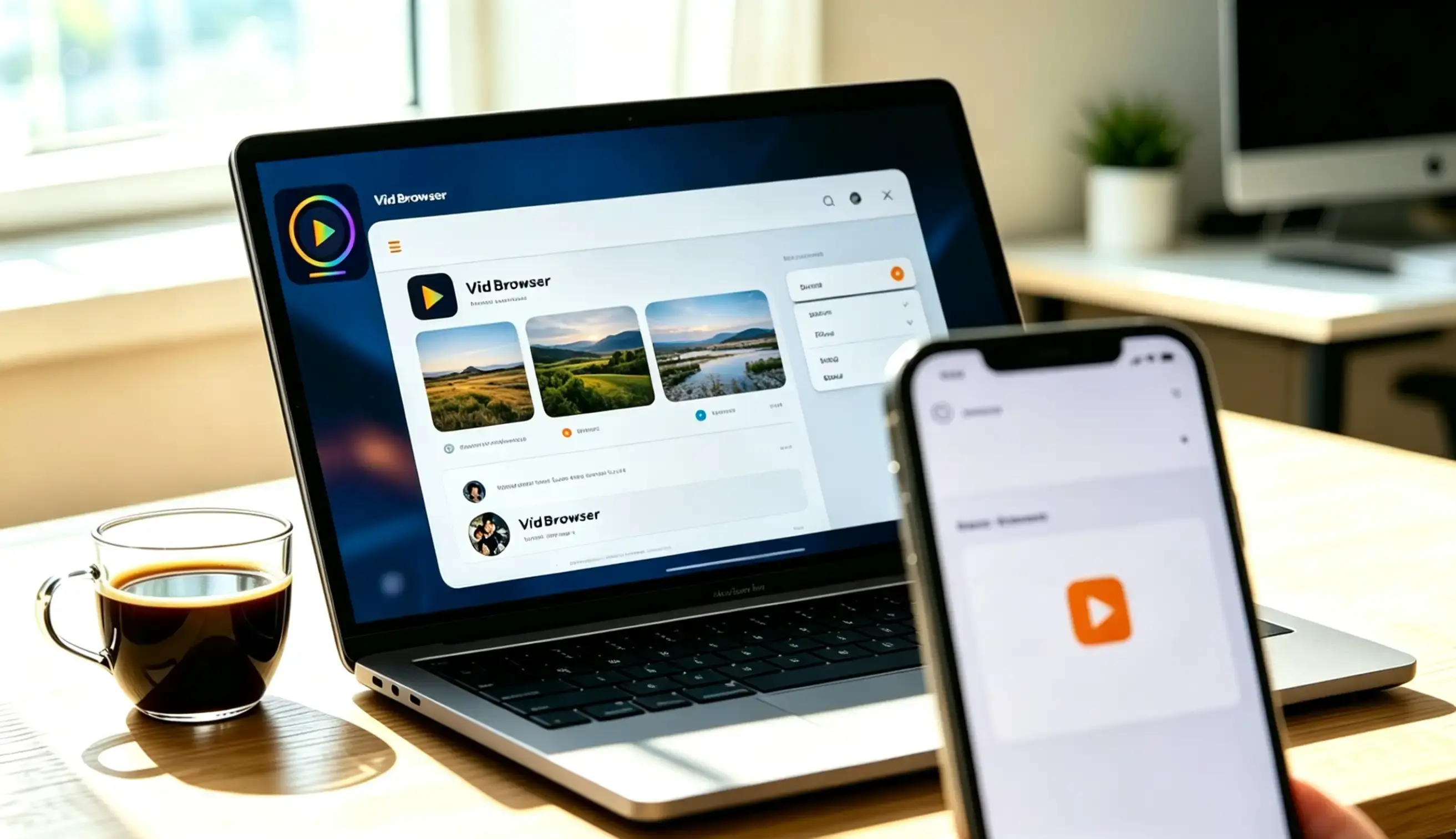
Saving with a desktop video browser such as VidBrowser takes only a few steps:
Step 1: Download and install VidBrowser
A desktop video browser with downloading and recording built in, available for Windows and Mac, installed in a few minutes.
Step 2: Open OnlyFans in VidBrowser and log in
Use it as the browser you normally watch subscription content in — log in as usual, browse as usual.
Step 3: Save with the recording feature (the first choice for protected content)
Most content on subscription platforms like OnlyFans is protected and ordinary download tools cannot grab it, so recording is the most reliable way to save. Move your mouse over the video picture and the recording controls overlay it — pick a speed (1x real time, or 2x and 4x to finish faster), click "Record All" to capture the whole thing, and the button on the left lets you start or pause at any time. If a video can be downloaded directly, the "Video Library" panel on the right also lists the items detected on the page, each with an orange "Download" button — one click saves it as MP4, and you can pick a resolution first if you like.
Step 4: Check where the file landed in your download history
Open the download history from the clock icon in the left navigation: file name, size, download time and save location are all there.
A creator deleting their account is abrupt and almost never announced — what you paid to watch today can go dark with the account tomorrow, whereas a file on your hard drive does not expire when a platform changes its rules. Making "save a copy while it is good" a habit is far more useful than studying the refund process after the fact.
FAQ
Can I get my subscription fee back after a creator deletes their account?
Generally no. The renewal stops automatically and no new charge is generated, but the current period you already paid for is not refunded pro rata for unused days. Only edge cases — the creator being banned or deleting shortly after you paid, content never delivered, or a transaction that was not yours — are worth one attempt through the official support form.
Can I recover the paid content I unlocked earlier?
No. That content hangs off the creator's account and disappears the moment the account does; the platform has no central purchase library and no subscriber-side recovery channel. The only way is to save it locally while the account is still there.
Can I go to my bank and dispute the charge to get the money back?
Technically yes, but the cost is enormous. A chargeback is treated by the platform as a violation, and the usual result is a permanent ban, your IP and payment method blacklisted, and every other subscription and purchase under your name voided. It is only worth considering if it really was card fraud and you have no intention of using the platform again.


