
Which OnlyFans Download Tool Actually Works? Honest 2026 Comparison (After Wasting a Lot of Time)
Honestly, we wasted a lot of time on this.
Search for "OnlyFans download tool" and you get an avalanche of results — yt-dlp, browser extensions, screen recording software, online parsing sites… Every single post claims to be "personally verified and working." Then you try them one by one and end up with either an error, a file that won't play, or a screen recording that opens to pure black.
Eventually you realize: most of these guides are two years old. OnlyFans dramatically upgraded its DRM encryption after 2025, and those "personally verified" methods are mostly dead now.
This article lays out the real results from our actual testing — no fluff, straight to the point: what works, what doesn't, and why.
Bottom Line First: Which Tool Actually Works?
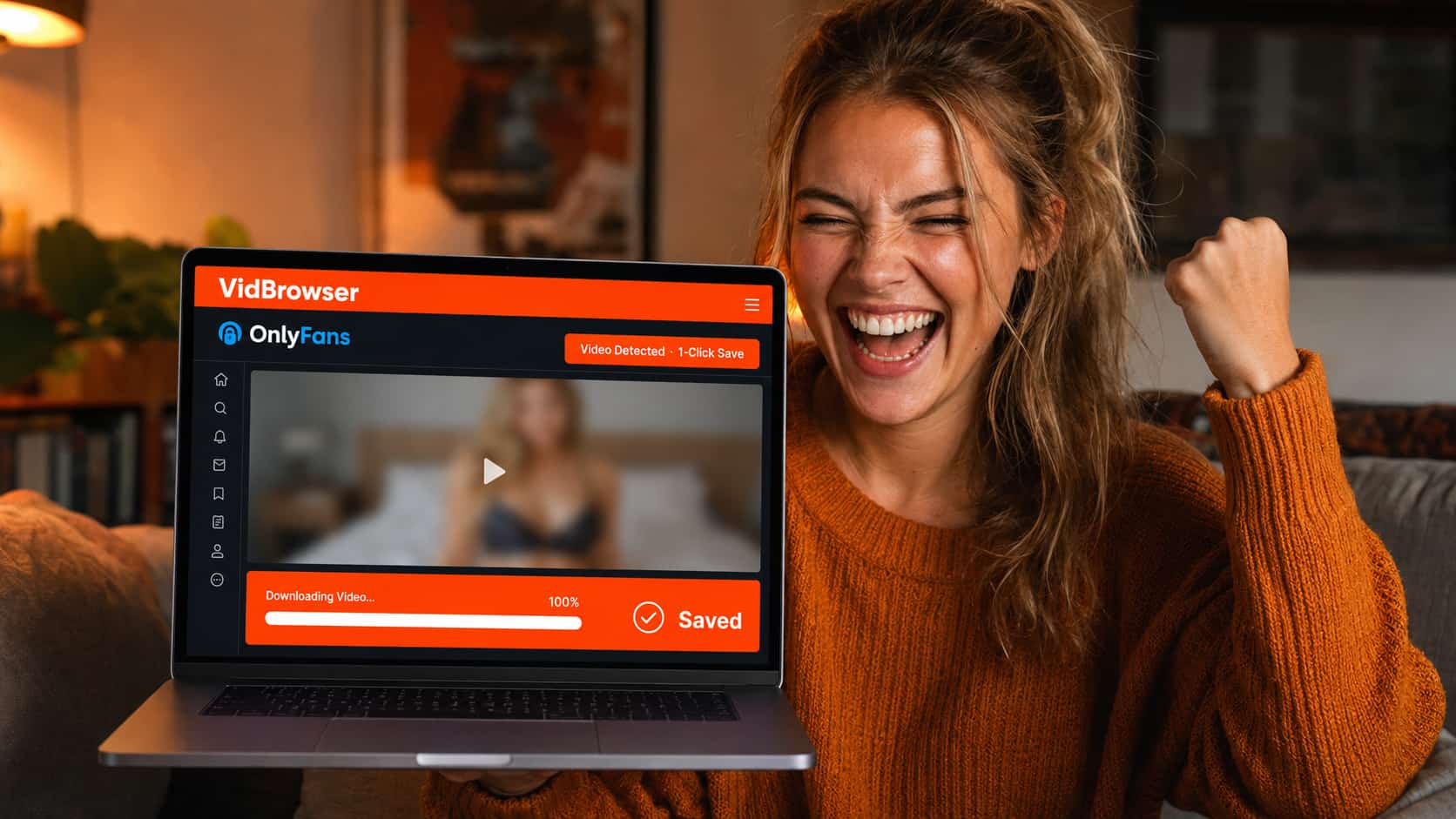
After testing, the only tool with consistently stable support for OnlyFans DRM-encrypted video is VidBrowser — a desktop browser purpose-built for video, with a built-in video detection and download engine. No link copying, no command line, just save directly inside the browser.
As for the rest: yt-dlp fails on OnlyFans DRM content, browser download extensions grab encrypted files that won't play, and screen recorders produce nothing but black screens. We'll go through each one below.
Tools We Tested: Real Results
yt-dlp
This is the first thing most people try, including us. yt-dlp is genuinely powerful — it supports thousands of sites and handles most regular video sites without a hitch.
But OnlyFans is different. OnlyFans video is an encrypted HLS stream. yt-dlp can grab the m3u8 URL and download the fragments, but the assembled file won't play — because every fragment is encrypted, and yt-dlp has no way to complete the DRM authorization process or obtain the decryption key.
What you end up with is probably a file several hundred megabytes in size that simply cannot be played.
Some guides suggest using specific parameters or configuring cookies to work around this. We tried those too. They may work on a small amount of older content without full DRM protection, but OnlyFans fully overhauled its encryption after 2025, and that workaround is essentially dead.
Conclusion: Ineffective for DRM-encrypted OnlyFans video.
Browser Download Extensions (Video DownloadHelper, Stream Recorder, etc.)
These extensions work by monitoring network requests from the browser, finding video stream URLs, and downloading them. They're excellent for YouTube, Twitter, Bilibili, and other content without DRM protection — we use them ourselves for those.
But OnlyFans video streams are encrypted. Extensions can find the URLs and even download all the encrypted fragments, but the merged file has no decryption key. Opening it gives you garbled data or an error saying the format is unrecognizable.
Some extensions display "video detected," giving you the false sense that you're about to succeed. In reality, clicking download gets you something useless. We fell for this one — a real time sink.
Conclusion: Ineffective. Even when "video detected" shows up, you can't download anything that actually plays.
Screen Recording Software (OBS, Bandicam, EV Recorder, etc.)
This is most people's second idea. The logic makes sense: if I can't download it, can't I just record it?
No.
OnlyFans DRM protection triggers a hardware-level anti-screen-capture mechanism at the system level. Video decryption happens inside the CPU's isolated region (TEE), and screen recording tools can't reach the actual video data — they can only capture the "darkness outside the protected channel."
OBS: black screen. Bandicam: black screen. EV Recorder: black screen. Xbox Game Bar: black screen. We went through five or six screen recording apps and got the same result every time. Either audio only with no picture, or everything black.
The one scenario where you can actually capture something: point another phone's camera at your computer screen. It works, but the quality is terrible, and OnlyFans on some devices detects the screen mirroring and further reduces the brightness. Not a reliable solution.
Conclusion: All mainstream screen recording software produces black screen. Filming the screen with a phone gives terrible quality.
Online Parsing Websites
Search "OnlyFans video download online" and you'll find sites claiming to let you paste a link and download.
We tested a few. They basically fell into two categories: either they threw an error saying "unable to parse," or they asked you to enter your OnlyFans username and password to "authorize."
That second scenario is a serious red flag — do not enter your OnlyFans credentials into any third-party website. These sites may be stealing your account information. The "online downloader" sites we encountered during testing had exactly this problem.
Conclusion: Ineffective. Some sites pose real account security risks. Don't use them.
VidBrowser
This is the last thing we tried, and it's the only thing that actually held up in testing.
VidBrowser is not a plugin or a command-line tool. It's a complete desktop browser with a built-in video detection and download engine. Its approach is fundamentally different from every other tool — instead of trying to grab the stream from the outside, it intervenes at the legitimate playback stage after OnlyFans' DRM authorization process has already completed, saving the decrypted content directly.
The simple version: it operates from the inside, not the outside. Every other tool fails because they're trying to grab something from the outside, where DRM ensures there's nothing to grab.
Test results: stable and effective for DRM-encrypted OnlyFans video. Saved files match the quality of authorized playback. Open directly with VLC or the system player — no black screen, no corrupted data, complete and usable files.
Why Do All Other Tools Fail While VidBrowser Can Do It?
One-sentence explanation: OnlyFans DRM protection is completed inside the authorization process. Any tool trying to grab from the outside never gets the decryption key, so it fundamentally cannot handle encrypted content.
VidBrowser, as a complete browser, participates in the DRM authorization flow itself. It can save the video at the legitimate playback stage after authorization has completed — no bypassing encryption, no cracking anything. That's the fundamental difference between it and every other tool.
How to Download OnlyFans Videos with VidBrowser
The steps are simple. No command line, no technical background required.
Step 1: Download and install VidBrowser
Go to the VidBrowser official website for a free download. Available for both Windows and Mac. Installation is the same as any normal software — just follow the prompts.
Step 2: Log into OnlyFans inside VidBrowser
Open VidBrowser, type onlyfans.com in the address bar, and log in with your account normally. This step must be done inside VidBrowser — logging in through another browser and switching over won't work.
Step 3: Find the video and play it
Browse normally, find the video you want to save, and let it start playing. VidBrowser automatically detects video resources on the page and shows a download prompt.
Step 4: Click download, choose a path, wait for completion
Click the download button, select a save location, and wait for the download to finish. No link copying, no additional software, everything happens right in the browser.
The downloaded file is a standard video format. Open it directly with VLC, IINA, or the Windows built-in player — no extra steps required.
Frequently Asked Questions
Is VidBrowser free?
There's a free version that lets you save 5 videos per day. Download it free and try it out first — once you confirm it works for you, you can decide whether to continue.
Will OnlyFans ban my account?
VidBrowser operates by logging in and playing content normally inside the browser — no account cracking involved. From OnlyFans' perspective, your behavior is no different from browsing with a regular browser. It won't trigger account security measures.
Can I share the downloaded videos with others?
Legally and by platform rules, personal saving and redistribution are completely different things. Creator content is protected by copyright. Sharing paid content with others or reposting it to other platforms constitutes copyright infringement and carries serious risk. Saving for personal use is one thing; distributing is another.
Can I save images from OnlyFans?
Images can be saved with a regular right-click or screenshot. OnlyFans' protection on images is much less strict than on video — no special tools needed. VidBrowser specifically addresses the problem of saving DRM-encrypted video.
What other platforms does VidBrowser support?
VidBrowser supports video downloads from 1,000+ platforms including YouTube, TikTok, Netflix, Disney+, Twitter, and Bilibili. It also includes ad-free browsing across all sites, AI video editing, AI highlight recognition, and video segmentation. If you regularly need to save videos from multiple platforms, VidBrowser replaces several tools at once.


