
OnlyFans Video Not Playing? Complete 2026 Troubleshooting Guide
You paid for a subscription, clicked on a video, watched it spin for ages — then a blank screen, an error, or just completely frozen.
That feeling is genuinely awful. This isn't free content; it's something you paid for, and now you can't watch it.
There are actually quite a few reasons why OnlyFans videos won't play: network issues, browser problems, VPN, ad blockers, account status… any of them could be the culprit. This guide goes through the most common causes and fixes in order from simplest to most complex, so you can troubleshoot step by step and find the issue in most cases.
Start Here: Three Basic Checks to Rule Out the Easy Stuff
A surprising number of OnlyFans video playback problems have simple causes that don't require complicated fixes. Run through these three checks first.
Check your network. Sounds obvious, but a lot of "video won't play" situations turn out to be nothing more than a slow or unstable connection. OnlyFans video streams are fairly sensitive to network quality — anything below 5 Mbps will likely struggle to play smoothly, while 10 Mbps and up is generally stable. Run a quick test on speedtest.net, and try refreshing the page. A network hiccup can interrupt the load, and a refresh usually clears it.
Clear your browser cache. Corrupted browser cache files are a surprisingly common cause of video playback problems, and most people don't think to try this. In Chrome, press Ctrl+Shift+Delete (Command+Shift+Delete on Mac), check "Cached images and files" and "Cookies and other site data," clear them, then log back into OnlyFans and try again. We've seen multiple cases where videos that suddenly stopped playing started working immediately after a cache clear.
Confirm your subscription is active. Awkward, but genuinely worth checking. Once a paid OnlyFans subscription expires, you lose access to that creator's content — clicking a video will just spin forever or throw an error. Head to your account settings, verify your subscription is still valid, and confirm your payment method isn't having issues.
Try Disabling Your Ad Blocker — Most People Don't Know This One
This is one of the most commonly overlooked causes, and it comes up more often than you'd think.
Users with browser extensions like uBlock Origin, AdBlock, or AdGuard sometimes find that OnlyFans videos won't play or that page features break — because ad blocker filter rules can accidentally block scripts or requests that OnlyFans needs to load video.
The fix is simple: temporarily disable your ad blocker, or whitelist OnlyFans in the extension's settings, then refresh and try again.
If the video plays normally once you turn off the ad blocker, that was the cause. But here's the trade-off: with the ad blocker off, all the tracking scripts and ads on OnlyFans come back, and the experience suffers.
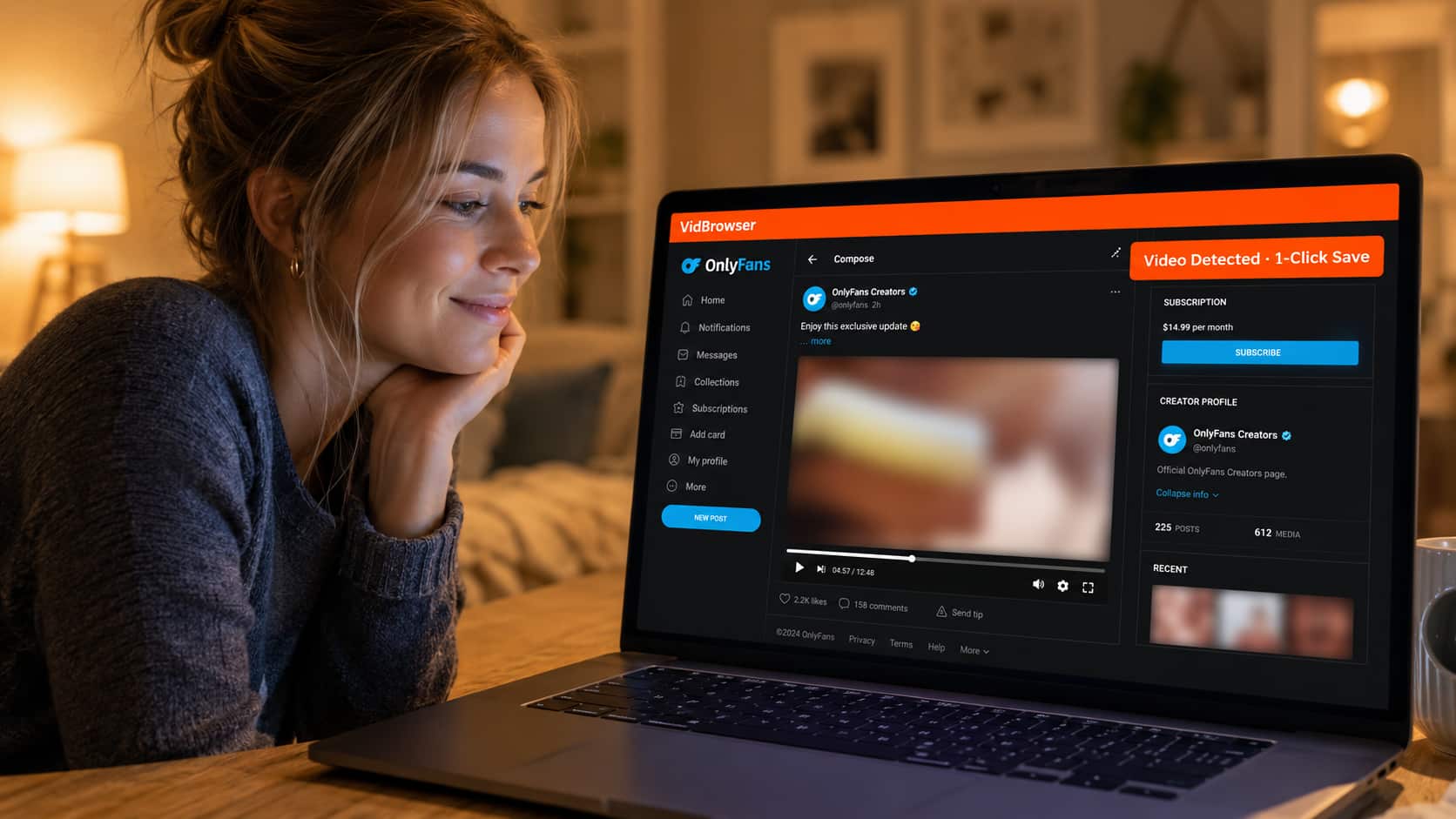
This is one of the reasons we eventually switched to VidBrowser — it has built-in site-wide ad blocking that doesn't need any extensions, won't accidentally block what OnlyFans needs to load video, and blocks the ads that should be blocked.
Using a VPN — and It's Making Things Worse?
This happens more often than you'd expect.
OnlyFans has content restrictions in some regions, so many users access it through a VPN. But VPNs can actually cause video playback problems themselves, for two main reasons:
First, a slow or unstable VPN server can interrupt the video stream load. The video might get stuck at a certain point in the progress bar and keep spinning, or time out with an error. Try switching to a different VPN server — choose one with lower latency.
Second, the VPN's IP address may have been flagged as suspicious by OnlyFans's CDN (content delivery network), triggering an access restriction. In this case, the video page loads fine, but the playback request gets rejected — typically showing up as the video page loading but clicking play doing nothing, or a 403 error.
If you've had your VPN on the whole time and videos won't play, try temporarily turning it off and see if that fixes it. If it does, the VPN was the cause.
Browser Incompatibility Causing Playback Issues
OnlyFans videos use DRM (Digital Rights Management) encryption, and different browsers support DRM to different degrees — leading to situations where video simply won't play in certain browsers, or quality is restricted.
Chrome on Windows uses a lower DRM level (Widevine L3), which can sometimes cause specific content to fail to play. Safari on Mac generally has the best DRM compatibility — if Chrome isn't working, try Safari.
Firefox occasionally has issues with OnlyFans DRM content and may need DRM playback manually enabled in settings (Settings → General → Enable DRM Content).
Another possibility is an outdated browser. The OnlyFans player updates with the platform, and older browser versions may not support the latest player features. Updating to the most recent version of your browser fixes a lot of strange playback issues.
Tried Everything and Still Not Working? VidBrowser Fixes It Properly
If you've checked your network, cache, ad blocker, VPN, and browser compatibility and the video still won't play, the problem is most likely a DRM compatibility or low-level browser configuration issue. These are hard to fix with settings adjustments in a regular browser because they involve system-level authorization mechanisms.
At this point, switching to a browser built specifically for video is the most direct solution.
VidBrowser is a desktop browser designed around video, with a complete video playback engine and DRM support built in. It handles OnlyFans encrypted video content better than standard browsers. In every case we tested, OnlyFans videos that failed to play in Chrome played normally in VidBrowser with zero additional configuration.
Beyond fixing playback, VidBrowser also takes care of several other common OnlyFans annoyances:
Built-in ad blocking — no extensions needed, no accidental blocking. All tracking scripts and ads on OnlyFans are blocked, and pages load faster as a result.
Video download and saving — important for OnlyFans users. Creators can delete posts at any time, and content you paid for might be gone tomorrow. VidBrowser supports downloading OnlyFans DRM-encrypted videos to your local machine, where they're unaffected by account status or creator behavior.
AI highlight recognition and video editing — all within the browser. If you want to save a particular clip, you don't need to open a separate editing app.
Download VidBrowser free and try it first — the free version covers basic playback and saving needs. Confirm it works for you before deciding whether to continue.
Frequently Asked Questions
Why does my OnlyFans video just keep spinning and never load?
The most common cause is a slow or unstable network connection, followed by browser cache issues. First test your internet speed, then clear your cache. If you're on a VPN, try switching to a lower-latency server or turning it off temporarily.
Why does my OnlyFans video freeze partway through?
Usually network instability causing the stream to lose its buffer. Refreshing the page typically fixes it — OnlyFans's player will resume from where it left off. If it keeps happening, your connection isn't stable enough for streaming. Downloading to your local machine with VidBrowser eliminates this problem entirely.
OnlyFans video has audio but no picture — what's going on?
This is usually a DRM compatibility issue where audio decoding works but video decryption fails. First confirm your browser is fully up to date. Chrome users can try switching to Edge or Safari. If that doesn't help, VidBrowser has better DRM compatibility and is worth trying as an alternative.
I have a paid subscription but I'm getting "you can't access this content" — why?
A few possibilities: your subscription may have expired, the creator may have deleted the content, or the creator may have set region restrictions. Check your subscription status first. If it's still active, the issue is most likely on the creator's side — the content may have been removed.
OnlyFans videos won't play on my phone, but will they work on a computer?
Yes, and the desktop experience is generally more stable than mobile browsers. If you're having playback issues on your phone, switch to a computer and try Chrome or VidBrowser.
Does VidBrowser support mobile?
VidBrowser is currently a desktop application, available for Windows and Mac. Mobile is not supported at this time.


