Three Patreon tiers side by side — hold off on subscribing just yet
Three tiers sit side by side, prices running from low to high, and many people linger on this one screen longer than they spend looking at the creator's actual work. Picking a tier matters, of course — but what really decides whether this money is well spent is usually not the price number. It is two easily skipped places: what the tier card actually says, and what rules Patreon applies to your money when you change tiers. This piece goes in order: read the card first, then the rules, then pick your timing.
Three Patreon tiers side by side: read every card in full first
The name, description and benefits list on a tier card are all written by the creator, with no standard template — the price is easy to read; the hard part is translating the packaging language into "what will I actually get." That structure where creators design their own tiers is already covered by how free and paid tiers split the work; this piece adds the layer it did not touch: on the same card, the three things differ in how much you can trust them.
- Name and description are the packaging layer: early access, behind-the-scenes, exclusive community… these words describe an atmosphere, not a promise — read them at seventy percent face value.
- The benefits list is the hard currency: itemized benefits are what a tier actually delivers, and the more concretely they are counted (how many posts a week, how many source files), the more believable they are.
- The act of comparing side by side: lay several cards' benefits lists next to each other and mark what the higher tiers add — where the thing you want lives is written in the lists, not in the price.
Reading the cards is not the end. Picking a tier is only the first half; what makes many people overspend is the act of changing tiers itself.
Upgrades prorate, downgrades refund nothing: the official billing rules
By the Help Center's own wording: an upgrade charges the difference on the spot and the new tier takes effect immediately; a downgrade refunds nothing, and the old tier's benefits last until the next billing date. The official example: you are billed at the $10 tier on March 1, upgrade to the $15 tier on March 7 — you pay the $5 difference that day and get the higher tier immediately, and the month costs $15 in total. Downgrade instead, and you keep the original tier to the end of the month; the new price starts next month, and the difference in between is not returned. The fine print is in the official billing article in Patreon's Help Center; billing modes differ in the details, and what your subscription page shows is what governs.
Read in reverse, the rule is even more useful: downgrading does nothing for money already charged — it is paid, and the only thing you can affect is paying less next month. So a downgrade decision does not need to wait; waiting saves nothing.
When you switch matters more than which tier you switch to
Your billing date follows the day you first subscribed, and changing tiers does not move it; what you do near the end of the month decides whether the difference was worth it. Upgrade early in the month and the prorated difference buys a full month of the higher tier; upgrade at month's end and the same difference buys a few days — a whole-tier price for a sliver. Downgrades work the same way: one or two days before the billing date, you use the old tier to the full and start saving next month; downgrade after being billed and you have paid a full month of the higher tier for nothing.
One habit covers it: write down your next billing date, upgrade early in the month, downgrade before the billing date. As for the other process — what happens when the charge itself fails, the automatic retries, the grace period, the recovery paths — that belongs to our piece on when a Patreon payment fails, which goes deeper than this one.
Annual billing saves more — but you can't step it down yet
Annual plans are usually cheaper than monthly, and the official text states the other side just as plainly: annual memberships currently cannot be downgraded. In other words, what annual billing saves rests entirely on your judgment of this creator — right, it is a discount; wrong, there is no mid-year adjustment at all, and you wait out the year.
So the conditions for annual are narrow: you have already subscribed monthly for a while, the updates are steady, the content fits, and you are sure you want to support long term — only then does annual land well. Going annual on a creator you just found means the discount may not cover the cost of a wrong call. If unsure, stay monthly; flexibility itself is what the annual discount buys back.
Beyond tier prices: two other kinds of charges can appear
The Help Center puts the billing options plainly: besides monthly subscriptions there are per-creation billing and one-time purchases, and the three can coexist. For anyone reading tiers, that means two practical reminders:
- Per-creation creators: each paid post charges once, with a monthly cap — when you see this kind of page, first work out what triggers your monthly budget ceiling.
- One-time purchases (shop items): creators can sell digital goods directly in their shop — videos, podcast episodes, images, files all count, and members and non-members alike can buy. A benefit missing from the tier card sometimes sits in the shop; buying the single item can be cheaper than moving up a tier.
Both kinds point at the same reminder: the real cost of this screen can exceed the number on the tier card.
Save the videos in your tier while your subscription still runs
No rule about changing tiers changes one thing: what a subscription buys is access, and once the tier changes or you unsubscribe, that access is gone. Video-tier content especially — and saving it takes only a few steps:
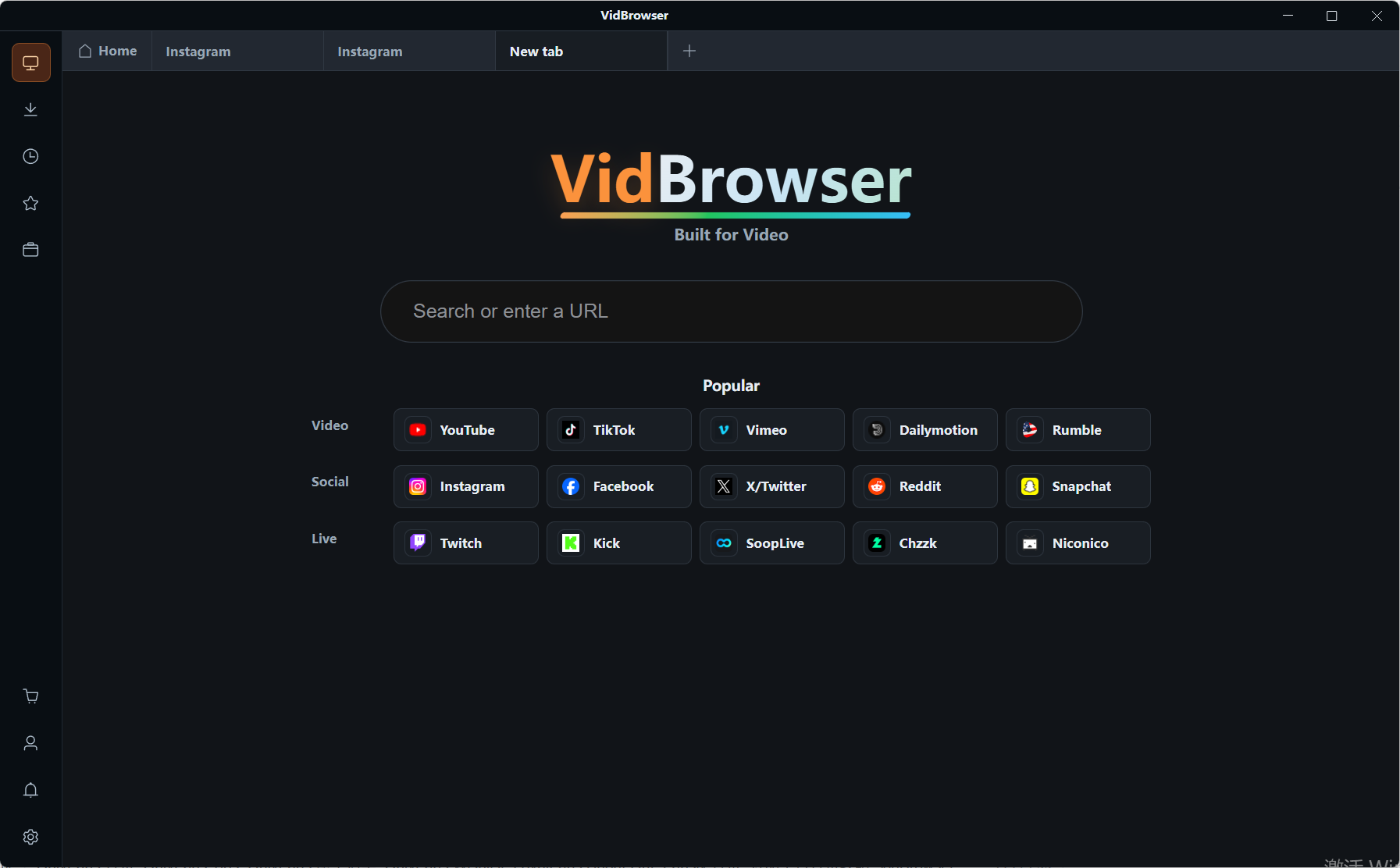
Step 1: Download and install VidBrowser
VidBrowser is a desktop video browser for Windows and Mac with downloading and recording built in; installation takes a few minutes.
Step 2: Open Patreon, log in, and reach your tier page
Inside VidBrowser, enter the site and log in as with any normal browser, then open the video you want. Your tier benefits behave exactly as they do in a normal browser.
Step 3: Check the video library on the right; what can be saved has the orange button
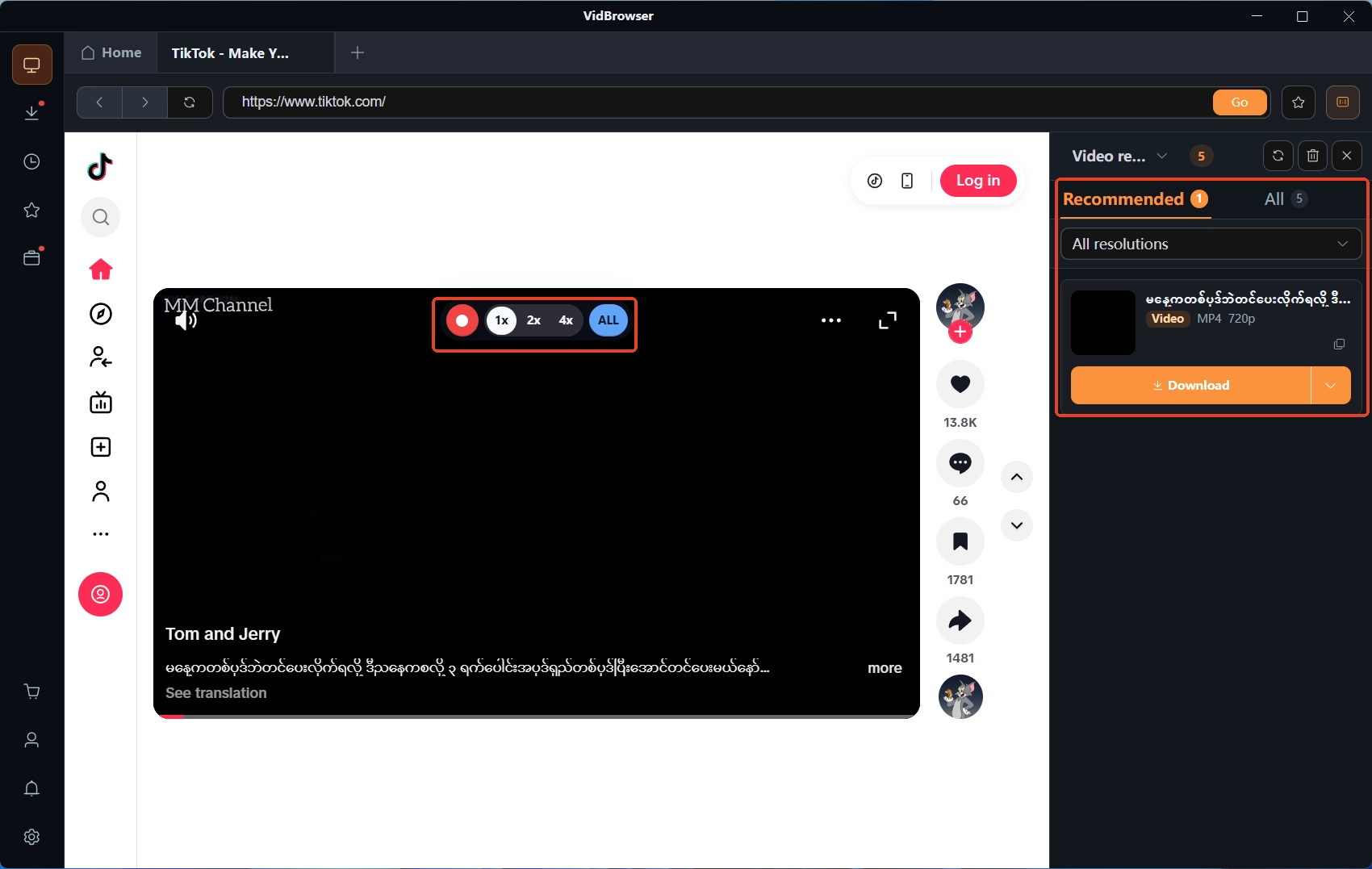
Downloadable content is listed in the video library on the right, each entry with an orange Download button; pick a format, filter by resolution for quality, and save as MP4.
Step 4: What cannot be downloaded, record instead
Videos on subscription platforms like Patreon are usually protected, and ordinary downloaders cannot grab them. Move the mouse over the picture and recording controls overlay it: choose 1x in real time, or 2x and 4x to finish faster, hit Record all to capture the whole run, and the record button on the left starts or pauses anytime. Every task is logged in the download history on the left, where file name, size and save location can be checked later. The full step-by-step flow is written up separately in the Patreon video download guide.
FAQ
What is the extra charge on the day I upgrade
It is the difference. By the official wording, upgrading charges the gap between the new and old tier, and the new benefits start immediately; this month's bill is "the old tier already charged, plus the difference," and from next month the new tier is billed in full.
After a downgrade, how long can I still see the current tier
Until the next billing date. A downgrade refunds nothing, and the old tier's benefits last until the billing date tied to your original subscription; after that, the new price applies and access switches to the new tier. To skip paying a month at the higher rate, downgrade before the billing date.
Why is there no downgrade option on my annual plan
Because annual plans currently cannot be downgraded — the Help Center states this limit outright. If you no longer want annual, you wait for the year to run out and decide on renewal then; your benefits during the subscription are unaffected, and content you want to keep should be saved while access lasts.