
Patreon Free vs Paid: Start at $0, Then Pick a Tier by Content
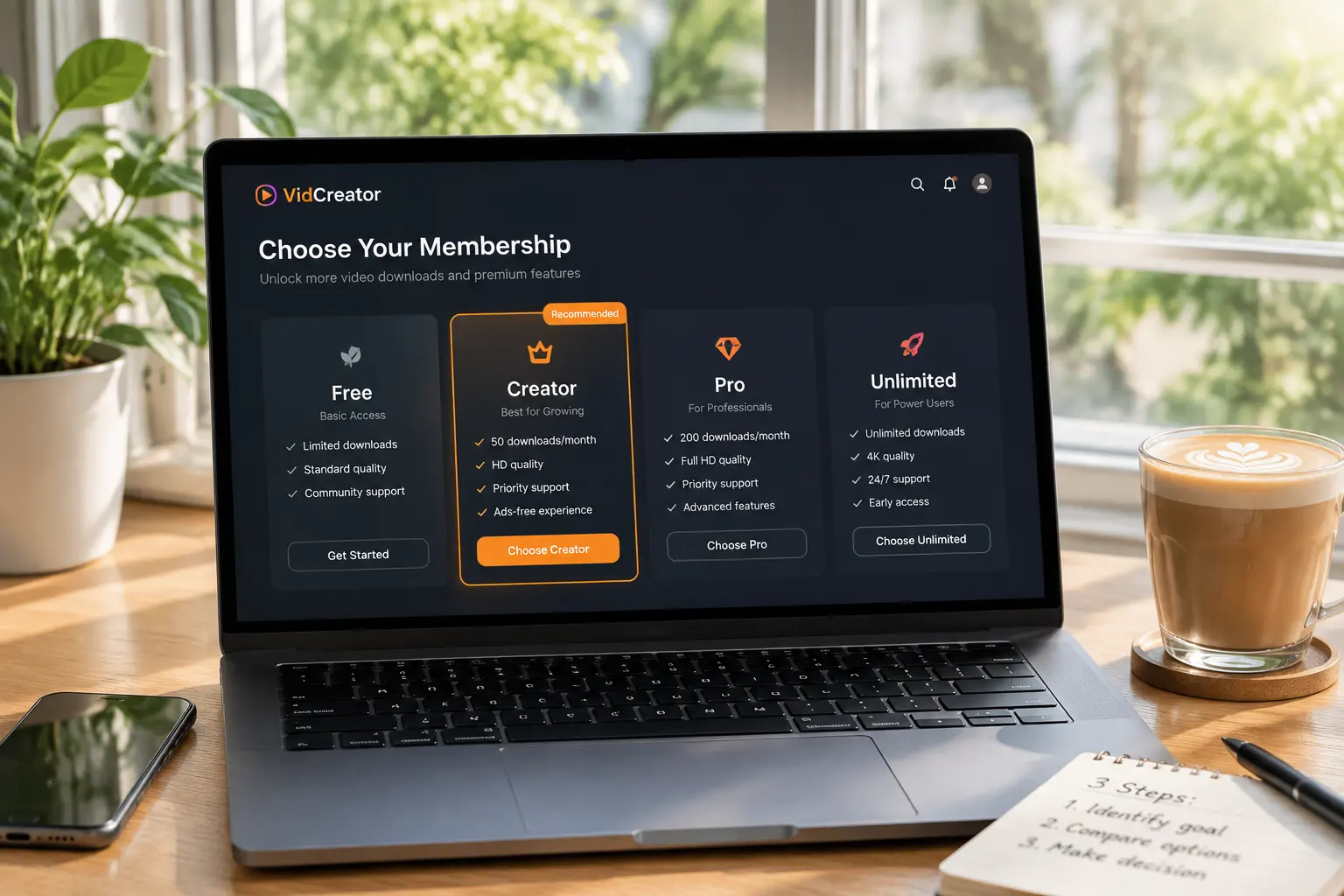
You want to support a favorite illustrator on Patreon, open the page, and see: free follow, $3 tier, $8 tier, $15 tier — four options side by side, and suddenly you cannot decide. What does a free follow get you? What separates the paid tiers? Pick low and you fear missing content; pick high and you fear wasting money. Patreon's multi-tier memberships give users more choice — and more "choice paralysis".
This article clarifies Patreon's free membership and paid tiers: what each gets you, how to decide which tier to pick, and how to make your support worth it in 2026.
Patreon's Membership Structure: Free Follows and Multiple Paid Tiers Coexist
The short answer: Patreon's system has two layers — free membership and multiple paid tiers — that coexist, with paid tiers progressing by price and perks. First, the structure:
- Free membership ($0): once a creator enables it, anyone can follow for free — public posts, work previews and update news, effectively an "entry ticket".
- Paid tiers: creators set 2-5 tiers themselves (commonly $3 / $8 / $15), the higher the tier, the more is unlocked — from basic works to behind-the-scenes, early access and an exclusive community, rising layer by layer.
Under Patreon's public mechanics, the number of tiers, prices and perks are all set by the creator — there is no uniform template. This is completely different from OnlyFans' "one subscription price fits all" structure (the positioning difference between the two platforms is covered in our Patreon vs OnlyFans comparison), and it creates a question OF never has: how to pick a tier.
What a Free Membership Gets You: Don't Underestimate the $0 Tier
A free membership is not "nothing given" — it is the creator's storefront of value — used well, the $0 tier helps you make a smarter payment decision. Free members usually see:
- Public posts: work shares, creative updates and previews the creator opens to everyone.
- A direct sample of posting rhythm: how often the creator posts and at what quality — this is the best evidence for judging whether paying is worth it, truer than any promotion.
- A community entrance: some creators open their public comments and announcement boards to free members, enough to feel the community's atmosphere.
Use the free membership as a trial period: observe for two to four weeks, confirm the creator posts steadily and the content matches your taste, then decide whether to go paid — Patreon is billed monthly, and an impulsive month is still money.
How to Pick a Paid Tier: A Three-Step Decision
No need to agonize — three steps settle it:
- Step one: read each tier's description line by line. Every tier lists its perks — early access, behind-the-scenes, watermark-free downloads, an exclusive community, voting rights. The key is comparing "what one tier up adds": if the extras are light perks like name credits and votes, the lower tier is enough; if core content is added (full videos, watermark-free source files), the price gap is worth it.
- Step two: match the tier to your content needs. For podcasts the ad-free audio tier is enough; for illustrations you want the high-res source tier; for video creators, find which tier holds early access. Subscribe to the tier that has what you want — do not pay for perks you will never use.
- Step three: start low, change anytime. Under Patreon's mechanics, members can upgrade or downgrade at any time — subscribing to the lowest content tier for a month and upgrading once satisfied is far safer than buying the top tier in one go.
A practical principle: pay for "content", not a premium price for "sentimental perks" — name credits and thank-you notes have emotional value, but they should not be the reason to pick a high tier.
Three Things to Know About Patreon Subscriptions
Patreon's billing has details unlike other platforms — knowing them in advance avoids pitfalls:
- Monthly auto-billing, monthly unlocking: Patreon is a monthly subscription — everything the creator publishes during your subscription is visible, and access ends when you cancel. You are paying for "this month's access", not a permanent collection.
- Watch for annual memberships: some creators offer yearly options, usually 10%-20% cheaper than monthly — for long-term support annual is better value; if unsure, monthly stays flexible.
- Set expectations for art-style content: Patreon's content is "work" oriented (illustration, podcasts, video, writing), with update frequency generally lower than entertainment platforms — an illustrator posting twice a month is normal on Patreon; expecting entertainment-platform pacing leads to disappointment. In return, work-style content "keeps" longer: a quality illustration or a deep podcast episode rewards repeat viewing far more than fast-food posts — which is exactly why Patreon subscribers' archiving needs are especially strong.
Videos You Subscribed to Are Truly Yours Once Saved
What Patreon sells is "access": creator deletions, tier adjustments, or your own cancellation can make content disappear — especially the exclusive videos of your subscription period; only saved locally are they secure. Also, many creators put the high-resolution watermark-free versions in upper tiers — those files are all the more worth archiving.
Saving with VidBrowser is simple:
Step 1: Download and install VidBrowser
VidBrowser is a desktop video browser (Desktop Video Browser) for Windows and Mac — watch videos, capture clips and save them locally, with both download and recording built in. Installation takes only a few minutes.
Step 2: Open Patreon in VidBrowser and log in
Launch VidBrowser, go to patreon.com and log in with your own account. Your current tier perks work exactly as in a normal browser.
Step 3: Play the video you want to save
Open a video inside your tier and play a few seconds. VidBrowser automatically detects video resources on the page and, once it identifies a savable stream, lists it in the video library panel on the right.
Step 4: Use recording to save (first choice for protected content)
Videos on subscription platforms like Patreon are mostly copyright-protected, so ordinary download tools cannot grab them — VidBrowser's recording feature is the most reliable way to save: move your mouse over the video and the recording controls appear — choose the recording speed (1x real time, 2x or 4x to finish faster), click Record All to capture the entire video, and the record button on the left starts or pauses at any time. Anything that plays can be recorded.
If a video can be downloaded directly, the video library panel on the right also lists it with an orange Download button — one click saves it as MP4 (you can pick the resolution first).
Step 5: Find the file in the library
Once saved or recorded, open the file from your chosen folder, or find it through VidBrowser's download history. Then watch offline anytime with VLC, QuickTime and other players — cancellations, downgrades or creator deletions do not touch the copy you kept. (For the full saving workflow, see our Patreon video download guide.)
FAQ
Can I switch between Patreon free and paid membership anytime?
Yes. A free follow can be added anytime; paid tiers support upgrades and downgrades at any moment, done from the creator's page. Observe for free or start at a low tier first, and upgrade once satisfied.
Is a higher Patreon tier always better value?
Not necessarily. Upper-tier increments may just be credits and voting rights — light perks. Paying for content alone is the rational move. Compare adjacent tiers' perks item by item and subscribe to the tier that holds what you want.
After canceling Patreon, can I still see content I viewed before?
No. A Patreon payment buys access during the subscription period; after canceling, tier content loses access. Save what you want to keep locally while still subscribed.
Will saving a Patreon video notify the creator?
No. VidBrowser saves videos to your local device; from the platform's and the creator's perspective it is just normal viewing — no save records or notifications are sent, and neither your account nor your tier is affected.


