Subscription Platform Age Verification Explained: Why OnlyFans and Fansly Check Your Age
You find a creator you like, click through to sign up, and get stuck at "age verification" — photographing your ID, blinking at the camera. Many people's first reaction: the platform is meddling. In fact, a whole compliance machine is running behind that step. This guide explains how age verification works on subscription platforms like OnlyFans and Fansly: what gets verified, who handles your data, why the wall keeps getting higher, and what you actually need to know about privacy.
Why OnlyFans and Fansly require age verification — the mechanics in one pass
Age verification is pushed by two forces: legal requirements and payment-processing compliance, and the platforms themselves have little say. Under OnlyFans' official Terms of Service, all users must be 18 or older; Fansly's terms say the same. The quieter pusher is on the payments side — card networks like Visa and Mastercard impose strict compliance demands on adult-industry merchants, and if verification falls short, the most direct consequence is losing the ability to collect payments. In 2021, OnlyFans came close to losing its banking partnerships, and it was a solid verification system that stabilized the situation. So the "upload your ID" you see at signup is essentially the platform proving to regulators and payment networks: no minors here.
By the way, verification itself is completely free, and signing up costs nothing — the real charges come with subscriptions and individual unlocks; the payment details are covered in our OnlyFans payment guide, so we won't repeat them here.
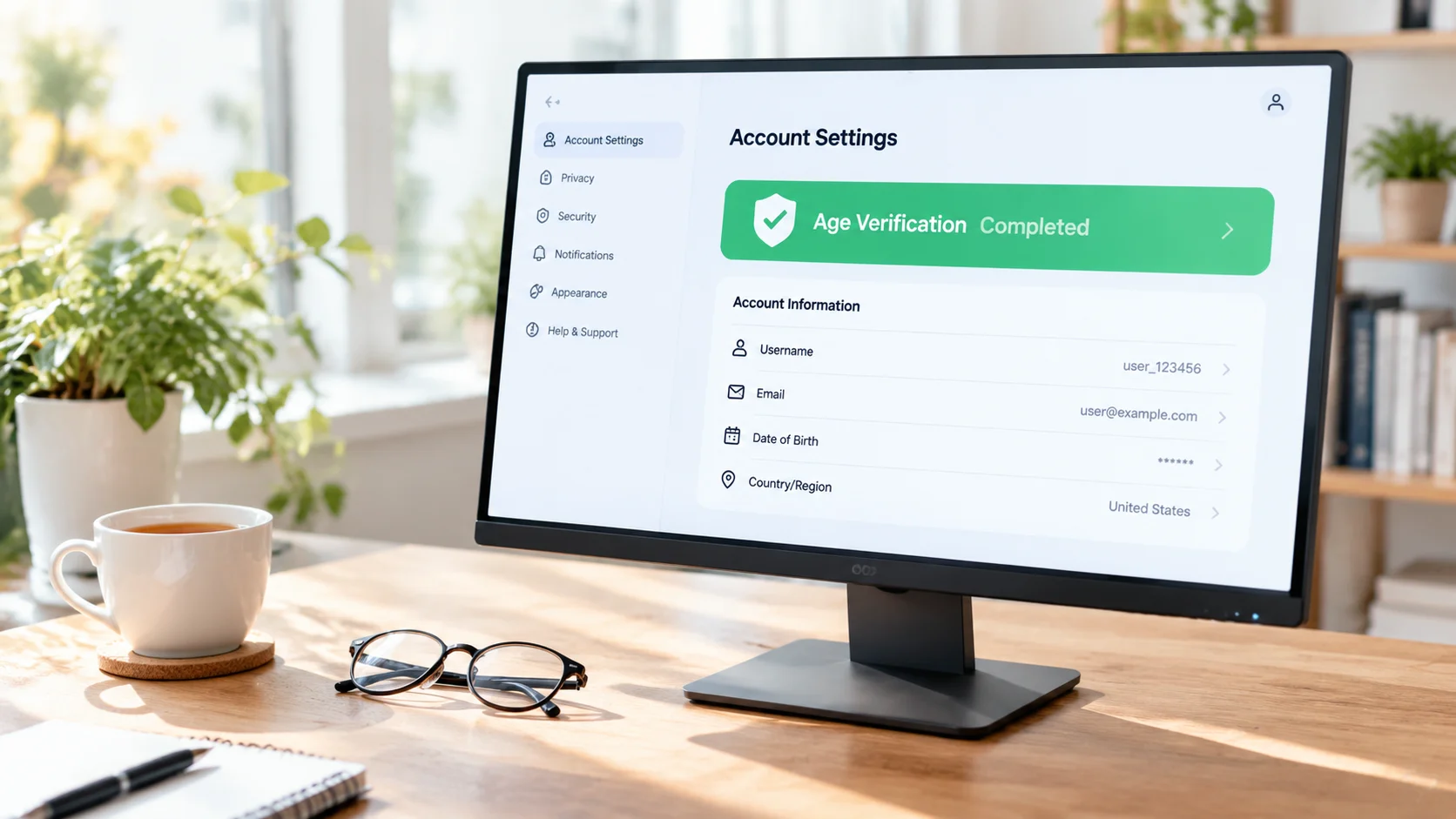
The platform never touches your ID: how third-party verification providers work
Your ID and face data don't go to the platform — they're handled by professional identity-verification providers like Ondato, Veriff, and Yoti. OnlyFans' official privacy policy is explicit: the platform doesn't collect or hold the facial-recognition data produced during verification, and only receives a "verified" or "not verified" signal from the provider. Of the two leading platforms apart from LoyalFans, Fansly's verification is handled by Ondato: it first does facial age estimation from a live selfie, builds a three-dimensional biometric map and returns an age range, and only escalates to document checks if the result is in doubt.
Verification strength has two tiers:
- Creator verification is identical worldwide: a government ID plus a live selfie, no exceptions — platforms pay creators money, so identity must be real, and it must be re-verified periodically.
- Subscriber verification depends on region: in most places it's a lightweight estimate — an age estimate from your email first, escalating to facial estimation or document checks if it falls short; but in the UK and some US states, subscribers go through the full process too.
The UK Online Safety Act and US states: why the verification wall suddenly got taller
2025 is the industry's watershed: the UK's Online Safety Act took effect in July, making "highly effective age verification" a hard obligation. According to a report by the UK regulator Ofcom, in the first six months after the Act took effect, 32 services performed 69 million age checks — 23 times the previous period. And regulators mean business: as compiled by the parent-safety organization Internet Matters, in March 2025 Ofcom fined OnlyFans' parent company Fenix International £1.05 million — not for failing to verify, but because the verification-parameter information the platform gave regulators was inaccurate. In the US, 20-plus states have legislated on their own; in Texas, penalties for non-compliant platforms can reach $10,000 per day.
The knock-on effects are visible: within two weeks of the Act taking effect, Pornhub and XVideos each lost about 47% of their UK traffic; some platforms simply exited the UK market rather than verify. The wall isn't being raised because platforms want it — legislation is pushing from behind.
Passing verification is just the entry ticket: save the content you subscribe to
Verification happens once; content disappears. Creators delete posts, accounts get closed, and once a subscription lapses all old content goes invisible — all three happen daily on every subscription platform. While your subscription is active, save what you like as local files:
Step 1: Download and install VidBrowser
VidBrowser is a desktop video browser for Windows and Mac with built-in download and recording, installed in minutes.
Step 2: Open the platform and log in to play
Open the platform where your verified account lives inside VidBrowser, log in normally, and play the video you want to save.
Step 3: Record first, download as backup
Videos on these subscription platforms are mostly copyright-protected and beyond ordinary download tools, so recording is the most reliable way to save them: hover over the video and recording controls appear — pick the speed (1x real-time, or 2x/4x to finish faster), click "Record All" to capture the whole video, and pause anytime with the record button on the left. If a video can be downloaded directly, the "Video Library" panel on the right lists entries with an orange "Download" button — one click saves it as MP4. For the full process using Fansly as an example, see our Fansly video saving guide.
The privacy ledger: where verification data goes, three myths dismantled
Verification data is handled by the provider under its own privacy policy — you can't audit it line by line, but the platform never gets your raw ID, and that has official terms behind it. With that in mind, three common myths fall apart:
- Myth 1: verification means browsing under your real name. Your ID is used only during verification; your nickname and avatar on the platform are entirely up to you, and creators never see any of your ID information.
- Myth 2: being over 18 guarantees a pass. Facial age estimation works by "challenging ages" — the threshold is set above 18 to absorb recognition error, and users never see the number. That OnlyFans fine was precisely about opaque parameters.
- Myth 3: bypassing verification is the smart move. Rules differ by region, workarounds sit on the edge of compliance, and the risk to your account far outweighs the few minutes verification costs.
Public resistance in the UK is worth knowing too: the petition to repeal the Online Safety Act gathered over 450,000 signatures, and the government said clearly it won't repeal it. Short term, verification will only get stricter — getting used to it beats fighting it.
FAQ
What do I need to prepare for OnlyFans age verification?
One government-issued photo ID (passport, driver's license, or national ID) plus a live selfie. Most applications clear automatically within minutes; those flagged for manual review are usually processed within 24-72 hours.
What if age verification fails?
Three common causes: an expired ID or glare and blur in the photo, not following the prompts during the liveness check, or too large a gap between your selfie and the ID photo. Retaking it in a well-lit environment usually solves it — contacting support is rarely necessary.
Does verification leave records on my device?
Verification happens in the web flow and doesn't leave a copy of your ID on your device; ID and face data are processed by the provider over encrypted channels. For the full journey from signup to payment, see our Fansly beginner's guide.