
Fansly for Beginners: Sign Up, Discover, and Subscribe in One Guide
You are used to watching a creator on OnlyFans, and suddenly they post a Fansly link on their social profile. You click in, and the interface is different, the mechanics are different, and you don't know where to start. Unlike OnlyFans, Fansly has an in-site discovery system and tiered subscriptions, so the beginner path is completely different: instead of hunting creators across social platforms, you can browse right inside the platform.
This article explains the Fansly beginner basics: sign-up and verification, in-site discovery, tiered subscriptions, the following mechanism, and saving content after subscribing. Follow along in 2026.
Fansly for Beginners: First Understand How It Differs from OnlyFans
The bottom line: Fansly is a creator subscription platform launched in 2020, and its core difference is "discoverable in-site + tiered subscriptions", making the beginner experience much friendlier than OnlyFans. Both platforms work on subscriptions, but the way you get started is completely different:
| Dimension | Fansly | OnlyFans |
|---|---|---|
| In-site discovery | Search, category browsing, and recommendations | Almost none (relies on off-site traffic) |
| Subscription structure | Multiple tiers ($7/$20/$40 common) | Single subscription price |
| Following mechanism | Follow to see part of the content | No follow tiers |
| Content types | Posts + videos + custom requests | Posts + videos + PPV |
According to public industry information, OnlyFans parent company Fenix International reported over 377 million registered users in its 2024 financial statements, far more than Fansly; but Fansly has absorbed a large number of creators and subscribers in recent years thanks to its "in-site discovery + multi-tier" differentiation, especially suitable for beginners who "want to browse and find new creators".
Sign-Up and Verification: The First Step for Beginners
Registering on Fansly is free and takes a few minutes; the key is completing age verification to browse and subscribe normally. The steps are simple:
- Sign up: Visit fansly.com, register with your email and set a password, or sign in quickly with your Google account.
- Age verification: According to Fansly's official Terms of Service, users must be at least 18 years old; verification (ID or card) is required at sign-up, and without it you can only browse part of the public pages.
- Free account: Registration costs nothing; browsing, following, and viewing free content are all free. You only pay when subscribing or unlocking content separately.
After registering, it is recommended to complete your profile (avatar, preferences) so the platform can recommend content based on your preferences while you browse.
In-Site Discovery: Fansly's Biggest Advantage for Getting Started
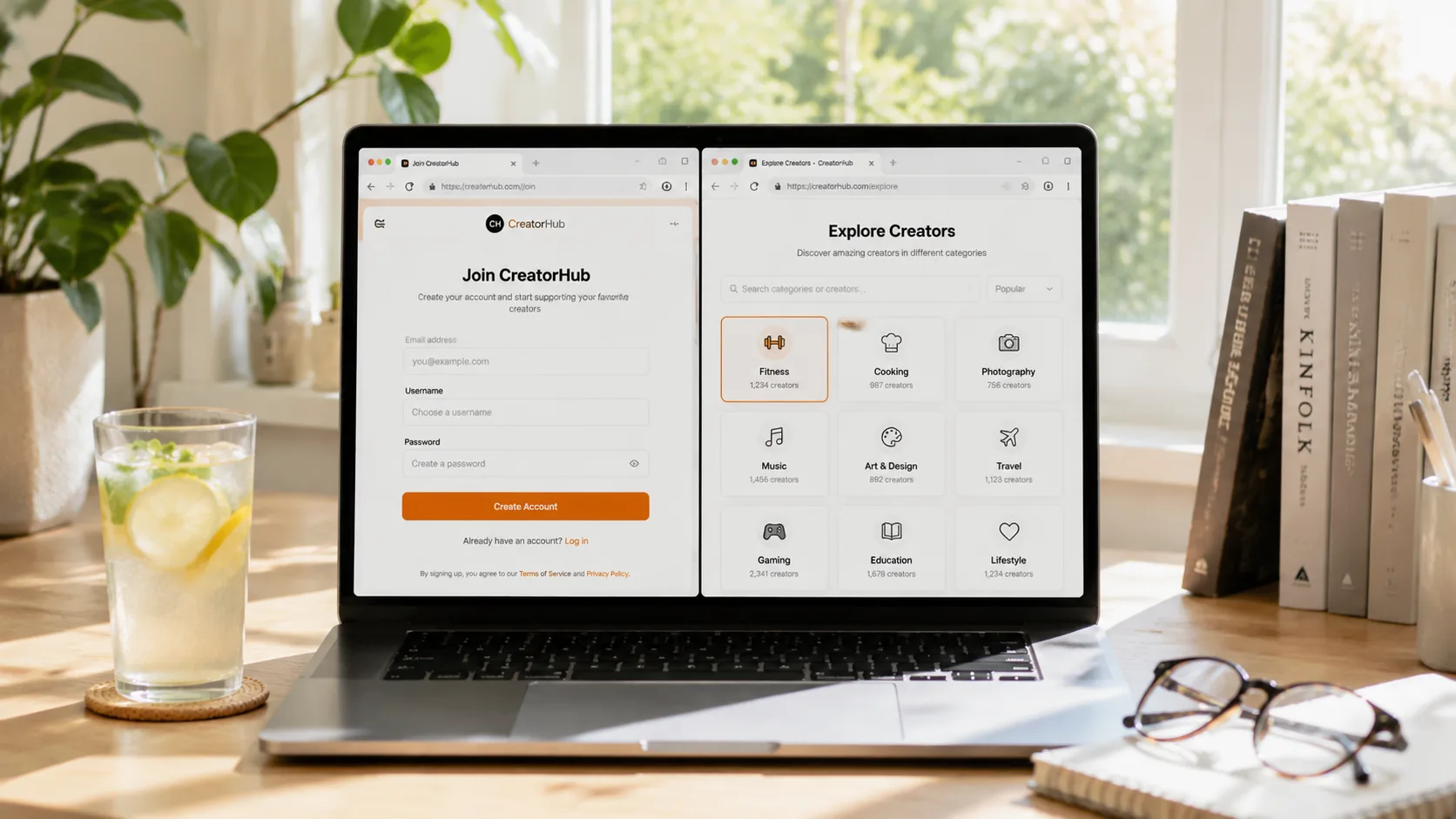
Unlike OnlyFans, where you can only find creators through off-site links, Fansly has in-site search, category browsing, and a recommendation feed — the discovery tools beginners should use most. Three entry points to use:
- Search: Search by creator name or content-type keyword to find targets directly.
- Category browsing: The platform categorizes content by type, so you can "shop" creators by type — according to Fansly's platform mechanics, category browsing is the main entry point for new users exploring content.
- Following feed: After you follow a creator, their posts enter your following feed. Following is free, and many creators post free content and previews in posts visible to followers, so follow first and subscribe later is the safest beginner path.
The best beginner path: browse categories → follow a few interesting creators → judge quality from their free posts → then decide who to subscribe to. The whole process happens in-site, which saves much more effort than OnlyFans.
Tiers and Following: Understand Before Subscribing
Fansly's tiered subscriptions are its core feature; understanding the tier structure and following mechanism before subscribing can save you money. Key points:
- Multiple tiers: Creators can set several subscription tiers ($7 entry, $20 mid, $40 top are common); lower tiers show part of the content, top tiers unlock everything. Tiers are set by the creator, not by the platform — read each tier description carefully before subscribing (for choosing tiers, see our Fansly tier selection guide).
- Free trials and discounts: Many creators offer free trials or limited-time discounts; trying first and converting later is the safest path (for grabbing deals, see our Fansly discounts and free trials guide).
- Auto-renewal: Like most subscription platforms, Fansly subscriptions auto-renew by default and charge at renewal. If you don't want it, remember to turn it off manually.
- Following vs subscribing: Following is free (see part of public posts); subscribing is paid (unlock everything) — don't treat following as subscribing, and don't jump straight to the top tier.
Following free first, trying, and upgrading only when satisfied is the safest opening for Fansly beginners.
After Subscribing, Save the Content
The most important step after subscribing is to keep the content — most content on subscription platforms like Fansly is copyright-protected, ordinary download tools cannot grab it, and paid content may disappear if the creator deletes posts, downgrades tiers, deactivates, or your subscription expires. Save content you like to local storage while it can still be played.
Saving with VidBrowser is simple:
Step 1: Download and install VidBrowser
VidBrowser is a desktop video browser (Desktop Video Browser) for watching videos, clipping segments, and saving to local storage on Windows and Mac, with both download and recording features built in. Installation takes just a few minutes.
Step 2: Open Fansly in VidBrowser and log in
Launch VidBrowser, visit fansly.com, and log in with your own account. Your current subscriptions and follows are exactly the same as in a regular browser.
Step 3: Play the video you want to save
Open a video visible at your current tier and play it for a few seconds. VidBrowser automatically detects video resources on the page in the background; once it recognizes a savable video stream, it lists it in the "Video Media Library" panel on the right.
Step 4: Save with the recording feature (first choice for protected content)
Videos on subscription platforms like Fansly are mostly copyright-protected, and ordinary download tools cannot grab them. VidBrowser's recording feature is the most reliable way to save: move your mouse over the video and recording controls appear overlaid — choose the recording speed (1x real-time, 2x or 4x to finish faster), click "Record All" to record the whole video, and the recording button on the left lets you start or pause anytime. Anything that can play can be recorded.
If the video can be downloaded directly, the "Video Media Library" panel on the right also lists an entry with an orange "Download" button; click it to save as MP4 (you can also choose the resolution first).
Step 5: Find the file in the media library
After saving or recording, you can open the file from the folder you chose, or find it through VidBrowser's download history. Then play it offline anytime with VLC, QuickTime, or other players, without depending on your account or subscription status. (For the detailed Fansly saving process, see our Fansly video download guide.)
FAQ
Does registering on Fansly cost money?
No. The account is free to register, and browsing, following, and viewing free content cost nothing. You only spend money when subscribing to creators, unlocking content separately, or tipping.
Which is more beginner-friendly, Fansly or OnlyFans?
It depends. Fansly has in-site search, category browsing, and a following feed, so it is friendlier for beginners who "want to browse and discover new creators"; OnlyFans has more creators but basically relies on off-site links. Both are free to register, so you can try both.
Do Fansly subscriptions auto-renew?
Yes. Fansly subscriptions auto-renew by default and charge at renewal. If you don't want it, turn off renewal manually in the subscription settings, and no further charge occurs after the current period ends.
Will saving Fansly videos notify the creator?
No. VidBrowser saves videos to your local device and sends no saving records to the platform or creator, and it does not affect your account or current tier.


