
Video Downloader Not Working? Here's What to Try in 2026
Your video downloader worked fine last month. Now it errors out, freezes, downloads nothing, or spits out a broken file. If you've been reinstalling, updating, and rage-clicking with no luck, the problem probably isn't you — and it probably isn't fixable by patching the tool you've got. Here's why downloaders break and what actually works instead.
Why Video Downloaders Suddenly Stop Working
Most download tools break for the same handful of reasons. If yours quit on you, it's almost certainly one of these:
The platform changed how it delivers video. Video sites update their delivery systems regularly. Every time they do, download tools that reach in from the outside break — until the tool's developer catches up and pushes a fix. If your tool isn't actively maintained, it may never catch up.
The content is now protected. A video that downloaded fine before may now be locked to the platform's player. Once a platform protects its video output, external tools can't reach it anymore, and your downloader returns an error or a broken file.
The tool got pulled or abandoned. Browser download extensions get removed from the Chrome and Firefox stores constantly for policy reasons. Standalone tools get abandoned by their developers. Either way, updates stop and the tool slowly stops working as sites change around it.
It never handled this content in the first place. Many tools work on simple public videos but silently fail on streaming, embedded, or subscription content. It's not "broken" — it just was never able to do this.
The Fixes That Usually Waste Your Time
Before you try these again, here's why they mostly don't help:
- Reinstalling the tool — If the platform changed or protected the content, a fresh install of the same tool hits the same wall.
- Updating to the latest version — Helps only if the developer already shipped a fix. For abandoned tools, there's nothing to update to.
- Clearing cache / cookies — Rarely the cause of a download failure. Costs you your logins for nothing.
- Trying a different browser — The tool's limitation follows it across browsers. Same result.
- Switching to another download site — You'll often just trade one broken tool for another, plus a helping of aggressive ads and fake download buttons.
These feel productive because they're something to do, but if the real cause is a platform change or content protection, none of them address it.
Why the Whole Approach Is the Problem
Here's the pattern behind every failure above: traditional downloaders work from outside the video. They reach into a platform's delivery system to grab a file. That's a fragile position — the moment the platform changes anything or adds protection, the outside tool breaks.
You can keep chasing patches for a tool that's structurally always one platform update away from breaking again. Or you can switch to an approach that doesn't break that way.
What Actually Works: Save From Inside the Browser
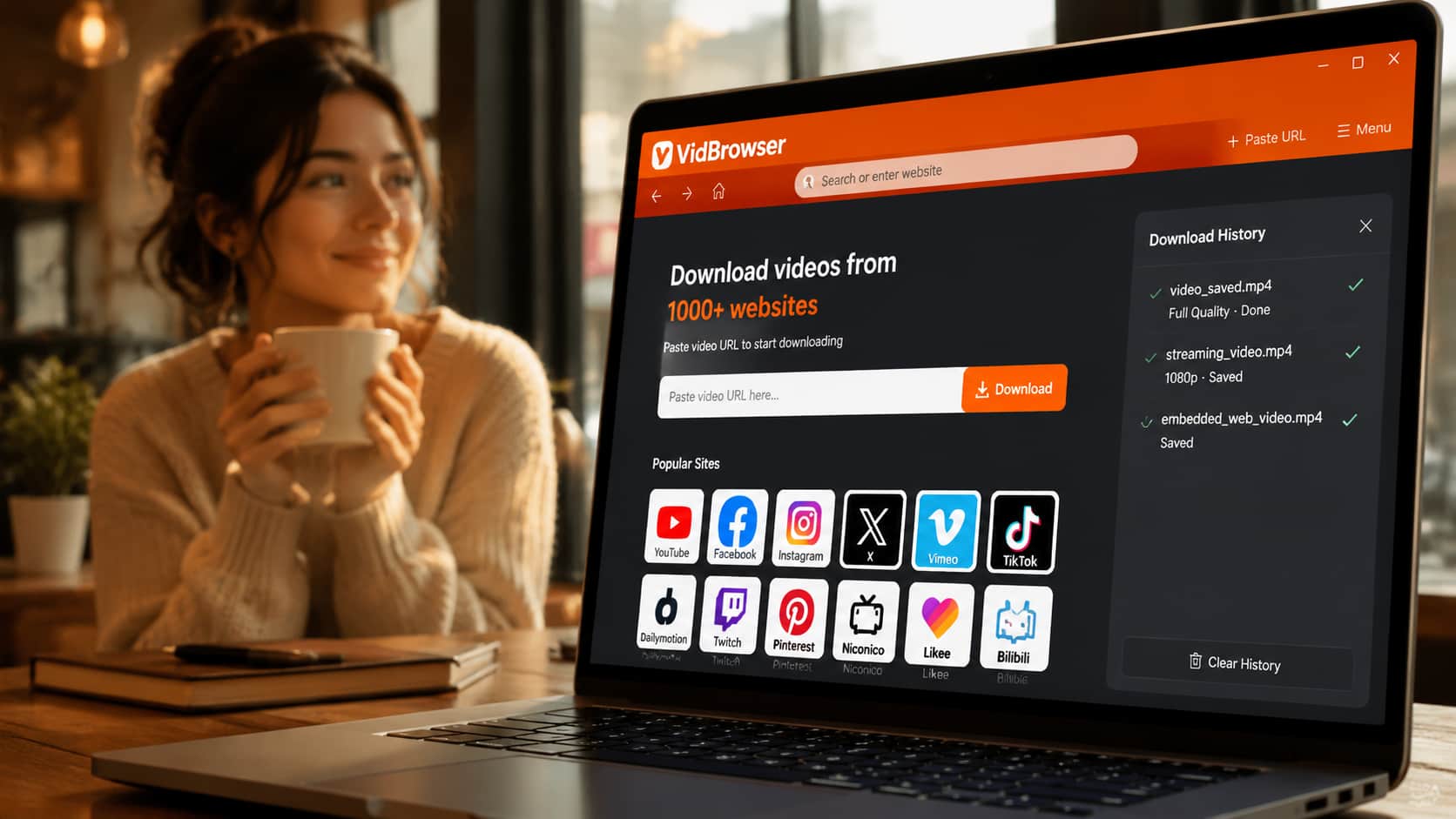
VidBrowser doesn't reach in from outside. It's a desktop browser built for video — the video plays inside it, so it has legitimate access to the stream during playback, the same way the platform's own player does. There's no external grab to break when a site updates, and no protection to trip because it isn't capturing from outside.
Step 1: Download VidBrowser free and install on Windows or Mac.
Step 2: Open the site with your video inside VidBrowser and log in if the content requires it.
Step 3: Play the video.
Step 4: Click the orange "Video Detected · 1-Click Save" badge that appears in the corner.
Step 5: The video saves as a clean MP4 — full picture and audio — to your computer.
Because it's a real browser that stays maintained, it keeps working across platform changes that break external tools. And it handles the streaming, embedded, and subscription content that most downloaders quietly fail on.
A Quick Way to Diagnose Your Failure
Match your symptom to the cause:
- "No video found" / nothing downloads → The content is streaming (no single file to grab). An external tool can't see it; VidBrowser saves the stream directly.
- Downloads a broken / unplayable file → The tool grabbed incomplete or protected segments. VidBrowser assembles the full stream.
- Black screen file → You used a screen recorder and hit output protection. VidBrowser isn't a recorder, so it doesn't trigger it.
- Worked before, fails now → The platform changed or added protection. VidBrowser works from inside, so it isn't affected the same way.
- Extension disappeared → It was pulled from the store. VidBrowser is a standalone browser, not an extension.
Does VidBrowser Work on Every Site?
VidBrowser supports 1,000+ platforms — streaming services, social video, creator platforms, and video embedded in ordinary web pages. Same steps everywhere: open the site, play the video, click the orange badge.
If you can watch it in the browser, VidBrowser can save it — and it keeps working when other tools stop.
FAQ
My downloader worked last week and stopped today. What changed?
Almost always the platform updated how it delivers video, which breaks tools that grab content from outside. VidBrowser saves from inside the browser, so platform changes don't break it the same way.
I updated my download tool and it still doesn't work. Now what?
If updating didn't fix it, either the developer hasn't shipped a fix yet or the tool was abandoned. Rather than wait, switch to VidBrowser, which handles the content directly.
Why do browser download extensions keep disappearing?
Extensions get removed from the Chrome and Firefox stores for policy reasons regularly. VidBrowser isn't an extension — it's a standalone desktop browser, so it doesn't vanish from a store.
Does VidBrowser work on Mac and Windows?
Yes, both. It's a desktop application — no mobile version.
Will VidBrowser break the next time the platform updates?
It's far more resilient because it works from inside the browser rather than grabbing content externally, and it's actively maintained. That's the whole point of the different approach.
Will the saved video keep its original quality?
Yes. VidBrowser saves at the quality streamed to your browser, up to 1080p and 4K where available.


