


Source-quality video
Choose from the quality options available in the detected source. Resolution depends on the video and supported formats.
ONE BROWSER FOR YOUR MEDIA
Download your favorites. Record live moments.
Save videos, images and music from supported websites, and record live streams as they happen. VidBrowser brings browsing, downloading and recording together in one desktop app.
Free Download VidBrowser
Available for Windows & macOS · Free plan & usage limits
 VidBrowser
Available on this page

YOUR FAVORITE WEBSITES, TOGETHER
Explore 1,000+ video and media websites. Start with a platform below for its specific features and download workflow.
1,000+ refers to the overall website coverage. Video, image and audio support varies by website, format and access permissions.
VidBrowser Available on this page

01 / VIDEO
Play a video on a supported webpage and let VidBrowser detect available media resources. Review what is available, choose a resource and save it to your computer.
Choose from the quality options available in the detected source. Resolution depends on the video and supported formats.
Save supported source media without adding a VidBrowser watermark. Watermarks already present in the source are retained.
Move from watching to saving in one app. Transfer speed depends on the source server, your connection and the file size.
LIVE STREAM RECORDING
Start recording a supported live stream while it is playing. Save gameplay, esports matches and live performances to your computer, without waiting for a replay.
VidBrowserRecording in progress LIVE

Open the live stream and start recording when it matters. Capture begins when you start; keep the app running while you record.
Keep the detail of supported HD streams. Final quality depends on the source, connection, device and recording settings.
Stop recording and keep the video on your Windows PC or Mac. Replay the action or use permitted footage in your next edit.
Recording availability and duration depend on the source and your plan. Record content you own or have permission to save.
MORE THAN VIDEO
Bring more of the media you enjoy into your personal collection, with dedicated image and audio detection on supported pages.
Review detected image resources and save the pictures you need. Use batch image downloads on supported pages to collect several images together.

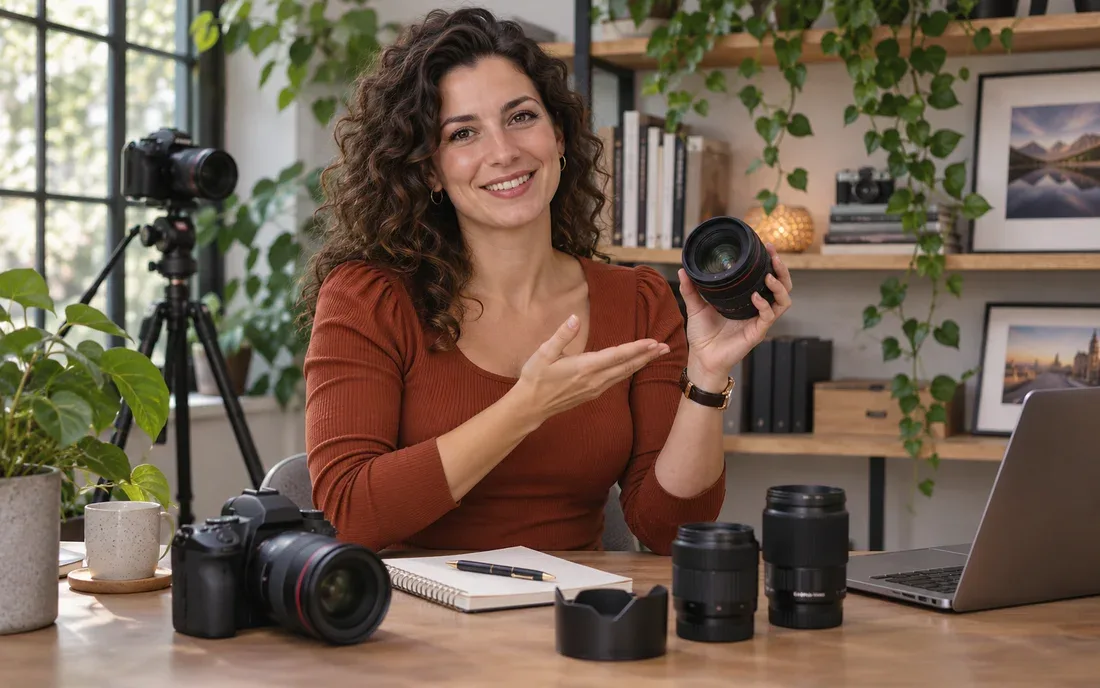
Detect and save available music and audio resources on supported websites. Keep supported source files on your computer for later listening.

Save detected website audio directly. To extract audio from a video, use a supported local file in the separate audio extraction tool.
Free Download VidBrowser
Available for Windows & macOS · Free plan & usage limits
BROWSE → DETECT → SAVE
Visit a supported website directly in VidBrowser. Sign in with your own account when required.
Play the video or audio, or browse the images, so available media can load on the page.
Review the detected resources and save the content you are entitled to keep.
A built-in browser connects the whole process: open the page, discover its media and save it locally. No repeated trips between a website and a separate link parser.
VidBrowserFAQ
VidBrowser supports 1,000+ video and media websites overall. The platform guides above describe individual workflows. Support for videos, images and audio varies by website, page and format; it does not mean every resource on every site can be downloaded.
Yes. VidBrowser can detect available image resources on supported pages and save individual images. Batch image downloads are also available in supported scenarios.
On supported websites, VidBrowser can detect and save available audio resources. Supported formats and availability depend on the source. Extracting audio from a local video is a separate media-tool feature.
Yes. Open a supported live stream in VidBrowser and start recording while it is playing. Record your own broadcasts or footage you have permission to save. Capture starts when you begin recording; keep the computer awake and the app running.
HD recording is available when the source stream and supported recording options provide it. Final quality depends on your connection and device. Recording duration and usage limits depend on your plan.
HD and 4K downloads are available only when supported source files provide those resolutions. Available options vary by website and format.
VidBrowser does not add its own watermark when saving supported source media. Existing logos, captions or watermarks embedded in the original remain part of that file.
Speed depends on the source server, network conditions and file size. The integrated workflow reduces copying and switching, but a fixed download speed or speed multiplier is not guaranteed.
On supported websites, use your own account to access the page. Detection and saving depend on the resources available to your session and the permissions associated with that content.
VidBrowser is a desktop application for Windows and macOS. Install the app, open a supported website and detect available media while browsing.
Yes. Download VidBrowser to try the free plan. Features and usage limits depend on your plan; see the pricing page for current details.
YOUR NEXT DOWNLOAD STARTS HERE
Save videos, images and music, or capture live gaming and esports moments for later. Get VidBrowser for Windows or Mac.
Free Download VidBrowser
Available for Windows & macOS · Free plan & usage limits
Only save content you own or are permitted to download, following the relevant platform terms. VidBrowser is an independent product; displayed platform names do not imply affiliation or endorsement.