Browse TikTok directly
Open TikTok in VidBrowser and play the content you want to explore. Use your own account when a page requires sign-in.
TIKTOK VIDEO DOWNLOADER · WINDOWS & MAC
Discover. Play. Save.
From a standout outfit to a weekend escape, give your favorite short videos a place in your collection. Browse TikTok and save supported videos in VidBrowser, with media detection built into your desktop browser.
Free download · Desktop application · Available features depend on the video
 VidBrowsertiktok.com
TikTok
Discover. Play. Save.Browse and detect in one place
Sample clipBrowse and detect in one place
Save supported video resources
Keep your local collection organized
VidBrowser × TikTok
Keep the flow of browsing, finding available media and saving supported clips in one desktop application.
Open TikTok in VidBrowser and play the content you want to explore. Use your own account when a page requires sign-in.
Media detection checks supported playback resources. The available format and quality depend on the source and current compatibility.
Save eligible clips to your computer and keep your collection close at hand. Download availability varies by video.
Features
A browser-based workflow keeps discovery and media detection together. You can explore a clip, review available resources and continue building your collection without repeatedly moving between separate pages.
Inspiration
Fashion details, travel memories and everyday creativity deserve a second look. These editorial scenes illustrate the kinds of moments people collect.

Keep outfit ideas and styling references from videos you are allowed to save.

Revisit travel inspiration, city breaks and favorite places on your own schedule.

Build a personal collection of lifestyle ideas and memorable short clips.

Return to a dance, a routine or a creative idea without losing it in a busy feed.
How it works
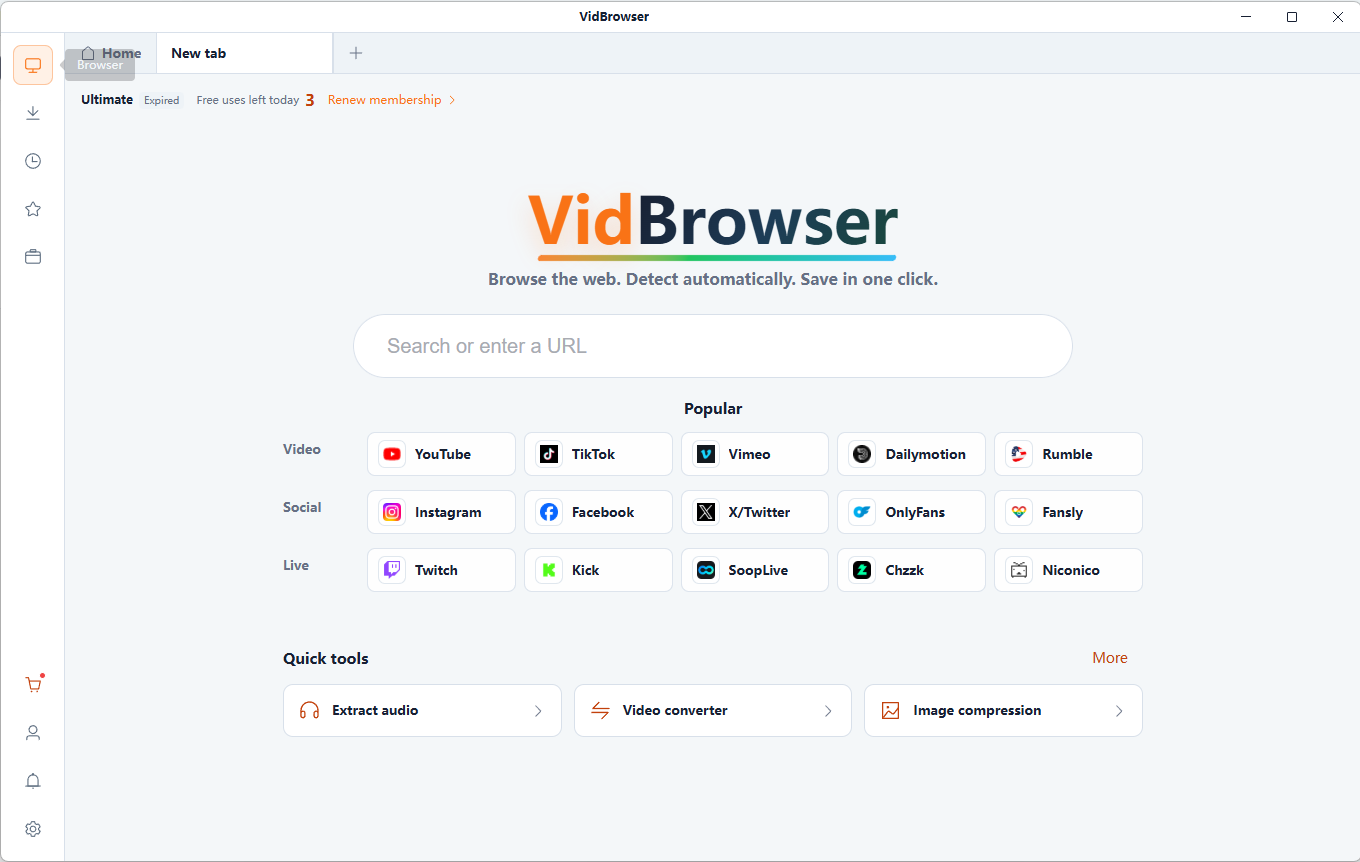
Install the desktop app, visit TikTok and open a video you have permission to save.
Start playback and review any available media resources. A playable video is not always downloadable.
Use the available download option for a supported resource, then find the saved file on your computer.
A download cannot add detail missing from the source. Choose from the quality and format options actually available for that video.
This page does not promise watermark removal or a separate audio export. Check the source and the options available in the app.
Save content you own or have permission to download. Availability can change with TikTok updates, media formats and access restrictions.
It is a desktop browsing and media-detection workflow for Windows and macOS. It helps you find and save supported TikTok video resources when downloading is permitted.
Open TikTok in VidBrowser, play an eligible video and check the detected resources. If a supported download option is available, select it and save the file.
No. This page introduces the VidBrowser desktop app. Install it on Windows or macOS to use its browsing and media tools.
Watermark removal is not promised. The saved video and available options depend on the source resource and the app’s supported features.
No. Detection and download availability vary. Resolution is limited by the source; not every video offers HD or a supported download option.
Some pages may require your own TikTok account. Signing in does not guarantee download availability or grant permission to save someone else’s content.
Playback methods, media formats, access restrictions or platform changes can affect detection. Start playback and check your connection; some videos remain unsupported.
The app is free to download. Check the current download and pricing pages for trial terms, available features and plan limits.
VidBrowser × TikTok
Bring video discovery and your personal collection together with VidBrowser for Windows and Mac.
VidBrowser is an independent product, not affiliated with or endorsed by TikTok. Only save content you are authorized to download. Support varies by resource; technical protections and access restrictions are not bypassed.