
Simple GIF creation
Combine pictures into an animation with a clear, guided workflow.
Create an animated GIF from JPG, PNG or WebP images. Arrange frames, adjust individual delays and looping, then generate and download your GIF.
JPG, PNG or static WebP · Drop images here
Up to 100 images · 20 MB per image · 100 MB totalDrag to reorder, or use the arrows. Select a frame to preview it.
Ready to generate
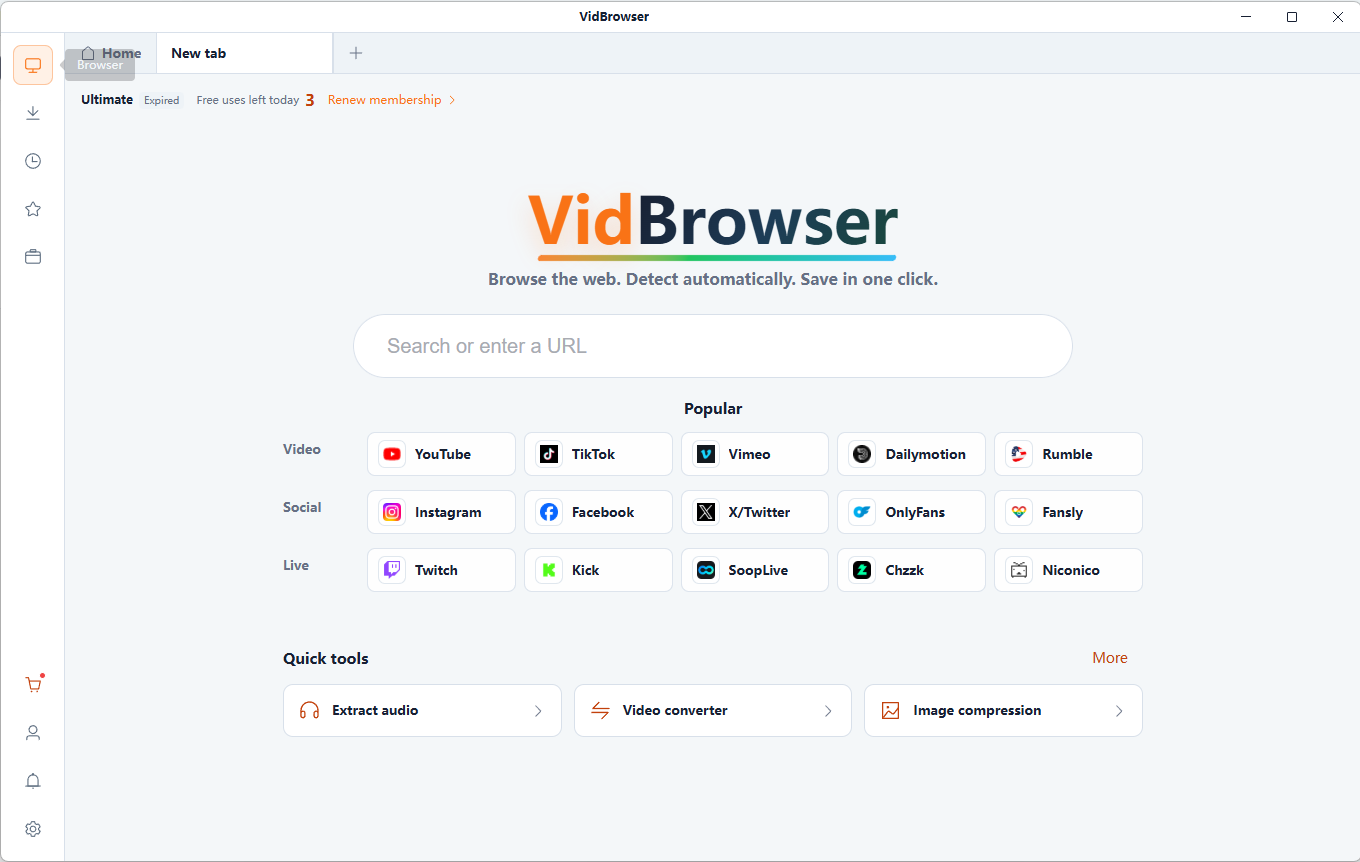
Download GIFDiscover and save supported videos from X (Twitter), Facebook, Instagram, TikTok, YouTube and 1,000+ video websites with VidBrowser. Smart detection, HD saving and convenient downloads help you build an offline collection.
Free online tool · Files stay on your device.
Combine pictures into an animation with a clear, guided workflow.
Arrange pictures to tell the story in the sequence you want.
Adjust frame delays, dimensions, fit and looping.
Files are read and processed locally in your browser, without uploading them to a server. Keep your original files.
Free online tool · Files stay on your device.
Choose compatible local files you are authorized to use.
Set frame order, delay, output width and looping.
Review the generated result and download it to your device. Keep your original files.
Animate pictures you have the right to use.
Bring favorite images together in a short loop.
Create expressive image sequences for chats.
Show a small series of continuous photos.
Each frame stays on screen for its delay. Four frames at 200 ms give an 800 ms cycle.
More images usually make the animation longer and the file larger when delay is unchanged.
Larger canvases store more pixels. Contain preserves the full picture with space around it; Cover crops to fill the canvas.
Loop settings control repetition, not frame speed. GIF is an animated image format with no audio track.
GIF has no audio and uses up to 256 colors per palette. Clips are limited to 15 seconds; reduce dimensions or frame rate if the device reaches its processing limit.
It combines still images into an animated GIF with configurable frame delays and looping.
Choose your images, arrange frames, set delays and output size, then generate and download the GIF.
Yes. Add JPG, PNG or WebP images. Up to 100 frames are supported, with a 20 MiB per-file and 100 MiB combined input limit.
Adjust the delay for each frame. A shorter delay makes that frame pass faster.
Yes. Choose Infinite, or set a finite repeat count. Player behavior may vary.
Files are read and processed locally in your browser, without uploading them to a server. Keep your original files.
Split an animated GIF into PNG or JPG frames. Choose the extraction interval, preview images and download individual frames or a ZIP archive.
Convert a local video clip to GIF for free. Choose up to 15 seconds, set width, frame rate and looping, then preview and download your animation.
Extract frames from local MP4 or WebM videos as PNG or JPG images. Choose the moment, capture at the source resolution and download your screenshots.
Create a video contact sheet with evenly sampled frames, timestamps and a 3×3, 4×4, 5×5 or 6×6 grid. Save the result as PNG or JPG.
VidBrowser helps you discover supported video resources, save videos you're authorized to download, and manage your collection for offline viewing.
Explore VidBrowserAvailable for Windows and Mac