
Smaller image files
Prepare lighter files for saving, uploading and sharing.
Compress JPG, PNG and WebP images in your browser. Adjust format and quality, compare actual file sizes and download individual images or a ZIP.
Free to useFiles are read and processed locally in your browser, without uploading them to a server. Keep your original files.
Or choose images from your device
JPG, PNG, WebP · Up to 20 images · 20 MB eachYou can also paste images hereAdd images, choose your settings, then compress to compare the actual result.
Ready to compress
Add images to get started. Results and downloads will appear here.
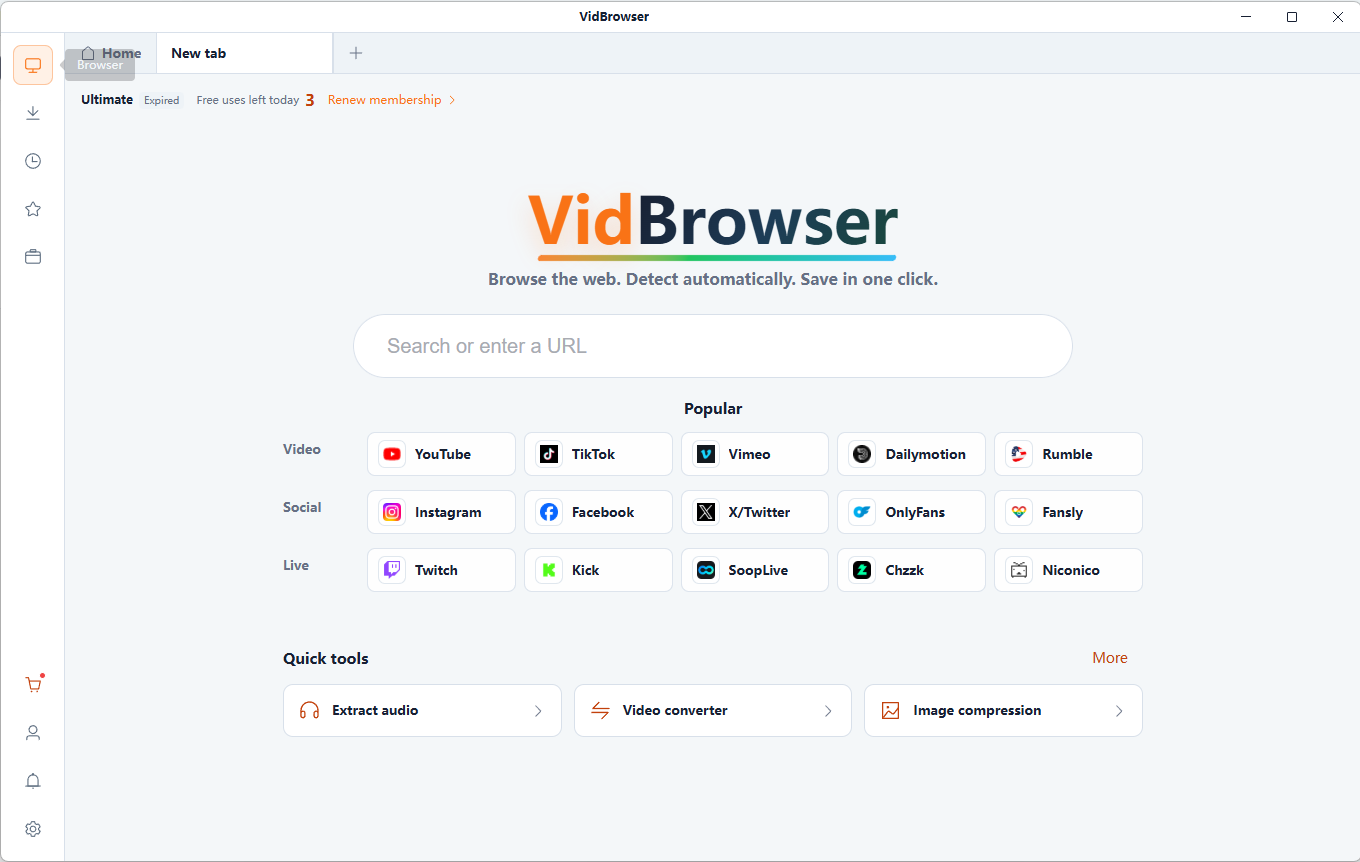
VidBrowser detects supported video resources on X (Twitter), Facebook, Instagram, TikTok, YouTube and 1,000+ video websites. Save available videos in HD and organize content you are authorized to download for offline viewing.
Free online tool · Files stay on your device.
Prepare lighter files for saving, uploading and sharing.
Choose quality settings according to the detail your images need.
Process JPG, PNG and WebP with output settings suited to the image.
Files are read and processed locally in your browser, without uploading them to a server. Keep your original files.
Free online tool · Files stay on your device.
Choose compatible local files you are authorized to use.
Set the output format and quality to suit your images.
Review the generated result and download it to your device. Keep your original files.
Prepare smaller attachments for messages and email.
Fit upload requirements while keeping useful detail.
Reduce storage needs while keeping original copies of important images.
Lighter image resources can help pages load faster.
Lossy compression suits photos and can produce compact files. JPG does not preserve transparent backgrounds.
PNG supports lossless storage and transparency, useful for text and graphics. Files may be larger than photographic JPGs.
WebP supports lossy and lossless encoding, plus transparency. The best format depends on the image and where you use it.
An 80% quality setting does not mean an 80% reduction in file size. Results depend on image content, format and encoder.
Keep original copies. Repeated lossy encoding can degrade detail. PNG optimization is not the same as JPG quality adjustment, and converting an already optimized image may not make it smaller.
It reduces image storage through encoding or optimization. Results depend on the image, format and quality settings.
Choose JPG images, set the output format and quality, compress, then compare and download the results.
PNG and WebP can retain transparency. JPG does not support transparency and uses a background color.
Lossless encoding preserves image data; lossy encoding can remove detail. Lower quality is not a fixed file-size reduction, and results vary with the encoder and image.
Yes. Add multiple supported images, compress them and download the results individually or together as a ZIP.
Files are read and processed locally in your browser, without uploading them to a server. Keep your original files.
Create an animated GIF from JPG, PNG or WebP images. Arrange frames, adjust individual delays and looping, then generate and download your GIF.
Split an animated GIF into PNG or JPG frames. Choose the extraction interval, preview images and download individual frames or a ZIP archive.
Extract frames from local MP4 or WebM videos as PNG or JPG images. Choose the moment, capture at the source resolution and download your screenshots.
Resize JPG, PNG and WebP images by pixels or percentage. Keep the aspect ratio, choose a fit mode and export the resized image locally.
VidBrowser helps you discover supported video resources, save videos you're authorized to download, and manage your collection for offline viewing.
Explore VidBrowserAvailable for Windows and Mac