
Capture beyond the fold
Capture the page’s renderable vertical content, including content below the viewport.
Capture a public webpage as a full-page or viewport image. Choose desktop, tablet or mobile dimensions and download PNG, JPG or WebP.
Free to useThe submitted URL is sent to a separate screenshot service. Public pages only; your browser login cookies are not shared.
Paste a URL, choose your settings, and generate your screenshot.
This page reached the capture limit. The image contains the first 20,000 pixels; content below is not included.
VidBrowser detects supported video resources on X (Twitter), Facebook, Instagram, TikTok, YouTube and 1,000+ video websites. Save available videos in HD and organize content you are authorized to download for offline viewing.
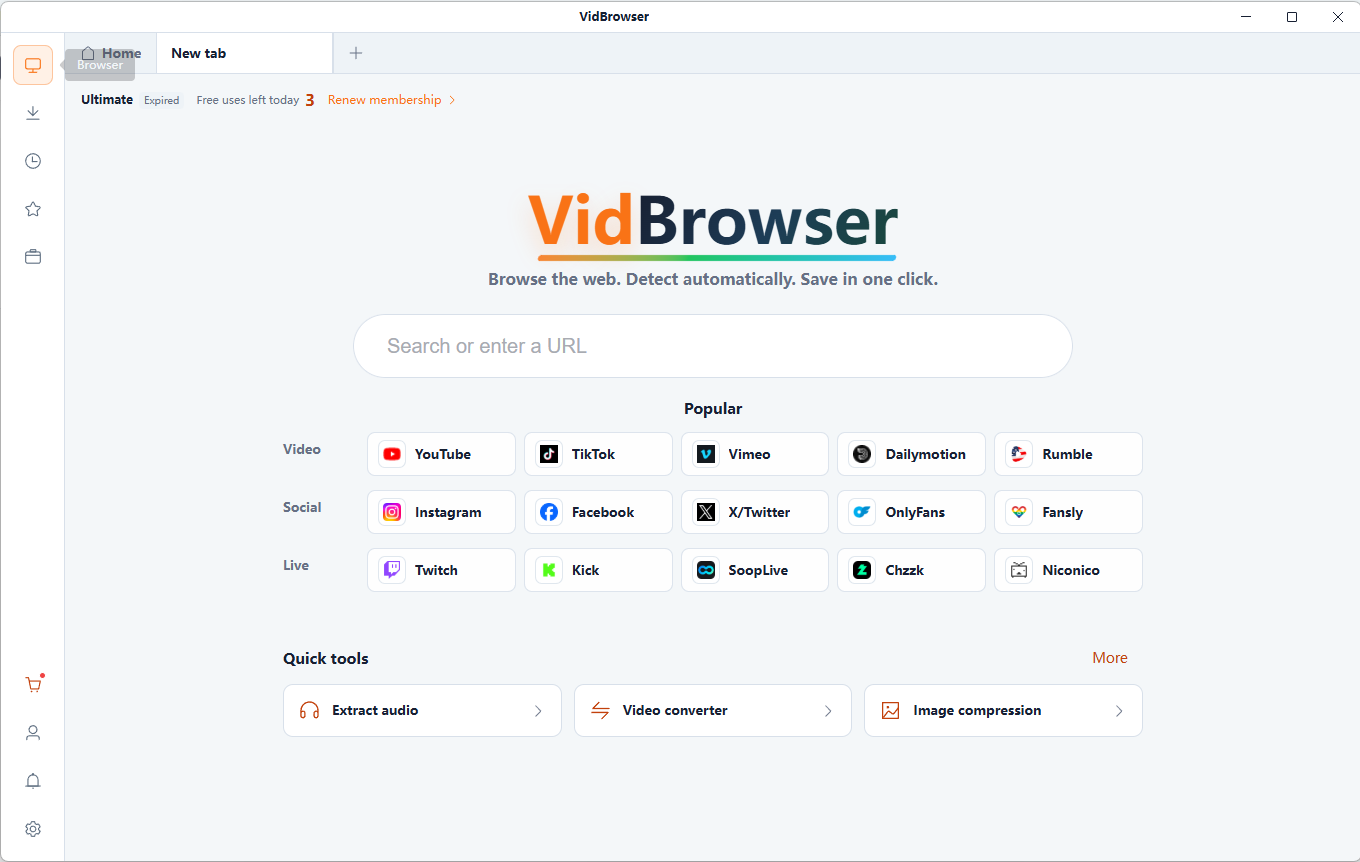
Capture public webpages with a separate browser service.
Capture the page’s renderable vertical content, including content below the viewport.
Choose desktop, tablet or mobile viewport presets.
PNG, JPG and WebP exports are supported. JPG is lossy; PNG is useful for text and interface details.
Yes. A separate server-side browser renders the supplied public URL; no browser extension is needed.
Capture public webpages with a separate browser service.
Enter the public webpage URL you are authorized to capture.
Select the scope, device viewport and image format.
Review the generated result and download it to your device. Keep your original files.
Keep a visual reference of publicly accessible reading material.
Save accessible public content when the site permits it.
Document layouts or compare page designs over time.
Keep a visual record for later viewing; a screenshot is not a complete interactive archive.
Capture the page's renderable vertical content, including areas below the initial screen.
Capture only the rectangle visible at the configured width and height.
Modern pages rely on browser engines, lazy-loaded images and dynamic scripts. Fixed navigation, delayed content and animations can change the result.
Login requirements and automation restrictions may prevent capture. Infinite scrolling, page height, memory and format limits must be bounded.
The URL is rendered by a separate server-side browser. It cannot inherit your login cookies or bypass access restrictions. Infinite scrolling, delayed content and very tall pages can limit the result.
It saves the renderable content of a webpage as an image, including content below the initial viewport.
Enter a public URL, choose Full page and the viewport dimensions, capture the page, then download the result.
Yes. A separate server-side browser renders the supplied public URL; no browser extension is needed.
Yes. Choose mobile or tablet dimensions to capture that viewport. Responsive layouts depend on the target website.
PNG, JPG and WebP exports are supported. JPG is lossy; PNG is useful for text and interface details.
The service targets public pages. It does not receive your local browser cookies or bypass login, paywalls or access restrictions.
Extract frames from local MP4 or WebM videos as PNG or JPG images. Choose the moment, capture at the source resolution and download your screenshots.
Compress JPG, PNG and WebP images in your browser. Adjust format and quality, compare actual file sizes and download individual images or a ZIP.
Resize JPG, PNG and WebP images by pixels or percentage. Keep the aspect ratio, choose a fit mode and export the resized image locally.
Make a photo collage with grids, horizontal strips or vertical layouts. Adjust spacing, crop positions and background, then export PNG, JPG or WebP.
VidBrowser helps you discover supported video resources, save videos you're authorized to download, and manage your collection for offline viewing.
Explore VidBrowserAvailable for Windows and Mac