
Extract GIF frames
It separates an animated GIF into still frames for inspection, reuse or download.
Split an animated GIF into PNG or JPG frames. Choose the extraction interval, preview images and download individual frames or a ZIP archive.
Free to useFree online tool · Files stay on your device.
Drag a GIF here or choose one from your device.
GIF · ≤ 50 MBUpload a GIF or try the sample to get started.
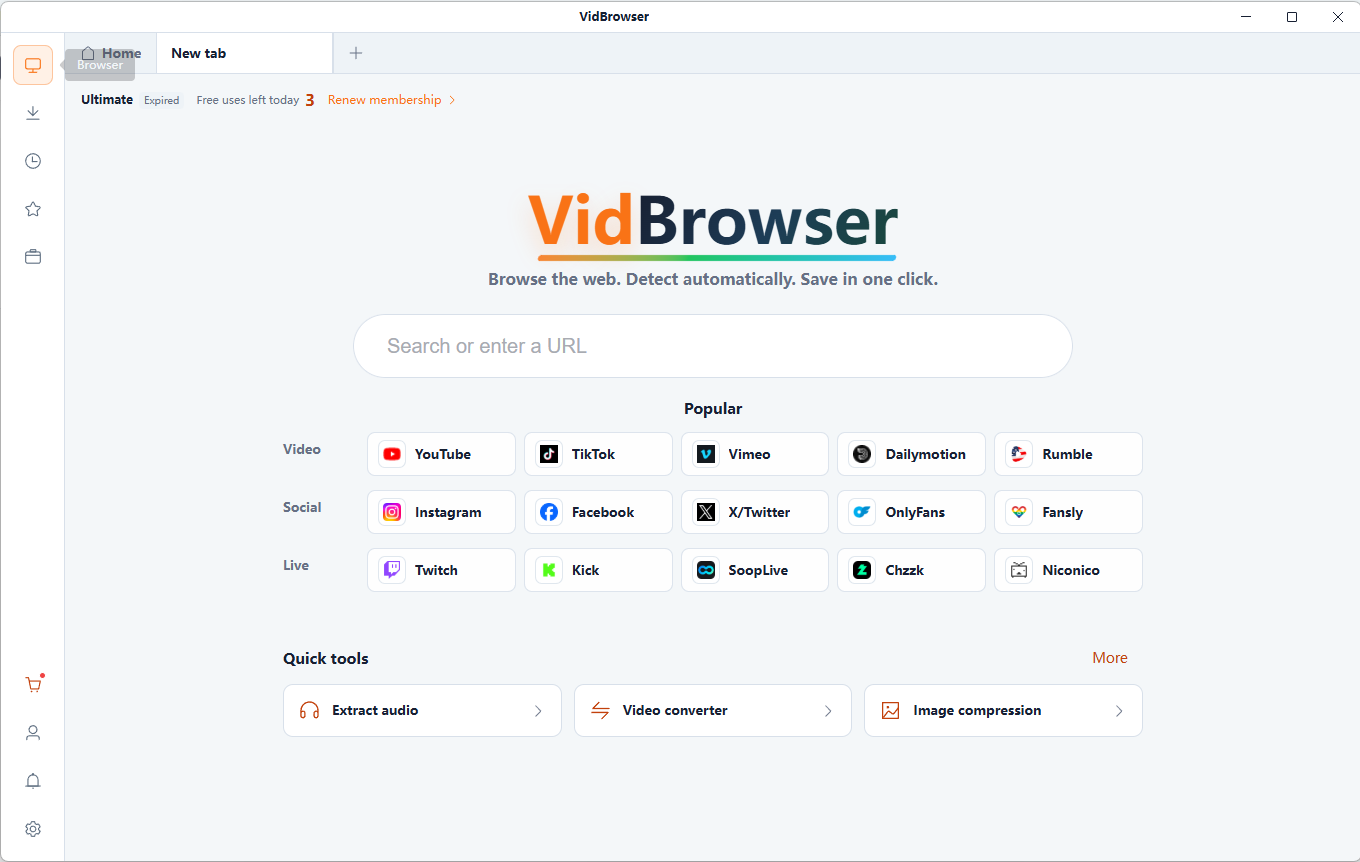
VidBrowser supports 1,000+ video websites, bringing together smart video detection, HD downloads and fast saving. Build your collection and watch offline anytime.
Free online tool · Files stay on your device.
It separates an animated GIF into still frames for inspection, reuse or download.
Browse individual moments and find the image you want to keep.
PNG preserves transparent pixels. JPG fills transparency with the selected background color.
Files are read and processed locally in your browser, without uploading them to a server. Keep your original files.
Free online tool · Files stay on your device.
Choose compatible local files you are authorized to use.
Browse individual moments and find the image you want to keep.
Review the generated result and download it to your device. Keep your original files.
Keep favorite moments from animation you are authorized to use.
Find a pose or expression in your own collection.
Look closely at each stage of a familiar reaction.
Turn favorite moments into a tidy local image collection.
PNG stores image data without lossy compression. It is useful for sharp edges, text and images you plan to edit; files can be larger. PNG supports transparency and lossless image compression.
JPG uses lossy compression and often makes photographic images smaller. High compression can introduce artifacts, especially around text and edges. JPG uses lossy compression and has no transparency. Choose a background color for transparent areas.
A GIF stores frames and timing information. Extracted stills do not animate. Some frames update only part of the canvas; complete exports require compositing and disposal rules, not simply saving each raw frame.
It separates an animated GIF into still frames for inspection, reuse or download.
Choose a GIF, select PNG or JPG and an extraction interval, then extract the frames.
Download single frames, selected frames as ZIP or all frames as ZIP.
PNG preserves transparent pixels. JPG fills transparency with the selected background color.
Extraction cannot restore detail absent from the GIF. PNG avoids additional lossy compression; JPG may change fine details.
Files are read and processed locally in your browser, without uploading them to a server. Keep your original files.
Convert a local video clip to GIF for free. Choose up to 15 seconds, set width, frame rate and looping, then preview and download your animation.
Extract frames from local MP4 or WebM videos as PNG or JPG images. Choose the moment, capture at the source resolution and download your screenshots.
Create a video contact sheet with evenly sampled frames, timestamps and a 3×3, 4×4, 5×5 or 6×6 grid. Save the result as PNG or JPG.
Create an animated GIF from JPG, PNG or WebP images. Arrange frames, adjust individual delays and looping, then generate and download your GIF.
VidBrowser helps you discover supported video resources, save videos you're authorized to download, and manage your collection for offline viewing.
Explore VidBrowserAvailable for Windows and Mac