
Extract audio easily
keep sounds from local videos without a full video editor.
Extract MP3 audio from local video files. Choose 128, 192 or 320 kbps, keep the full soundtrack or a selected clip, and download your audio.
Free to useFiles are read and processed locally in your browser, without uploading them to a server. Keep your original files.
Drop a video here or choose one from your device.
MP4 · WebM · MOV support will depend on browser codecsVideo preview
16:9Drop a video here or choose one from your device.
MP4 · WebM · MOV · MKV · AVIYour video stays on this device. Everything runs in your browser.
Video preview is unavailable in this browser. You can still try converting the audio.
Your video stays on this device. Everything runs in your browser.
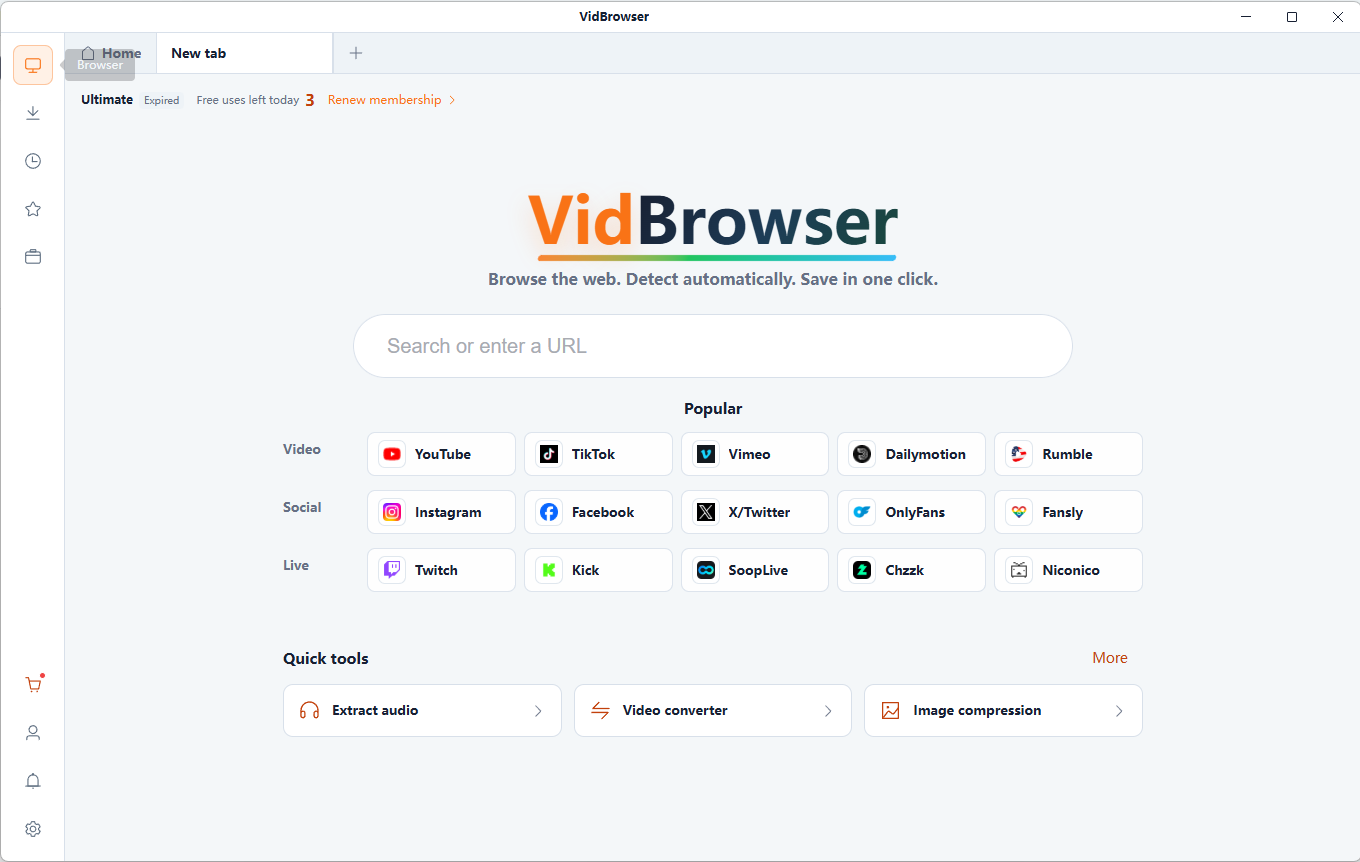
Save supported online videos you are authorized to download with VidBrowser, then extract their audio here. VidBrowser detects supported video resources on X (Twitter), Facebook, Instagram, TikTok, YouTube and 1,000+ video websites. Save available videos in HD and organize content you are authorized to download for offline viewing.
Free online tool · Files stay on your device.
keep sounds from local videos without a full video editor.
choose a bitrate to balance audio fidelity and file size.
extract a selected clip instead of the entire soundtrack.
Files are read and processed locally in your browser, without uploading them to a server. Keep your original files.
Free online tool · Files stay on your device.
Choose compatible local files you are authorized to use.
Choose an MP3 bitrate and optionally set the start and end of a clip.
Review the generated result and download it to your device. Keep your original files.
Save music or background tracks from videos you are authorized to use.
Keep interviews, dialogue and spoken memories for listening later.
Collect sounds from permitted anime, cosplay and short video clips.
Enjoy your own video collection as audio while keeping your screen free.
Usually more compact at the same duration, useful when storage size matters.
A middle bitrate that can balance file size and sound quality, depending on the source.
Usually produces larger files. It cannot improve an already low-quality source.
Re-encoding compressed audio cannot recover lost information. Duration, bitrate and encoder settings all affect file size.
MP4, WebM and MOV are containers. Compatibility depends on the audio codec and processing engine. A video without an audio track cannot produce MP3 audio.
It extracts a video’s audio track and encodes it as an MP3 file.
Choose a local MP4 with an audio track, set the bitrate and optional clip range, convert, then listen and download.
Compatible WebM and MOV files are supported. The audio codec and processing engine determine compatibility, not just the extension.
128 kbps favors smaller files, 192 kbps is a middle option and 320 kbps uses a higher bitrate. Your source and listening needs also matter.
Yes. Choose Extract selected clip and enter start and end times within the video duration.
No. MP3 is lossy, and a higher bitrate cannot restore information lost from the original audio.
Files are read and processed locally in your browser, without uploading them to a server. Keep your original files.
This tool accepts local video files, not platform URLs. Save videos you are authorized to download before extracting their audio.
Compress local videos to MP4. Choose quality, resolution and an optional target size, compare the result and download the compressed video.
Trim local videos online for free. Set clip boundaries on the timeline, choose output quality and audio settings, then export and download your video.
Convert a local video clip to GIF for free. Choose up to 15 seconds, set width, frame rate and looping, then preview and download your animation.
Repeat a full video or selected clip and export MP4 or GIF. Choose 1–20 repetitions, adjust output settings and download the generated loop.
VidBrowser helps you discover supported video resources, save videos you're authorized to download, and manage your collection for offline viewing.
Explore VidBrowserAvailable for Windows and Mac