
Inspect recognizable tags
Inspect the metadata recognized by the processing engine and select supported tags to remove.
Inspect and remove supported metadata from MP4, MOV or WebM videos locally. Review detected tags and verified output, then download a separate copy.
Free to useFree online tool · Files stay on your device.
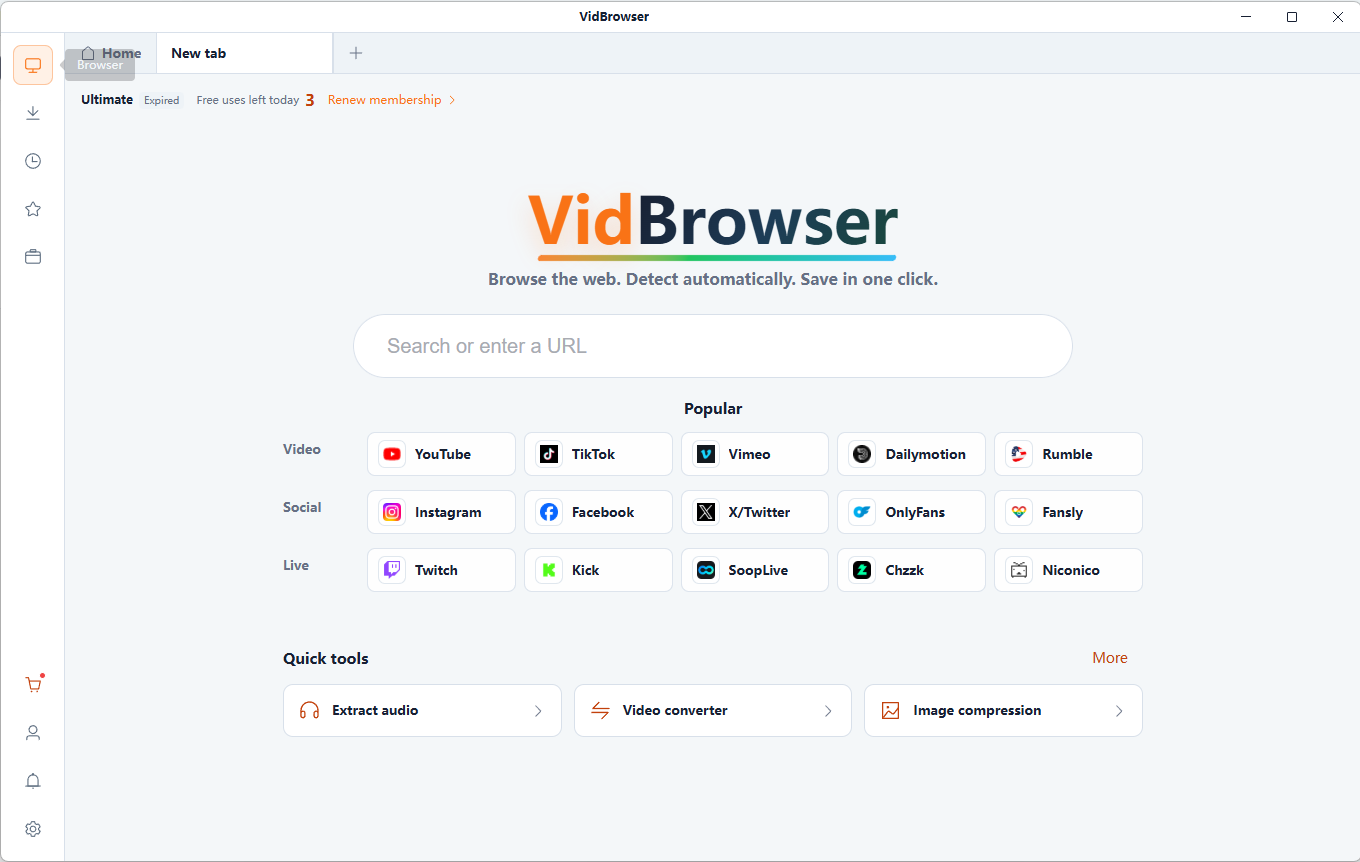
Discover and save supported videos from X (Twitter), Facebook, Instagram, TikTok, YouTube and 1,000+ video websites with VidBrowser. Smart detection, HD saving and convenient downloads help you build an offline collection.
Free online tool · Files stay on your device.
Inspect the metadata recognized by the processing engine and select supported tags to remove.
Preview removal selections for dates, devices, locations and descriptions.
Compatible streams are copied without re-encoding. Remuxing can change container tags, so review the output and keep your original.
Files are read and processed locally in your browser, without uploading them to a server. Keep your original files.
Free online tool · Files stay on your device.
Choose compatible local files you are authorized to use.
Inspect recognized fields and select the ones to remove.
Review the generated result and download it to your device. Keep your original files.
Check for personal information you do not want to share.
Review unnecessary date, device and descriptive tags.
Inspect metadata before publishing videos you are authorized to use.
Understand which tags may reveal a location, device or editing application.
Dates, device details, locations, titles, authors and software tags describe a file. Not every video contains GPS or camera information. Faces, addresses, subtitles and voices remain visible or audible after tag removal.
Compatible streams are copied without re-encoding. Required playback information stays in the file. Review the verified output because unsupported tags can remain and remuxing can change container metadata.
Removing tags does not guarantee anonymity. Faces, text, surroundings and voices remain. Previously shared copies are unchanged, and unsupported metadata may persist.
Information associated with a video file, such as dates, authors or device tags. It is different from the picture and sound, and available tags vary by file.
Select an MP4, inspect the detected tags, choose supported tags to remove and review the verified output before downloading.
Where identifiable, supported location tags may be removable. Some videos contain no GPS data, and removing tags cannot hide locations visible in the footage.
Compatible streams are copied without re-encoding. Remuxing can change container tags, so review the output and keep your original.
No. Faces, text, surroundings and voices can still identify people or places. Copies already shared are not changed.
Files are read and processed locally in your browser, without uploading them to a server. Keep your original files.
Yes. Download creates a separate copy. The original file on your device is not overwritten.
Necessary playback information must remain. Unsupported or unrecognized tags may persist, and visible or audible personal information requires separate editing.
Compress local videos to MP4. Choose quality, resolution and an optional target size, compare the result and download the compressed video.
Rename multiple video files using numbering, prefixes, suffixes and text replacement. Review names before downloading renamed copies or a ZIP archive.
Extract frames from local MP4 or WebM videos as PNG or JPG images. Choose the moment, capture at the source resolution and download your screenshots.
Extract MP3 audio from local video files. Choose 128, 192 or 320 kbps, keep the full soundtrack or a selected clip, and download your audio.
VidBrowser helps you discover supported video resources, save videos you're authorized to download, and manage your collection for offline viewing.
Explore VidBrowserAvailable for Windows and Mac