
Rename multiple videos
A batch renamer applies numbering, prefixes, suffixes or text replacement to multiple filenames at once.
Rename multiple video files using numbering, prefixes, suffixes and text replacement. Review names before downloading renamed copies or a ZIP archive.
Preview names before downloading. Video content and extensions stay unchanged.
Choose or drop videos to begin.
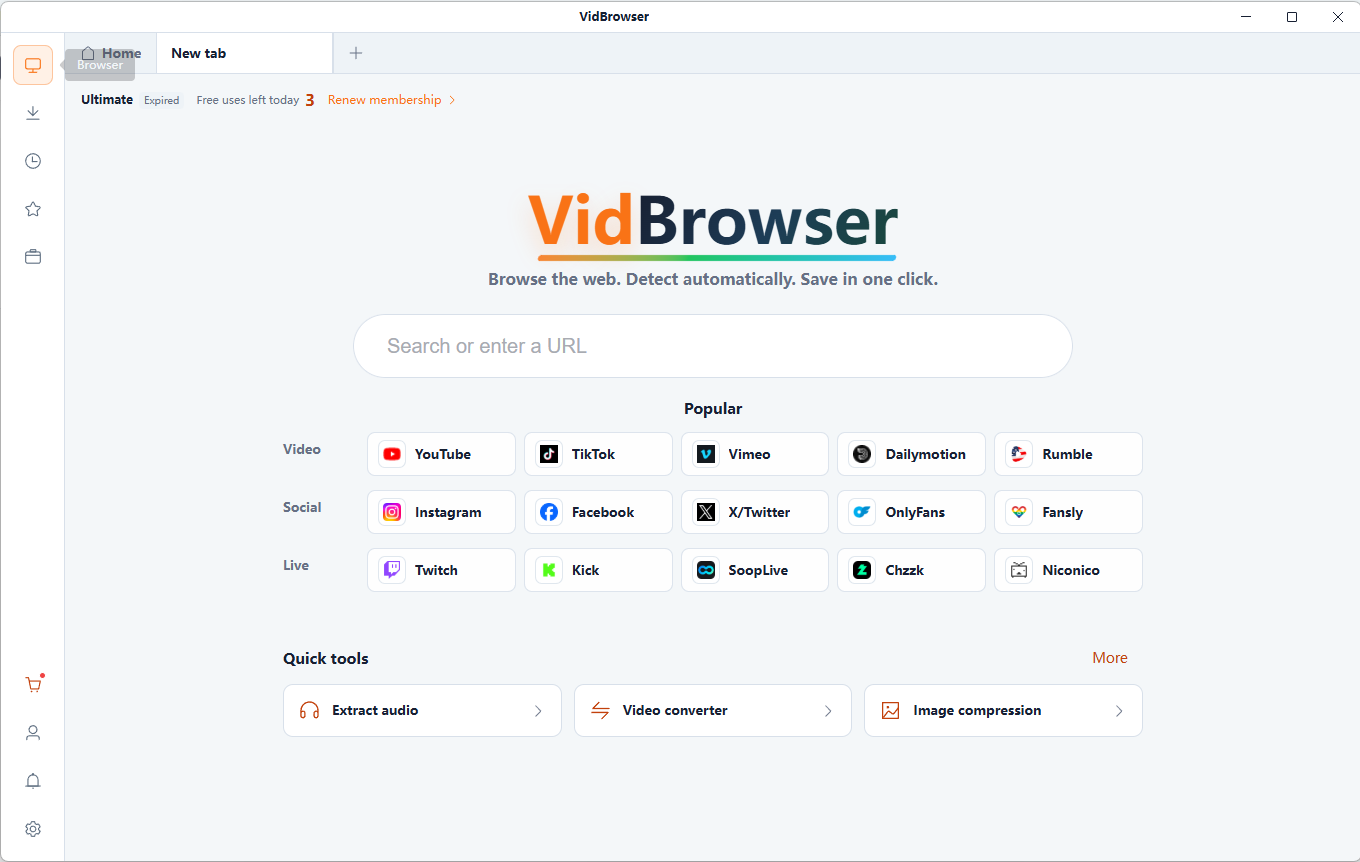
Discover and save supported videos from X (Twitter), Facebook, Instagram, TikTok, YouTube and 1,000+ video websites with VidBrowser. Smart detection, HD saving and convenient downloads help you build an offline collection. Save supported videos with VidBrowser first, then plan consistent filenames for your collection.
Free online tool · Files stay on your device.
A batch renamer applies numbering, prefixes, suffixes or text replacement to multiple filenames at once.
Try prefixes, suffixes and literal text replacement. Group clips by topic with Travel_, or remove unwanted text without changing the video itself.
Use a clear base name and padded numbers: Series_001.mp4, Series_002.mp4. Sorting determines the numbering order. Always review the before-and-after list.
Files are read and processed locally in your browser, without uploading them to a server. Keep your original files.
Free online tool · Files stay on your device.
Choose compatible local files you are authorized to use.
Use a clear base name and padded numbers: Series_001.mp4, Series_002.mp4. Sorting determines the numbering order. Always review the before-and-after list.
Downloads create renamed copies or a ZIP. The original files are not renamed in place or overwritten.
Bring inconsistent downloaded names into a readable collection.
Group favorite anime or cosplay clips by theme and sequence.
Keep episodes together with Series_001 and Series_002.
Replace unwanted text and normalize spaces in long names.
Use a clear base name and padded numbers: Series_001.mp4, Series_002.mp4. Sorting determines the numbering order. Always review the before-and-after list. Use short, descriptive names. Avoid duplicates and reserved names such as CON. Operating systems differ in character and length limits; this tool uses conservative checks, not a guarantee for every filesystem.
Changing a filename does not change resolution, image quality or encoding. Keep the original extension so the video remains recognizable to playback applications.
Renamed files are downloaded as separate copies. ZIP output must stay below 4 GiB and 65,535 entries; memory-based downloads are limited to 512 MiB.
A batch renamer applies numbering, prefixes, suffixes or text replacement to multiple filenames at once.
Add local video files, set naming rules, review the resulting names and download renamed copies.
Use a clear base name and padded numbers: Series_001.mp4, Series_002.mp4. Sorting determines the numbering order. Always review the before-and-after list.
Try prefixes, suffixes and literal text replacement. Group clips by topic with Travel_, or remove unwanted text without changing the video itself.
Try prefixes, suffixes and literal text replacement. Group clips by topic with Travel_, or remove unwanted text without changing the video itself.
Changing a filename does not change resolution, image quality or encoding. Keep the original extension so the video remains recognizable to playback applications.
Downloads create renamed copies or a ZIP. The original files are not renamed in place or overwritten.
Files are read and processed locally in your browser, without uploading them to a server. Keep your original files.
Inspect and remove supported metadata from MP4, MOV or WebM videos locally. Review detected tags and verified output, then download a separate copy.
Check video width, height, aspect ratio, duration and file size locally. Identify HD, Full HD or 4K dimensions and copy or download the report.
Compress local videos to MP4. Choose quality, resolution and an optional target size, compare the result and download the compressed video.
Create a video contact sheet with evenly sampled frames, timestamps and a 3×3, 4×4, 5×5 or 6×6 grid. Save the result as PNG or JPG.
VidBrowser helps you discover supported video resources, save videos you're authorized to download, and manage your collection for offline viewing.
Explore VidBrowserAvailable for Windows and Mac