
Free Video Frame Extractor Online
Extract frames from local MP4 or WebM videos as PNG or JPG images. Choose the moment, capture at the source resolution and download your screenshots.
Drag & Drop Your Video Here
Or choose a video from your device
Video formats: MP4, WebMYour video preview will appear here
Captured frames
0Your captured images appear here.
Save the Videos You Love in One Click
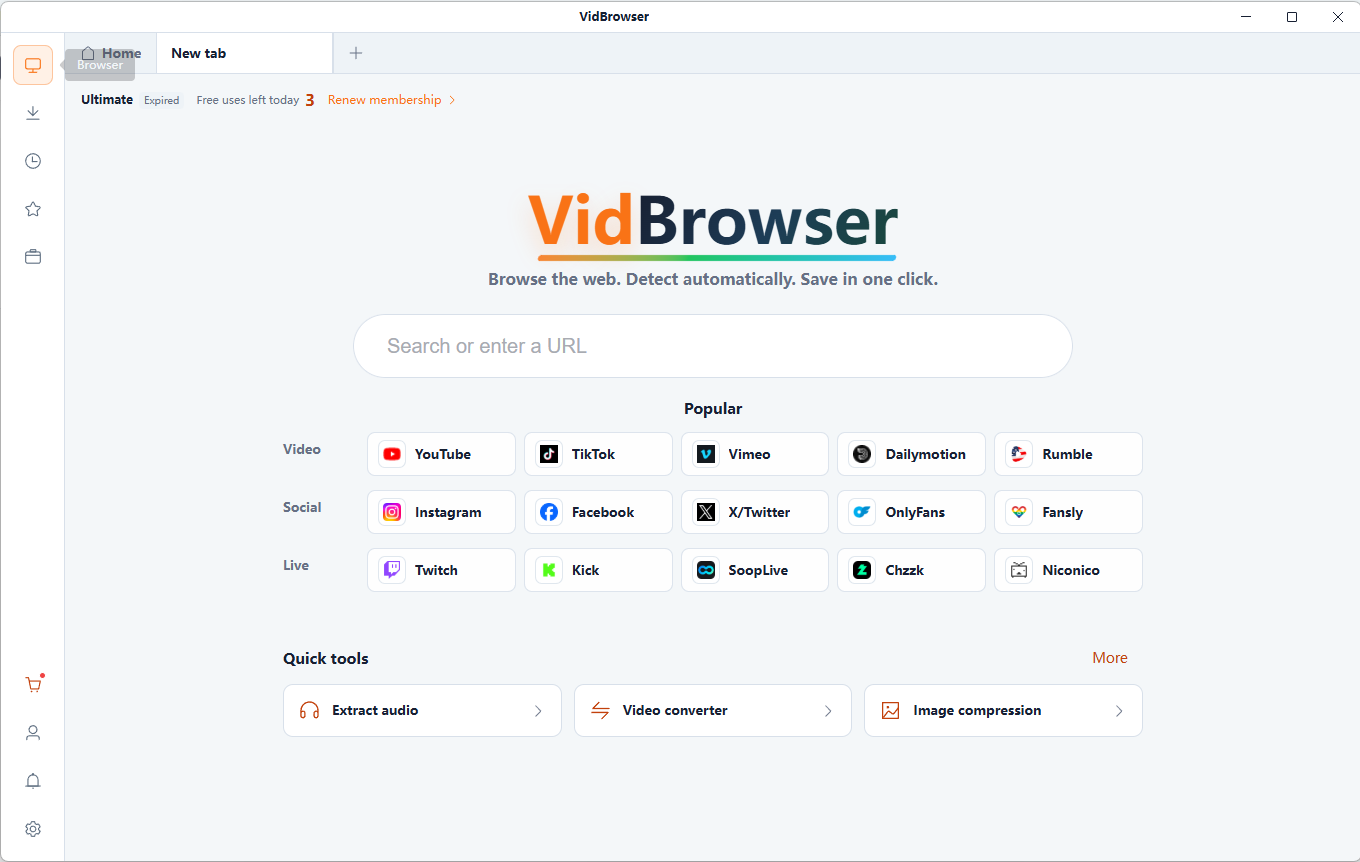
VidBrowser supports 1,000+ video websites, bringing together smart video detection, HD downloads and fast saving. Build your collection and watch offline anytime.
Key Benefits
- 1,000+ video websites supported
- HD video downloads
- Fast, reliable downloads
- Smart detection, high success rate
Why Use Our Video Frame Extractor?
High-Quality Frame Capture
Extract images at the source video's available resolution, without unnecessary resizing.
Simple and Easy to Use
Choose a video, find the frame you want, and capture the image in just a few steps.
PNG and JPG Support
Save captured frames in popular image formats for easy viewing and sharing.
Privacy-Focused Processing
Files are read and processed locally in your browser, without uploading them to a server. Keep your original files.
How to Extract Frames from a Video
Choose Your Video
Choose compatible local files you are authorized to use.
Find Your Favorite Frame
Use the video timeline to locate the exact moment you want.
Capture and Save
Review the generated result and download it to your device. Keep your original files.
What Can You Do with Video Frames?
Save Favorite Video Moments
Keep memorable moments from your videos as still images.
Anime and Cosplay Screenshots
Collect favorite frames from animation and cosplay videos you have permission to use.
Create Video Thumbnails
Choose clear still images for video previews and cover images.
Build Your Image Collection
Organize favorite still frames from local videos into your personal collection.
PNG vs JPG: Which Format Should You Choose?
PNG · preserve the details
PNG stores image data without lossy compression. It is useful for sharp edges, text and images you plan to edit; files can be larger.
JPG · keep files smaller
JPG uses lossy compression and often makes photographic images smaller. High compression can introduce artifacts, especially around text and edges.
A frame's maximum available resolution is limited by the source video. Extracting a frame does not add detail or perform AI upscaling. MP4 and WebM are containers; playback also depends on the codec and browser.
Frequently Asked Questions
What is a video frame extractor?
A video frame extractor turns a single moment in a video into a still image, useful for thumbnails, visual references and personal collections.
How do I extract images from an MP4 video?
Choose a compatible MP4, locate the moment on the timeline, then capture and save the frame. Playback compatibility depends on the codec and browser.
Can I capture frames in the original video resolution?
A frame's maximum available resolution is limited by the source video. Extracting a frame does not add detail or perform AI upscaling. MP4 and WebM are containers; playback also depends on the codec and browser.
What's the difference between PNG and JPG screenshots?
PNG preserves image data without lossy compression. JPG often produces smaller files for photos, with some detail loss.
Are my videos uploaded to a server?
Files are read and processed locally in your browser, without uploading them to a server. Keep your original files.
Do I need an account or a subscription?
You can access this page for free without creating an account. VidBrowser desktop app features and plans are listed on its download and pricing pages.
More Free Video Tools
Video to GIF Converter
Convert a local video clip to GIF for free. Choose up to 15 seconds, set width, frame rate and looping, then preview and download your animation.
Video Contact Sheet Generator
Create a video contact sheet with evenly sampled frames, timestamps and a 3×3, 4×4, 5×5 or 6×6 grid. Save the result as PNG or JPG.
Video Trimmer
Trim local videos online for free. Set clip boundaries on the timeline, choose output quality and audio settings, then export and download your video.
Image Compressor
Compress JPG, PNG and WebP images in your browser. Adjust format and quality, compare actual file sizes and download individual images or a ZIP.
From Online Videos to Your Personal Collection
VidBrowser helps you discover supported video resources, save videos you're authorized to download, and manage your collection for offline viewing.
Explore VidBrowserAvailable for Windows and Mac