
Free Video Compressor Online
Compress local videos to MP4. Choose quality, resolution and an optional target size, compare the result and download the compressed video.
Free to useFree online tool · Files stay on your device.
Drag & Drop Your Video Here
Or choose a video from your device
Video formats: MP4, WebMYour video preview will appear here
16:900:00 / --:--Resolution: —
Sample data
Original video100 MB
Compressed video preview—
Illustrative values only: 100 MB → 35 MB, 65% saved. Settings do not predict or change these values.
Video preview
Your video preview will appear here
MP4 / WebM / MOVCompressed video preview
—Space saved—
Your actual compressed video will appear here
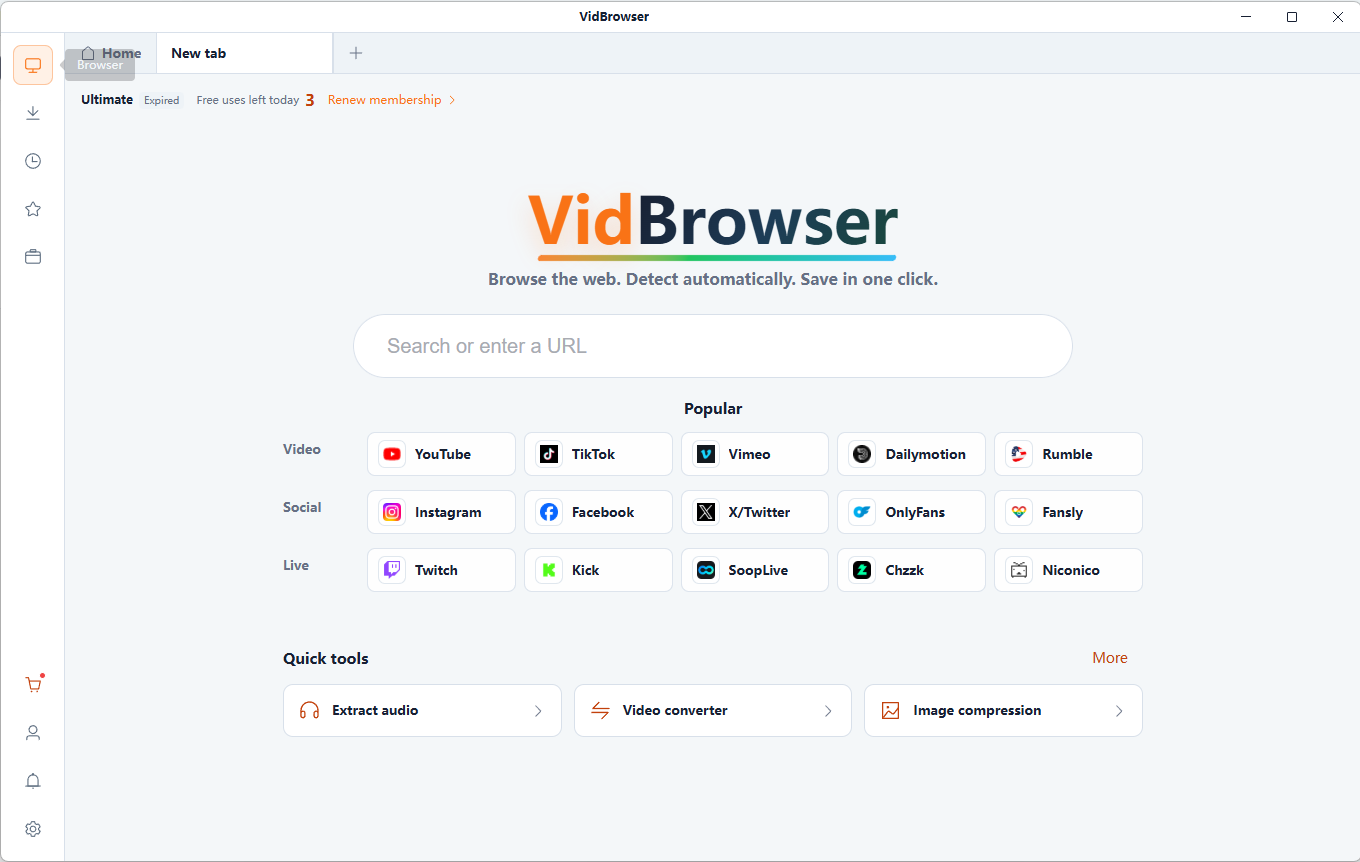
Meet VidBrowser
Save the Online Videos You Love
VidBrowser detects supported video resources on X (Twitter), Facebook, Instagram, TikTok, YouTube and 1,000+ video websites. Save available videos in HD and organize content you are authorized to download for offline viewing.
Key Benefits
- 1,000+ video websites
- Popular platforms including X, Facebook and Instagram
- HD video saving
- Smart detection and convenient downloads
Why Compress Videos?
Free online tool · Files stay on your device.
Compress video
Prioritize smaller files, with more potential detail loss.
Compression mode
Balance file size and visible detail.
Output resolution
Keep the original dimensions or reduce them. Lower-resolution sources should not be upscaled.
Privacy-focused processing
Files are read and processed locally in your browser, without uploading them to a server. Keep your original files.
How to compress a video
Free online tool · Files stay on your device.
Upload your video
Choose compatible local files you are authorized to use.
Compression mode
Choose quality, output resolution and audio settings, or enter a target size.
Compress video
Review the generated result and download it to your device. Keep your original files.
When Smaller Videos Help
Save storage
Prepare smaller copies while keeping important originals.
Share videos
Fit attachment limits where possible; verify the actual exported size.
Organize collections
Keep manageable viewing copies of personal videos.
Prepare social posts
Check each platform’s size, format and quality requirements.
Understand Video Compression
Video bitrate
Bitrate controls data per second. Reducing it can shrink a video without changing its pixel dimensions.
Resolution
Fewer pixels may reduce size but also fine detail. Upscaling cannot restore missing detail.
Frame rate
Lower frame rates may reduce data but make motion less smooth.
Codec and container
MP4 and WebM are containers. Codecs, source content and encoder settings determine efficiency and compatibility.
Audio
Keeping sound adds audio data. Removing it loses sound; audio bitrate also affects file size.
Quality tradeoffs
Already compressed videos may not shrink much. Repeated lossy encoding can degrade quality. Keep the original.
Already compressed videos may not shrink much. Repeated lossy encoding can degrade quality. Keep the original.
Frequently Asked Questions
What is a video compressor?
A video compressor reduces file size through encoding settings such as bitrate, resolution and audio quality.
How can I reduce an MP4 file size?
Choose a compatible video up to 256 MB, select quality and resolution, compress it and inspect the result before downloading.
Does compression reduce quality?
Already compressed videos may not shrink much. Repeated lossy encoding can degrade quality. Keep the original.
Can I compress without changing resolution?
Yes. Keep the source resolution and lower the bitrate or quality setting. The actual reduction depends on the source.
Can I choose an exact target size?
Set a target between 0.1 and 256 MB. It is an encoding goal, not a guarantee; very small targets may reduce quality substantially.
Will my video be uploaded to a server?
Files are read and processed locally in your browser, without uploading them to a server. Keep your original files.
Why might a video barely shrink?
Already compressed videos may not shrink much. Repeated lossy encoding can degrade quality. Keep the original.
Can I keep the original audio?
Yes. Keep audio retains sound; audio bitrate also contributes to the resulting file size.
More Free Video Tools
Video Trimmer
Trim local videos online for free. Set clip boundaries on the timeline, choose output quality and audio settings, then export and download your video.
Video to GIF Converter
Convert a local video clip to GIF for free. Choose up to 15 seconds, set width, frame rate and looping, then preview and download your animation.
Video Resolution Checker
Check video width, height, aspect ratio, duration and file size locally. Identify HD, Full HD or 4K dimensions and copy or download the report.
Video to MP3 Converter
Extract MP3 audio from local video files. Choose 128, 192 or 320 kbps, keep the full soundtrack or a selected clip, and download your audio.
From Online Videos to Your Personal Collection
VidBrowser helps you discover supported video resources, save videos you're authorized to download, and manage your collection for offline viewing.
Explore VidBrowserAvailable for Windows and Mac