
Precision trimming
Keep the moment you want by choosing its start and end times.
Trim local videos online for free. Set clip boundaries on the timeline, choose output quality and audio settings, then export and download your video.
Free to useFree online tool · Files stay on your device.
Or choose a video from your device
Video formats: MP4, WebMYour video preview will appear here
16:9Or choose a video from your device
Up to 1 GB · MP4 / WebM / MOVSettings changed. Export again to update the result.
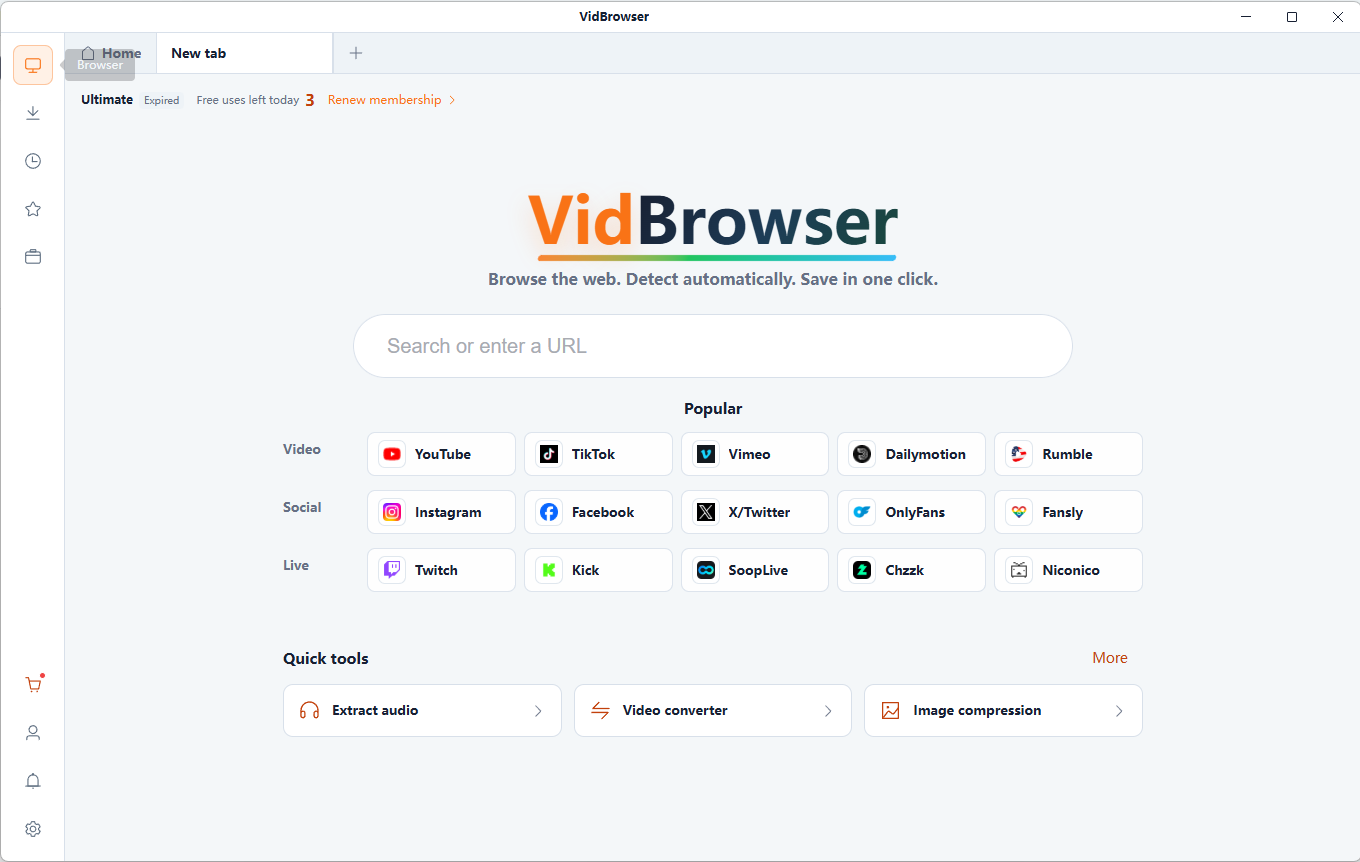
VidBrowser supports 1,000+ video websites, bringing together smart video detection, HD downloads and fast saving. Build your collection and watch offline anytime.
Free online tool · Files stay on your device.
Keep the moment you want by choosing its start and end times.
Drag timeline handles or enter start and end times to select a clip.
Choose output settings and whether to retain audio. Compatibility depends on the source codecs and export format.
Files are read and processed locally in your browser, without uploading them to a server. Keep your original files.
Free online tool · Files stay on your device.
Choose compatible local files you are authorized to use.
Set the start and end points using the timeline.
Review the generated result and download it to your device. Keep your original files.
Keep a memorable part of a longer video for repeat viewing.
Organize favorite sequences from videos you have permission to use.
Split your viewing collection into manageable excerpts.
Keep one continuous interval, leaving out the material before and after it.
Keep minutes 2–4 of a ten-minute video by removing the beginning and end.
Remove image edges, for example to create a portrait-shaped viewing area from a landscape frame.
Re-encoding depends on the container, codec and processing method. Fast cuts may be limited to keyframes; precise cuts can require re-encoding and may affect quality.
A video trimmer keeps a selected time interval and exports it as a new video file.
Choose an MP4, set the start and end on the timeline, then export the clip and download it.
Re-encoding depends on the container, codec and processing method. Fast cuts may be limited to keyframes; precise cuts can require re-encoding and may affect quality.
Yes. Enable Keep audio to retain sound. Compatibility depends on the source codecs and output format.
Keep minutes 2–4 of a ten-minute video by removing the beginning and end. Remove image edges, for example to create a portrait-shaped viewing area from a landscape frame.
Files are read and processed locally in your browser, without uploading them to a server. Keep your original files.
Convert a local video clip to GIF for free. Choose up to 15 seconds, set width, frame rate and looping, then preview and download your animation.
Repeat a full video or selected clip and export MP4 or GIF. Choose 1–20 repetitions, adjust output settings and download the generated loop.
Extract MP3 audio from local video files. Choose 128, 192 or 320 kbps, keep the full soundtrack or a selected clip, and download your audio.
Compress local videos to MP4. Choose quality, resolution and an optional target size, compare the result and download the compressed video.
VidBrowser helps you discover supported video resources, save videos you're authorized to download, and manage your collection for offline viewing.
Explore VidBrowserAvailable for Windows and Mac