
Check video dimensions
It reads video width, height, aspect ratio, duration and file size in your browser.
Check video width, height, aspect ratio, duration and file size locally. Identify HD, Full HD or 4K dimensions and copy or download the report.
Free to useFree online tool · Files stay on your device.
Drop one video here, or choose a file.
MP4 · WebM · MOV support will depend on browser codecsProcessed on your device. Your video is never uploaded.
Choose a video to see its actual dimensions.
Your video preview will appear here
Enlarging a low-quality source to 4K does not restore real detail. Source quality, codec and compression matter.
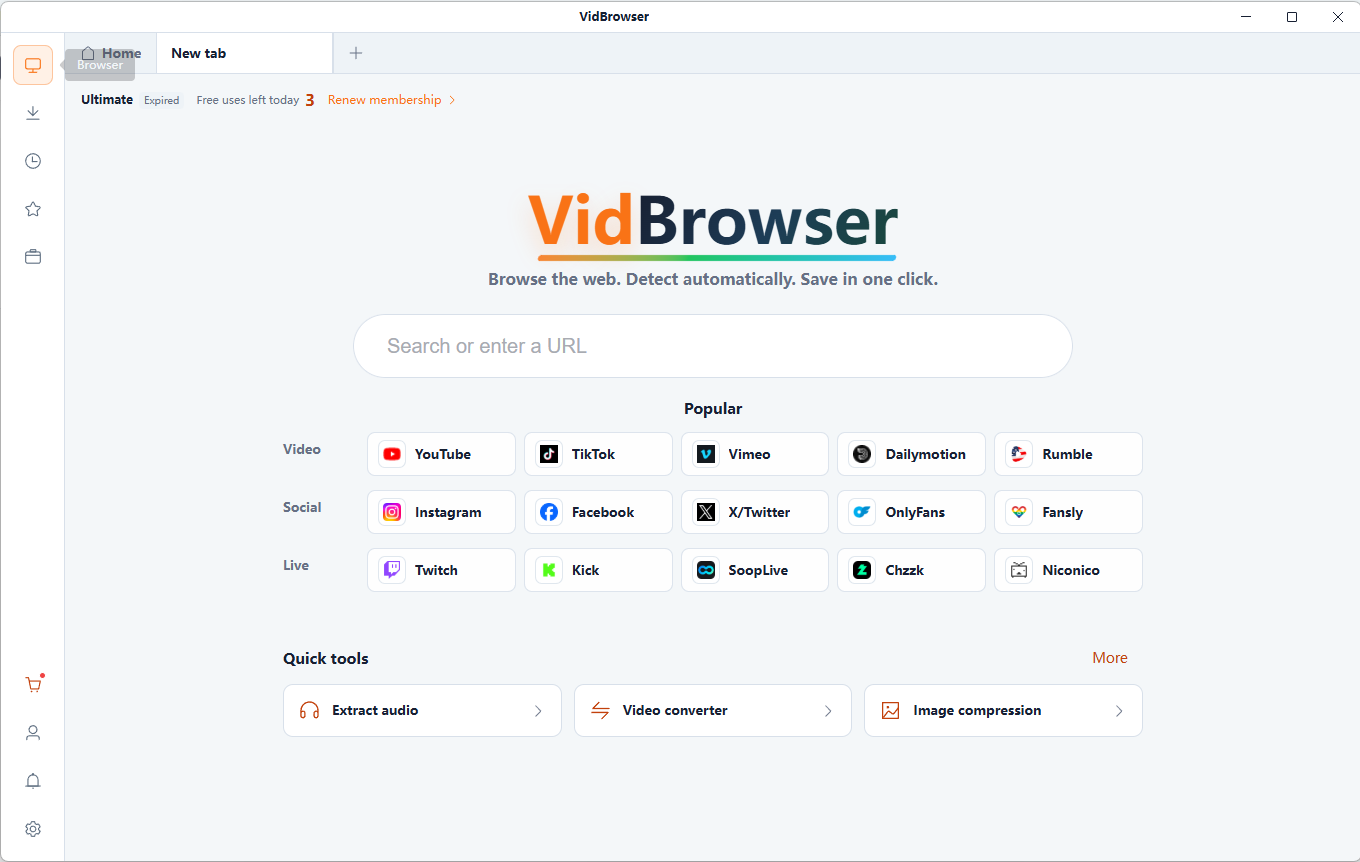
Discover and save supported videos from X (Twitter), Facebook, Instagram, TikTok, YouTube and 1,000+ video websites with VidBrowser. Smart detection, HD saving and convenient downloads help you build an offline collection.
Free online tool · Files stay on your device.
It reads video width, height, aspect ratio, duration and file size in your browser.
Yes. 1920 × 1080 is commonly called 1080p or Full HD. 1280 × 720 is HD, 2560 × 1440 is QHD and 3840 × 2160 is 4K UHD.
Choose a supported MP4 and read the dimensions and file information. Copy the information or download the report.
Files are read and processed locally in your browser, without uploading them to a server. Keep your original files.
Free online tool · Files stay on your device.
Choose compatible local files you are authorized to use.
It reads video width, height, aspect ratio, duration and file size in your browser.
Choose a supported MP4 and read the dimensions and file information. Copy the information or download the report.
It reads video width, height, aspect ratio, duration and file size in your browser.
Portrait 1080 × 1920 has the same pixel count as landscape 1920 × 1080. Orientation alone does not make it lower resolution.
Yes. 1920 × 1080 is commonly called 1080p or Full HD. 1280 × 720 is HD, 2560 × 1440 is QHD and 3840 × 2160 is 4K UHD.
Advanced fields are not analyzed. Browser video APIs do not reliably expose all codecs, frame rates and bitrates. File size divided by duration is not the video-stream bitrate.
Yes. 1920 × 1080 is commonly called 1080p or Full HD. 1280 × 720 is HD, 2560 × 1440 is QHD and 3840 × 2160 is 4K UHD. Portrait 1080 × 1920 has the same pixel count as landscape 1920 × 1080. Orientation alone does not make it lower resolution.
Resolution is not the same as visual quality. Bitrate affects detail; frame rate affects motion. “2K” depends on context and is not an exact synonym for 1440p. Not always. Enlarging a low-quality source to 4K does not restore real detail. Source quality, codec and compression matter. Advanced fields are not analyzed. Browser video APIs do not reliably expose all codecs, frame rates and bitrates. File size divided by duration is not the video-stream bitrate.
Playback compatibility depends on the container, codecs and browser. Resolution does not measure visual quality; advanced codec, frame-rate and bitrate fields are not analyzed.
It reads video width, height, aspect ratio, duration and file size in your browser.
Choose a supported MP4 and read the dimensions and file information. Copy the information or download the report.
Yes. 1920 × 1080 is commonly called 1080p or Full HD. 1280 × 720 is HD, 2560 × 1440 is QHD and 3840 × 2160 is 4K UHD.
Not always. Enlarging a low-quality source to 4K does not restore real detail. Source quality, codec and compression matter.
Portrait 1080 × 1920 has the same pixel count as landscape 1920 × 1080. Orientation alone does not make it lower resolution.
Resolution is not the same as visual quality. Bitrate affects detail; frame rate affects motion. “2K” depends on context and is not an exact synonym for 1440p.
Advanced fields are not analyzed. Browser video APIs do not reliably expose all codecs, frame rates and bitrates. File size divided by duration is not the video-stream bitrate.
Files are read and processed locally in your browser, without uploading them to a server. Keep your original files.
Compress local videos to MP4. Choose quality, resolution and an optional target size, compare the result and download the compressed video.
Inspect and remove supported metadata from MP4, MOV or WebM videos locally. Review detected tags and verified output, then download a separate copy.
Extract frames from local MP4 or WebM videos as PNG or JPG images. Choose the moment, capture at the source resolution and download your screenshots.
Create a video contact sheet with evenly sampled frames, timestamps and a 3×3, 4×4, 5×5 or 6×6 grid. Save the result as PNG or JPG.
VidBrowser helps you discover supported video resources, save videos you're authorized to download, and manage your collection for offline viewing.
Explore VidBrowserAvailable for Windows and Mac