Scroll Fansly settings to the bottom, and the filters, 2FA and access grants are the parts that are yours
Scroll the Fansly settings page from top to bottom and most of the switches belong to the creator side: timeline permissions, geographic blocking, hiding tip amounts. Very little of it actually sits with a subscriber or changes what other people see.
What follows walks the page in the order of who owns each switch, taking the sensitive content filter, where your data goes, two-factor authentication and access grants one at a time.
Fansly privacy and safety settings come in two layers: your switches and the creator's
Inside the Fansly Privacy & Safety page, the switches that belong to a subscriber sit in three places: the sensitive content filter, two-factor authentication, and the block and mute lists; everything else is there for creators to control the visibility of their own page.
There is exactly one way in: click your avatar in the top right → Settings → Privacy & Safety (the official note is Privacy Settings).
The creator-side settings are worth knowing by name: timeline permissions decide who can see posts on the page; geographic blocking keeps users in chosen regions out of search and recommendations, and a direct visit throws an error; hiding tip amounts covers the figures under a post. All of it belongs to whoever owns the page, and a subscriber cannot change it.
The sensitive content filter has two layers, and DMs and the wider site are handled separately
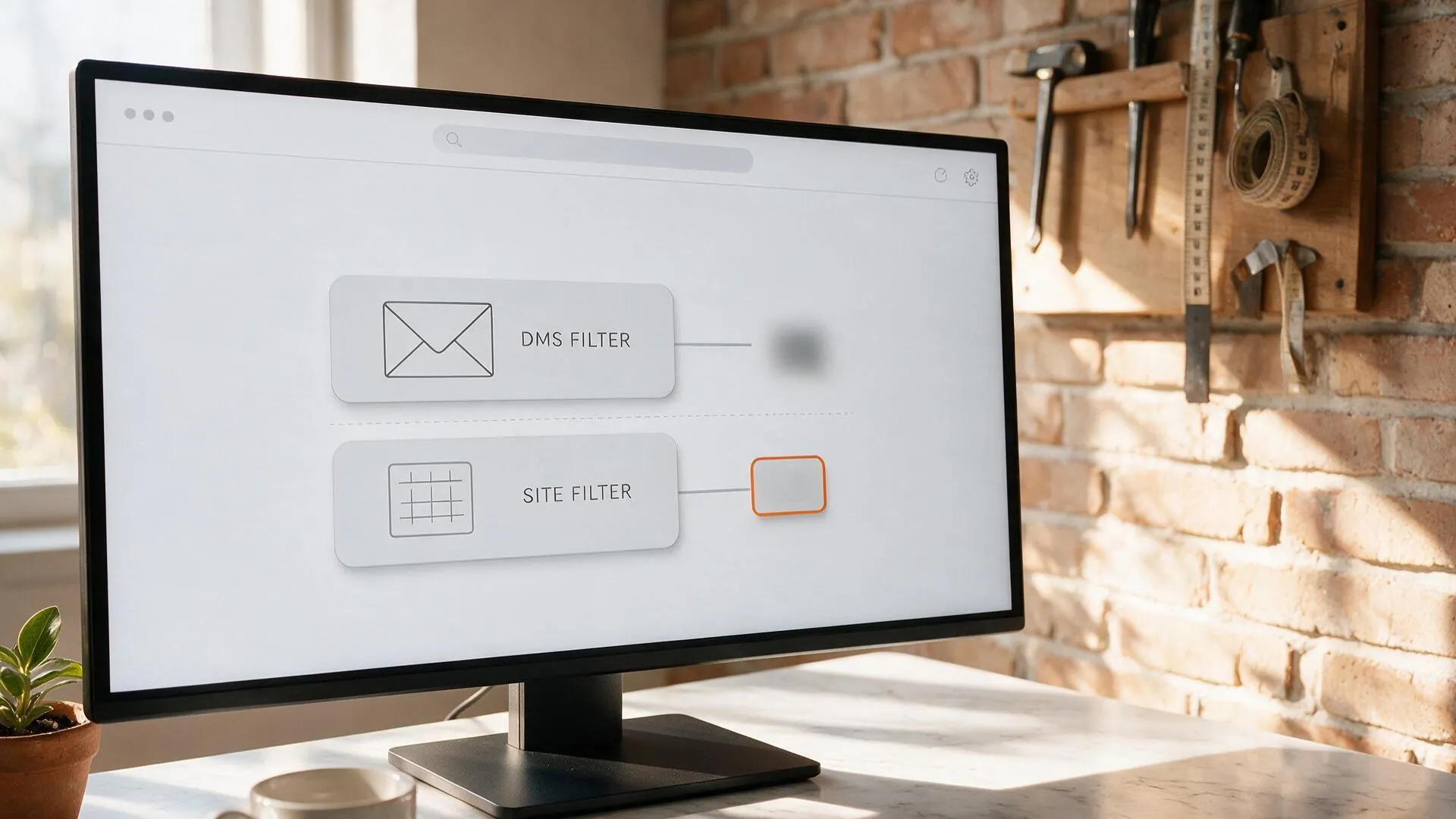
Fansly's sensitive content filter comes in two layers — one inside DMs and one across the site — and the official note says the two work independently; which layer you turn on decides where you see a blur, not whether you can see anything.
- Inside DMs: all media is blurred by default. Tap View Media to lift it temporarily (it holds until the page refreshes), or use Disable Filter to turn this layer off.
- Across the site: browsing automatically blurs content that may be sensitive, and opening a piece of media again offers View Media and Disable Filter.
There is an easy-to-miss side effect here: turning on the site-wide filter also trims sensitive content out of the recommendation feed, and the official wording is that the For You page shows fewer related posts once it is on. The choice depends on what you want: a buffer inside DMs argues for the DM layer, and not wanting a picture to jump out while you scroll argues for the site-wide layer.
Where the details you hand over go: age verification and billing information
Fansly's line is that only the details you choose to display are visible to others, personal data is stored encrypted and not shared externally, and the ID and face used for age verification are handled by a third party, Ondato — what the platform receives is a conclusion that reads "verified".
The account information security note covers two things. One is age verification: Ondato handles it and does not keep your selfie or your documents, and what Fansly receives is a confirmation that age verification passed. The other is payment: billing information is never stored on the platform, and every payment goes through a third-party processor.
Once 2FA is on, four details that are easy to miss
Fansly's two-factor authentication is switched on under Account in Settings, and a scan with an authenticator app is all it takes; the real risk is not whether you turn it on, but a handful of details in how you handle it. The 2FA guide lists four points that are easy to skip:
- Do not share the QR code. It is bound to your account and works as a second key.
- Set the device clock to sync automatically. Codes depend on a time reference, and a drifting clock means no codes arrive.
- If the authenticator is lost, go through manual verification. Email support@fansly.com, and support removes two-factor authentication once your identity is checked; the official note advises re-enabling it soon afterwards.
- With codes by email, the newest one is the one that works. Check spam first and whitelist no-reply@fansly.com; requesting a new code invalidates the old one.
Basics like using a unique password, never reusing it on another site, and checking the domain before signing in are shared homework, and the privacy and billing side on OnlyFans already laid out the three risk types and how to spot a phishing page.
Before you hand out access, look at management sessions and the lists
Fansly grants access through management sessions: what you hand over is a link graded by permission that stops working after one use, not a password; withdrawal and account closure are locked for every session.
In the Management page of the creator dashboard, click Create Session, give it a name you will recognise, then tick the permissions — the link and the permissions are bound together, and who can do what is decided here. The management sessions guide is refreshingly concrete: the link works once, and once the other person logs out or it expires you have to generate a new one; changing permissions requires a 2FA code; deleting a session revokes access immediately. The official note is blunt as well — support will never ask you for a management session link, a 2FA code or a password; and conversely, if you have ever shared a 2FA code, remove it and reset it.
The system also builds two lists on its own: Blocked users and Muted users, where you can review who you have blocked and muted. Blocking cuts the connection both ways, and the blocked side loses access immediately (costs and boundaries in Fansly DMs goes into that at length).
Save what is worth keeping while you can still open it
A settings page can keep other people out, but it cannot stop a creator from deleting a post or closing an account. To keep unlocked content for the long run, a local copy saved while the door is still open is the steadier option.
Saving with VidBrowser takes a few steps:
Step 1: Download and install VidBrowser
The download page offers a Windows package and a Mac package. VidBrowser is a desktop video browser with downloading and recording built in, and installation takes a few minutes.
Step 2: Open Fansly inside VidBrowser and sign in
Launch it, go to fansly.com and sign in with your own account; subscriptions and purchase history match what you see in an ordinary browser.
Step 3: Save with the recording feature (the first choice for protected content)
Most content on a subscription platform like Fansly is protected and ordinary download tools cannot reach it: move the mouse over the picture and the recording controls appear on top — pick a speed, 1x real time, or 2x and 4x to finish faster, click record all to capture the whole clip, and the button on the left starts or pauses at any time. Anything that plays can be recorded.
Step 4: Use the orange button for anything downloadable, then find the file in download history
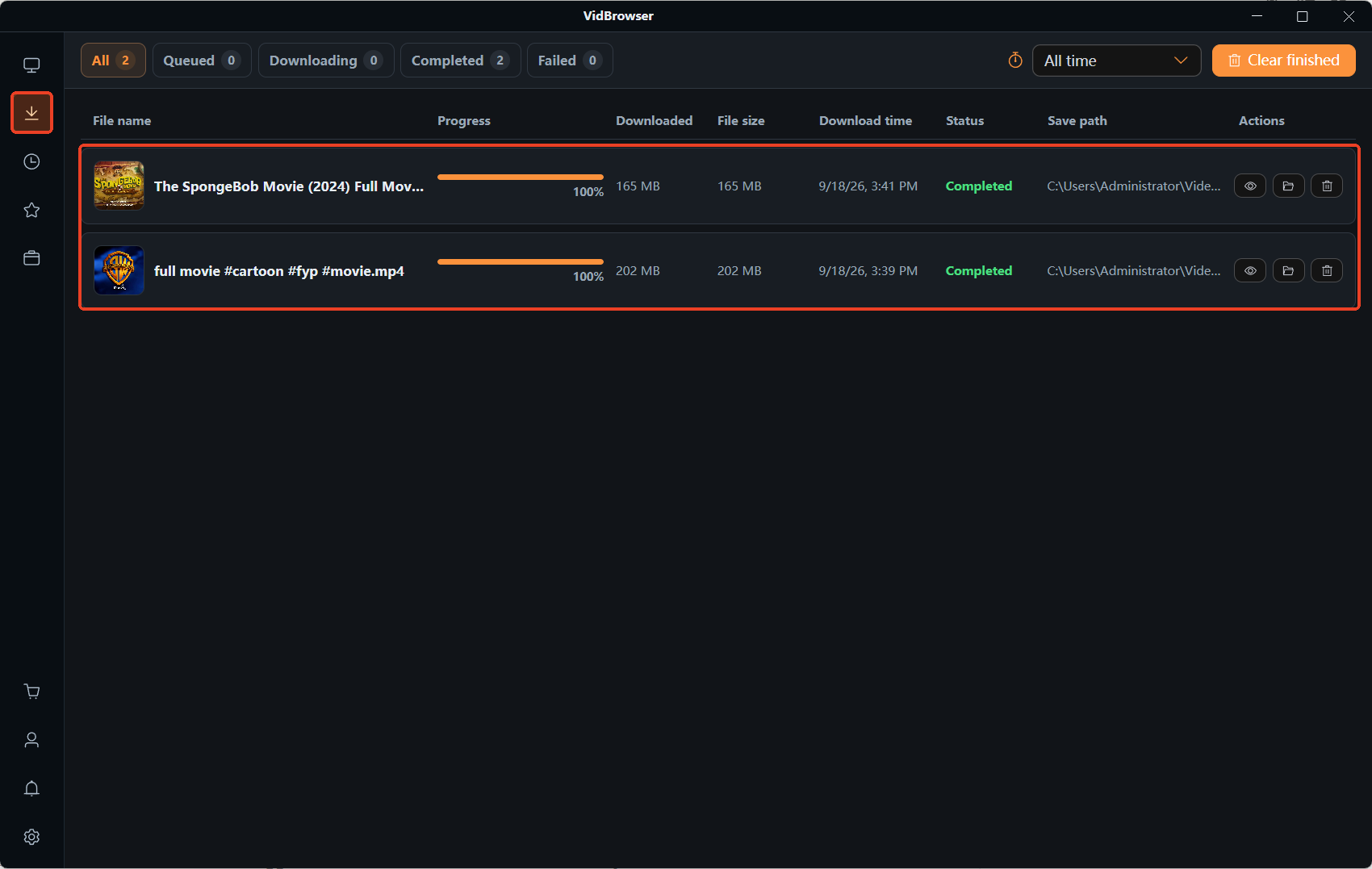
The video library panel on the right lists detected items; clicking the orange button saves one as an MP4, and you can pick a resolution first. Once a recording or a download finishes, the file lands in download history on the left. After that you can watch it offline in a local player without signing in again.
Frequently asked questions
On Fansly, can other people see who I subscribe to?
The creator side can see who follows or subscribes to them, and the direction is one-way; what can be seen of you is your username, avatar and whatever profile details you choose to publish. Payment method and billing details are not shown to the other side.
I turned on the sensitive content filter, so why did my home feed shrink?
That is a knock-on effect of the site-wide layer: the official note says that once it is on, content that may be sensitive is blurred while browsing and, at the same time, the For You page shows fewer related posts. If you want the full feed left intact, use the DM layer instead.
Age verification asks for documents, so are they kept?
By the official account, documents and face are handled by the third party Ondato and not stored, and what Fansly receives is a "verified" confirmation; billing information is likewise not retained on the platform.