
OnlyFans Privacy and Billing Security: Protect Your Account, Bill, and Content
After subscribing to OnlyFans for a while, many users start worrying about three things: whether their account will be stolen, whether their bill will be seen by others, and whether the platform's data is safe. These worries are not groundless — according to public reports, OnlyFans suffered a widely impactful data breach in 2020, with a large amount of user data leaked online, becoming a landmark case in the industry. The privacy and billing security of subscription platforms need more proactive protection than you might think.
This article explains OnlyFans subscription privacy and billing security clearly: how to prevent account theft, how to keep your bill private, how to protect yourself after data leaks, and finally — saving content locally so privacy truly stays in your hands.
OnlyFans Privacy and Billing Security: What Are the Core Risks
The bottom line: OnlyFans users face three core risks — account theft (phishing/credential stuffing), visible billing (bank statements/shared devices), and platform data breaches (historical events). The first two can be actively prevented; the third relies on habits that reduce your exposure. Look at the three risks by layer:
- Account security: A stolen account exposes subscription access and payment information — according to cybersecurity industry reports, phishing sites are the most common way subscription platform accounts get stolen.
- Billing privacy: Bank statements show OF-related transactions, and browser history on shared computers/phones can also expose access traces.
- Platform data breaches: The 2020 OnlyFans data breach made many users realize that platform-side data security is not fully in their control — the way to reduce risk is to keep less sensitive information on the platform side.
According to OnlyFans' official Help Center, the platform offers two-factor authentication, login notifications, and other security settings — these features are off by default and need to be enabled by users; they are the first step of protection.
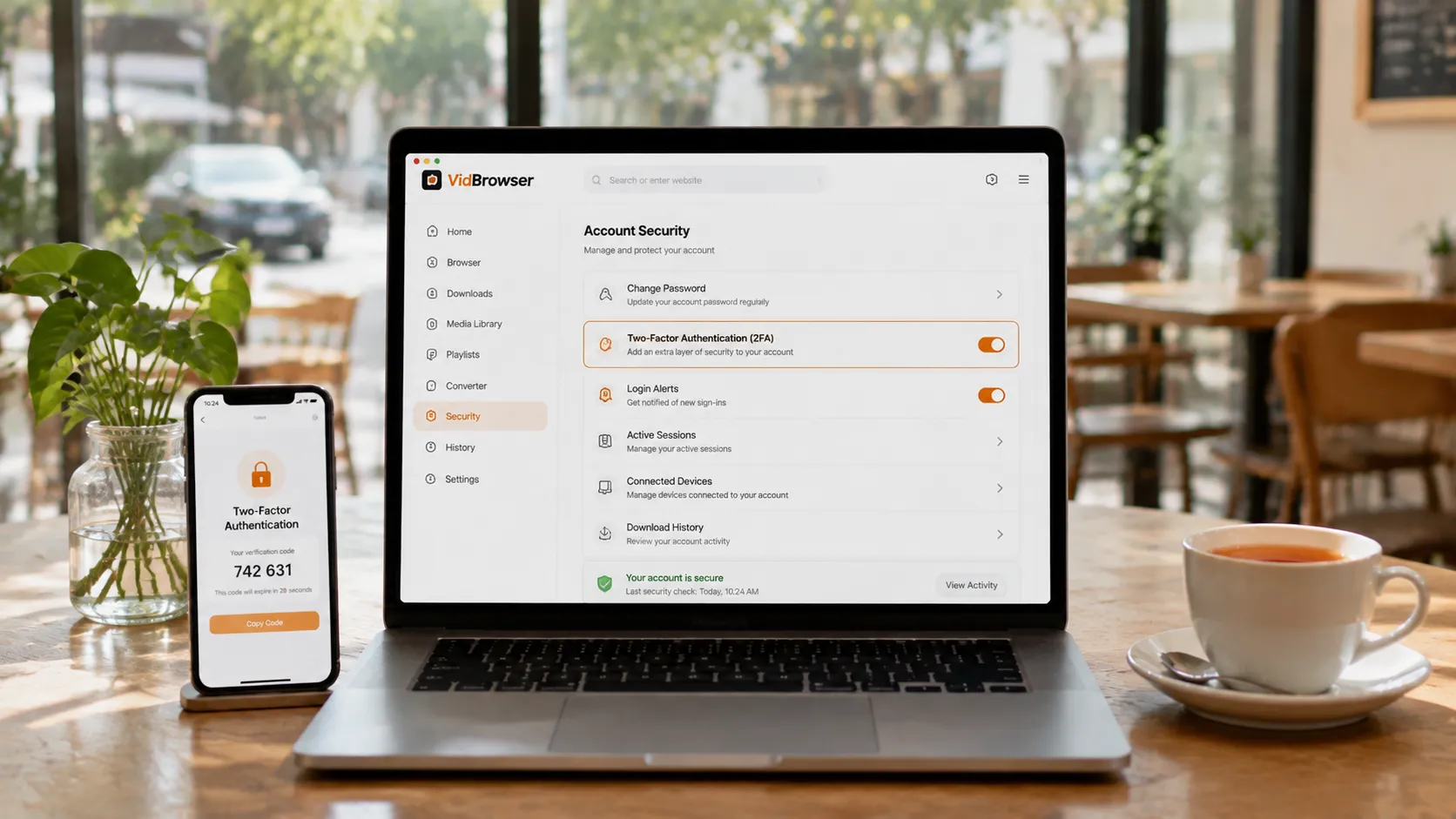
Account Security: Two-Factor Authentication and Phishing Detection
The core of account security is two actions: enable two-factor authentication + learn to spot phishing sites. Do both, and the chance of account theft drops dramatically:
- Enable 2FA: According to OnlyFans' official Help Center, turn on two-factor authentication in the security options of account settings — besides the password, you also enter a verification code at login, so even if your password leaks, the thief cannot get in. This is the highest value protection.
- Spot phishing sites: Before logging in, confirm the URL is onlyfans.com — according to cybersecurity industry reports, fake login pages are the main method of stealing accounts. Never enter your credentials on any imitation page promising "exclusive deals" or "free unlocks".
- Strong password + no reuse: Set a strong password exclusively for OnlyFans and don't reuse it elsewhere — credential stuffing (trying leaked passwords from other platforms) is a common cause of account compromise.
When account security is solid, your billing and content protection matter — it is the first link in the whole protection chain.
Billing Privacy: OFAN Display and Virtual Card Protection
Billing privacy has two key points: know how transactions appear, and use a virtual card to isolate your real card number. Here is what to do:
- Billing display rule: OnlyFans transactions usually appear in bank statements under a merchant name starting with OFAN (for the details, see our how to pay on OnlyFans), with limited privacy protection — bank staff can see the full transaction record, and people who share your bill may also see the "OFAN" label.
- Virtual credit card: As a common financial practice, virtual credit cards generate an independent card number for each purchase, supporting single-use or spending limits — binding OnlyFans with a virtual card means even a leaked number cannot be used for large fraud charges; it is the best tool to isolate risk.
- Reduce card-side exposure: Don't store your bank card directly on the platform; delete the card info after each subscription; contact your bank immediately if you receive an unusual charge alert.
The core logic of billing privacy: don't let the platform and bank "remember" too much — use a virtual card instead of a real one whenever possible, and delete card info when you can.
Data Breach Risk: Historical Events and Self-Protection
Data breaches are hard to fully prevent, but you can reduce personal losses by minimizing your exposure. Three suggestions:
- Face reality: After the 2020 OnlyFans data breach was publicly reported, the industry consensus became "platform-side data security is not fully controllable" — data such as subscription platform usernames and transaction records can theoretically enter breach databases.
- Reduce sensitive info on the platform: Don't fill in identifiable information like your real name or detailed address in your OnlyFans profile; turn off unnecessary visibility options in settings.
- Watch for credential stuffing: If you use the same email + password combination on other platforms, switch OnlyFans to an independent password promptly — after a data breach, attackers use leaked credentials to try logging into other platforms in bulk.
Data breaches are hard to avoid completely, but the loss after a breach can be controlled — the key is keeping sensitive information to a minimum in daily life.
Save Content Locally So Privacy Truly Stays in Your Hands
Even more private than your account and bill is the content you subscribed to — save it to local files and platform-side data changes cannot affect it; privacy truly stays in your hands. Most content on subscription platforms is copyright-protected and ordinary download tools cannot grab it; creators deleting posts, deactivating, or subscription expiry can all make content disappear — saving locally both keeps the content and avoids the exposure risk of repeated logins.
Saving with VidBrowser is simple:
Step 1: Download and install VidBrowser
VidBrowser is a desktop video browser (Desktop Video Browser) for watching videos, clipping segments, and saving to local storage on Windows and Mac, with both download and recording features built in. Installation takes just a few minutes.
Step 2: Open OnlyFans in VidBrowser and log in
Launch VidBrowser, visit onlyfans.com, and log in with your own account. Your existing subscriptions and purchase history are exactly the same as in a regular browser.
Step 3: Play the video you want to save
Open a subscribed video or one you have unlocked, and play it for a few seconds. VidBrowser automatically detects video resources on the page in the background; once it recognizes a savable video stream, it lists it in the "Video Media Library" panel on the right.
Step 4: Save with the recording feature (first choice for protected content)
Videos on subscription platforms like OnlyFans are mostly copyright-protected, and ordinary download tools cannot grab them. VidBrowser's recording feature is the most reliable way to save: move your mouse over the video and recording controls appear overlaid — choose the recording speed (1x real-time, 2x or 4x to finish faster), click "Record All" to record the whole video, and the recording button on the left lets you start or pause anytime. Anything that can play can be recorded.
If the video can be downloaded directly, the "Video Media Library" panel on the right also lists an entry with an orange "Download" button; click it to save as MP4 (you can also choose the resolution first).
Step 5: Find the file in the media library
After saving or recording, you can open the file from the folder you chose, or find it through VidBrowser's download history. Then play it offline anytime with VLC, QuickTime, or other players, without depending on your account or subscription status — content on your device means no login needed, no browsing traces, and privacy fully in your hands. (For the complete OnlyFans usage flow, see our OnlyFans subscriber beginner guide.)
FAQ
What should I do if my OnlyFans account is stolen?
Immediately recover and reset your password via email, and enable two-factor authentication to prevent it happening again; check your subscriptions and payment records for unusual activity, and contact platform support and your bank if needed. If the password was reused elsewhere, change it everywhere immediately.
Do OnlyFans transactions show on my bill?
Yes. Transactions usually appear in bank statements under a merchant name starting with OFAN, without directly showing the platform's full name, but bank staff and people who share your bill may still see it. To isolate the risk further, bind a virtual credit card.
Does saving content with VidBrowser leave browsing traces?
No. After VidBrowser saves content to local files, you watch local MP4s without needing to log in again, and no new browsing traces are created — the content is in your hands, and so is your privacy.
Is OnlyFans platform data secure?
The platform has security measures, but a data breach occurred in 2020, and platform-side data security is not fully controlled by users. Ways to reduce risk: enable two-factor authentication, reduce sensitive info in your profile, use an independent password for OnlyFans, and save important content locally.


