
What Is Dailymotion? The Right Way to Save Videos in 2026
You come across a video on Dailymotion you want to save — a French football highlight, a documentary, a live music performance — and want to keep it for offline viewing. Open the web page and look for a download button: there isn't one; switch to online download tools: most have mediocre Dailymotion support. Compared with YouTube, Dailymotion is rarely discussed, many people have never even heard of it, let alone know how to save its content.
This article first explains what Dailymotion is, then the methods that actually work in 2026.
What Is Dailymotion? It's Not a YouTube Clone
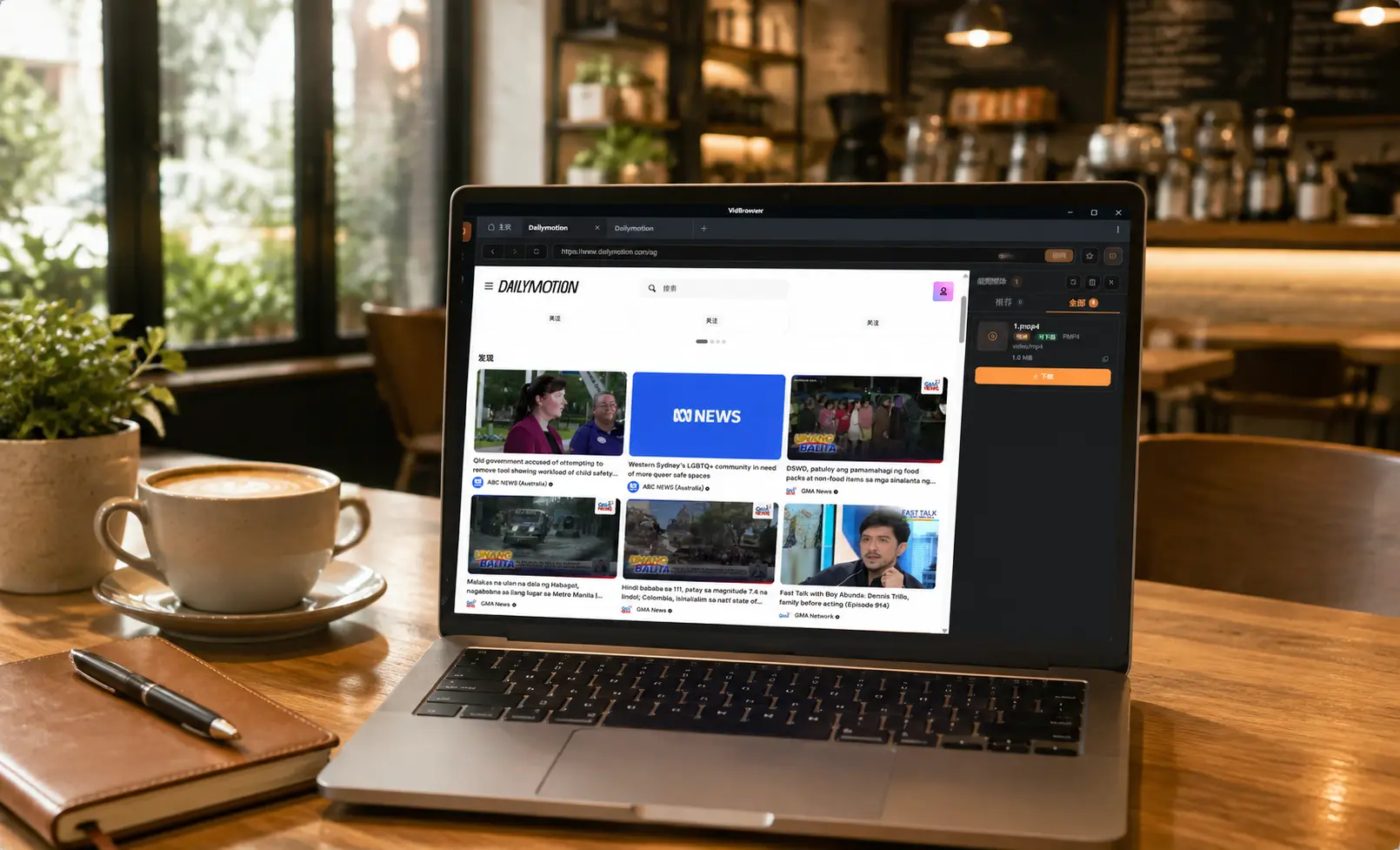
Dailymotion is a French video platform founded in 2005, born around the same time as YouTube, but it has since taken a completely different path.
- Different positioning: after being acquired by French media group Vivendi, Dailymotion narrowed into a "premium content" platform — news, sports, music, and documentaries — rather than a flood of user-uploaded short videos.
- Strong regional character: it's most popular in Europe (especially France), the Middle East, and parts of Asia, with much of the content published by TV channels and media organizations.
- Cleaner pages: compared with YouTube's ad density, Dailymotion offers a cleaner viewing experience, and video quality goes up to 4K.
So it's neither a YouTube clone nor a "niche backup site" — it's a platform with its own content ecosystem. And the same question follows: when you want to keep a copy of something you like, the platform gives viewers no download button.
Before Downloading Dailymotion Videos, Know These Three Cases
Before you start, figure out which category the video you want to save falls into:
- Region-restricted content: some sports events and TV content are only available in certain regions — if it can't play in your region, saving is out of the question; being able to play is the prerequisite for saving.
- Ordinary public videos: news clips, documentaries, music videos, etc. — if they play normally, they can be saved.
- High-quality content: Dailymotion supports 4K playback, and saved files come close to the original resolution.
Figuring out which one you're dealing with saves you a lot of wasted effort.
Common Methods and Why They Don't Work Well on Dailymotion
- Online download sites: many parser sites prioritize YouTube, with inconsistent Dailymotion support — what you get may be a compressed version or an incomplete file. (For the common reasons download tools fail, see our video downloader not working guide.)
- Screen recording: recording re-captures the picture, degrading quality — recording 4K content basically wastes the original quality.
- Tools demanding authorization: tools that make you log in or install plugins expose your account and browsing data — the risk far outweighs the benefit.
How VidBrowser Saves Dailymotion Videos
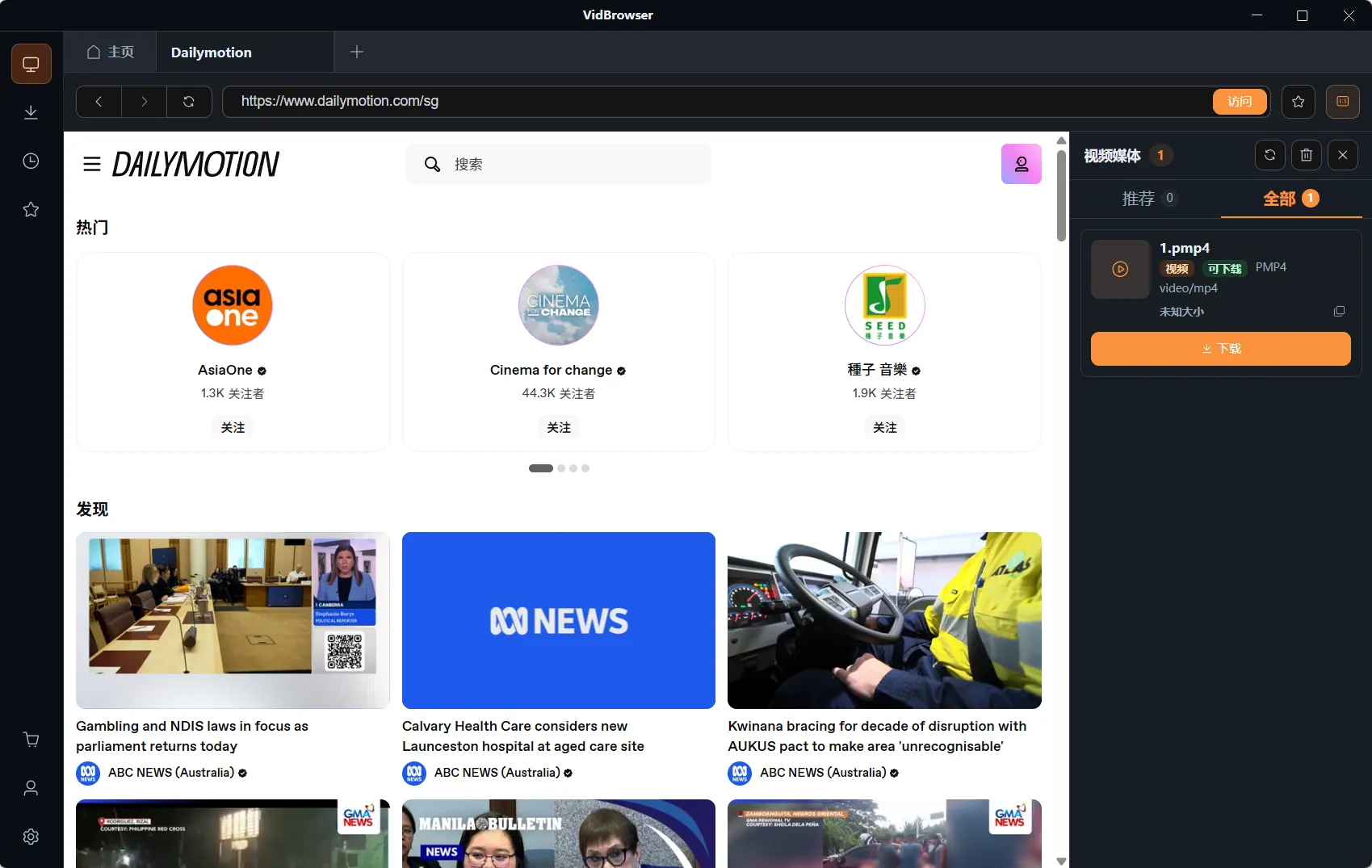
The idea remains the same: let the browser save the video stream it's playing while you watch.
VidBrowser is a desktop browser designed for video, supporting Windows and Mac. Open dailymotion.com normally and play the video you want to save. Once playback starts, an orange one-click save indicator appears in the top-right corner — click it and the video is saved as an MP4 file.
It takes just a few steps:
Step 1: Download and Install VidBrowser
VidBrowser is a desktop video browser for watching videos, trimming clips, and saving them locally on Windows and Mac. Installation takes just a few minutes.
Step 2: Open Dailymotion in VidBrowser
Launch VidBrowser and visit dailymotion.com. Public videos play without logging in; for content that requires account access, log in with your own account as usual.
Step 3: Open the Video You Want to Save and Let It Play
Go to the video page and let it play for a few seconds. VidBrowser automatically detects video resources on the page in the background; once it identifies a savable video stream, it lists it in the "Video Library" panel on the right.
Step 4: Save from the Video Library on the Right
Once playback starts, the "Video Library" panel on the right automatically lists all videos detected on the page (possibly including copies in different resolutions), each with an orange "Download" button. Click the "Download" button of the video you want and it saves as an MP4 file containing the original stream, with no re-encoding.
Step 5: Find the File in Your Library
After saving, you can open the file from the folder you chose, or find it through VidBrowser's download history. Then watch it offline anytime with compatible players like VLC or QuickTime.
One Bottom Line to Remember
Dailymotion videos belong to their publishers under copyright. Saving them for personal offline viewing or personal reference is fine; republishing, re-uploading, or commercial use is infringement. Also, don't try to bypass restrictions on region-locked content — just save what you can legally play.
FAQ
Can Dailymotion videos be downloaded in 4K quality?
Yes. What gets saved is the original video stream Dailymotion delivers to you — the same resolution you see when playing, with no re-encoding. The prerequisite is that you can play it in 4K (device and network permitting).
Can region-restricted videos be downloaded?
No. If a video can't play in your region, it can't be saved. Some of Dailymotion's sports and TV content is region-locked — for such content, only watch what plays, and don't try to bypass regional restrictions.
Does downloading a Dailymotion video notify the publisher?
No. Dailymotion has no download notification mechanism. VidBrowser saves the video to your local device and sends no save records to the platform.


