
LoyalFans Referrals: How Much Can You Save With the 5% Lifetime Commission?
You subscribe to a few creators on LoyalFans and pay a fixed bill every month. Your friends watch similar platforms too, each paying separately. What most people miss is a little-used saving mechanism: the referral program. When a friend you invited spends on the platform, LoyalFans pays you 5% of their spending, for life. Your friend's bill stays the same, while part of your subscription gets covered.
This article explains the real rules of LoyalFans referrals: how to get started, how much you can save, what to avoid, and how to turn it into steady monthly savings in 2026.
LoyalFans Referral Program: 5% Lifetime Commission, Paid by the Platform
Bottom line first: with the LoyalFans referral program, you earn a fixed 5% commission on the spending or income of people you invite (fans or creators), for life, with the platform covering the cost.
- Fixed 5% rate: It is not variable; whoever you invite, the rate stays 5%.
- Lifetime validity: As long as the invited account stays active, your commission keeps coming — this is not a one-time bonus.
- Paid by the platform: LoyalFans pays the commission, so invited users never pay extra and their experience is unaffected.
For subscribers, the practical use is simple: invite friends who already follow similar platforms, and you get 5% back on whatever they spend — part of your own subscription gets covered by their spending.
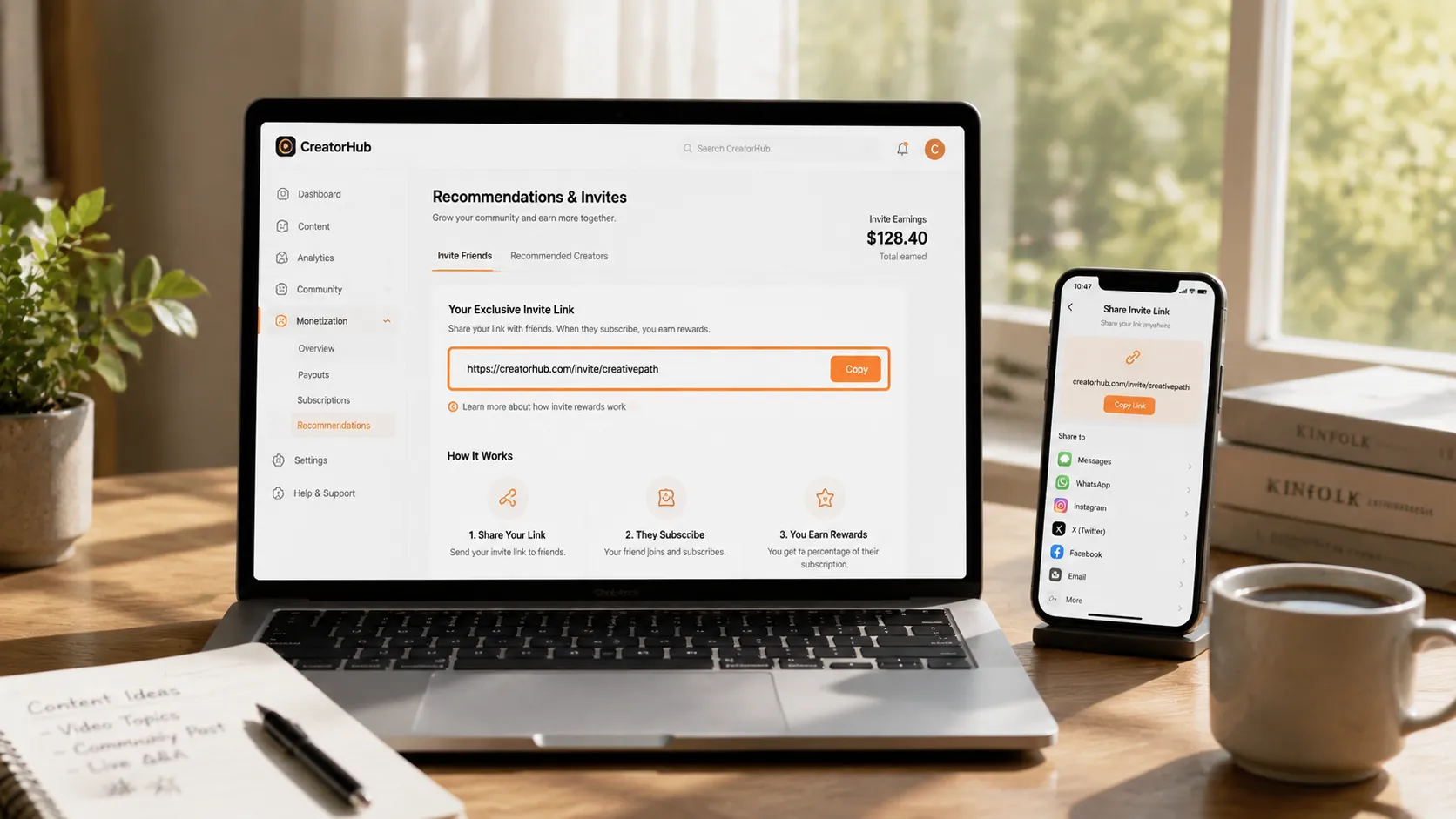
Where to Find Your Invite Link and How Payouts Work
Getting your invite link is simple:
- Where to find it: Log in to LoyalFans, open your account settings, and look under "Promo Tools" for "Referrals" — your personal invite link is right there.
- How to share: Send the link directly to friends or post it on social media. Anyone who signs up through your link counts as an invited user.
- Payout schedule: Commissions are settled monthly — earnings accumulated in a month are paid out around the start of the next month to your linked withdrawal method.
Two things to keep in mind: commissions are not instant, so do not expect money right after inviting; and the platform verifies invited accounts, so creating your own dummy accounts or exchanging commissions with business partners will not earn anything — the rules are explicit.
How Much You Can Save: A Real Calculation
Let the numbers speak and see how much referrals can cover your subscription:
- A friend spends $50 a month on the platform (subscribing to 2-3 creators) → you earn $2.5 a month.
- A friend spends $100 a month (subscriptions plus paid content) → you earn $5 a month.
- Invite 2-3 friends → about $15 a month in commissions, which roughly covers a $10 subscription.
So "how much you save" depends on what your friends spend and how many you invite: the more people you invite and the more active their spending, the closer you get to a free subscription. It is a steady, long-term mechanism rather than a one-time discount, best suited to long-term subscribers.
Three Mistakes to Avoid
Referrals can be tempting, but avoid these three traps:
- Spamming people for commissions: Sending your link to everyone, whether interested or not, bothers friends and earns nothing (no sign-up, no spending, zero commission). Only invite people who actually use such platforms.
- Thinking friends will pay more: The commission is paid by the platform; your friend's spending does not change. Do not tell friends "when you spend, I earn" — explain the rules clearly and neither side feels awkward.
- Ignoring taxes: Referral income counts as platform income and may be taxable once it reaches a certain amount (rules vary by country). If the numbers grow, check local regulations to avoid trouble.
In short: referrals are "a natural extra", not "a money-printing scheme" — share naturally, build up over time, and it makes sense.
Saved Subscription Money, Content Worth Saving Even More
Once referrals lower your subscription cost, there is one thing more important than saving money: do not let the content you paid for disappear. Most content on subscription platforms like LoyalFans is protected, and ordinary download tools cannot grab it; when creators delete posts, close accounts, or your subscription expires, your money is gone — the more expensive the subscription, the sooner you should keep a copy.
Saving with VidBrowser is simple:
Step 1: Download and install VidBrowser
VidBrowser is a desktop video browser for Windows and Mac to watch videos, capture clips, and save them locally, with both download and recording functions built in. Installation takes a few minutes.
Step 2: Open LoyalFans in VidBrowser and log in
Launch VidBrowser, visit loyalfans.com, and log in with your own account. Your subscriptions and purchase history look exactly the same as in a regular browser.
Step 3: Play the video you want to save
Open the subscription content or an unlocked video and play it for a few seconds. VidBrowser automatically detects video resources on the page in the background and lists recognized streams in the "Video Library" panel on the right.
Step 4: Save with the recording function (first choice for protected content)
Most videos on subscription platforms like LoyalFans are protected and cannot be grabbed by ordinary download tools; VidBrowser's recording function is the most reliable way to save them: move your mouse over the video and a recording control appears — choose the recording speed (1x real time, or 2x or 4x to finish faster), click "Record All" to record the whole video, and use the recording button on the left to start or pause anytime. Anything that can play can be recorded.
If the video can be downloaded directly, the "Video Library" panel on the right also lists items with an orange "Download" button — click it to save as MP4 (you can also pick the resolution first).
Step 5: Find the file in the library
After saving or recording, you can open the file from your chosen folder or find it in VidBrowser's download history. Then watch offline anytime with players like VLC or QuickTime, without depending on your account or subscription. (For other LoyalFans issues, see our LoyalFans geoblocking guide.)
FAQ
What is the LoyalFans referral commission rate?
A fixed 5%. Whether it is a fan's spending or a creator's income from your invite, you get 5%, for life, paid by the platform.
Does inviting friends cost them extra money?
No. The commission is covered by LoyalFans; invited users pay the same amount with no extra fees — their normal use is completely unaffected.
When do referral payouts arrive?
Monthly. Commissions accumulated in a month are paid out around the start of the next month to your linked withdrawal method. It is not instant, and do not create dummy accounts to farm commissions (the platform verifies them, and violations are not paid).
Does saving LoyalFans videos notify the creator?
No. VidBrowser saves videos to your local device and sends no saving records to the platform or creators, and your account and subscriptions are unaffected.


