
Log in to a second OnlyFans account and the first drops — session takeover, not theft
You switch to a second OnlyFans account in the browser, refresh once, and the subscription list is empty and the DM history is gone — the first instinct is that the account was stolen. Most of the time it was not: your login was pushed out by the new account, and the old one is still sitting behind its own email. This piece lays out the session mechanics, the official rules and the four cross-login hotspots in one pass.
Lesson one of multiple OnlyFans accounts: one browser window, one login state
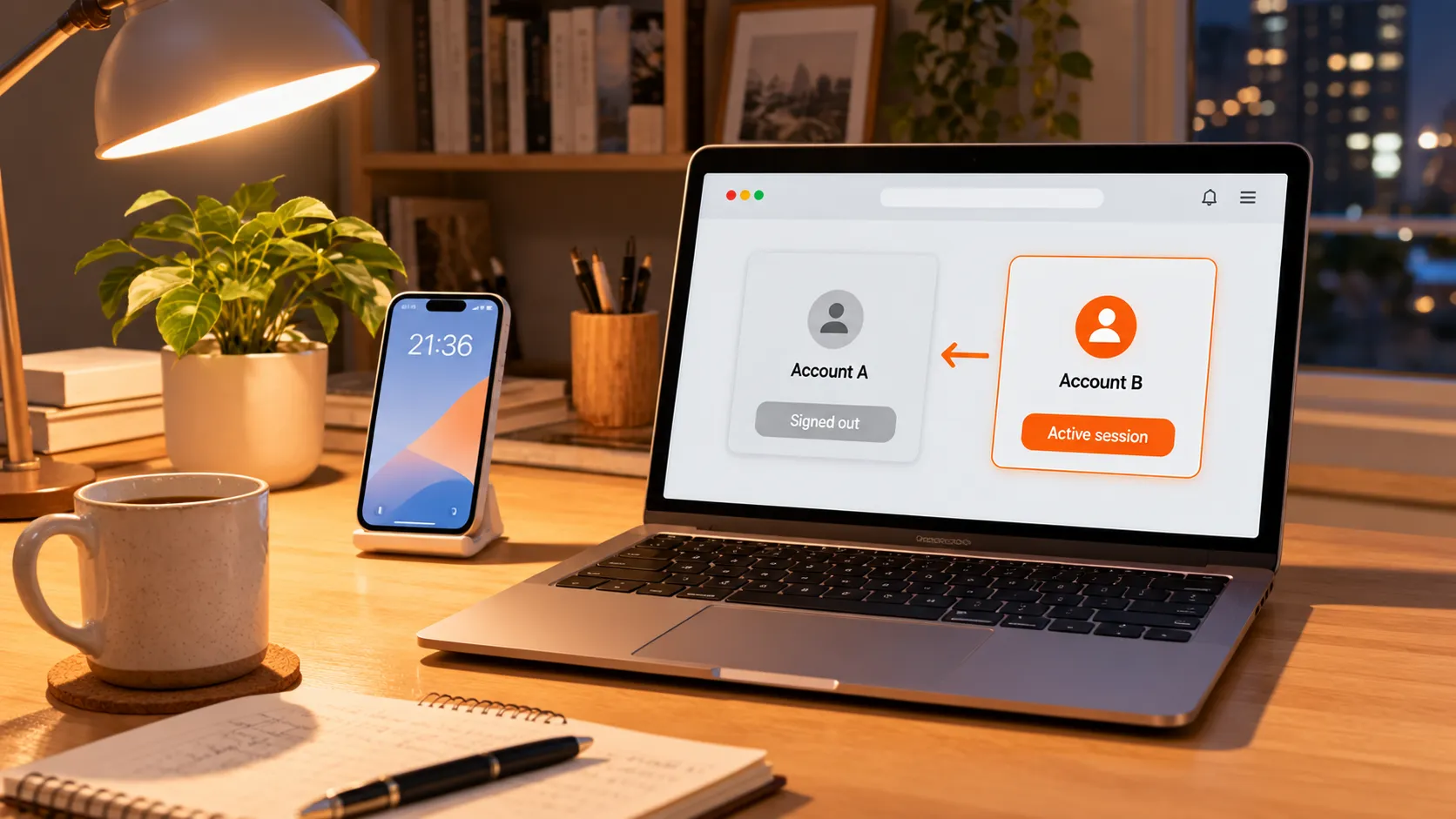
The browser remembers your login through a session credential, and one window honors one account at a time.After you log in, the platform stores a session credential in a cookie, and every page load after that carries it as proof that "this person is logged in". The credential does not distinguish accounts — whoever logged in last owns it. Sign in with a second account and the first one's credential is overwritten, producing the illusion that "subscriptions gone, messages gone". The account itself has not changed; log back in with the original email and password and everything is where it was.
Some people think two tabs can each hold one account. Tabs share the same cookie, so logging in on the second tab pushes out the first all the same — the session belongs to the browser, not to the tab.
The platform's stance on this kind of loss is written plainly. The disclaimer in the official terms states that for any user account, password or email that is lost, stolen or leaked, and for any unauthorized activity or funds movement resulting from it, the platform bears no responsibility. A pushed-out session is the small trouble; the real trouble comes later.
How many OnlyFans accounts are officially allowed: headcount is not the point, linkage is
The official terms set no cap on the number of accounts, and the configuration widely run in practice is a free account paired with a paid one.A free account for promotion and previews, a paid one for the full catalog, both yours — the most common dual-account setup among creators; some subscribers also run two accounts to keep different tastes in separate lanes. What the terms do demand at registration is independence: email, phone number and identity verification each on their own.
The real red line is called "linkage". Accounts that reuse an email, a phone number, the same ID photo, or that switch back and forth inside one session for a long time can all be recognized as the same operator; when one account runs into trouble, the linked ones go down together. Deliberately running an alt to evade a ban is another dead line — do not touch it. As for the "subscribed twice, paying the same creator twice" problem, the piece on avoiding duplicate subscriptions covers the money side; sessions are a separate lane. The platform never publishes its linkage criteria — what is stated above is the direction of the risk.
The four places cross-login bites hardest
Session takeover itself loses nothing; the loss happens at the moment you think you are on account A and you are actually on B.The hotspots are concentrated:
- DM sent from the wrong account: you switch and reply out of habit, and only after sending realize it went out under the other identity — the recipient sees a stranger's avatar.
- Payment bound to the wrong card: at the second account's checkout the browser autofills the main account's payment info, and from then on billing descriptors and subscription records are mixed, with neither side able to reconcile.
- Autofill signs into the wrong login: the password manager cannot tell the two accounts apart, the popup often fills the previous account's credentials, and you blame the platform for glitching.
- Treating takeover as theft and thrashing: rushing to change the password or unbind the email scrambles the binding of both accounts, and recovery is far more work than the mix-up itself.
The common fix for all of these is plain: before anything involving money or messages, glance at the avatar or username in the top-right corner and confirm "who am I now".
Incognito windows are the right answer for temporary switching, at the cost of nothing surviving close
Private windows and regular windows do not share sessions, which makes them the most direct way to keep two accounts apart on one computer.Log into the second OnlyFans account in a private window and the regular window's session stays untouched, neither overwriting the other — pop into the second account to check a message or verify an order, close the window when done, and the credential is destroyed with it.
The cost deserves a clear statement too: a private window keeps no login state, so next time you type the password again; the browser remembers no payment info either, so every checkout is manual. Its role is low-frequency, temporary access. If the second account is a long-running one — content creation, say — the steadier approach is a dedicated device, or accepting the rhythm of logging in again on every switch, rather than bouncing the session back and forth. Tools built to fully isolate two accounts are a different product category, outside this piece's scope.
A four-step walkthrough for logging in and saving with VidBrowser
Step 1: Download and install VidBrowser
The installer lives on the VidBrowser official site. It is a desktop video browser for watching videos, grabbing clips and saving them locally on Windows and Mac, with downloading and recording built in — setup takes a few minutes.
Step 2: Open OnlyFans and log in
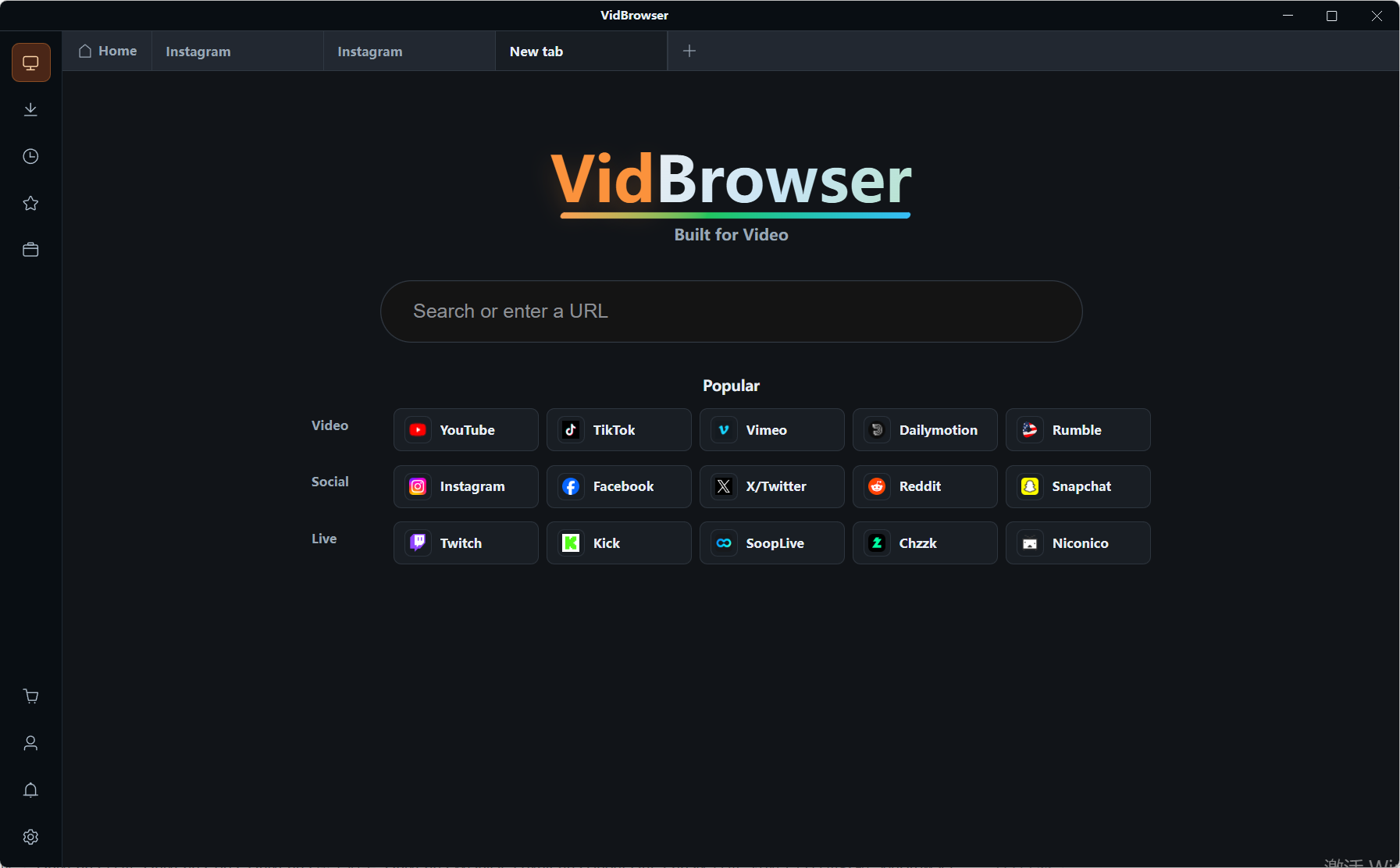
Open OnlyFans inside VidBrowser, log in normally, and complete verification if prompted. If you keep several accounts, separate the sessions as described above and confirm the current identity before logging in.
Step 3: Play the content you want to keep
Open the target video page and play it normally; the "video media library" panel on the right lists the detected video entries.
Step 4: Save with the recording function (first choice for protected content)
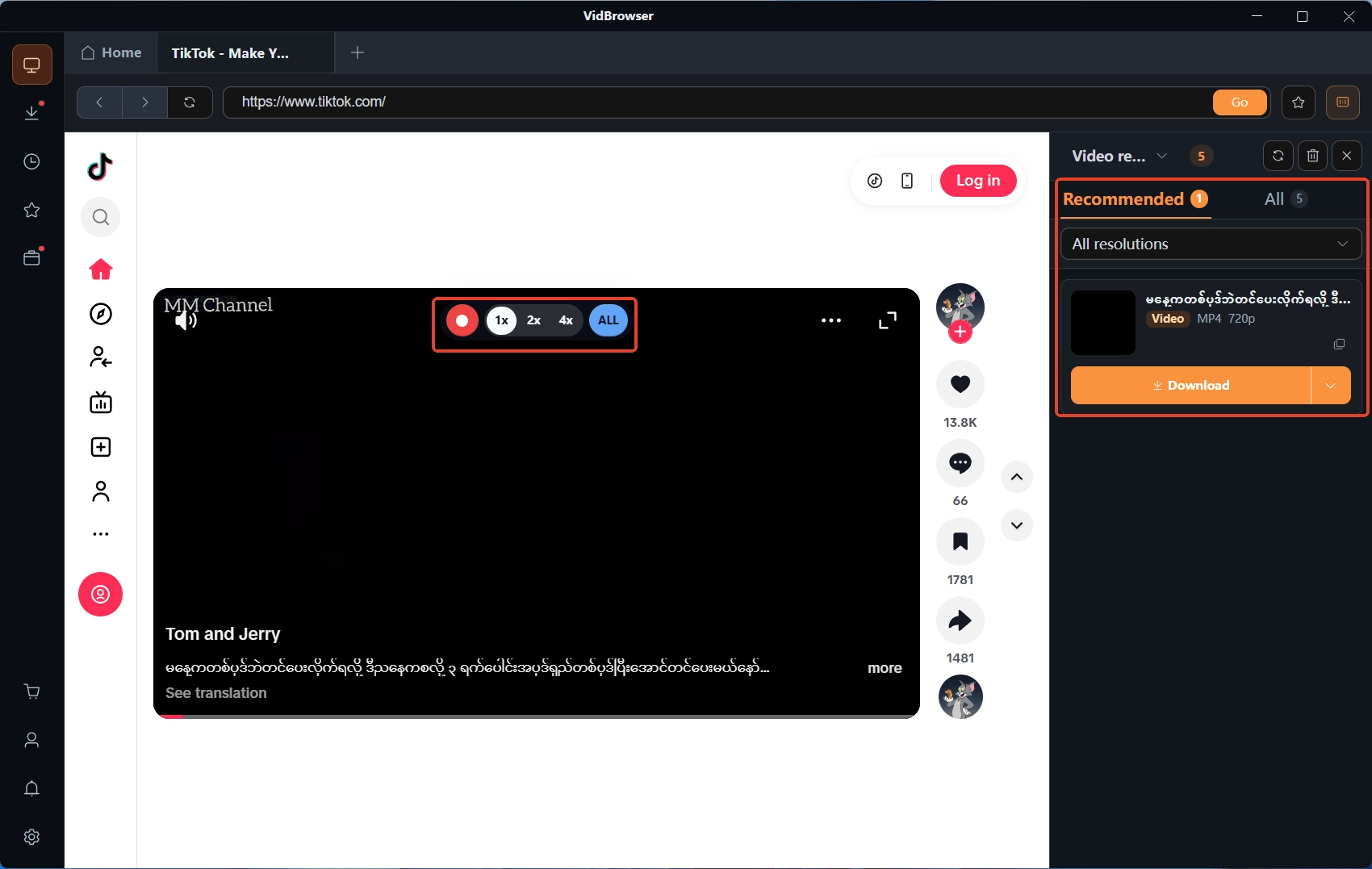
Videos on subscription platforms like OnlyFans are mostly copyright-protected and out of reach of ordinary download tools, so recording is the most reliable way to save: move the mouse over the video and the recording controls overlay on top — pick a recording speed (1x real time, 2x or 4x to finish faster), hit "record all" to capture the whole video, and the record button on the left starts or pauses at any time; anything that plays can be recorded. If the video is directly downloadable, the "video media library" panel on the right also lists an entry with an orange "download" button — one click saves it as MP4 (you can pick the resolution first).
Before switching accounts, save what you want to keep
Once a session is overwritten, what is on the page waits for the next login; do not put off saving until after the switch.Subscription content and unlocked DM media are best handled in the current session before switching; bought DM content has its own entry, covered in more detail in the piece on saving DM and PPV content.
Multiple accounts are not the mine in themselves — the real mine is "thinking you are on A while actually on B". Understand the session mechanics, glance at the identity before switching, go half a beat slower on anything touching money or messages, and a cross-login cannot hurt you.
FAQ
Will logging into two OnlyFans accounts in one browser get me banned?
The official terms set no cap on the number of accounts, and the free-plus-paid pairing runs widely. The risk is not headcount but linkage: accounts sharing an email, phone number, ID photo, or a long-lived session environment can be swept up together. Keeping each account's registration details independent is the basic safe practice.
Subscriptions all vanished after logging into the second account — was I hacked?
Most likely the session was overwritten. When two accounts share one browser window, the later login holds the session and the earlier one is signed out automatically. Log back in with the original email and password — subscriptions and messages will be where they were; if that also fails, then treat it as a compromise.
Is the account still there after the incognito window closes?
The account is; what is gone is the login state. A private window's session credential is destroyed with the window, so you log in again next time; favorites, subscriptions and purchases live in the account and are untouched. It suits temporary access, not a second account that stays logged in long term.


