Where to Find and Save Videos from OnlyFans DMs (2026)
You paid $10 to unlock a video in an OnlyFans DM, came back two weeks later, and the entry was nowhere to be found in your chat history — plenty of subscribers have been burned this way. Paid DM content runs on different logic from your subscription feed: it never appears on the home timeline, and the platform keeps no master library of your purchases, so once a creator deletes a post or a limited-time offer lapses, all that may remain is a line in your billing history. On OnlyFans, Fansly and LoyalFans, this guide covers where DM videos hide, why they disappear, and how to save them locally while the entry still exists. Tool-wise, a desktop video browser like VidBrowser recognizes videos on the page while you browse your DMs, letting you keep a copy on your hard drive with minimal effort.
Where DM videos actually hide
Bottom line first: OnlyFans has no unified purchase library — DM videos are scattered across the creator's profile, your chat threads, and the billing page; Fansly is the exception, with a purchases page that streams all your buys into one feed.
OnlyFans gives you three routes:
- Creator profile: unlocked paid posts play from the Posts and Media tabs on their profile page;
- DM threads: more often, the creator sends the video as a paid message straight into the chat window — after unlocking it stays in the conversation, and scrolling back is the only way to find it;
- Billing page: tap your avatar, open Your Cards, then Payment History to see every charge — but it is a financial ledger only, listing amounts, not files.
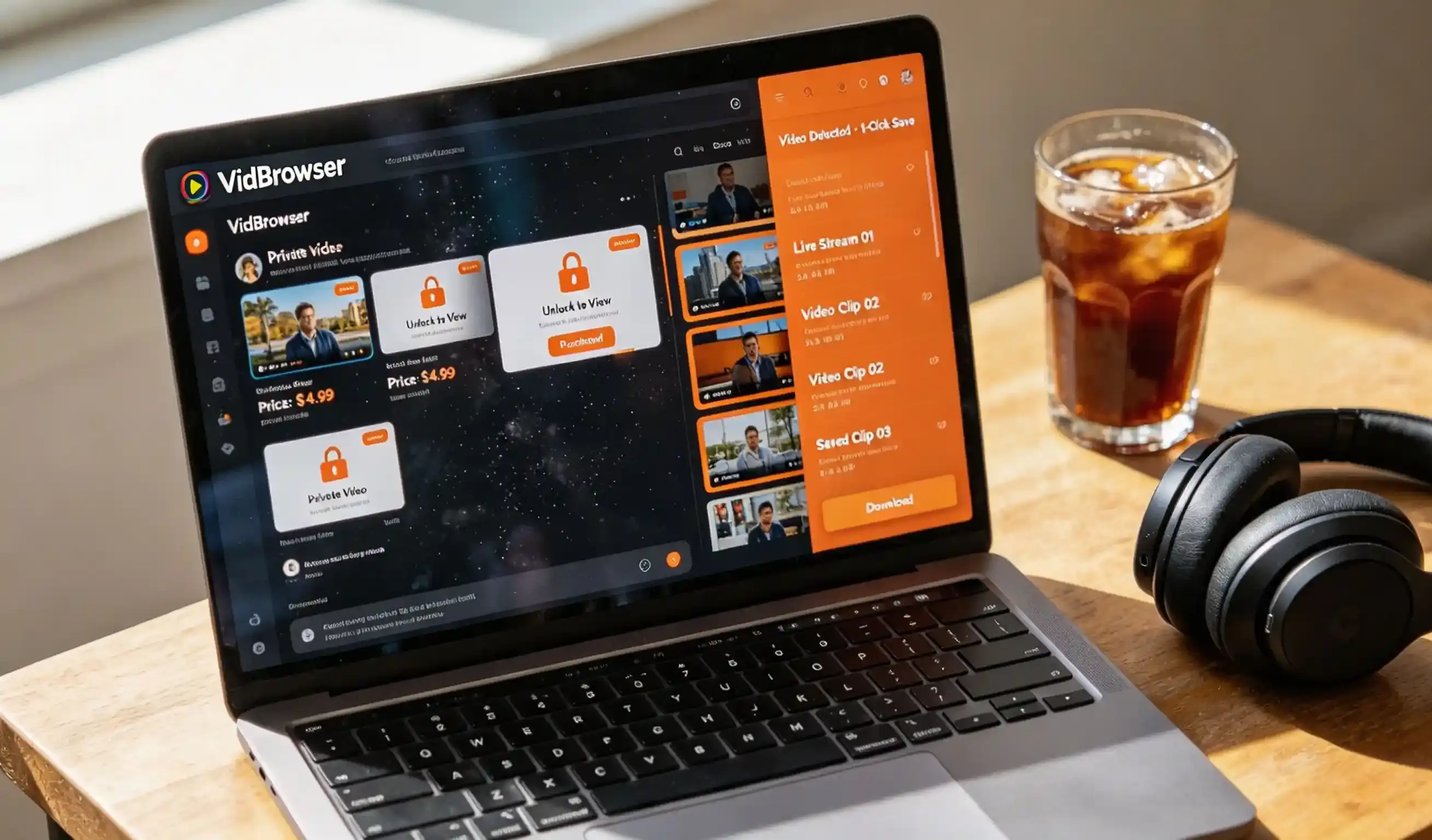
Fansly is far more convenient: open fansly.com/bookmarks and the page splits into Overview, Likes and Purchases; click Purchases and everything you have bought from all creators loads into a single feed as you scroll. Users of the open-source downloader gallery-dl highlighted the value of this very page in a February 2026 feature request (see the GitHub thread). LoyalFans has no such aggregation page — paid DM content stays in the conversation as price-tagged locked cards, marked as purchased once unlocked (for the full download workflow, see our OnlyFans video download guide).
Why paid content quietly expires
Losing DM videos is usually not a platform glitch but the result of three mechanisms stacking up: creator deletions, expiring limited-time offers, and account status changes.
- Deleted posts and closed accounts: on OnlyFans and LoyalFans, when a creator deletes content or deactivates, your unlocked video generally disappears with it — no refund. The subscription fee only covers feed content; a paid DM is a separate transaction the platform does not promise to keep forever;
- Limited-time offers: time-limited discounts and time-limited unlocks close their entry or restore the price once expired;
- Account status: bans, reviews and payment disputes can make content invisible for a long time.
Fansly is the rare exception: when a creator deletes sold content, the deletion notice explicitly states that users who purchased it keep access — a practice documented in creator-community notes (swresources' Fansly operation notes).
For when to save and at what cadence, our OnlyFans content timing guide breaks a checklist down by subscription phase and content type.
Why ordinary downloaders fail on these videos
DM videos mostly play in the platform's own player in a protected format: no download button, parsing scripts cannot get the full file, and system screen recording often captures nothing but a black screen.
That is not a technique problem — it is the protection mechanism itself: right-click save does nothing, parsers stay silent, and the recording comes out black, all for the same reason. For why streaming protection defeats the usual tricks, our explainer why web videos cannot be downloaded walks through the whole chain. The practical approach: a video you can play can usually be kept via detection or recording, with quality chosen from whatever source the page actually provides.
Save unlocked videos locally with VidBrowser in four steps
VidBrowser is a desktop video browser for Windows and Mac, and the free plan is enough to start organizing your DM videos.
Step 1: Install and open VidBrowser
Download the installer from the official site; setup takes a few minutes. The free plan includes 5 downloads per day and recordings up to 5 minutes each.
Step 2: Open the platform and sign in to your own account
Type the platform's address into the URL bar and log in with your own account — subscription and purchase permissions match a normal browser.
Step 3: Open the DM thread and scroll to the target video
Open the creator's chat window, scroll back to the unlocked content, and let the video play normally.
Step 4: Use recording to save (the first choice for protected content)
Most DM videos are protected content other tools cannot handle, so recording comes first: hover the mouse over the video and the recording controls overlay appears — the record button on the left starts or pauses anytime, speeds of 1x/2x/4x are available, and "Record All" captures the rest of the clip from the current position. If the page offers a directly downloadable source, the orange detection badge appears on the video and one click saves it at the quality the page provides. Recorded or downloaded, files land in the download history in the left navigation, all in one place.
The premise of saving is that you already have viewing rights, for personal organizing and offline viewing; whether saving works depends on how the page loads, and re-publishing or reposting is out of scope.
How Fansly and LoyalFans DM saving differ
Of the three, Fansly treats buyers best — a unified purchases page and access that survives deletion; OnlyFans sits in the middle; LoyalFans paid DMs depend the most on backing up promptly.
- OnlyFans: no purchase library — you search the profile plus threads, and Payment History only shows charges; once a creator deletes a post the content is effectively gone, so back up early;
- Fansly: the bookmarks/Purchases page aggregates every purchase, purchased access is guaranteed after deletion, and finding content is the easiest;
- LoyalFans: paid DMs stay in the conversation as locked cards with a purchased mark once unlocked; no aggregation page, and content is basically unrecoverable after deletion — saving locally early matters most.
For pricing and bundling, our LoyalFans PPV guide ran the numbers; rather than wrestling with open-source LoyalFans downloader scripts that require configuring auth tokens, record while you browse in VidBrowser — no handing account credentials to anyone.
FAQ
Does OnlyFans have an official way to save DM videos?
No. OnlyFans offers no official download or export button, and Payment History only lists charges; Fansly's Purchases page is an online list that helps you find entries but does not download files either.
Can I recover purchased videos after a creator deletes their account?
On OnlyFans and LoyalFans, usually not — there is no recovery channel; Fansly keeping purchased content accessible after deletion is the clear exception of the three. To keep what you paid for, save a copy while the entry still exists.
Is it safe to record DM videos with VidBrowser?
Saving content you have the right to view, for personal organizing and offline use, is what the tool is designed for — recording happens locally, with no account handed to third-party hosting. Do not redistribute unlocked content; subscription platforms typically punish piracy with a ban.