
MYM.fans vs OnlyFans: European Home Turf vs Global Giant — How to Choose in 2026?
The creator you follow has two links on their profile: one OnlyFans, one MYM.fans. Both platforms call themselves "subscription-based," both take a cut of creators' earnings — but which one should you support them on? European creators treat MYM as their home turf, while global creators are almost all on OnlyFans — the two platforms differ significantly in content, discovery, and payment methods, and choosing wrong means your money doesn't go as far.
This article compares MYM.fans and OnlyFans from a subscriber's perspective: where each one shines, and where to spend your money in 2026.
60-Second Overview: European Home Turf vs Global Giant
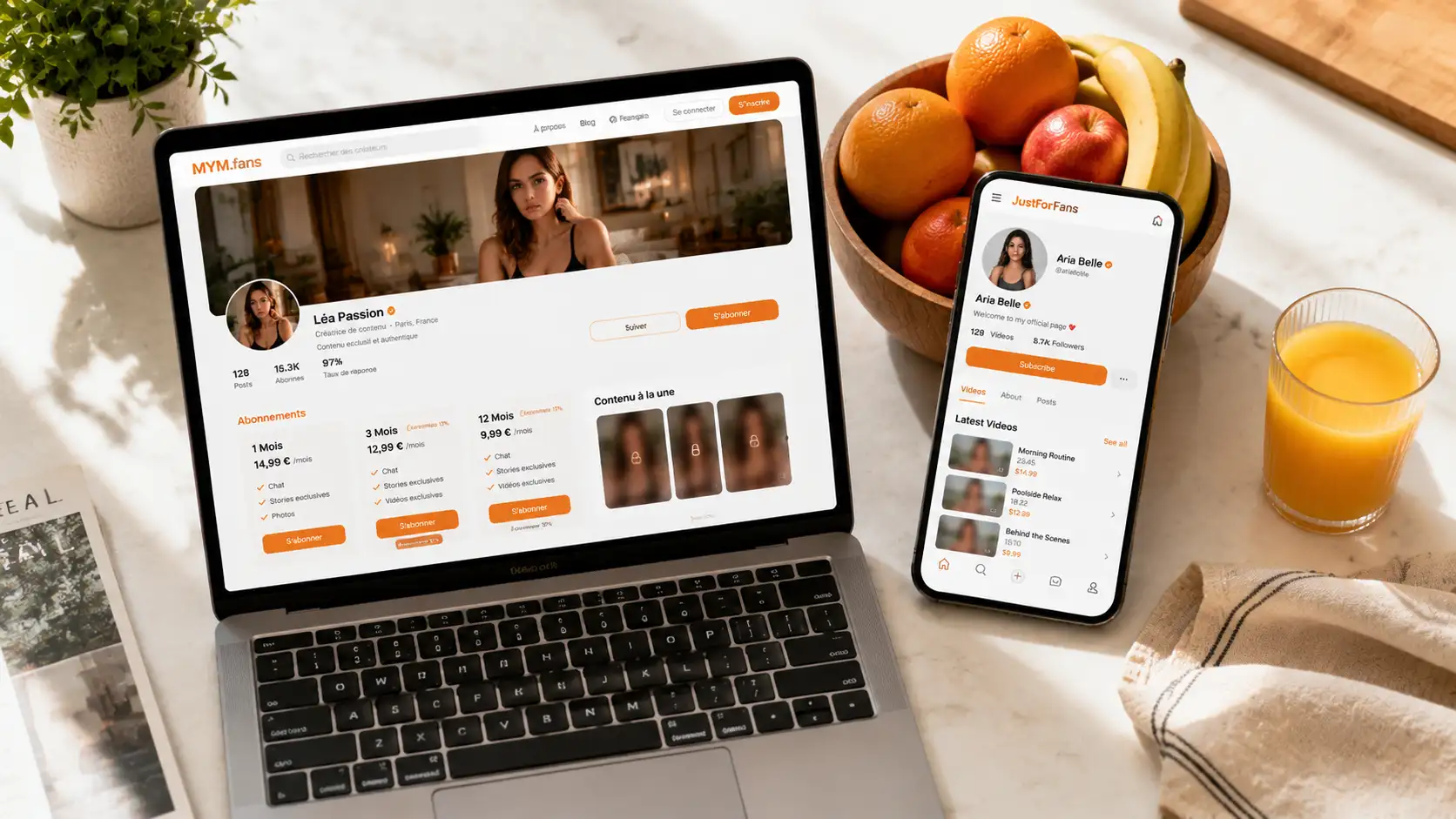
MYM.fans (2018, France): the most mainstream creator subscription platform in Europe, especially in French-speaking regions (France, Belgium, French-speaking Switzerland, Quebec), known as the "European OnlyFans." Creators are mostly European models and content creators, and the platform has mandatory identity verification, so fake accounts are rare. (For a full introduction to MYM, see our MYM.fans platform guide.)
OnlyFans (2016, UK): the largest creator subscription platform in the world, with over 377 million registered users (per Fenix financial reporting), users in almost every country, and the highest global recognition. Creators come from everywhere, in numbers far beyond any other platform.
In one line: MYM is the "regional champion," OnlyFans is the "global giant." Which one you should use is determined directly by who the creators you follow are and where they come from.
Content Discovery: MYM Is Easier to Search, OF Relies on External Links
This is where the two platforms differ most in experience:
- MYM has on-site search and category browsing: you can find creators directly by content type, plus the "blurred preview" mechanism — public content is shown blurred first, and you subscribe if you like it. For subscribers, exploring and trying before buying is noticeably better.
- OnlyFans' on-site search is very weak: it basically relies on creators driving traffic from X (Twitter) and Reddit; you only learn an account exists by clicking in from an external link.
If you "know exactly which creator you want to watch" — either platform works; if you "want to browse and discover new creators" — MYM's experience is much better.
Subscription Experience: Try-Before-Buy, Language, Creator Types
- Try-before-buy mechanism: MYM's blurred preview lets you feel the content style before paying, with a lower chance of disappointment; OF's free accounts post whatever the creator feels like, with mixed quality.
- Language: MYM has a high share of French content (some creators post only in French); OF is mainly English, with creators from everywhere. Language is an important practical consideration.
- Creator types: MYM concentrates European models with generally high professionalism; OF has the most complete range of creator types — almost anything you want to find can be found on OF, but the cost of filtering for quality is also higher.
Price and Payment: Same Cut, Different Payment Methods
- Cut: both platforms take a standard 20% — for subscribers there's no price difference (subscription fees are set by creators). MYM's Superstar program only means top creators take home more; it doesn't affect what you pay.
- Payment: MYM supports credit cards and SEPA bank transfer, common in Europe — European users who don't want to keep a card online can pay by transfer; OF is mainly credit-card based, usable worldwide.
- Creator take-home income: MYM subscribers' creators take home about 75% (after a 7% payment fee), slightly below OF's 80%; but MYM's custom content and tips pay higher splits (80%/90%) — which is also why more creators on MYM are willing to take custom orders.
Saving Content on Both Platforms
Whichever platform you use, content only exists on the platform: creators delete posts or close accounts, and after your subscription expires, all archive content becomes invisible. Much of this content is copyright-protected, and ordinary download tools can't grab it — for videos you genuinely love and want to rewatch, saving them with VidBrowser's recording feature is the most reliable approach.
Step 1: Download and install VidBrowser
VidBrowser is a desktop video browser for watching videos, capturing clips, and saving them locally on Windows and Mac, with built-in download and recording features. Installation takes just a few minutes.
Step 2: Open the platform in VidBrowser and log in
Launch VidBrowser, go to mym.fans or onlyfans.com, and log in with your own account. Your existing subscriptions and purchase history work exactly the same as in a regular browser.
Step 3: Play the video you want to save
Open subscription content or an unlocked video and let it play for a few seconds. VidBrowser automatically detects video resources on the page in the background and, once it finds a savable video stream, lists it in the "Video Library" panel on the right.
Step 4: Save with the recording feature (first choice for protected content)
Videos on subscription platforms like MYM.fans and OnlyFans are mostly copyright-protected and ordinary download tools can't grab them — VidBrowser's recording feature is the most reliable way to save: hover over the video and recording controls appear — choose a recording speed (1x real-time, 2x or 4x to finish faster), click "Record All" to record the whole video, and the button on the left starts or pauses anytime. Anything that can play can be recorded.
If a video can be downloaded directly, the "Video Library" panel on the right also lists entries with an orange "Download" button — click to save as MP4 (you can also pick a resolution before downloading).
Step 5: Find the file in your library
After saving or recording, you can open the file from the folder you chose or find it in VidBrowser's download history. Then watch offline anytime with players like VLC or QuickTime, without depending on your account or subscription status. (For weighing subscription vs. paid content, see our OnlyFans free vs paid subscription guide — the logic applies to both platforms.)
Which One Should You Choose
Choose MYM.fans if:
- The creators you follow are European (especially French-speaking), with profiles on MYM
- You like the "blurred preview first, subscribe later" try-before-buy experience
- You want to discover new creators through on-site search
- You need SEPA transfer or custom content
Choose OnlyFans if:
- The creators you follow come from all over the world, with profiles on OF
- You need the largest range of creators (almost any type you want to find)
- Your content is mainly in English
Subscribe to both if: the same creator posts different content on both platforms and you like both — but before subscribing, check the update differences on both sides to avoid paying twice (the logic for weighing both sides is the same as in OnlyFans free vs paid).
FAQ
Which has the lower cut, MYM.fans or OnlyFans?
The standard cut is 20% on both, so there's no difference for subscribers. MYM's Superstar program lets top creators take home more (10%-15%), but that doesn't affect the subscription fee you pay.
A creator posts on both platforms — how do I choose?
See which platform gets more frequent updates and more complete content — that's their "home turf." Compare both feeds before subscribing to avoid paying twice. European creators usually call MYM home; global creators are on OF.
Does saving videos from both platforms with VidBrowser notify the creator?
No. VidBrowser saves videos to your local device without sending any save records to the platform or creator, and it doesn't affect your account.


