
OnlyFans Bill Not Matching the Price Tag? USD, Exchange Rates and Taxes
The subscription page clearly shows $14.99, yet the monthly statement carries a different string of digits — some bills add a few dollars of fees, some add a line of tax, and some amounts drift slightly every month. Most of these gaps are not random charges but three layers stacked together: USD pricing, bank currency conversion, and regional taxes. This piece takes apart the OnlyFans bill's currency and taxes in one pass, so you know where every cent goes.
OnlyFans bills in USD: the official terms say it plainly
Every OnlyFans transaction settles in USD — that is the root of the bill-currency question. The payment section of the official terms reads "All Fan Payments and Creator Earnings are transacted in USD only": every fan payment and every creator earning is transacted in dollars (full text in the OnlyFans terms of service). The subscription price you see on the page, the price of individually paid content, and tip amounts are all denominated in dollars; the platform side has no second pricing currency.
Users outside the dollar zone immediately meet the next layer: the card is charged in local currency, so where do the dollars come from? The issuing bank and the card network convert dollars into your card's currency at settlement, and the charged amount follows their exchange rate. Same list price, different statement numbers depending on the card.
The bank converts dollars to local currency; the platform does not cover rates or fees
Exchange rates and conversion fees are decided by the issuing bank, and the official terms state plainly that the platform neither controls nor covers them. The same terms continue: "We do not have control over currency exchange rates or charges imposed by your bank" — how much spread and how many fees the bank or e-wallet takes is beyond the platform, and the platform will not pay it for you. On the statement this means three things: conversion uses the issuing bank's rate, and many cards add a margin on top of the base rate; many cards charge a separate foreign transaction fee on cross-border purchases, with the percentage and cap set by the bank's published schedule; exchange rates move daily, so the same subscription converts to slightly different local amounts each month — the dollars the platform charges never changed, the conversion step did.
If you subscribe long term, look for cards with no foreign transaction fee; the savings are exactly this small change. How to pick a card and a payment method is broken down by card type in the OnlyFans payment guide, so it is not repeated here.
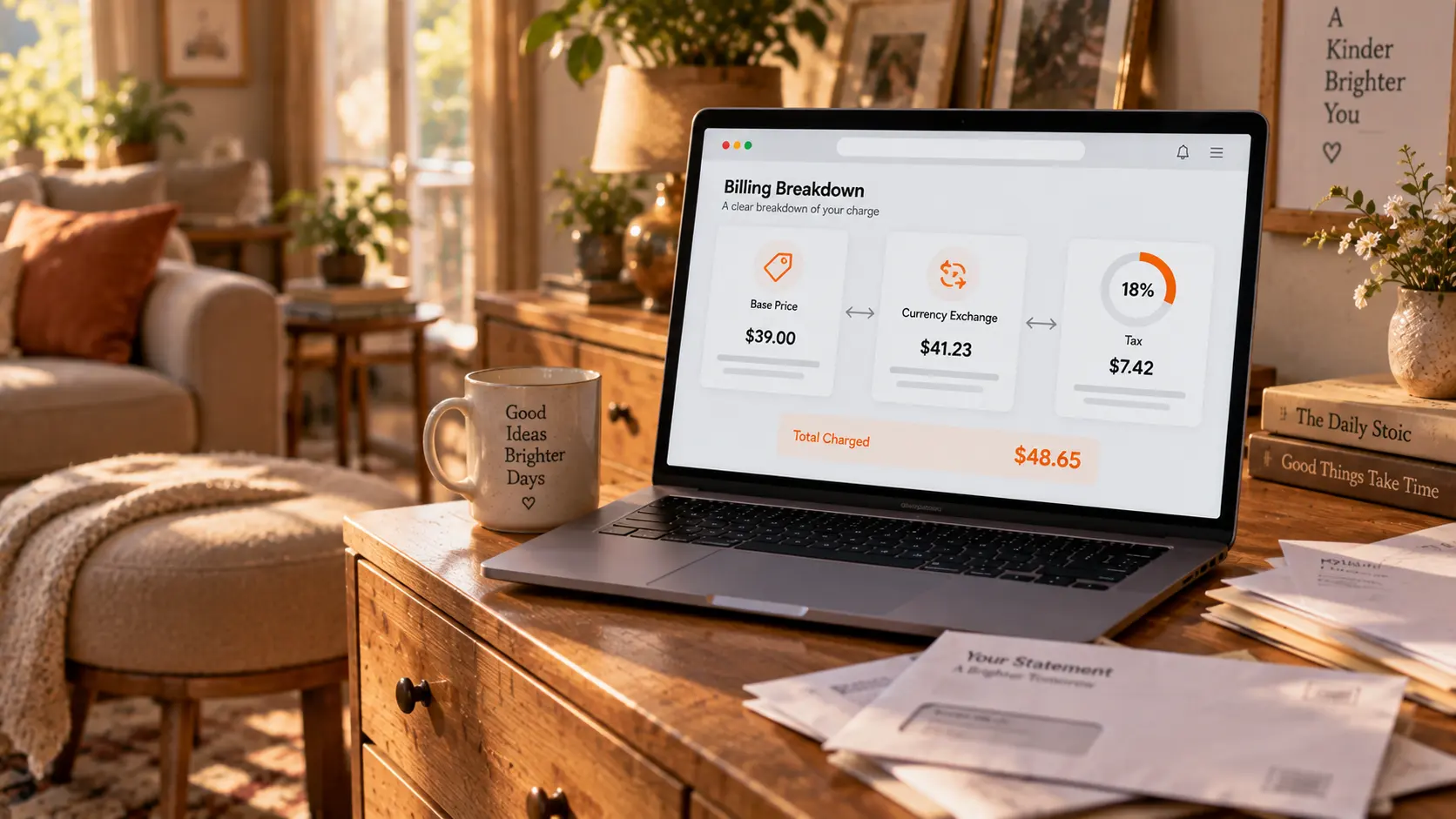
The extra line of tax: indirect sales tax applied by region
The extra tax on the bill is indirect sales tax, applied under the rules of your region and collected and remitted by the platform. The official glossary defines Indirect Sales Taxes as taxes imposed by law on fan payments. The United Kingdom is the most representative example: the official UK VAT policy states that, for UK VAT purposes, a creator is treated as providing services to OnlyFans rather than selling directly to fans — so it is the platform that charges VAT to fans and remits it to HMRC (see the official UK VAT policy). The UK standard VAT rate is 20%: a £10 subscription actually costs £12, and the extra £2 is VAT. The EU and some other regions follow their own rules — some add local rates on top, some fold them into the list price; either way it shows up at checkout and on the statement. This part is statutory tax, deducted with the bill, and does not vary from person to person.
Reconcile in three steps: check every charge line by line
Three steps, and even a messy statement reconciles. Step one, match the platform's own records: the subscription list and purchase history hold the date and USD amount of every transaction — the most accurate ledger. Step two, match the bank statement: converting the local amount back to dollars at a rough same-day rate usually lines up with the platform's records, and whatever remains sits in the conversion margin and fees. Step three, handle charges you cannot place: first verify the merchant descriptor using the method in the billing privacy guide, confirm it is yours, and only then decide whether to contact the issuing bank — do not open a dispute right away.
Make two habits while you are at it: which day a renewal bills and how long a cycle runs, the renewal date guide shows where to look; and for a monthly budget, the spending guide offers a budgeting method — rate gaps and taxes belong in that margin too.
After the books balance, save what you paid for
Once the money is squared away there is real business left: content you paid for deserves a place on your own disk. When a creator deletes posts, closes the account, or the subscription expires, money already spent will not buy the content back. Saving with VidBrowser takes four steps:
Step 1: Download and install VidBrowser
VidBrowser is a desktop video browser for Windows and Mac to watch videos, clip segments and save them locally, with downloading and recording built in; installation takes a few minutes.
Step 2: Open OnlyFans in VidBrowser and sign in
Visit onlyfans.com and sign in with your own account; the subscribed content looks exactly as it does in a regular browser.
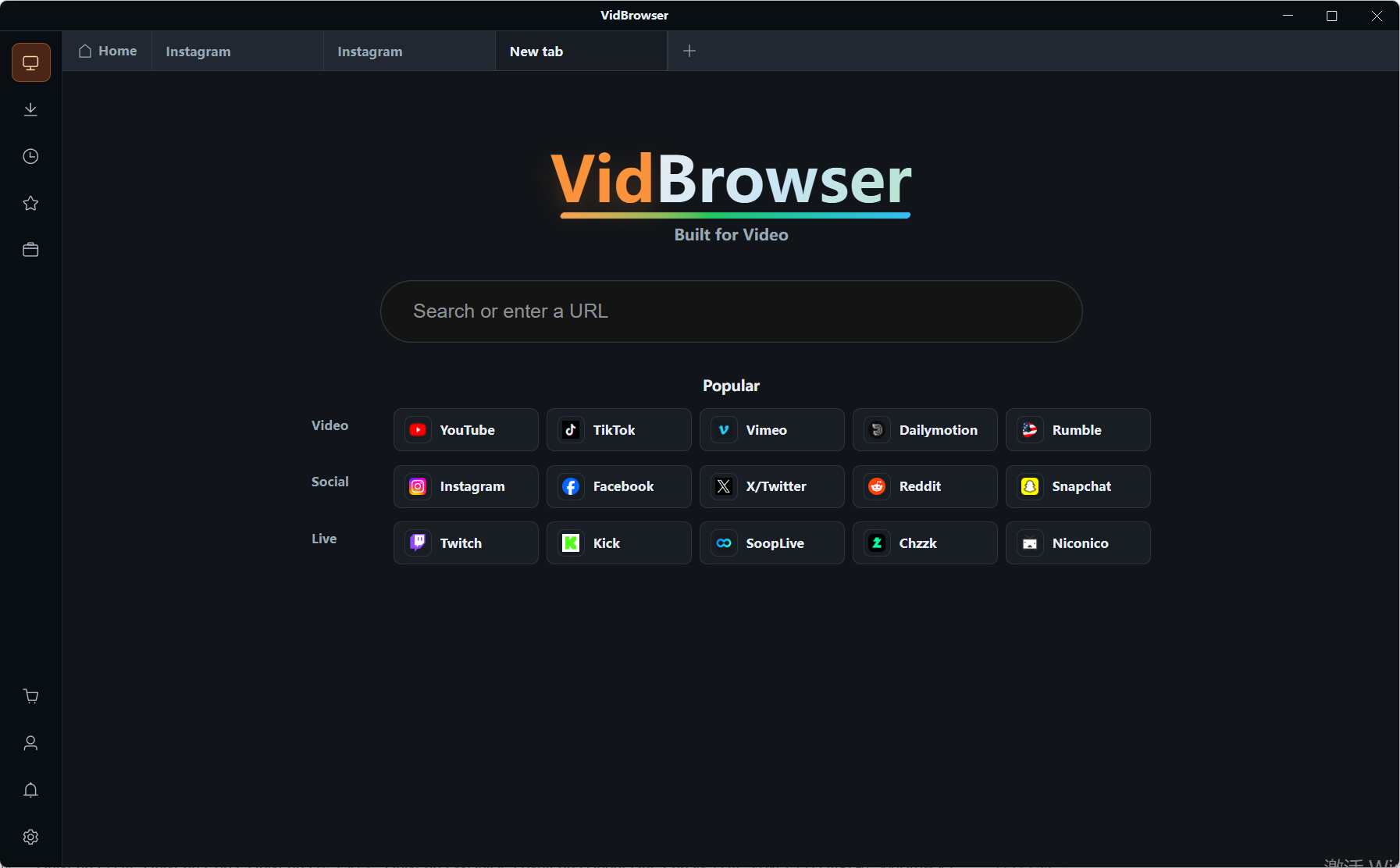
Step 3: Play through the videos you want to save
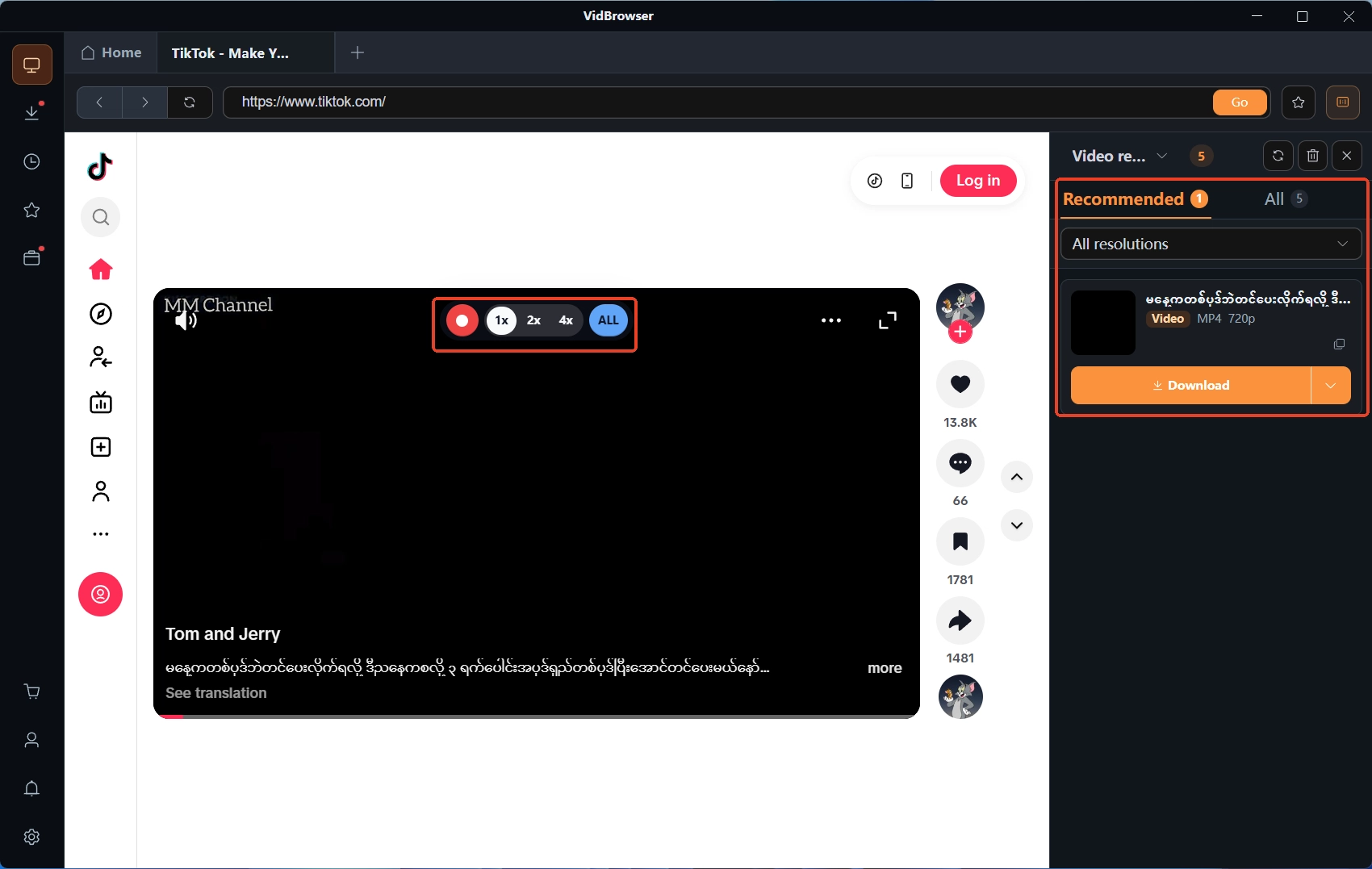
Open the subscribed or unlocked videos and let them play a few seconds; the video media library panel on the right lists the videos it detects.
Step 4: Use recording to save (the first choice for protected content)
Videos on subscription platforms like OnlyFans are mostly copyright-protected and out of reach for ordinary downloaders, so recording is the most dependable way to save: move the mouse over the video and the recording controls overlay — pick a recording speed (1x real time, 2x, or 4x to finish faster), press Record All to capture the whole video, and the record button on the left can start or pause at any time. If a video allows direct download, the media library on the right also lists entries with an orange Download button — one click saves the MP4 (you can pick a resolution first).
FAQ
Why does the charged amount differ a little every month?
The dollars the platform charges never changed — the bank's conversion step did: the issuing bank converts at the rate on the transaction day, and rate movement makes the same subscription's local amount drift. If the gap is a fixed percentage, it is most likely the foreign transaction fee; the bank's published fee schedule confirms it.
Can OnlyFans compensate for the exchange-rate gap and fees?
No. The official terms state that the platform does not control the rates and charges banks impose and does not bear them. To cut this cost, the direction is a card with no foreign transaction fee, not an appeal to the platform.
Can the tax on the bill be refunded?
Indirect sales tax is collected and remitted by the platform under regional rules; it is statutory and generally cannot be refunded separately on the platform side. Whether it is refundable and how to claim depends on the tax law of your region.


