Not every Patreon post can be saved: the post type decides
Open a creator's profile and you will find long posts, audio drops, sometimes a zip file you can grab on the spot — same Patreon, very different outcomes. What you can keep is decided half by the post type and half by where the paywall sits, and the official help center spells out both.
Patreon post types: six things that can go into a post
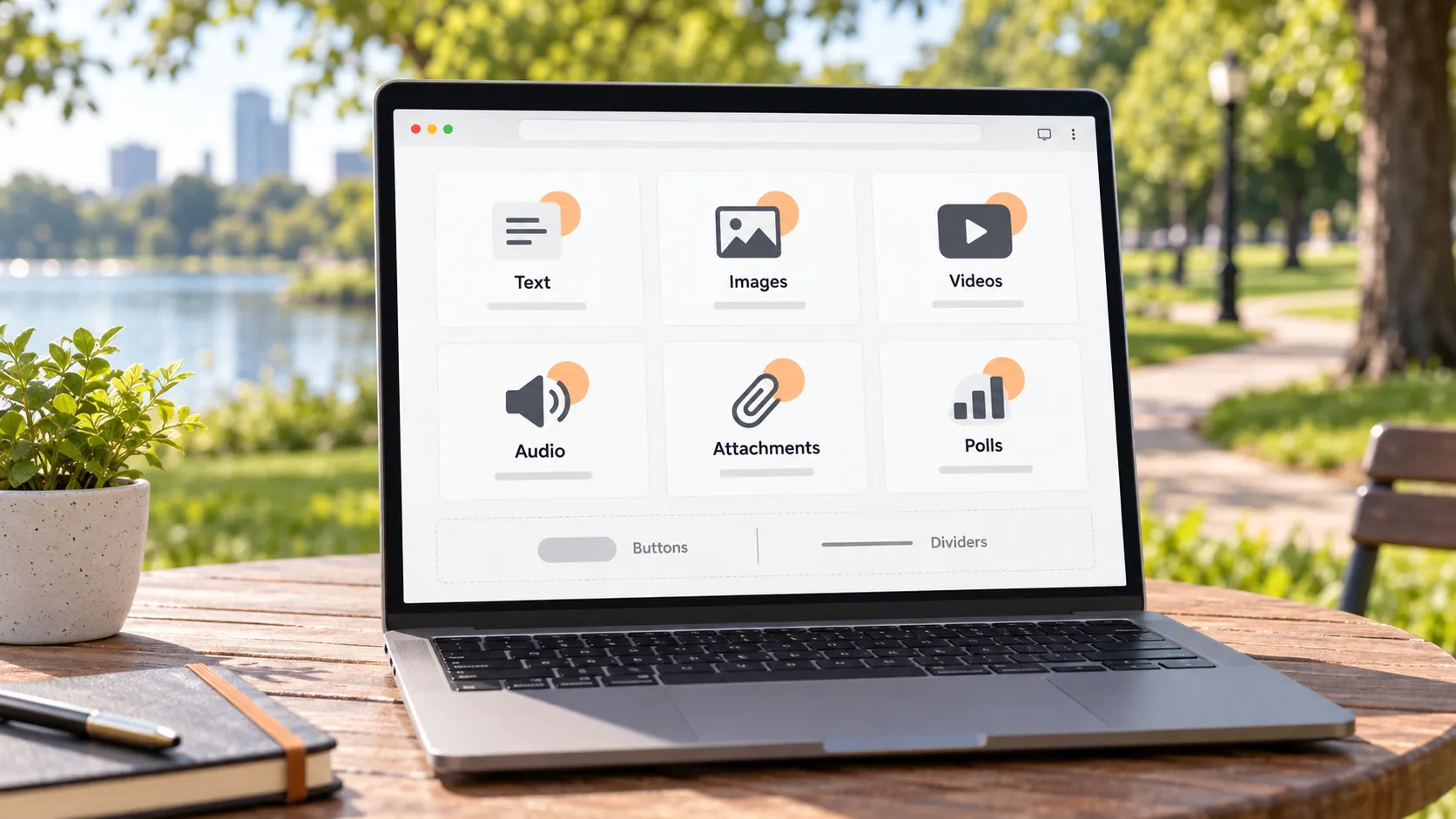
Know the types first, then talk saving — this is where Patreon differs from other subscription platforms. In the official posting guide, the elements that can go into a post are listed word for word: images, video, audio, plus paywall, buttons, dividers and file attachments; polls are a separate post type with their own creation entry. Add the plain text part, and a member actually meets six types in the feed: text, image, video, audio, attachment, poll. Buttons and dividers are layout decoration carrying no content, so they need no second thought.
The value of this list: each of the six types has its own saving route. Mixing them into one question — "how to download Patreon" — is why everything feels blocked. Sort them out and the route for each type becomes simple.
The paywall is drawn inside the post body, splitting one post in two
Where the paywall sits decides which part of the same post you can keep — a mechanism written into the official editor, not a guess. The official guide calls it a "draggable paywall": when you create a paid post, a divider appears in the body that you can drag up and down. Everything above the line is visible to everyone for free; everything below is locked, for paying members or single purchasers.
One detail is easy to miss: the paywall only covers content inside the body — visibility of the post-header media is controlled separately by the access settings. So you can meet "text and images above the line for everyone, the header video still locked". To judge how much of a post you can keep, find where the line is drawn first, then count whether what sits below is worth waiting for an unlock.
Judging all six types: what saves directly and what you cannot get
Split by type and the answers differ: attachments and audio have official routes, video goes through desktop tools, and polls never had a file to save in the first place. Going through them one by one:
- Attachment posts: the creator uploaded the file as part of the post; if members can open it, they can download the original — the platform's clearest download channel;
- Audio posts: the official Patreon music page states fans can download music for offline listening; for music creators, look for the official download entry first — a promise given on the official music page;
- Video posts: the platform provides no member-side download button by default; the route is broken down by hosting method in the Patreon video download guide, not repeated here;
- Image posts: the images shown can be saved as-is, via right-click or screenshot; the bottleneck is unlocking, not saving;
- Text posts: no media file — copy the text when needed, nothing to download;
- Poll posts: the official poll guide says members can view vote counts, but the "download results" button belongs to the creator; members have no file to save — screenshot if you want to keep the outcome.
The "cannot get" cases cluster in three: locked sections below the paywall, access reclaimed when membership lapses (the cancel membership piece lists the billing-mode comparison), and creators deleting posts or accounts (the aftermath is covered in the deleted account and refunds piece). All three point to the same move: while access lasts, land it locally first.
Landing what you can keep in VidBrowser, type by type
Video and attachments are the two types most worth acting on; one walkthrough on desktop handles both. With VidBrowser, the video downloader page collects the universal approach per platform; for Patreon, four moves:
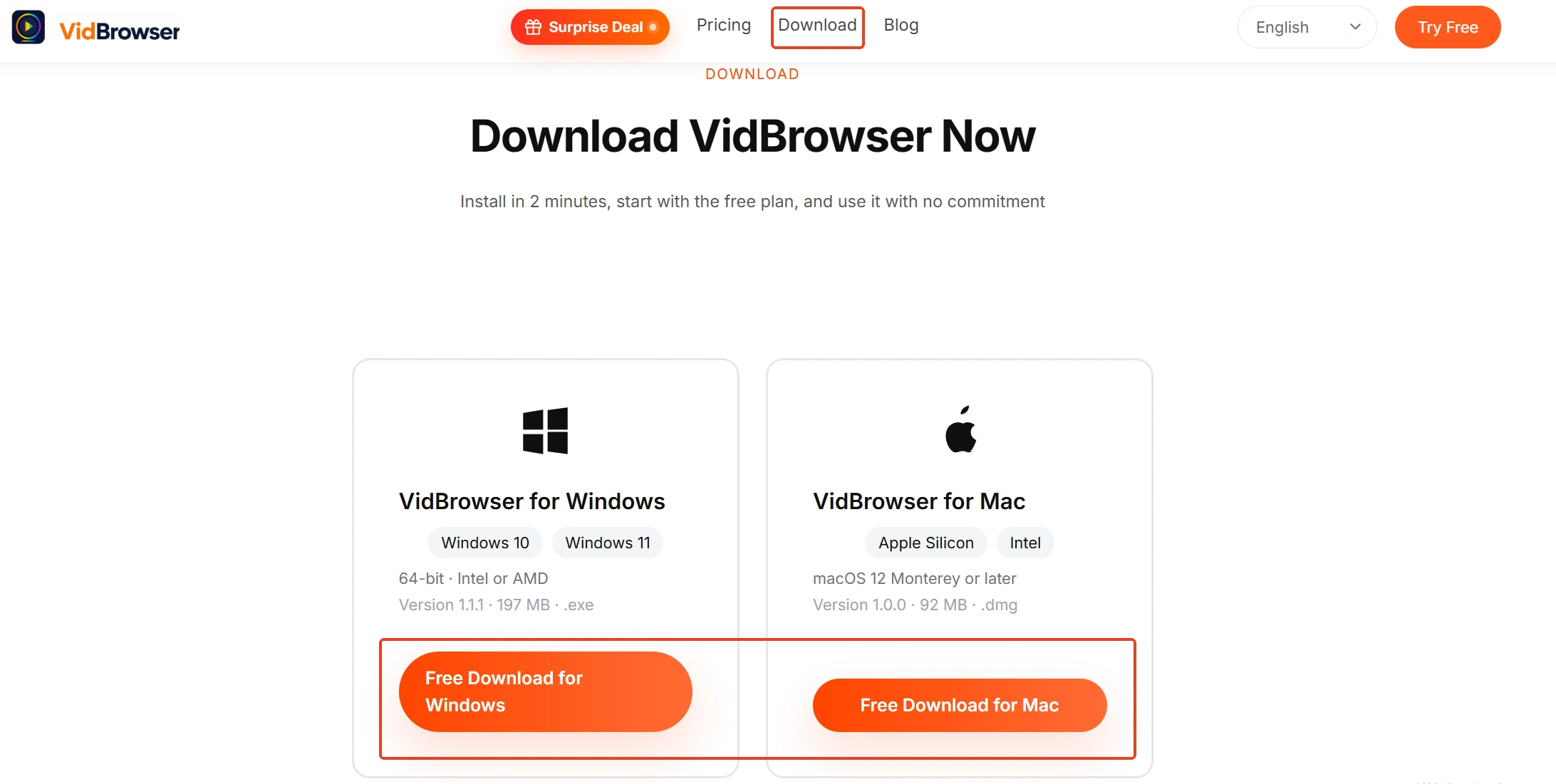
Step 1: download and install VidBrowser
VidBrowser is a desktop video browser for Windows and Mac to watch videos, cut clips and save them locally, with both download and recording built in — installed in minutes.
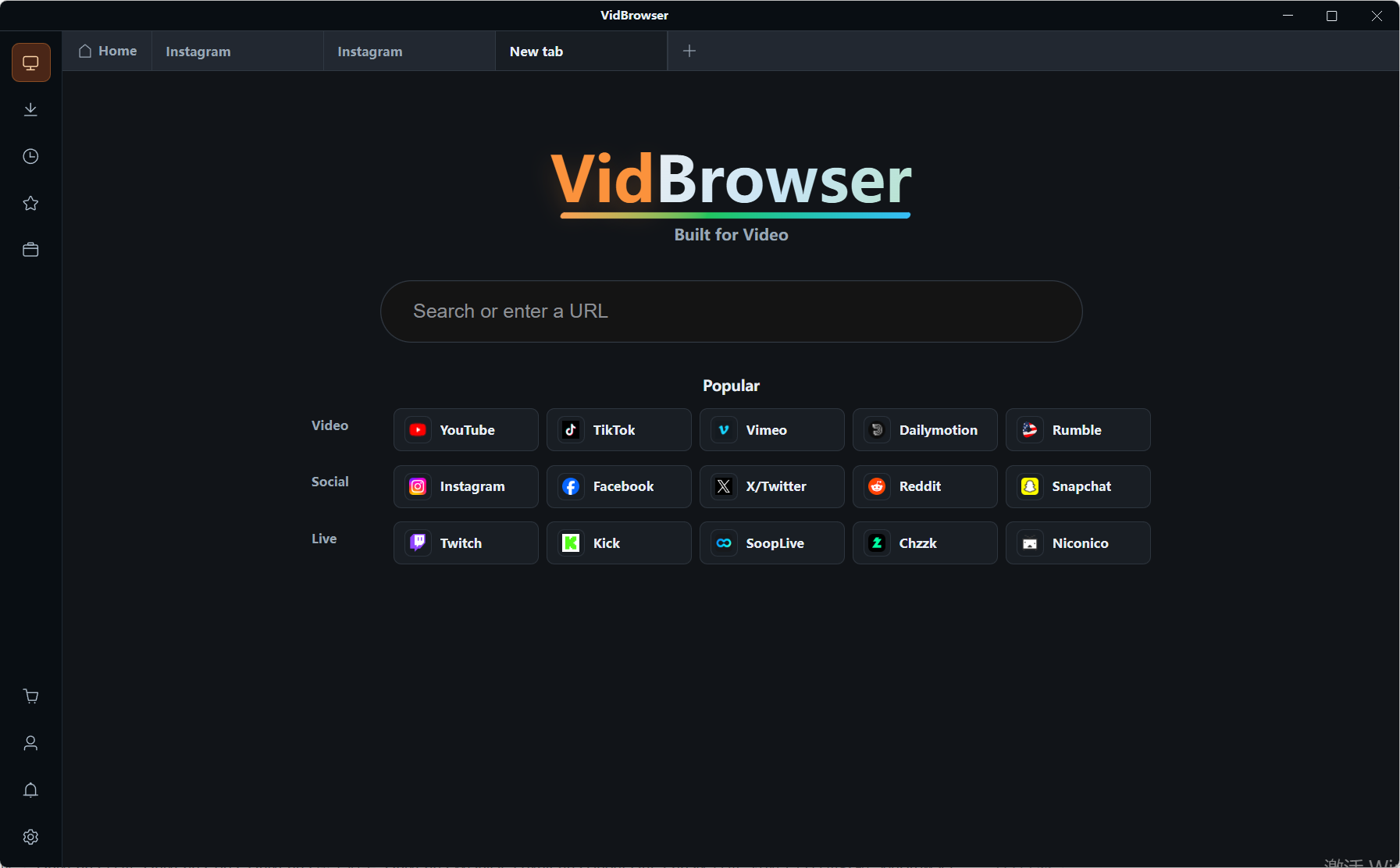
Step 2: log in to Patreon and open the creator's page
Log in with your own account as usual; member access and the paywalled sections below behave exactly as in your daily browser.
Step 3: route by post type
Save attachments straight from the post page; for audio posts look for the creator's download entry first; hand video posts to the next move.
Step 4: bring video down via download or recording
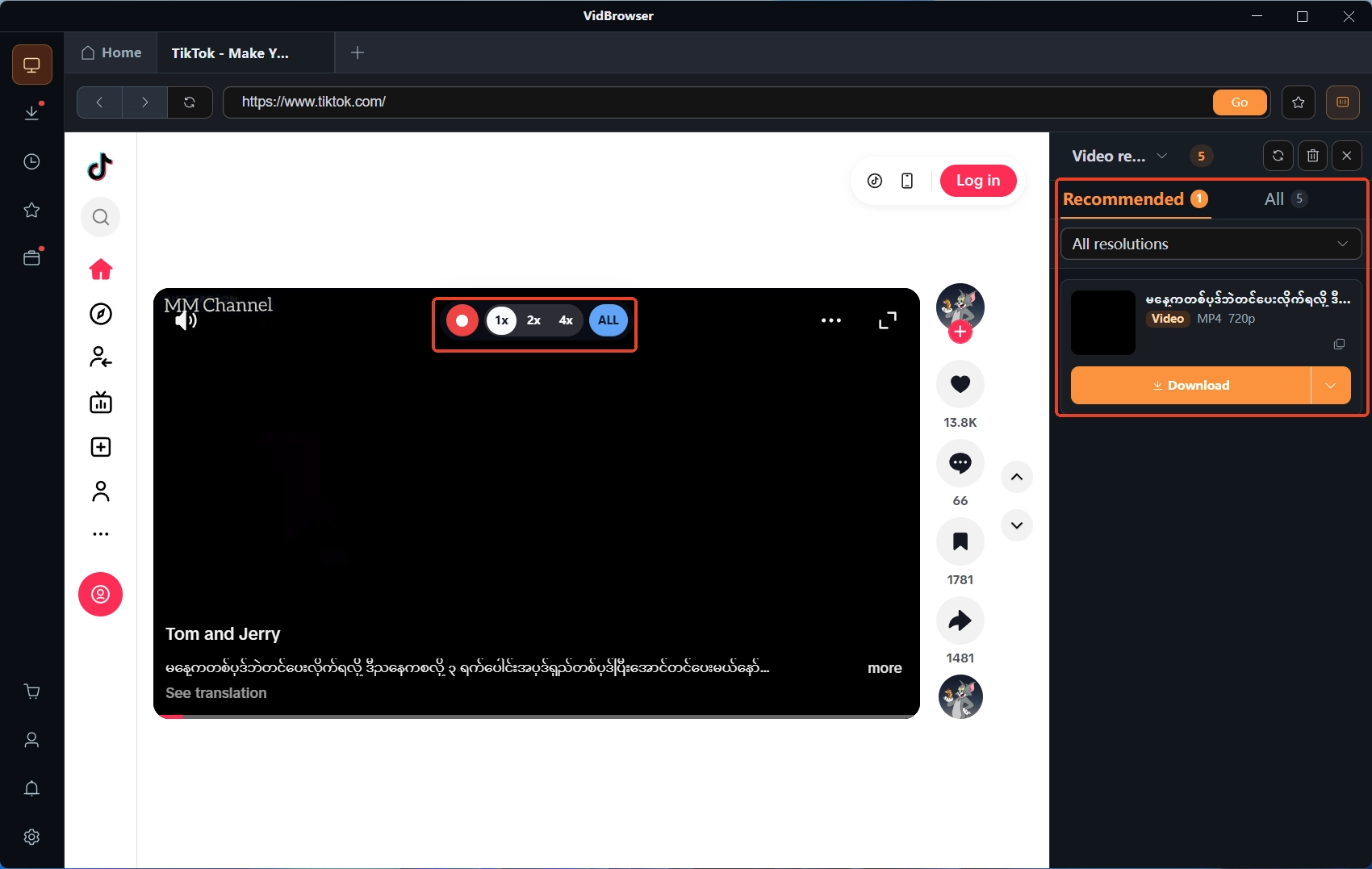
Directly downloadable items show up in the "video media library" panel on the right — hit the orange "download" button to save as MP4; for protected content with no download option, use recording: hovering over the video overlays the recording controls, pick a recording speed (1x real time, 2x or 4x to finish faster), press "record all" to capture the whole video, and the record button on the left can start and stop anytime. Tasks are logged in the download history under the clock icon on the left; as long as the video carries an audio track, the "extract audio" tool on the Tools page can save the sound separately afterwards.
Summary
Know the type first, then find where the paywall is drawn, then pick the route by type — attachments look for the file entry in the post, audio follows the official download and RSS, video goes to the desktop. Locked, lapsed and deleted — all three "cannot get" cases land on the same answer: save early. Rather than trying your luck post by post, remember this judging order.
Patreon post types FAQ
Do attachments in a post cost extra?
Attachments are part of the post content and follow the post's access settings: if you can see the post, you can open and download the attachment; no per-file charge. If the post itself is on a paid tier, membership comes first.
What format is saved audio?
It depends on the original file the creator uploaded — music is mostly MP3, lossless formats follow the post's notes. For audio posts without a visible download entry, recording or "extract audio" both get you a copy, and the official music page confirms the direction that fans can download music for offline listening.
Can poll results be saved?
The official text says members can view vote counts, but "download results" belongs to the creator. To keep a record, screenshot or copy the options and counts into notes; after a poll closes the page remains and the results no longer change.