
How long can you keep watching after cancelling a Patreon membership?
After you cancel a Patreon membership, can you keep watching what you already paid for? The answer depends on the billing model the creator uses: some let you watch until the paid period ends, others cut access the moment you confirm. Before you act, check the billing method, the next charge date and your access window.
How long can you watch after cancelling? Check the billing model first
Cancelling decides whether you are charged again; the billing model decides how long you keep access. The official billing page has a what-happens-after-cancelling table (see how billing works): subscription billing, first-of-month prepay and yearly plans usually keep access until the period ends, while postpaid and per-creation billing can end the moment you cancel. Which model a creator uses, and when the next charge lands, is shown on the membership page.
OnlyFans runs on a single subscription model (see cancelling an OnlyFans subscription); on Patreon each creator picks a model, so look before you act. If the price feels steep, lowering it is a tier change — tiers and billing rules covers that in detail.
Three billing models that keep access after cancelling
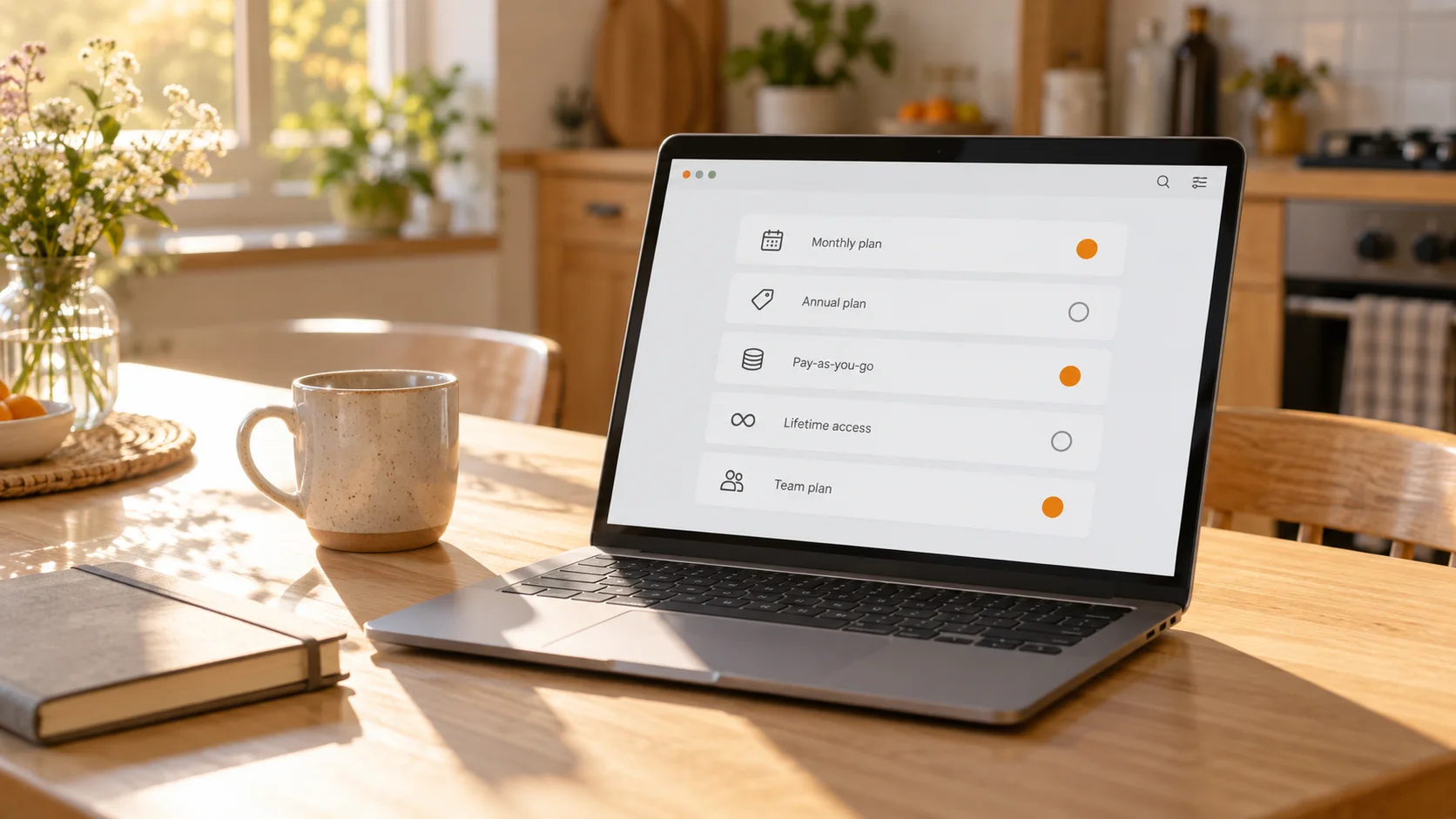
With subscription billing, first-of-month prepay and yearly plans, cancelling usually keeps access until the paid period ends, and each model reaches that end differently:
- Subscription billing: the charge date follows the day you joined, access usually runs to the end of the current paid period — mind the next charge date; time zone differences can pull a charge earlier, and Patreon advises cancelling at least 24 hours ahead;
- First-of-month prepay: the month is charged on the 1st (Pacific time); cancel before the 1st and the next period is usually not charged, while the paid month runs to its end;
- Yearly: cancel before the next charge date and access usually lasts to the end of the paid year — the year your payment covers, not the calendar year ending December 31; it does not renew.
Two billing models that end access right after cancelling
With postpaid and per-creation billing, cancelling may end access immediately. The official docs give these two no buffer: after a postpaid cancel, access stops on the spot; per-creation works the same, and unsettled pending bills are handled together with the cancel — paid posts published before you cancel are still settled.
Before cancelling either way, do one thing first: open Billing history, where unsettled bills are visible at a glance; Patreon notes that cancelling does not clear pending charges.
How to cancel a Patreon membership: the complete steps
Cancelling happens in your membership settings — no need to contact support. Four moves on desktop:
- Log in to Patreon and open the membership page (Settings → Memberships); if you also have a creator profile, switch back to your patron profile via the avatar at the bottom left;
- Find the creator, open the membership details (View Details);
- Click Cancel membership and confirm as prompted;
- Choose whether to keep a free membership — keeping it means no more charges while you still receive free posts — and finish.
Two points are easy to miss: return to the membership page afterwards to confirm the status actually changed, so a click does not stall at the last step; and subscriptions billed inside the iPhone app (through Apple) are cancelled in Apple Settings → Subscriptions — Patreon cannot touch that channel, see the official cancel help page.
After cancelling: what happens to refunds and your account?
Cancelling stops future renewals for this creator; your account and billing records stay untouched, and money already paid is not returned by the cancel itself. Three things to keep apart:
- Refunds: whether you qualify depends on your actual charge records and the Patreon refund policy, applied for through support — a cancel does not trigger it; Patreon states that money goes straight to the creator and refunds are not the default, disputed charges go through an appeal;
- Pausing: Patreon has no pause feature, so to stop for a while you cancel and re-subscribe later, with rejoining priced at the current tier;
- Notifications and payments: the creator gets no direct cancel notice, but member-count changes are visible to them; billing trouble is a separate payment-side flow, covered step by step in fixing a declined payment.
Before cancelling: how to save the videos you can still watch
Once the access window closes, subscriber-only posts lock again, so handle what you want to keep while access lasts: if the creator allows downloads or the page offers one, save directly; for protected content without a download option, whether recording can save it depends on platform limits, content protection and the creator's permission. With VidBrowser it goes in four steps:
Step 1: Download and install VidBrowser
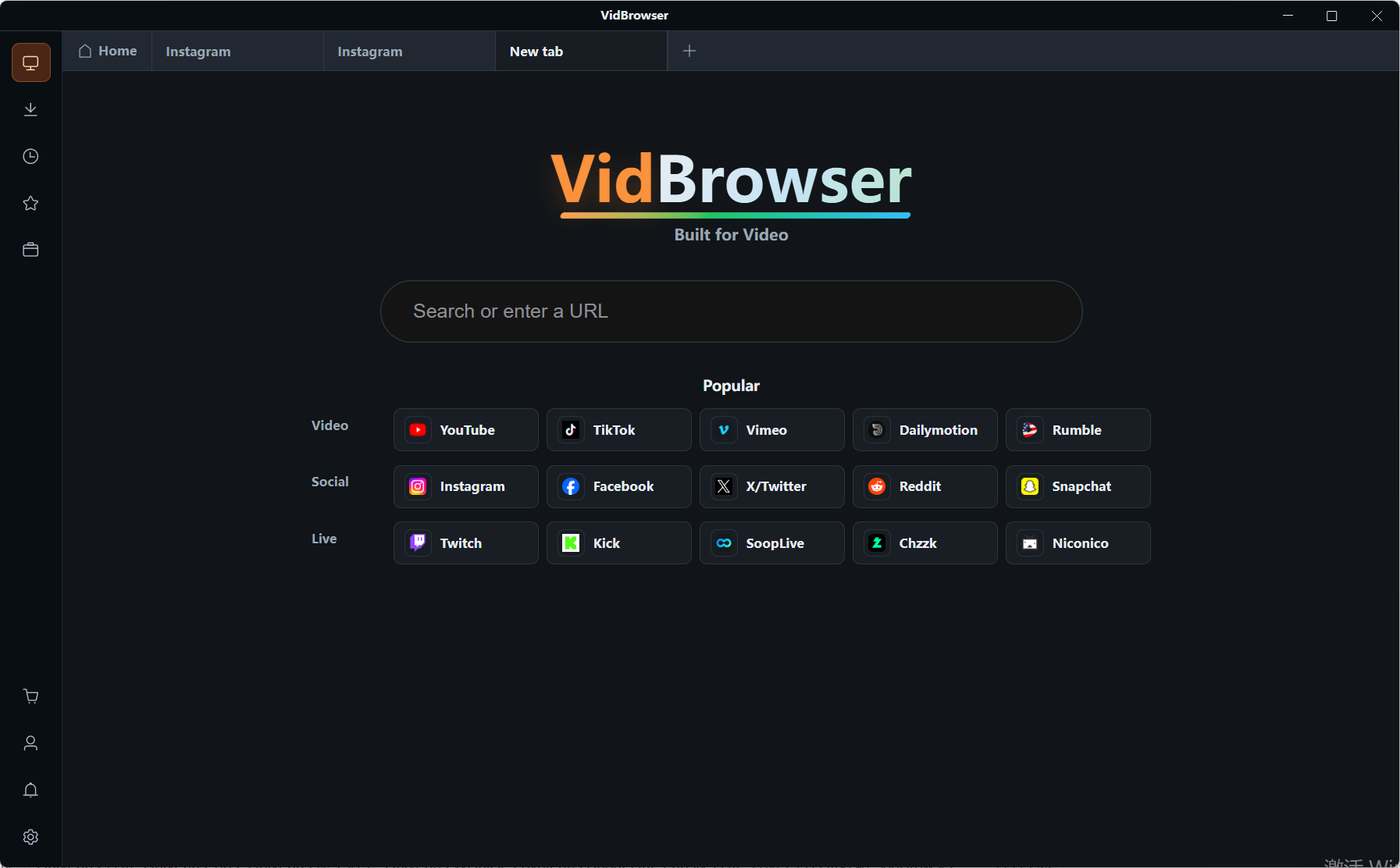
VidBrowser is a desktop video browser for Windows and Mac with downloading and recording built in; installation takes a few minutes.
Step 2: Open Patreon in VidBrowser and sign in
Launch it, visit patreon.com and sign in — subscriptions and access match a normal browser.
Step 3: Play the video you want to keep
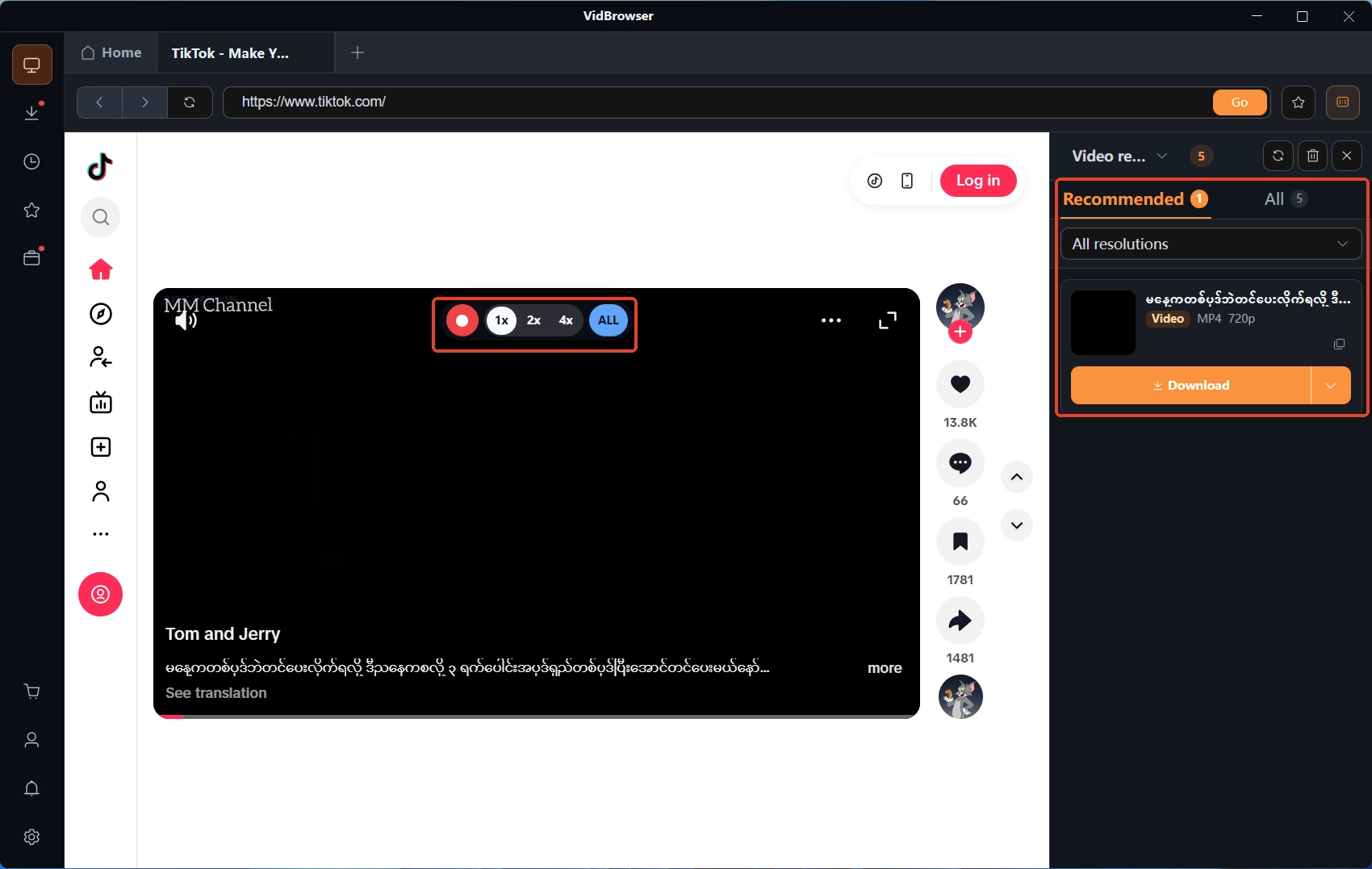
Open the post you want to save and let it play a few seconds; detected videos are listed in the video media library panel on the right.
Step 4: Download or record, depending on the conditions
For videos that allow downloading, entries with the orange download button in the media library save as MP4 in one click; for protected content without a download option, use recording provided platform limits and permission are respected — move the mouse over the player and recording controls appear, pick a speed (1x real time, 2x or 4x to finish faster), press record-all to start, and the record button on the left pauses anytime. Everything is kept in download history; the full walk-through is in the Patreon video download guide. Before saving, confirm the creator's usage terms and copyright requirements; cancelling a membership does not grant permanent use or redistribution of saved content.
Patreon cancelling FAQ
How long can you still watch after cancelling a Patreon membership?
It splits by billing model: subscription billing usually runs to the end of the current paid period (tied to your join date), first-of-month prepay to the end of the paid month, yearly to the end of the paid year; postpaid and per-creation can end the moment you cancel. If unsure, check the next charge date in Billing history.
Does cancelling a Patreon membership refund automatically?
No. Cancelling stops future renewals; money already charged is not returned with the cancel and goes straight to the creator. Whether a refund is possible depends on your charge records and the refund policy, applied for through support.
Can you pause Patreon for a month instead of cancelling?
Patreon has no pause feature; to stop for a while you cancel and re-subscribe later, with rejoining priced at the current tier. On subscription billing, access usually lasts to the end of the current period after cancelling, so timing helps.


